Social Media Analytics
The social media analytics tool that shows you what's working
RepeatPost is the AI social media management platform that turns scattered metrics into clear next moves. Track engagement, reach, follower growth, and audience demographics for every account in one place, then see the best time to post on each channel. Build branded reports your clients read in two minutes, and benchmark your numbers against any competitor. No spreadsheets, no ten open tabs.
Integrated with


Social media analytics that turn numbers into next steps
Good social media analytics answer three questions: what's working, when to post, and what to show clients. RepeatPost covers all three in one place.
Dashboards across every channel
See engagement, reach, and follower growth from all 16+ channels in one live dashboard, no switching tabs or stitching screenshots together.
Best time to post
AI reads when your audience actually shows up, then recommends the posting slot that earns the most reach on each channel.
Exportable reports
Download a branded PDF or share a live link, so your team and clients get the numbers without a single back and forth.
Channel Wise Analytics
Perfect your strategy with advanced social media analytics
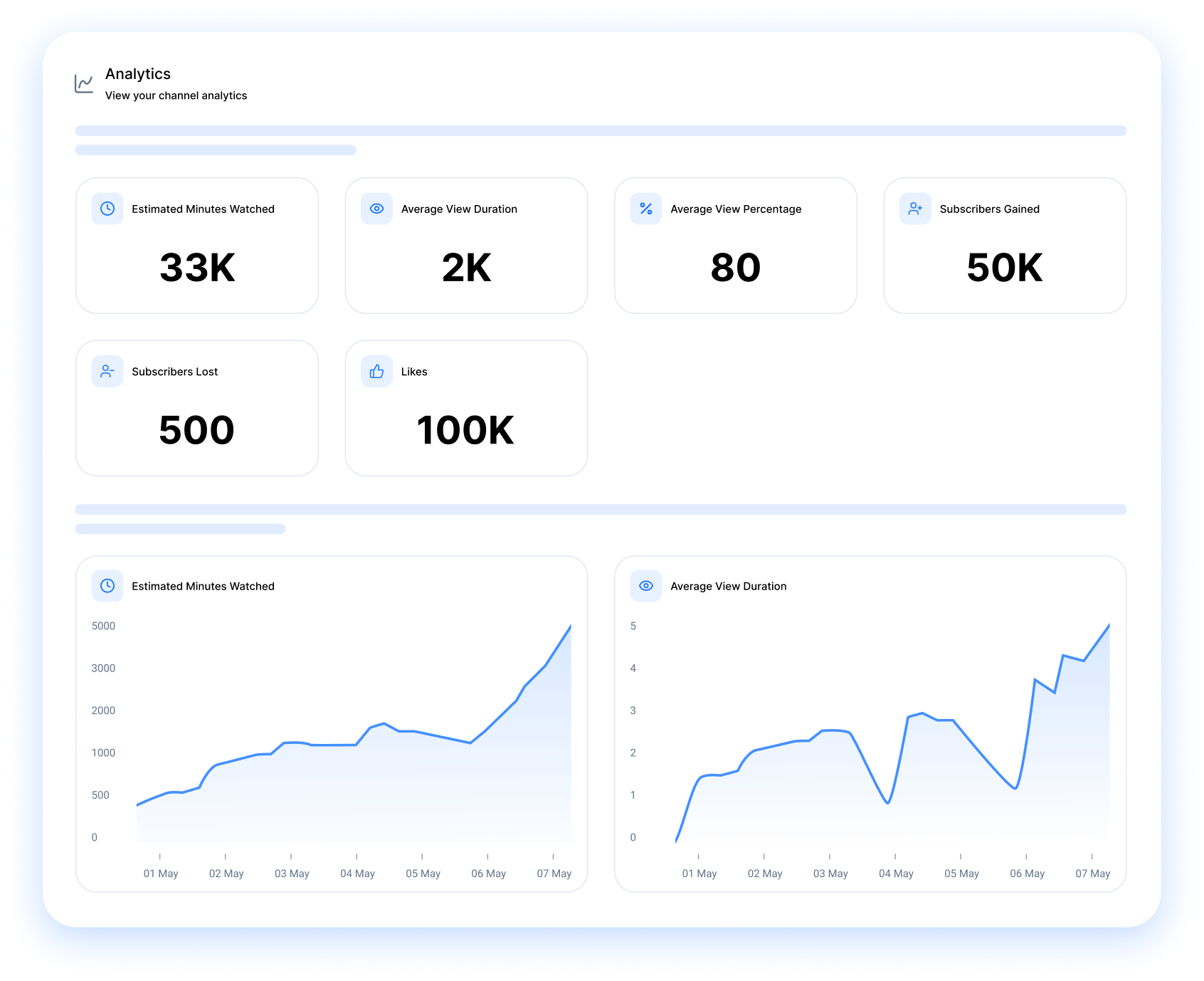
Every channel gets its own breakdown, not a blended average that hides what matters. Track audience growth, demographics, likes, shares, and your top and lowest performing posts per channel, then schedule your best formats again while the data is fresh.
- Breakdown for every channel
- Audience demographics
- Content performance ranking
The big picture
Watch publishing frequency, engagement rate, and follower growth side by side, so you can tell at a glance how each channel performs over time.
Identify trends
Spot the weeks your following jumped or dipped, then trace each move back to the posts and cadence that caused it.
Know your strength
Rank your best posts across every channel by engagement, reach, and format, so you know exactly what to make more of.
Reports
Automated, branded reports your clients actually read
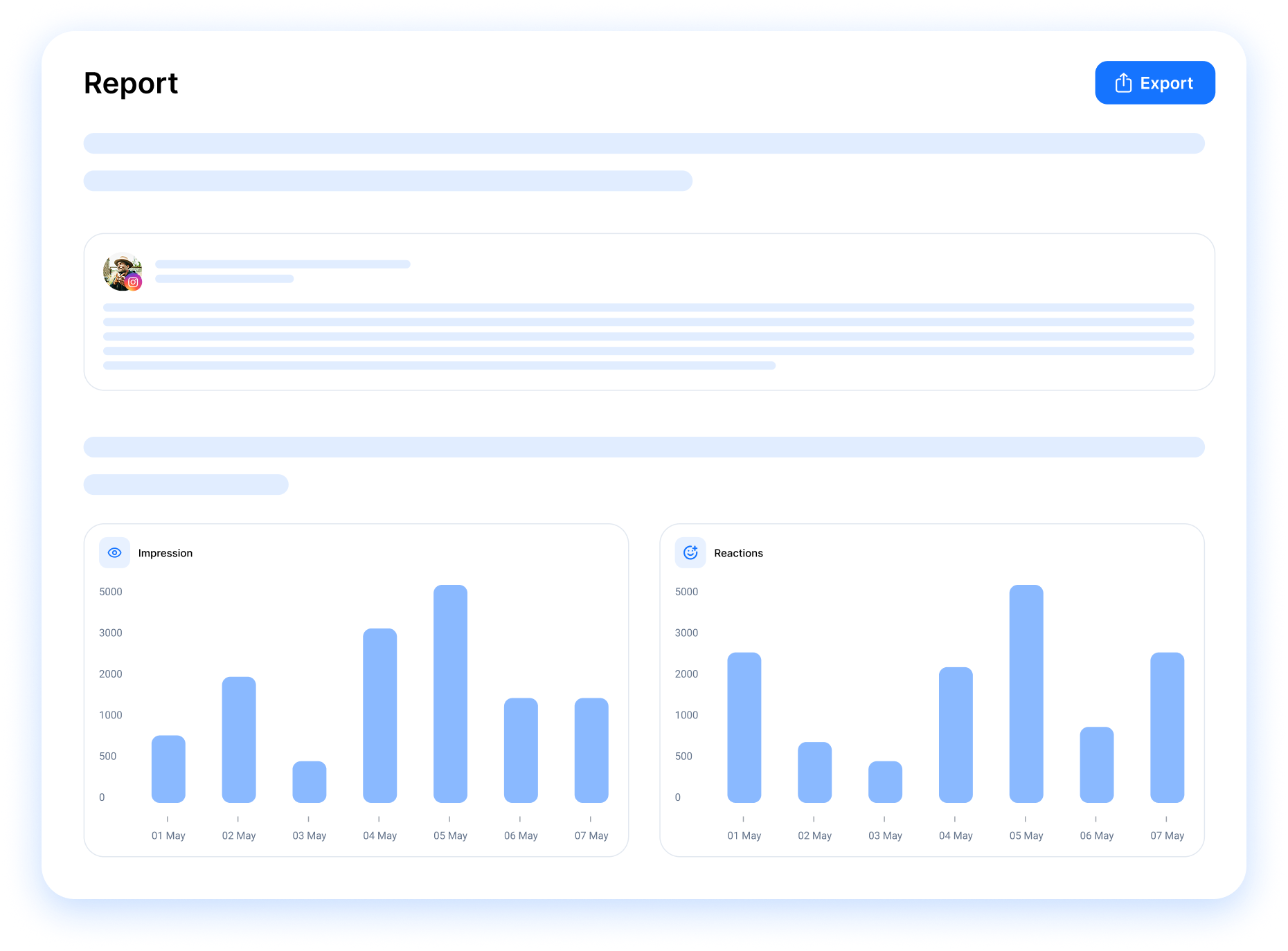
RepeatPost builds your social media reports for you, branded and ready to send. No more copying numbers into slides the night before a client call. Schedule each report, match it to your brand, and share it with your team or clients in a few clicks.
Get started for freeBranded reports
Drop in your logo and brand colors once. Every report you send then looks like it came straight from your team, not a third party app.
Scheduled reports
Set reports to send weekly or monthly and they land in the right inboxes on their own, so reporting day stops being a scramble.
Group reports
Pull stats from every channel into one report, so clients see the whole picture in a single view instead of ten scattered screenshots.
Share the success
Add up to 25 recipients, team or client, to each report so the right people get the numbers without you forwarding anything.

Competitor Analytics
Track and benchmark your performance against top competitors
Know where you stand before you plan your next move. Compare your channels against any public competitor profile to spot the gaps worth closing, then study the content strategy behind their best posts and build a stronger one. Want a quick look first? Run our free Instagram competitor analytics tool.
- Side by side benchmarks
- Content gap analysis
- Opportunity detection
Monitor competitors' KPIs
Track any rival's follower growth, posting cadence, and engagement rate, then line their numbers up against yours to see where you lead or trail.
Content comparison
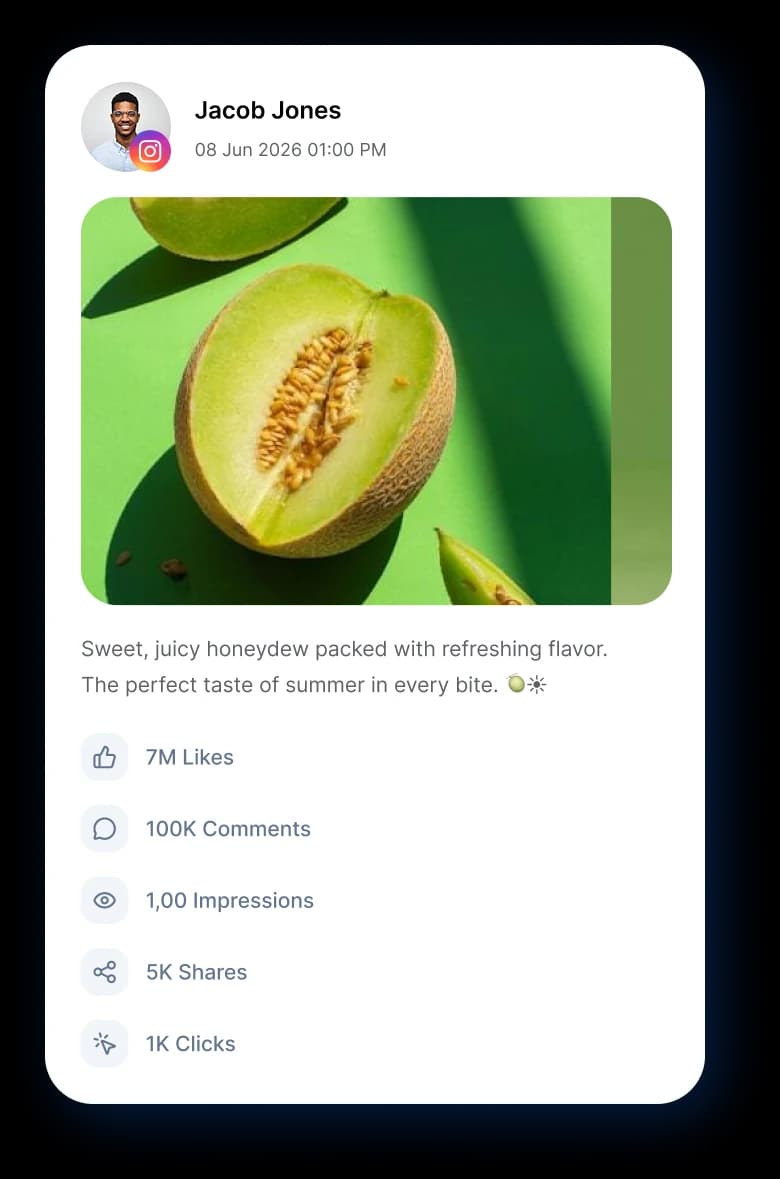
See what your competitors post, the formats they lean on, and which pieces actually land, so you can borrow what works and skip what flops.
Comparative growth
Watch your growth curve next to theirs week over week, so a competitor pulling ahead becomes a signal you catch early, not a surprise.
MORE ANALYTICS FEATURES
Free tools that pair with your dashboards
These live right inside your analytics workflow. Tag links, estimate ad payouts, and size up competitors without ever leaving the workspace.
Best time to post
Skip guessing at time slots. AI studies when each audience scrolls and drops every queued post into the window that performs.
Learn MoreWorkspaces
Keep every client dashboard separate and organized, from social accounts and schedules to media files and team members.
Learn MoreMobile app
Manage posts, check analytics, and reply to comments from anywhere. Native iOS and Android apps.
Learn MoreCalendar planner
See your whole content plan on a drag and drop calendar across every channel.
Learn MoreWHAT'S NEXT
Once you know what's working, here's how to act on it
Your analytics point to the signal. RepeatPost helps you turn it into the next round of content, scheduling, and conversations across every channel.
Engage
Answer comments and DMs faster across every channel, and watch response time sit right alongside your other metrics.
Open Inbox
Explore
Catch trending content in your niche and pair it with the engagement insights you already have to plan the week ahead.
Find Ideas
Automation
Schedule months of social posts across platforms with one CSV upload.
Learn More
Create
Generate your next batch of AI captions, hashtags, and images, all shaped by what's already winning in your data.
Create with AI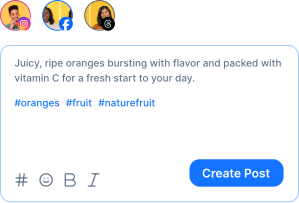
BY THE NUMBERS
Built to handle your entire social media workflow
16+
Channels Supported
Publish to Facebook, Instagram, X, LinkedIn, TikTok, YouTube, and 10 more.
100+
Free Tools
Bio generators, caption writers, hashtag finders, video downloaders, and more.
AI-First
Platform
AI built into every workflow: content creation, scheduling, analytics, and engagement.
3
Apps
Web app, iOS, and Android. Manage your social presence from anywhere.
How teams picture using RepeatPost
“Honestly, the calendar is what sold me. I could see every channel in one view and spot the week we'd gone quiet. Before this I was juggling three spreadsheets and a Slack thread. Now I plan the month on a Monday morning and I'm done by half ten.”
Hannah Whitfield
Marketing Manager
United KingdomJun 14, 2026“We run social for eleven clients and keeping them separate used to be a genuine anxiety of mine. Workspaces fixed that. Each client sits in their own space, approvals route to the right person, and I've stopped worrying that someone's going to push a dental practice promo to a restaurant account at 6am.”
Marcus Reed
Agency Owner
United StatesJun 29, 2026“I batch a fortnight of content on a Sunday arvo and then I don't think about it again. Reckon it's saved me a solid day a week. Only gripe is the mobile app still feels a step behind the web version, so I do the actual planning on my laptop. Everything else is spot on.”
Chloe Baxter
Content Creator
AustraliaJul 11, 2026“I'm handling social for four small brands and writing captions was eating my whole morning. The AI drafts are actually quite usable now. I still rewrite maybe every third one to sound like the client, but starting from something beats staring at a blank box. The hashtag tool alone I'm using daily.”
Ananya Raghavan
Freelance Social Media Manager
IndiaJul 30, 2026“I sell fabrics and my customers find me on Instagram mostly. Posting used to be whenever I remembered, which was maybe twice a week. Now I sit down every Sunday evening, load up two weeks, and it goes out on its own. Sales have followed. I'd like to see WhatsApp added properly, that's my one ask.”
Chidinma Eze
Small Business Owner
NigeriaAug 18, 2026“Our team is five people and we were losing posts in Slack threads. Someone would approve something, someone else would tweak it, and nobody knew which version went live. The approval flow sorted that in a week. Fair play, it's the least glamorous feature on the site and it's the one I'd miss most.”
Niamh Gallagher
Social Media Lead
IrelandSep 02, 2026FAQs
Frequently Asked
Questions
RepeatPost's social media analytics tool tracks engagement (likes, comments, shares, saves), reach, impressions, follower growth, click through rates, top performing posts, audience demographics, and best time to post on every connected channel. You read each metric per channel or across all of them in one dashboard.
Yes. Add your logo and brand colors, then export each report as a PDF or share a live link. The report looks like your team made it, not a third party tool. Set weekly or monthly delivery so clients get updates on their own, no reminders needed.
Add any public competitor profile and RepeatPost tracks their posting frequency, engagement rate, follower growth, and best performing content. Put their metrics side by side with your own accounts, then spot content gaps, format trends, or the weeks their growth stalls so you can act on it.
AI looks at when your existing followers are most active and engaging, then weighs that against how your past posts performed on each channel. You get a recommended slot per platform that updates weekly as audience habits shift. Personalized, channel specific, and based on your own data.
Yes. Tag posts by campaign as you schedule them. The campaign view rolls up total reach, engagement, click throughs, and conversion contribution across every channel under that tag. Compare campaigns side by side to see what landed, then put more budget behind the winners.
Organic metrics work today on every connected channel. Paid post analytics arrive after launch, starting with Meta and LinkedIn ad accounts. Until then, tag any boosted post and track its organic performance lift inside RepeatPost so the spend still shows up in your numbers.
Ready to back your strategy with real data?
Create your free account and start managing 16+ channels with AI in minutes.
Get started for freeFree plan to start
No Credit Card Required
Cancel anytime