Dribbble
The Dribbble scheduler made for designers
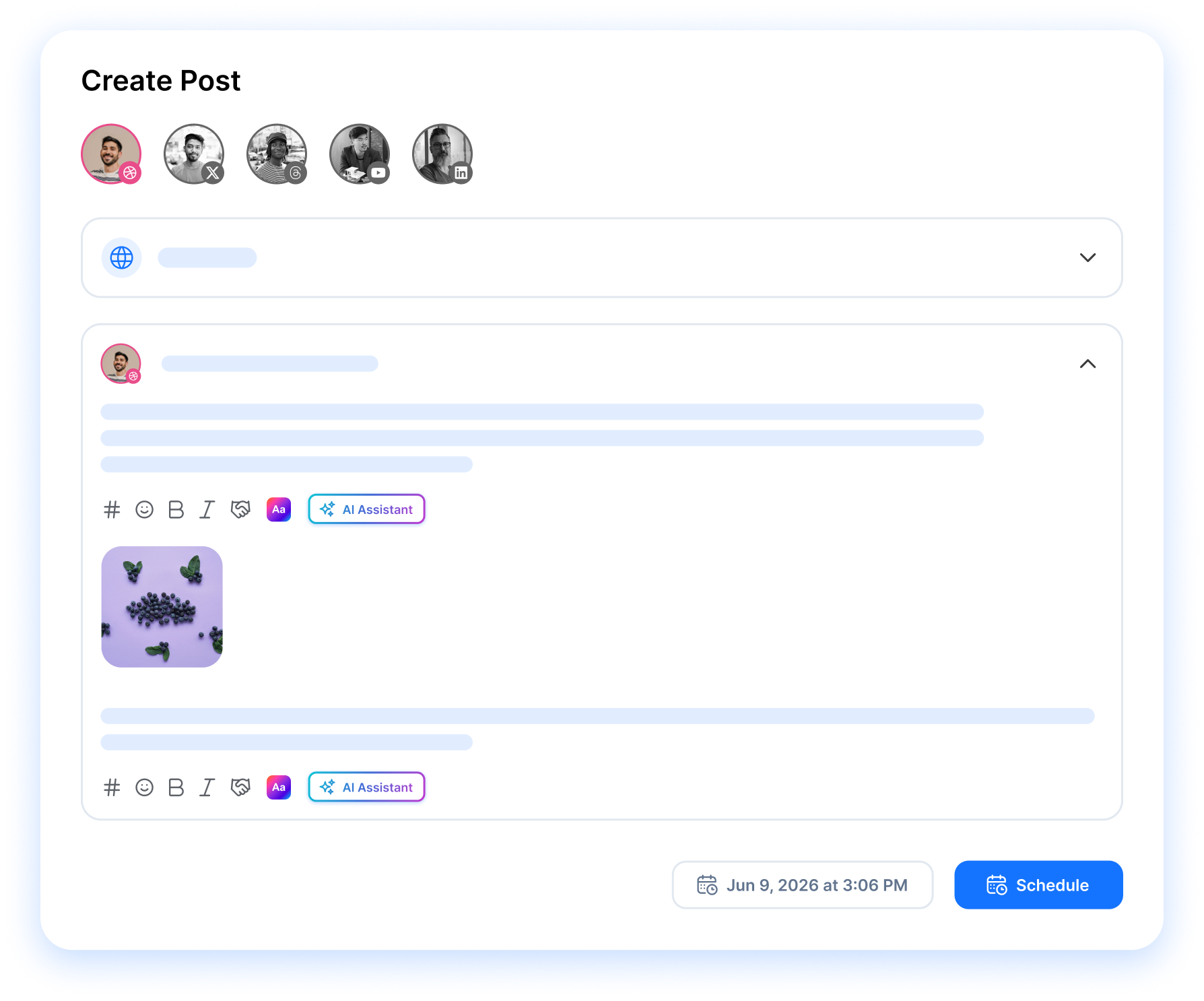
This Dribbble scheduler is part of RepeatPost, the AI social media management platform that posts your shots, descriptions, and tags on a queue you set once. Your portfolio stays active while you keep designing.






What you can schedule to Dribbble
Queue your shots
Line up shots in advance and RepeatPost publishes them, so your portfolio keeps posting on its own.
Portfolio beside social
Plan Dribbble shots in the same place you handle Instagram, X, and LinkedIn. One queue runs them all.
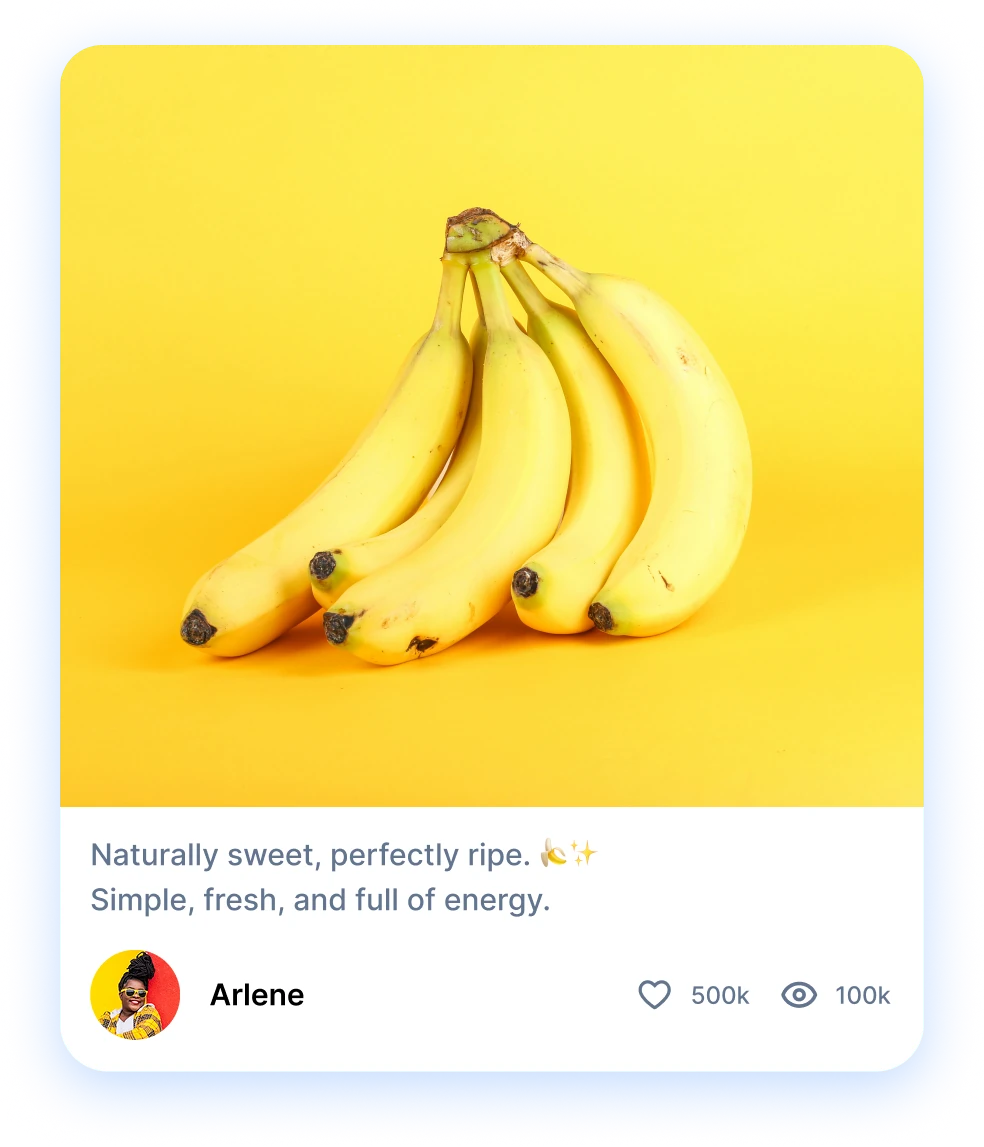
Descriptions by AI
The AI writes shot descriptions and tags that help the design community find your work fast.
A Dribbble Scheduler That
Runs While You Design
RepeatPost is the AI social media management platform that publishes your Dribbble shots on the schedule you build. Queue work in batches, add descriptions and tags, and the design community sees fresh shots without you stopping to post by hand. Run it next to every other channel you manage.
SHOT SCHEDULING
Turn Your Social Posts Into Dribbble Shots
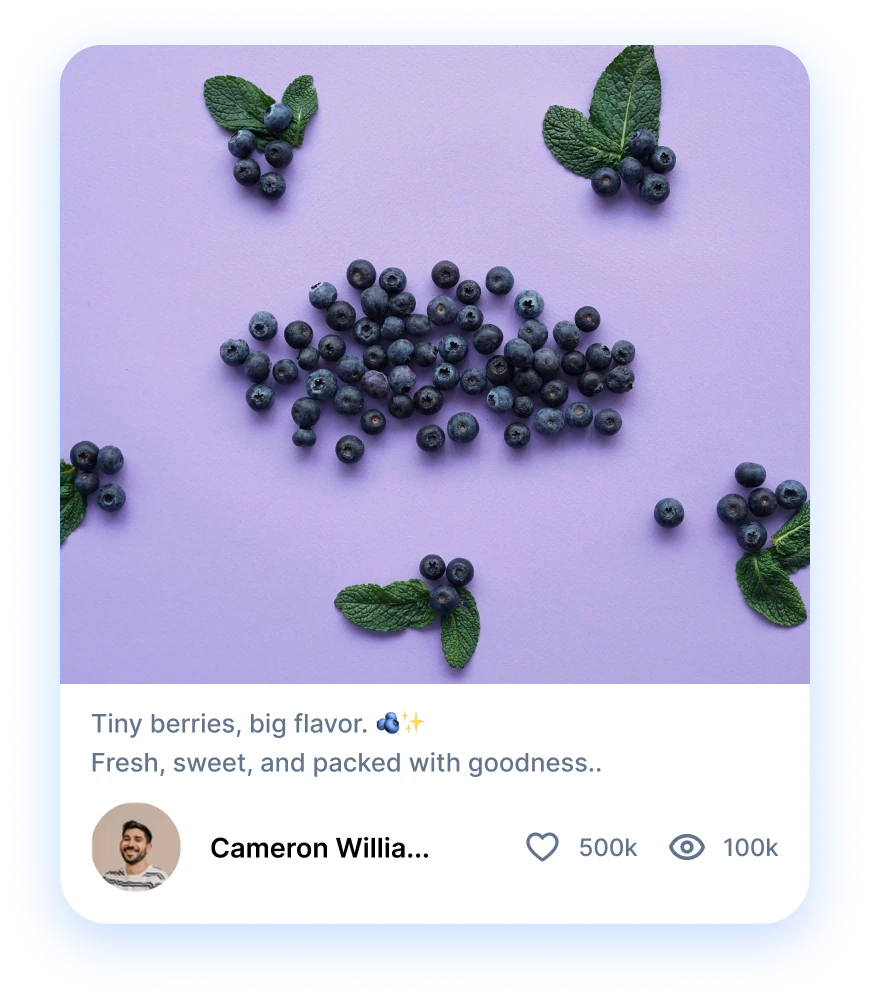
Got work already running on Facebook, Instagram, or LinkedIn? Drop it into a Dribbble shot and reach the design community too. RepeatPost posts it when your followers are most active, so the same piece earns more eyes for zero extra effort.
Get started for freePORTFOLIO MANAGEMENT
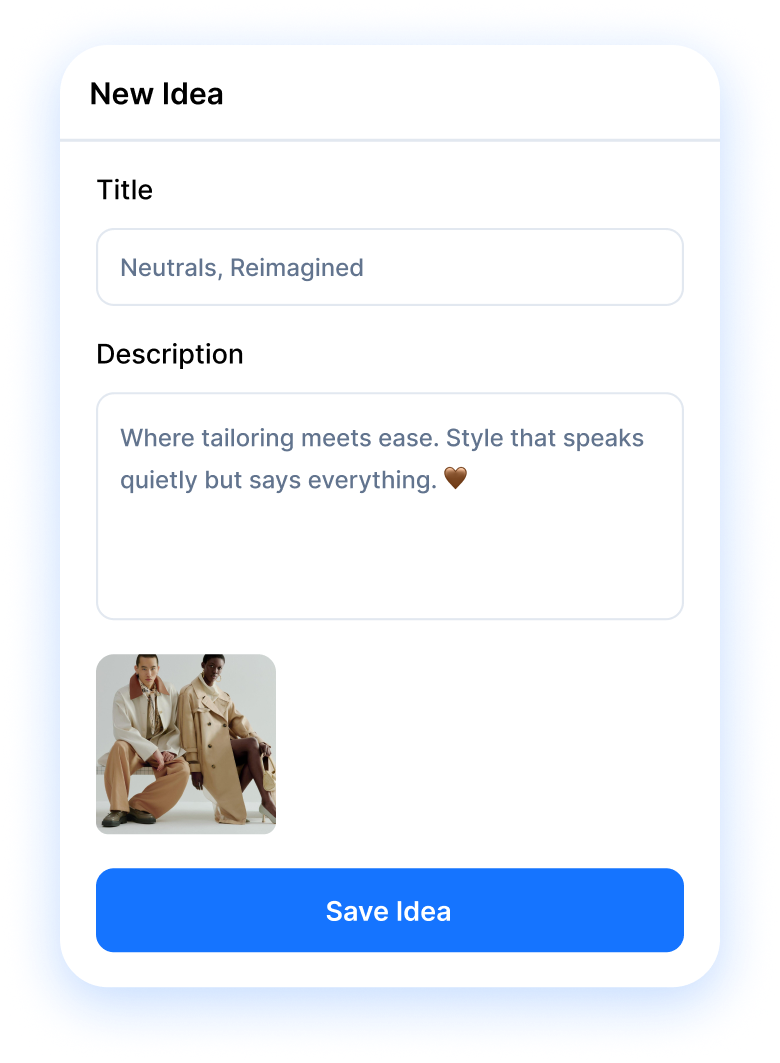
Spin Up Fresh Shot Ideas Fast
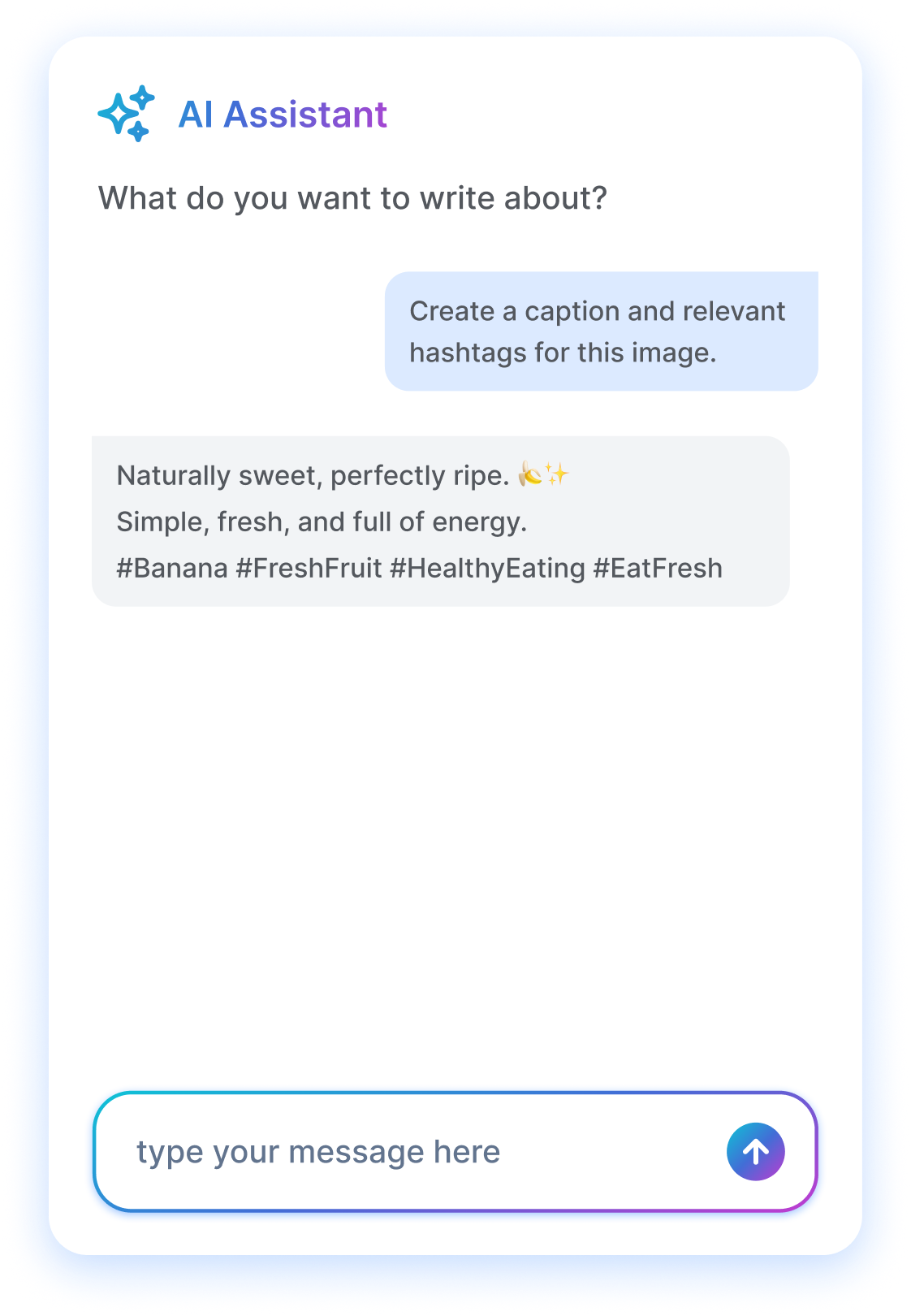
Stuck on what to post next? Ask the RepeatPost AI assistant for shot ideas that fit your portfolio, then write a quick prompt and get fresh copy back. Set it to publish on its own, or get a reminder when you want the final say.
Get started for free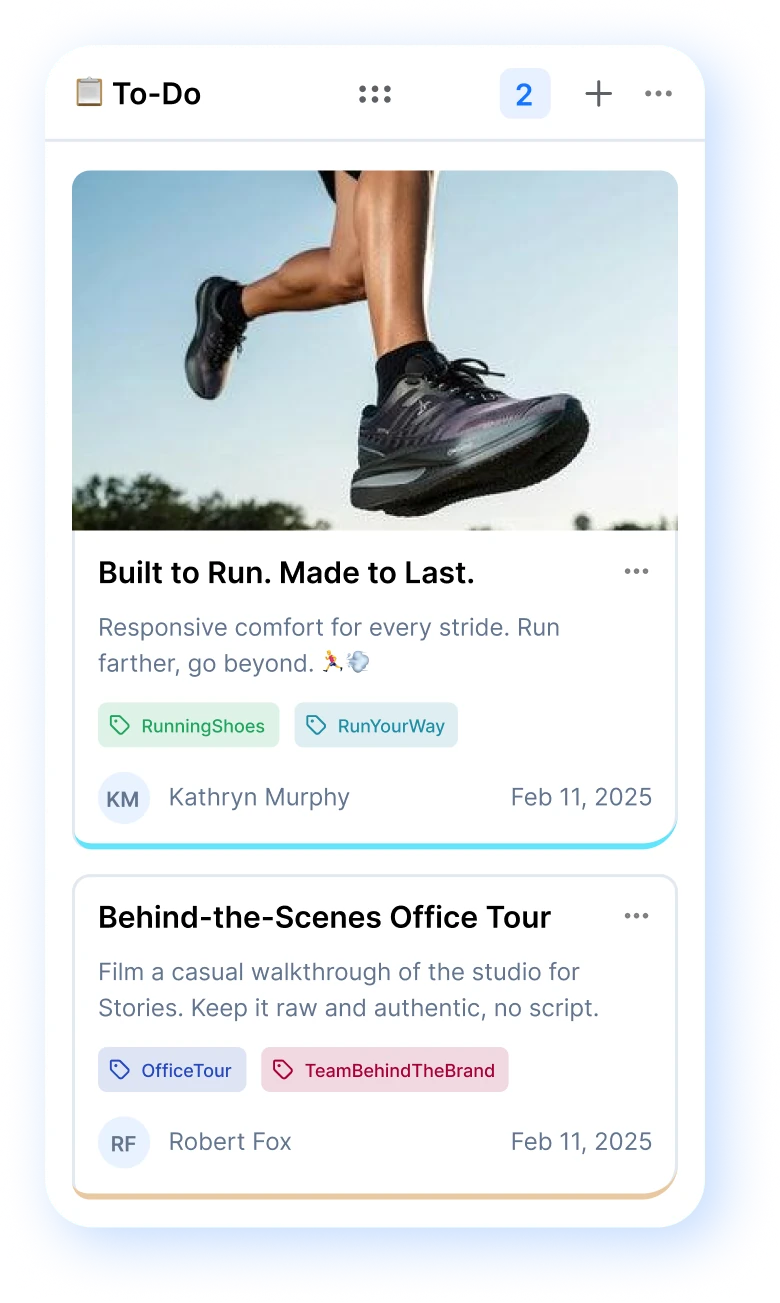
AI DESCRIPTIONS
Build a Following Around Your Work
Reply to comments and talk with the designers who like your shots. That back and forth turns viewers into loyal followers. Repost your best evergreen shots on a loop to lift views and send referral traffic back to your portfolio.
Get started for freeANALYTICS
Run Your Whole Team From One Dashboard
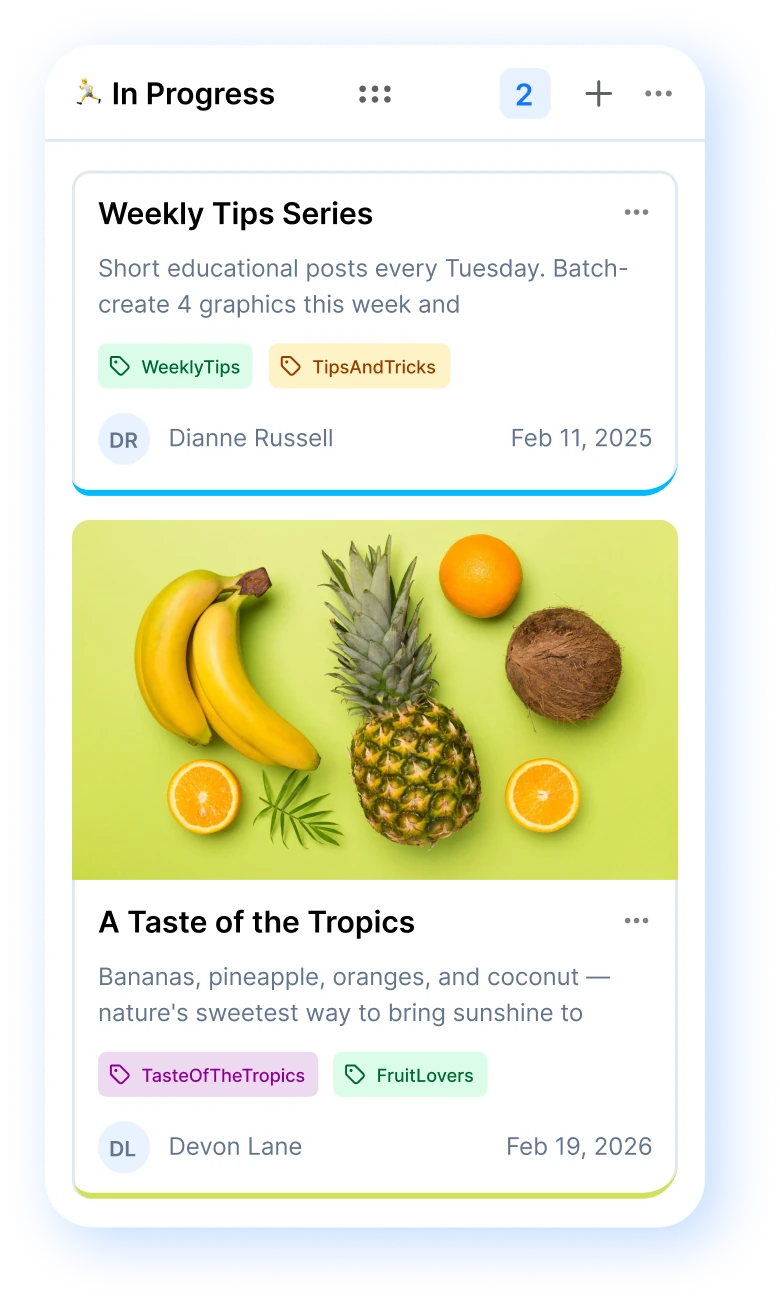
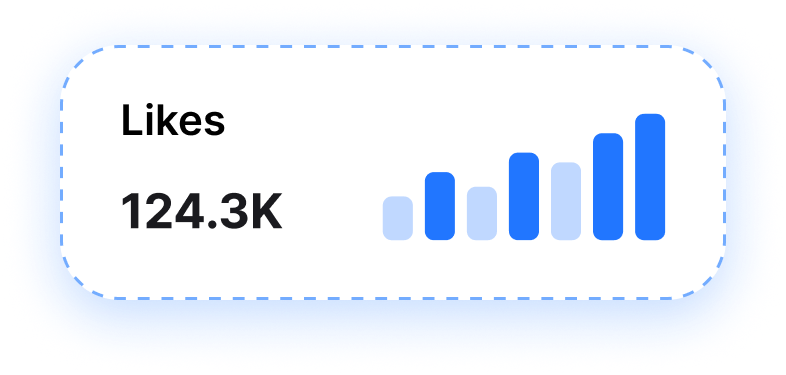
Working with a remote team? Hand off tasks, queue shots, and watch how each one performs from one screen. RepeatPost tracks which Dribbble shots pull the most views, saves and likes, so you know what to make more of.
Get started for free
FEATURES
Discover more
Dribbble shows off your design work. Post it on schedule beside every other channel RepeatPost connects to.

Discord
Schedule posts and pages to your Discord server.

Slack
Schedule posts and pages to your Slack workspace.

WordPress
Schedule posts and pages to your WordPress site.

Schedule posts, reels, and stories to pages and groups.

Auto-publish posts, reels, stories, and carousels.

X (Twitter)
Schedule tweets, threads, and media posts.
How teams picture using RepeatPost
“Honestly, the calendar is what sold me. I could see every channel in one view and spot the week we'd gone quiet. Before this I was juggling three spreadsheets and a Slack thread. Now I plan the month on a Monday morning and I'm done by half ten.”
Hannah Whitfield
Marketing Manager
United KingdomJun 14, 2026“We run social for eleven clients and keeping them separate used to be a genuine anxiety of mine. Workspaces fixed that. Each client sits in their own space, approvals route to the right person, and I've stopped worrying that someone's going to push a dental practice promo to a restaurant account at 6am.”
Marcus Reed
Agency Owner
United StatesJun 29, 2026“I batch a fortnight of content on a Sunday arvo and then I don't think about it again. Reckon it's saved me a solid day a week. Only gripe is the mobile app still feels a step behind the web version, so I do the actual planning on my laptop. Everything else is spot on.”
Chloe Baxter
Content Creator
AustraliaJul 11, 2026“I'm handling social for four small brands and writing captions was eating my whole morning. The AI drafts are actually quite usable now. I still rewrite maybe every third one to sound like the client, but starting from something beats staring at a blank box. The hashtag tool alone I'm using daily.”
Ananya Raghavan
Freelance Social Media Manager
IndiaJul 30, 2026“I sell fabrics and my customers find me on Instagram mostly. Posting used to be whenever I remembered, which was maybe twice a week. Now I sit down every Sunday evening, load up two weeks, and it goes out on its own. Sales have followed. I'd like to see WhatsApp added properly, that's my one ask.”
Chidinma Eze
Small Business Owner
NigeriaAug 18, 2026“Our team is five people and we were losing posts in Slack threads. Someone would approve something, someone else would tweak it, and nobody knew which version went live. The approval flow sorted that in a week. Fair play, it's the least glamorous feature on the site and it's the one I'd miss most.”
Niamh Gallagher
Social Media Lead
IrelandSep 02, 2026FAQs
Frequently Asked
Questions
Yes. Upload a shot, write its title and description, pick a date, and RepeatPost adds it to your queue. When the slot comes up, the shot posts to your Dribbble portfolio on its own. Build a week or a month of shots in one sitting and move on to designing.
Yes. Once your queue is built, RepeatPost publishes each shot at its set time with no action from you. You stay heads down in your design tools while fresh work keeps landing on your profile. That steady cadence keeps your portfolio in front of the design community.
Yes. RepeatPost handles static image shots and video shots from the same composer. Drop in a PNG, a GIF, or a short clip, add your description, and queue it like any other post. The preview shows how the shot reads on Dribbble before it goes live, so nothing looks off.
Yes. The AI assistant drafts a shot description in your voice and suggests tags that match the work, so designers and clients searching those terms find it. Edit anything you want, then save it with the shot. Good tags and a clear description help each post get discovered.
Yes. Connect several Dribbble accounts and give each its own queue inside one dashboard. Switch between a personal profile and a studio account in a click, and set who on your team can draft versus publish. Run every account side by side without logging in and out.
RepeatPost suggests times based on when your shots earn the most views and saves. Pick a suggested slot or set your own, and the post fires then. Posting when designers and hiring clients browse most puts your work in front of more of the right people.
Put your Dribbble shots on a queue
Create your free account and start managing 16+ channels with AI in minutes.
Get started for freeFree plan to start
No Credit Card Required
Cancel anytime