BEST TIME TO POST
Find the best time to post on every channel
RepeatPost is the AI social media management platform that finds your best time to post on 16+ channels. It watches when your followers scroll, like, and reply, then suggests posting times based on real audience activity. Stop guessing. Let data set your posting schedule while you focus on making content worth showing up for.
Integrated with


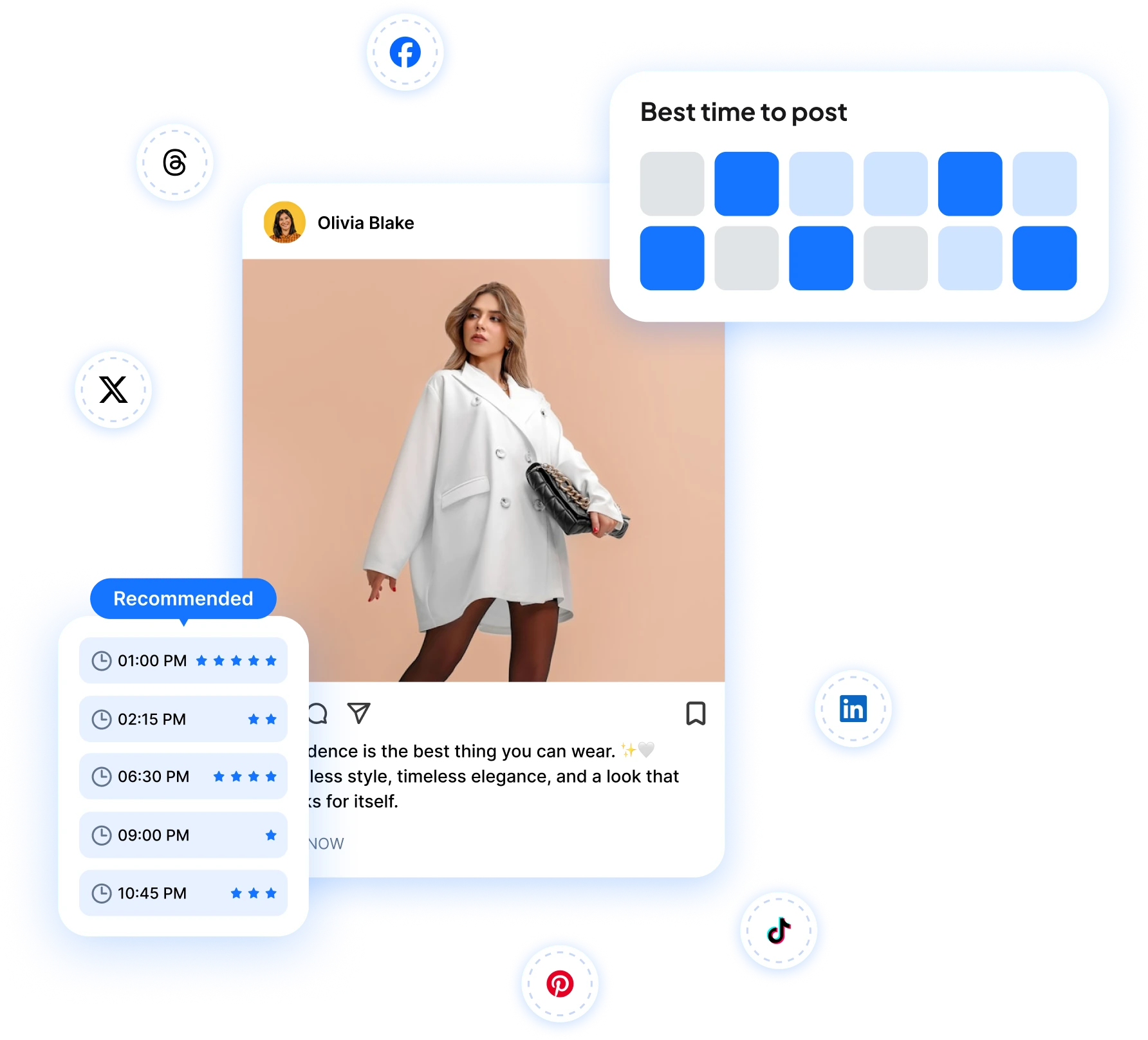
How RepeatPost works out your posting times
AI timing suggestions
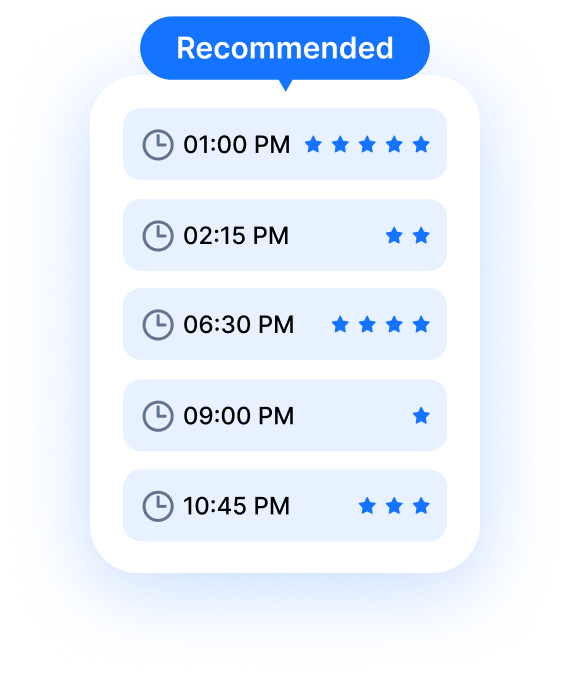
The AI studies how your followers behave and hands you posting times matched to your account, not averages pulled from a generic study.
Peak hours for every channel
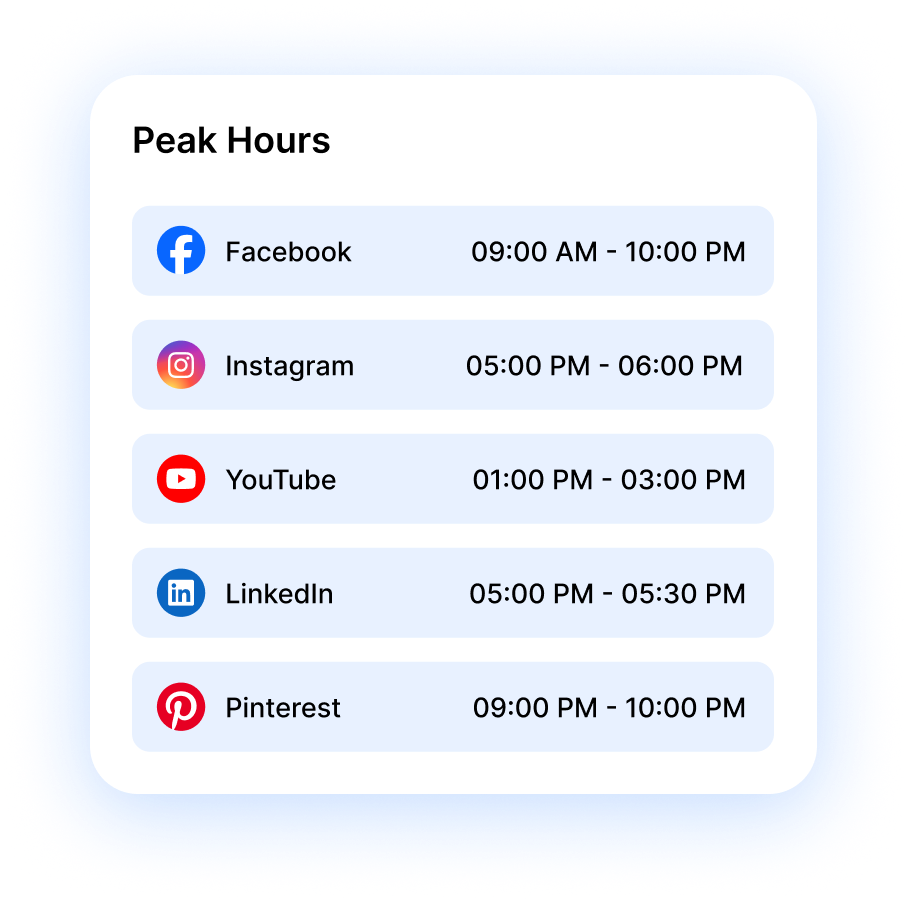
Instagram, LinkedIn, and TikTok audiences show up at different hours. See the strongest posting window for each channel you've connected.
Timing lessons from past posts
Your engagement history shows which time slots earned the most likes, comments, and shares, so every week your schedule gets a little smarter.
AUDIENCE INSIGHTS
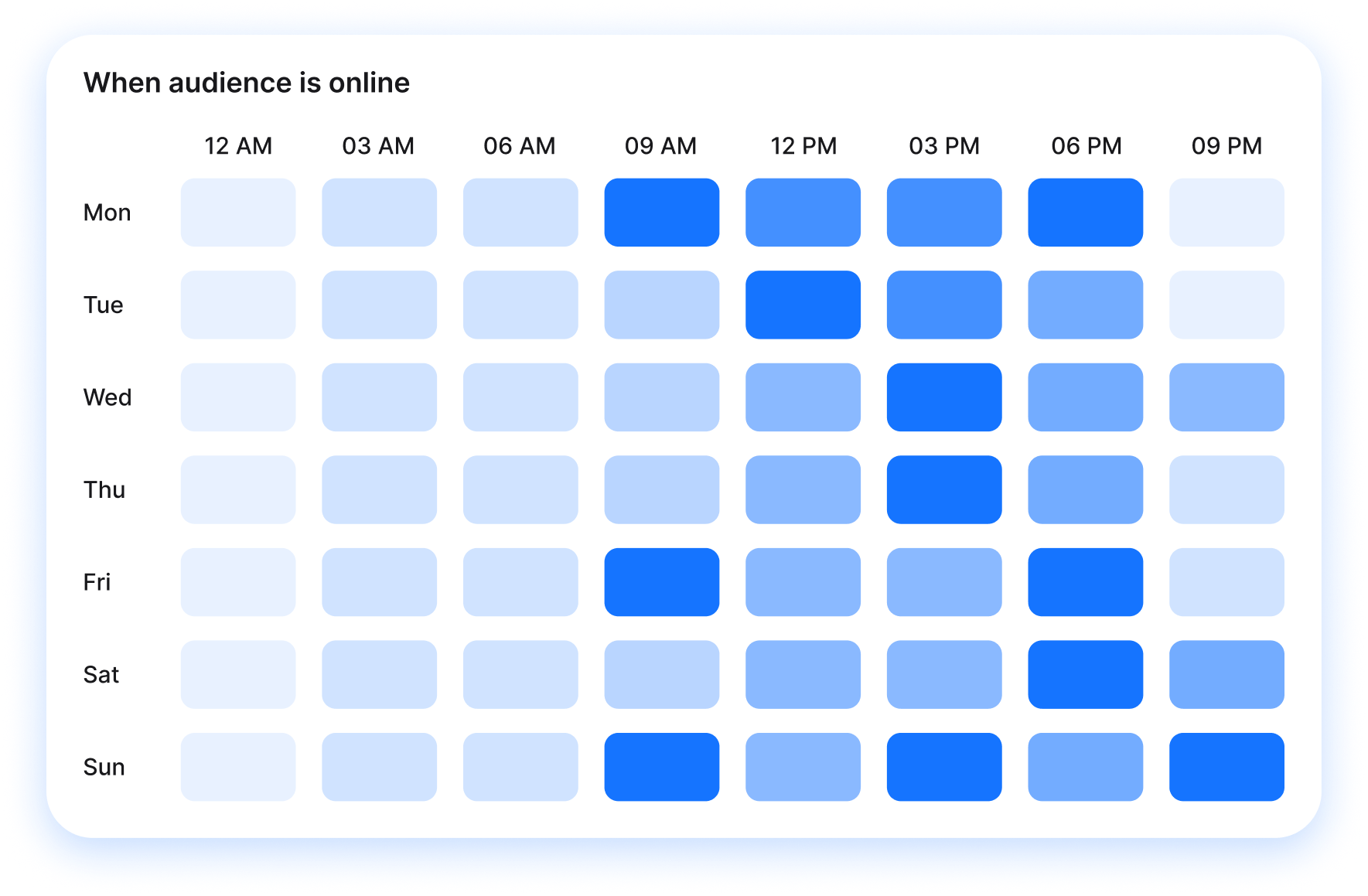
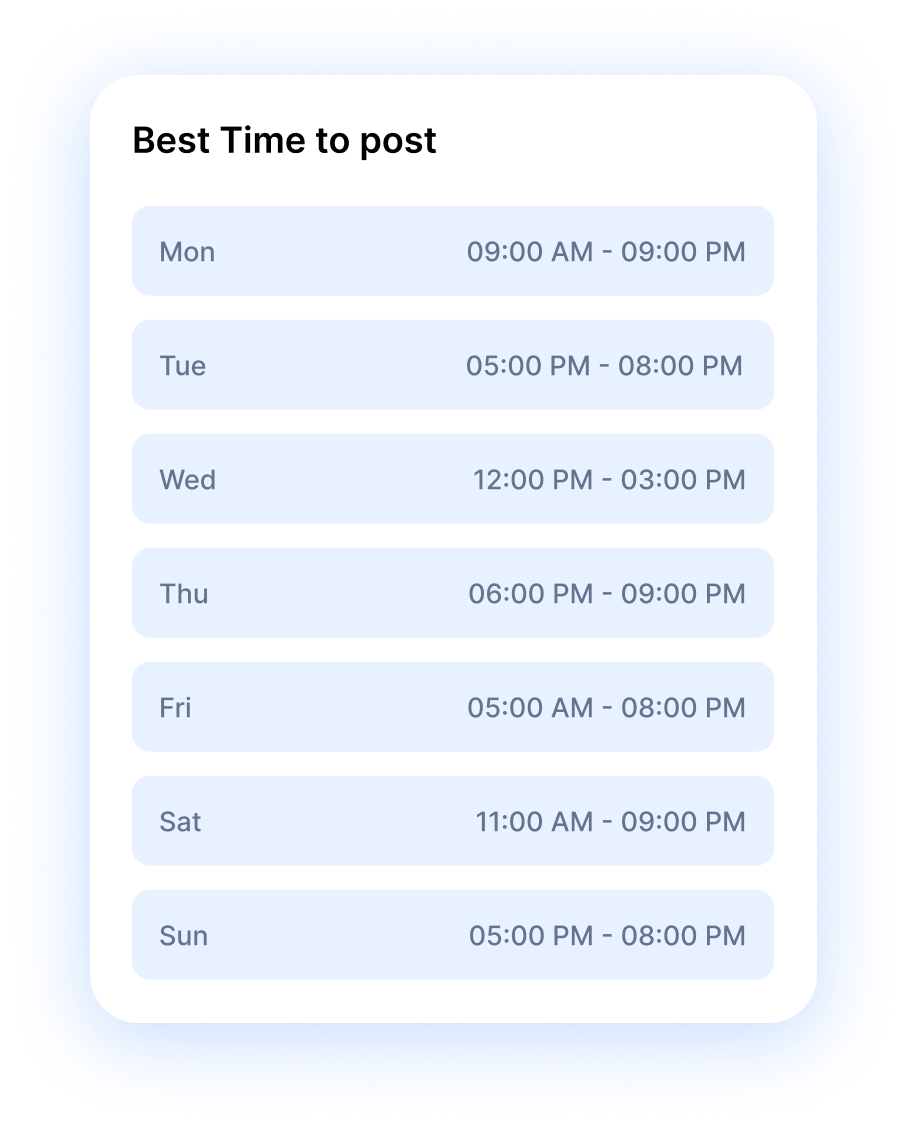
See when your audience is actually online
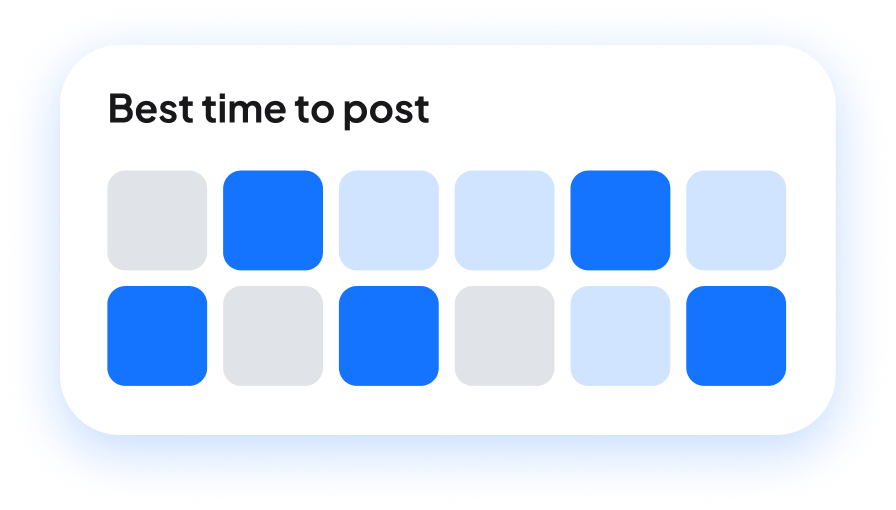
RepeatPost learns your audience activity by tracking when followers on each connected channel view, like, and reply to your posts. Those patterns become suggested posting windows you can apply straight from the calendar planner, with real evidence behind every slot. Audiences shift too. A holiday week or one viral post can change when people show up, and your suggestions update as fresh engagement comes in. Check them before you schedule anything big.
Get started for freePLATFORM TIMING
Every platform has its own peak hours
The best time to post differs on every platform. Each one serves a different moment in someone's day. LinkedIn activity clusters around work hours. TikTok and Instagram pick up in the evening, when people unwind. RepeatPost reads each channel separately and suggests times per profile, so your LinkedIn post catches the morning coffee crowd and your Reels go out when the scroll starts. One schedule stretched across every network wastes reach. Connect your channels once and let each run on its own clock.
Get started for free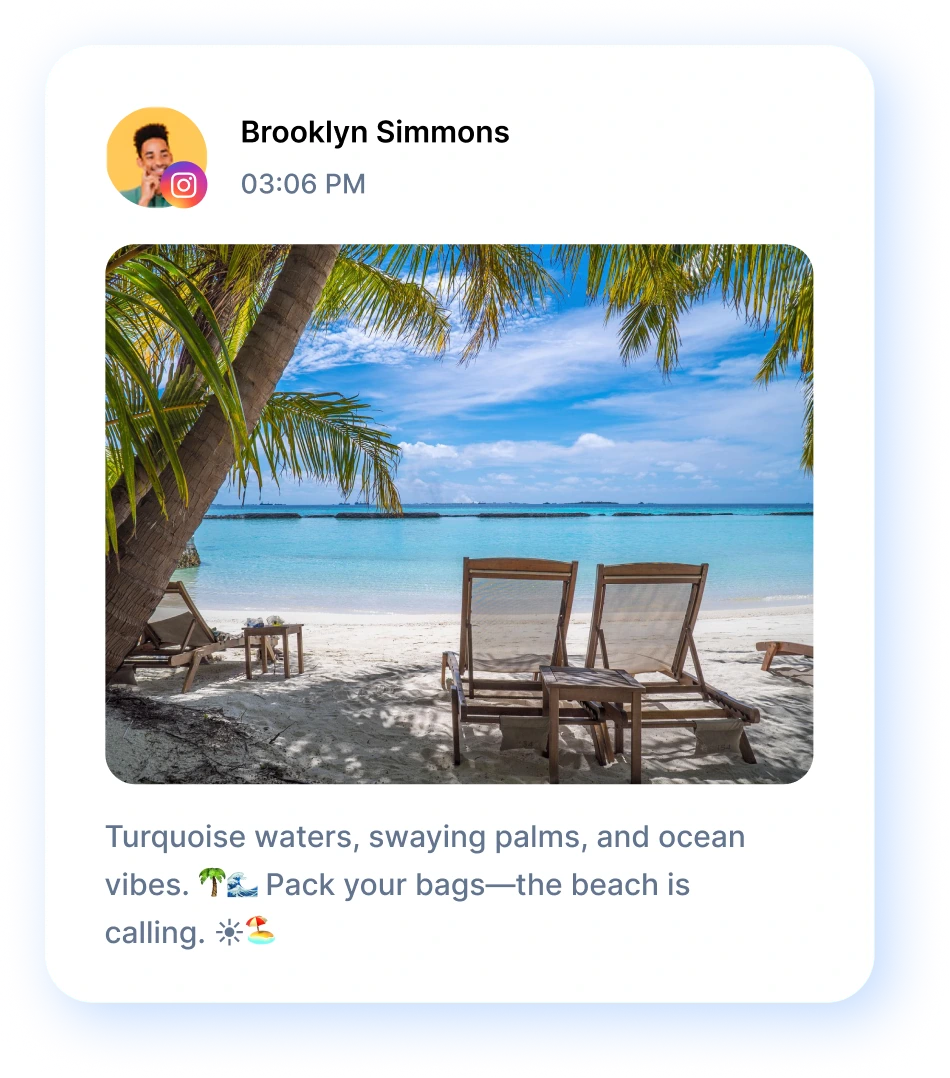
DATA DRIVEN
Turn past engagement into better timing
Your own engagement history is the most honest guide to when you should post. RepeatPost pulls the numbers behind every published post, then shows which time slots brought the most likes, comments, and shares over recent weeks and months. Maybe your Tuesday 9 am slot quietly outperforms everything else you run. You'd never spot that from a generic chart of global averages. Dig deeper in the analytics dashboard, compare channels side by side, and move your weakest slots toward the hours that already work.
Get started for freeSMART SCHEDULING
Hit the best time to post, automatically
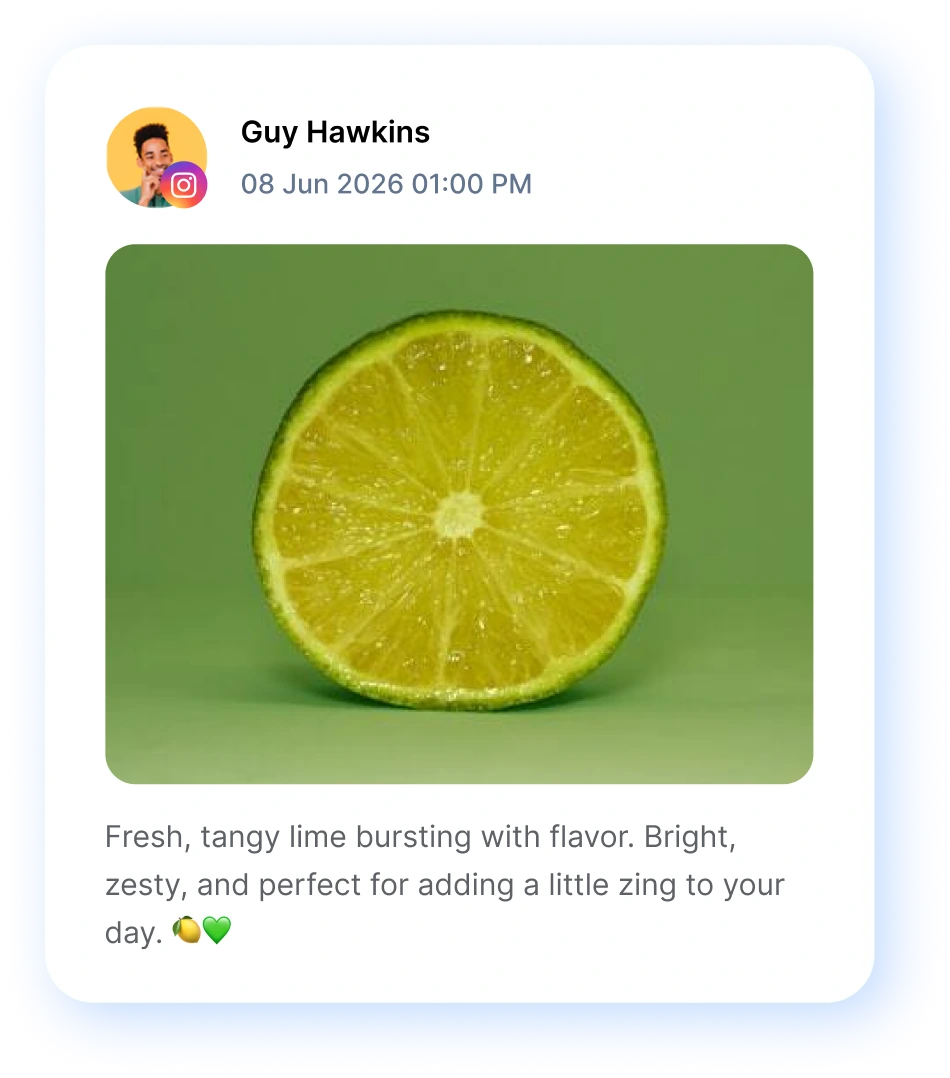
Turn on smart scheduling and RepeatPost picks the publishing time for you, no manual slot hunting required. Write your post, add it to the queue, and it goes out inside the strongest window for that specific channel. Queue a single announcement or load three months of content with bulk scheduling, and each post still lands in its own best slot. You stay in control too. Lock a post to an exact minute when timing is fixed, like a launch or a live stream, and let the AI place the rest.
Get started for free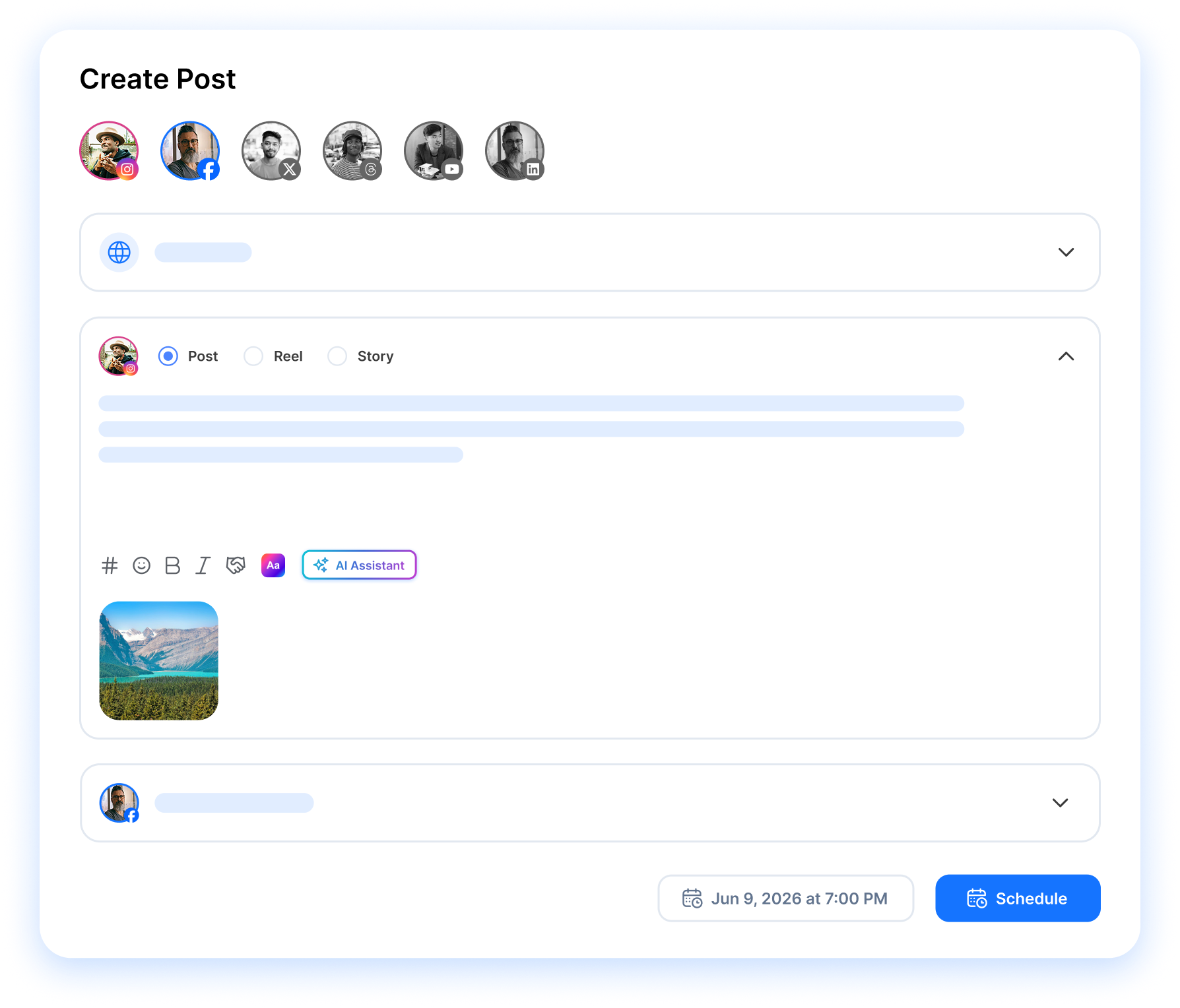
MORE PUBLISHING TOOLS
More tools that get your posts seen
Great timing gets a post in front of people. These six features handle everything around it, from planning the calendar to answering the comments that follow.
First comment
Reserve your first comment to add context on Facebook, Instagram, LinkedIn, and YouTube.
Learn MoreLive post preview
Check exactly how a post renders on each network before an approver ever sees it, captions and crops included.
Learn MoreMobile app
Manage posts, check analytics, and reply to comments from anywhere. Native iOS and Android apps.
Learn MoreAI agent
Tell the AI agent what to post and it writes, schedules and reports on it, on the web or in the iOS and Android apps.
Learn MoreBrand voice
Save tone sliders, word rules and example posts once, and the AI writes every caption in your brand voice.
Learn MoreChannel groups
Group channels by client, campaign, or any other way that makes sense to your team. Post to all channels in a group at once.
Learn MoreHow teams picture using RepeatPost
“Honestly, the calendar is what sold me. I could see every channel in one view and spot the week we'd gone quiet. Before this I was juggling three spreadsheets and a Slack thread. Now I plan the month on a Monday morning and I'm done by half ten.”
Hannah Whitfield
Marketing Manager
United KingdomJun 14, 2026“We run social for eleven clients and keeping them separate used to be a genuine anxiety of mine. Workspaces fixed that. Each client sits in their own space, approvals route to the right person, and I've stopped worrying that someone's going to push a dental practice promo to a restaurant account at 6am.”
Marcus Reed
Agency Owner
United StatesJun 29, 2026“I batch a fortnight of content on a Sunday arvo and then I don't think about it again. Reckon it's saved me a solid day a week. Only gripe is the mobile app still feels a step behind the web version, so I do the actual planning on my laptop. Everything else is spot on.”
Chloe Baxter
Content Creator
AustraliaJul 11, 2026“I'm handling social for four small brands and writing captions was eating my whole morning. The AI drafts are actually quite usable now. I still rewrite maybe every third one to sound like the client, but starting from something beats staring at a blank box. The hashtag tool alone I'm using daily.”
Ananya Raghavan
Freelance Social Media Manager
IndiaJul 30, 2026“I sell fabrics and my customers find me on Instagram mostly. Posting used to be whenever I remembered, which was maybe twice a week. Now I sit down every Sunday evening, load up two weeks, and it goes out on its own. Sales have followed. I'd like to see WhatsApp added properly, that's my one ask.”
Chidinma Eze
Small Business Owner
NigeriaAug 18, 2026“Our team is five people and we were losing posts in Slack threads. Someone would approve something, someone else would tweak it, and nobody knew which version went live. The approval flow sorted that in a week. Fair play, it's the least glamorous feature on the site and it's the one I'd miss most.”
Niamh Gallagher
Social Media Lead
IrelandSep 02, 2026FAQs
Frequently Asked
Questions
RepeatPost analyzes when your followers view, like, comment, and share on each connected channel, then ranks the time slots where your audience is most active. Suggestions come from your account's real engagement history, not from generic industry averages, so two brands on the same platform can get completely different recommendations.
No. Each platform peaks at different hours because people use them in different moments. LinkedIn is busiest during the workday, while Instagram and TikTok lean toward evenings. RepeatPost tracks every channel separately and suggests times per profile, so you never copy one schedule across networks and hope it fits.
Yes. Turn on smart scheduling and RepeatPost places each queued post inside the strongest engagement window for its channel. You write the content, the AI picks the moment. If a post has to go out at an exact minute, like a product launch, you can set that time manually and the queue works around it.
Suggestions start as soon as you connect a channel, then sharpen as engagement data builds. Early recommendations lean on your followers' general activity patterns. After a few weeks of steady posting, the AI has enough of your own results to rank time slots with real confidence, and it keeps refining from there.
Yes. RepeatPost recalculates your best times as new engagement data arrives, so suggestions move with your audience. Gain a wave of followers in another time zone, or watch your niche shift its habits, and your recommended windows adjust to match. Check the suggestions now and then instead of treating them as fixed.
There's no single answer, and that's the point. LinkedIn engagement usually clusters around weekday work hours, while Instagram activity spreads into evenings and weekends. Your own followers matter more than any average, though. RepeatPost reads each account separately and shows the windows where your specific audience actually engages on both platforms.
Ready to post when your audience is watching?
Create your free account and start managing 16+ channels with AI in minutes.
Get started for freeFree plan to start
No Credit Card Required
Cancel anytime