Social media post preview
Social Media Post Preview That Matches What Your Followers See
RepeatPost is the AI social media management platform that shows you a social media post preview exactly as each network will render it. Check the Instagram feed view, stories, and reels, see how Facebook, LinkedIn, X, and TikTok crop your images, and fix whatever looks off before you hit schedule. The preview covers all 16+ channels you connect, so nothing goes out that you haven't seen first.
Integrated with


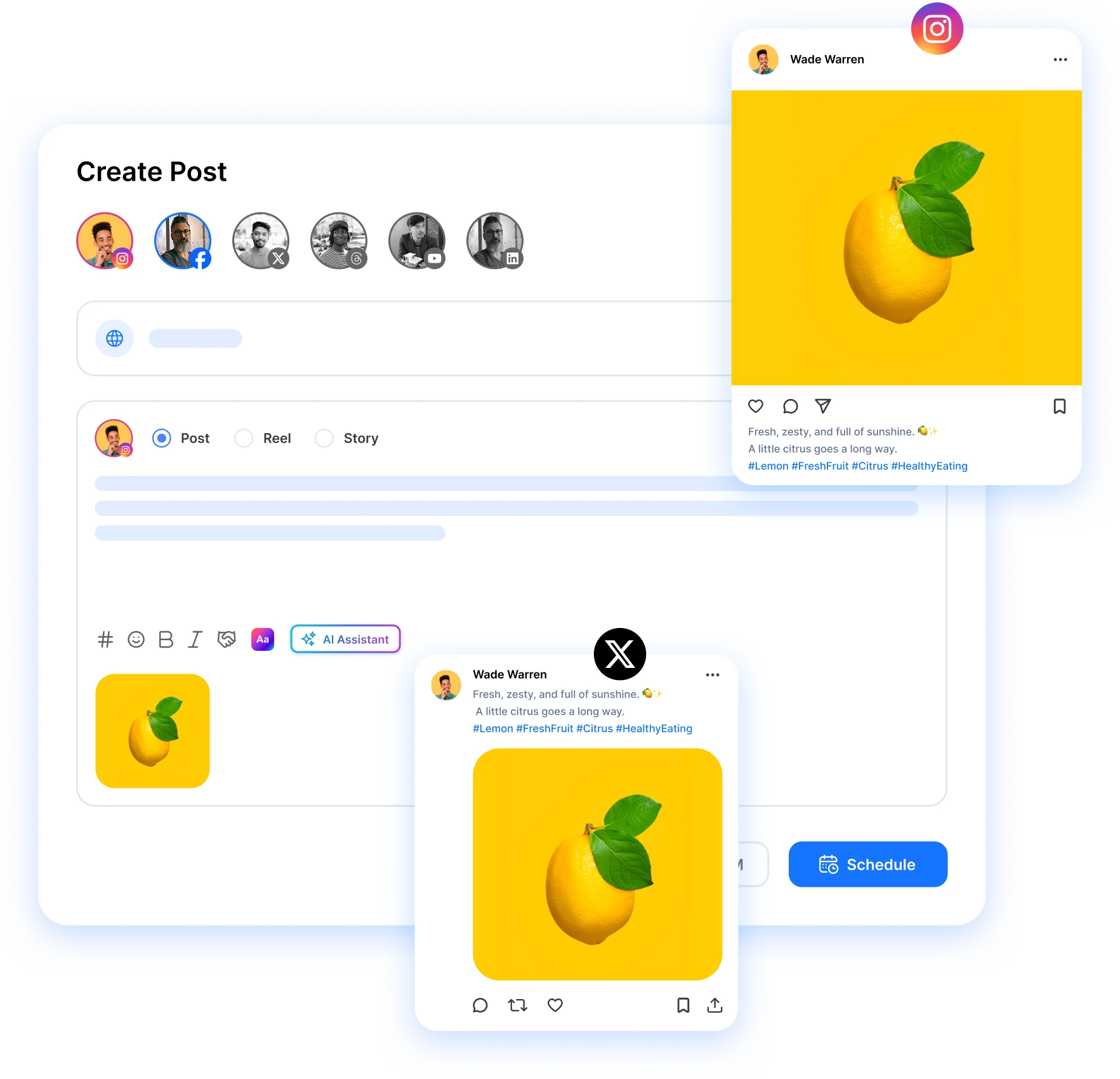
What the preview checks before you publish
Previews that match each network
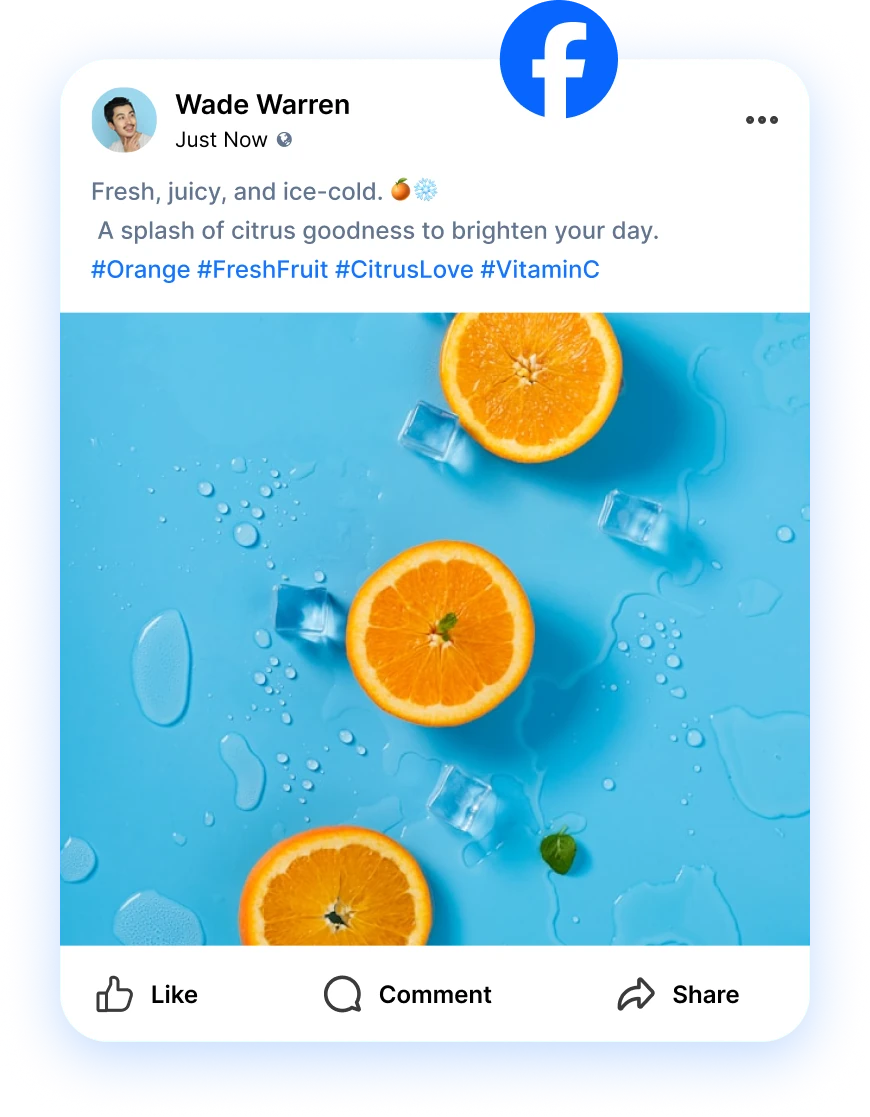
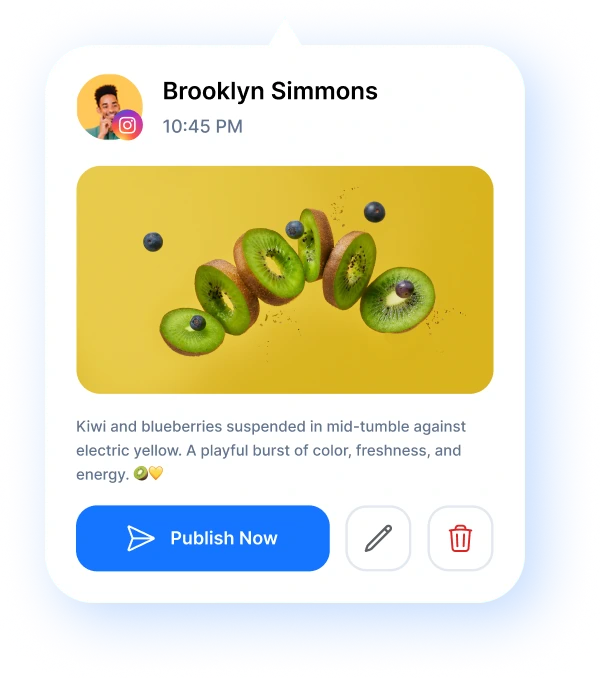
Feed posts, stories, and reels render with each network's real layout and crop. What you check in RepeatPost is what your followers get.
Every channel side by side
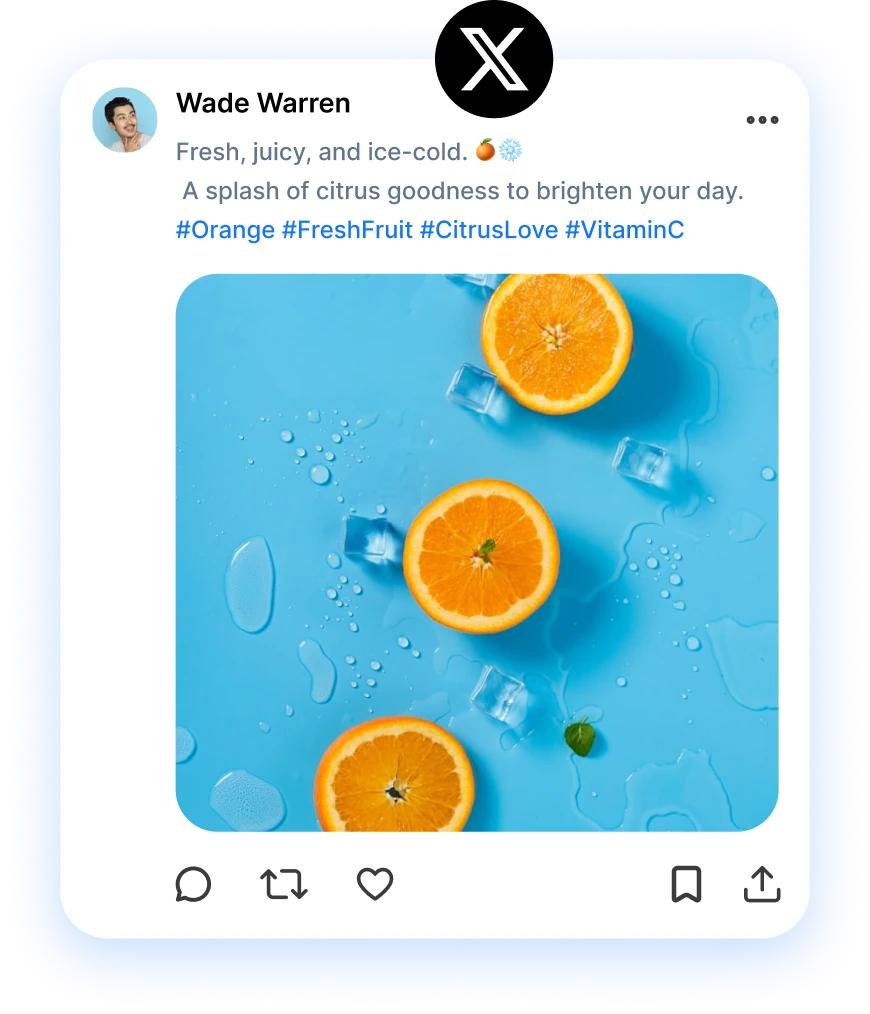
Write one post and see it as an Instagram square, a LinkedIn update, and an X post at the same time. No tab hopping between networks.
Catch cropping issues early
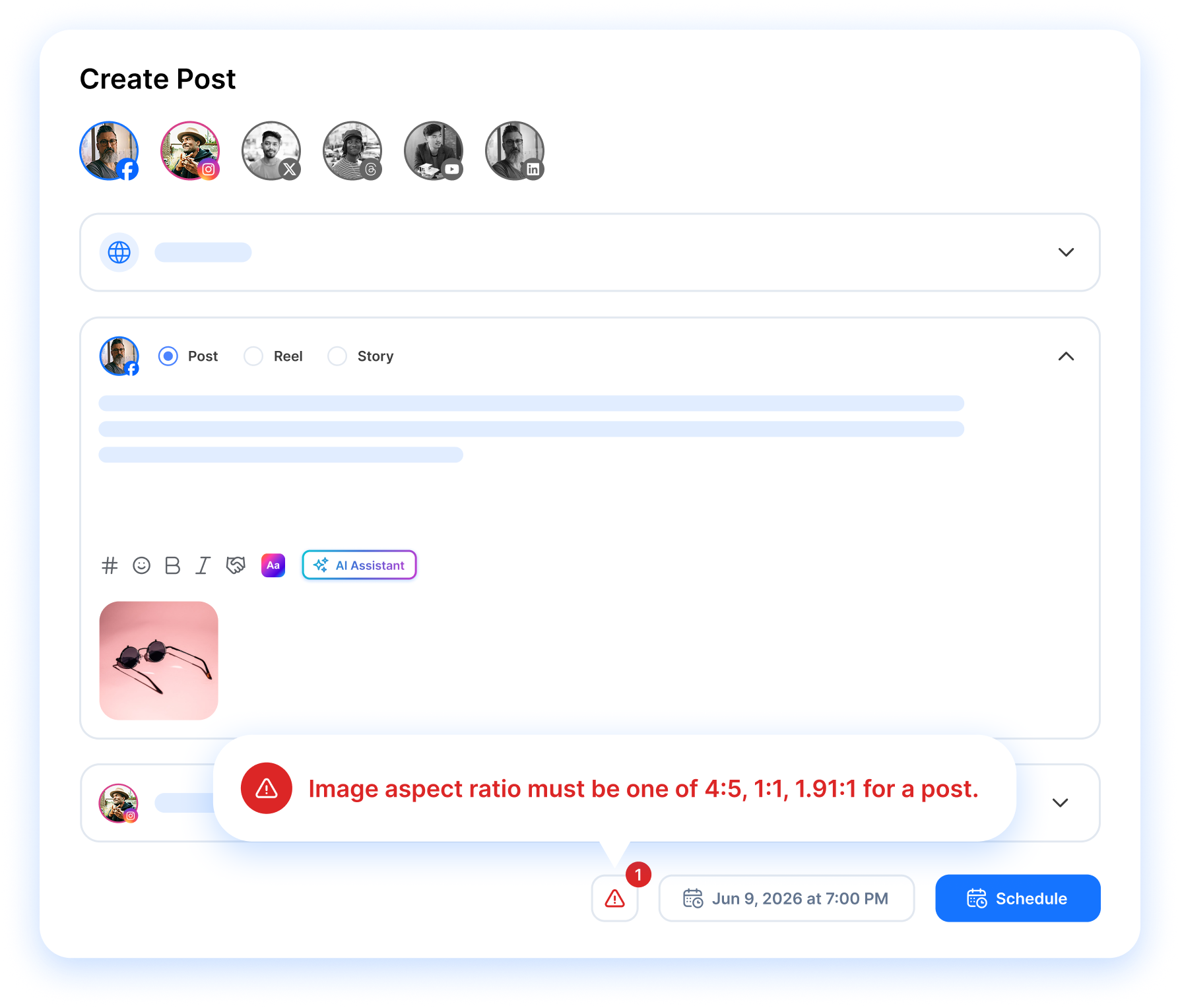
Truncated captions, awkward crops, and broken line breaks show up in the preview instead of on your feed. Fix them while the post is still a draft.
Visual Preview
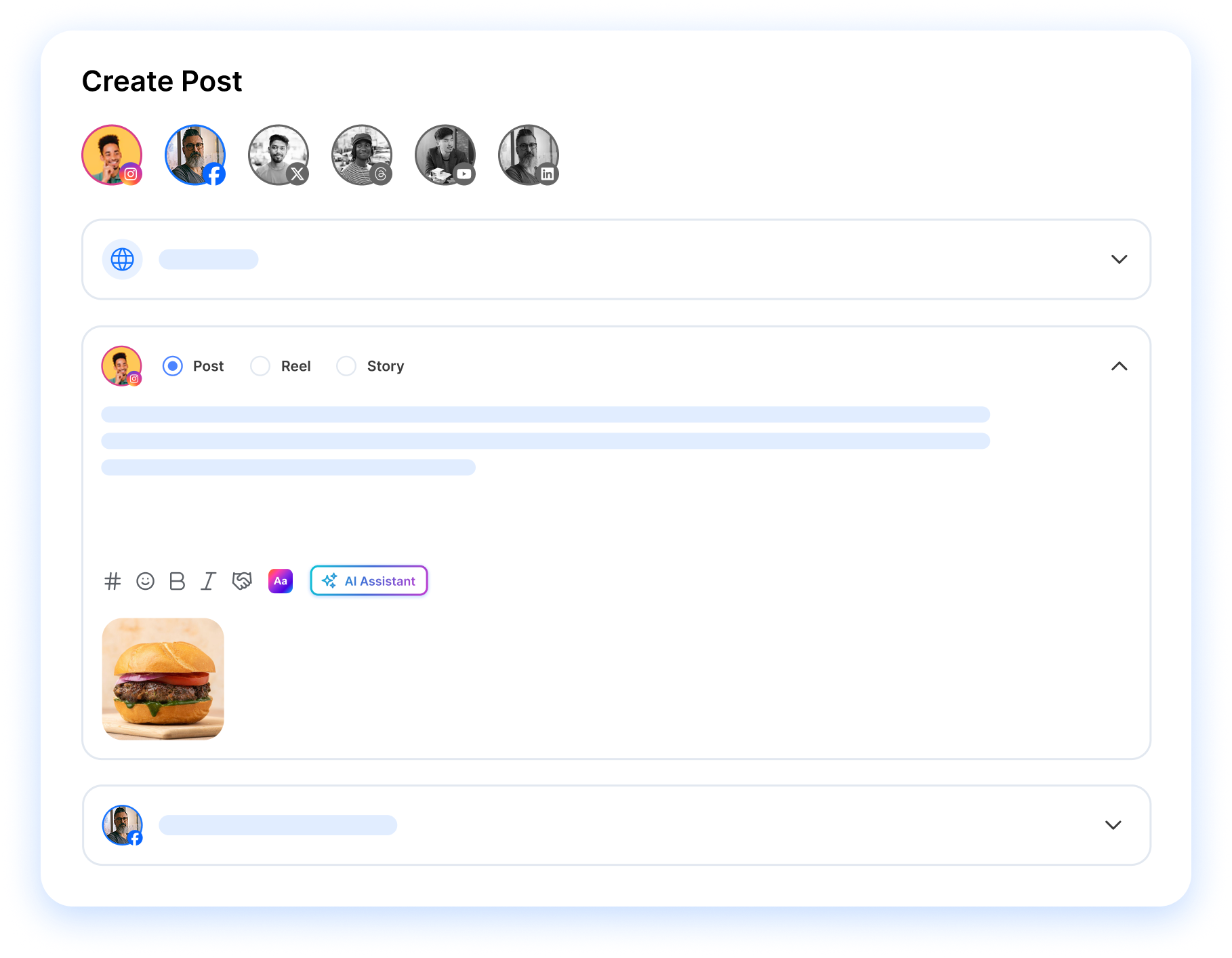
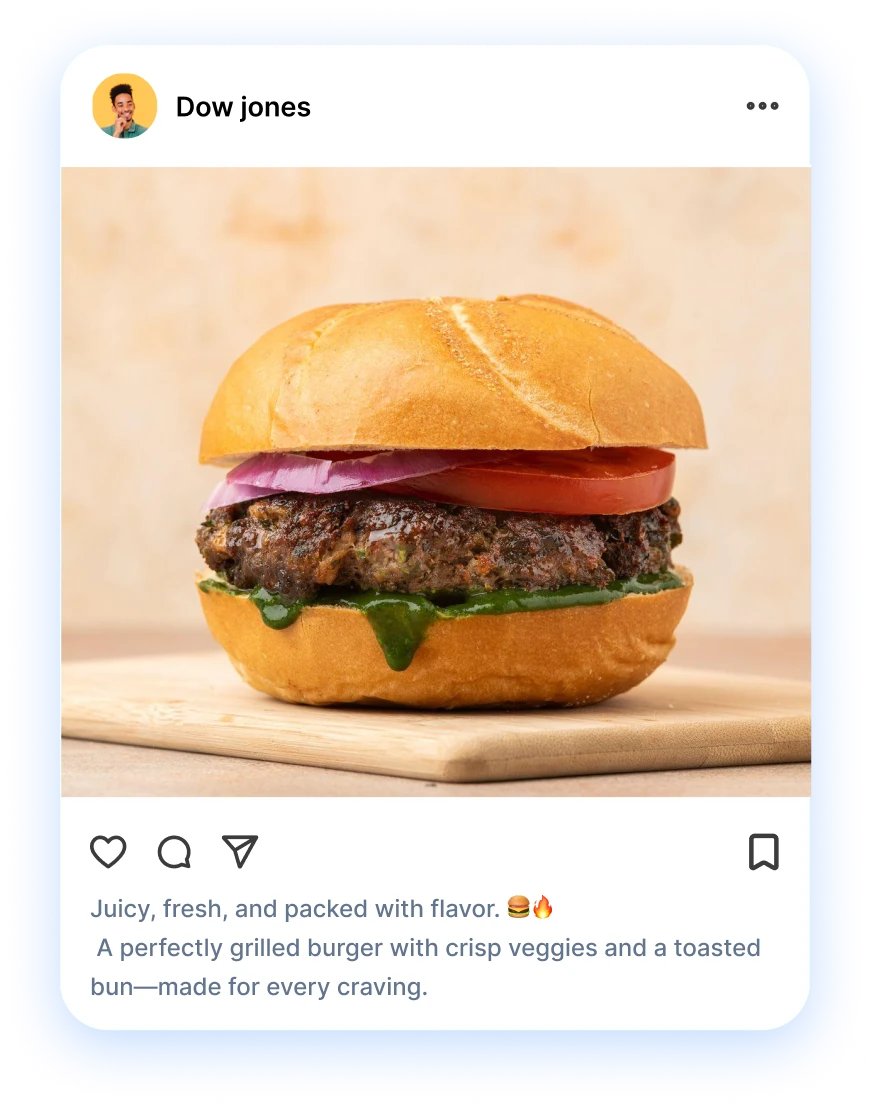
A social media post preview that renders the real layout
A social media post preview shows your caption, image crop, and layout exactly the way the network will display them. RepeatPost builds this into the composer: pick a channel and you get its feed view, character limits, and line breaks instead of a rough mockup. The same rendered view goes to reviewers in your approval workflow, so clients sign off on the real thing rather than a screenshot. Type a change and the preview follows instantly.
Get started for freeEvery Platform
Compare one post across Instagram, Facebook, LinkedIn, and X
You can preview the same post on every channel you've selected and flip between networks from one screen. The Instagram crop, the LinkedIn link card, and the X character count each sit in their own tab, one click apart. Differences that normally surprise you after publishing show up while the post is still a draft. Plan the week on the content calendar, then run through each channel's preview in under a minute before anything joins the queue.
Get started for free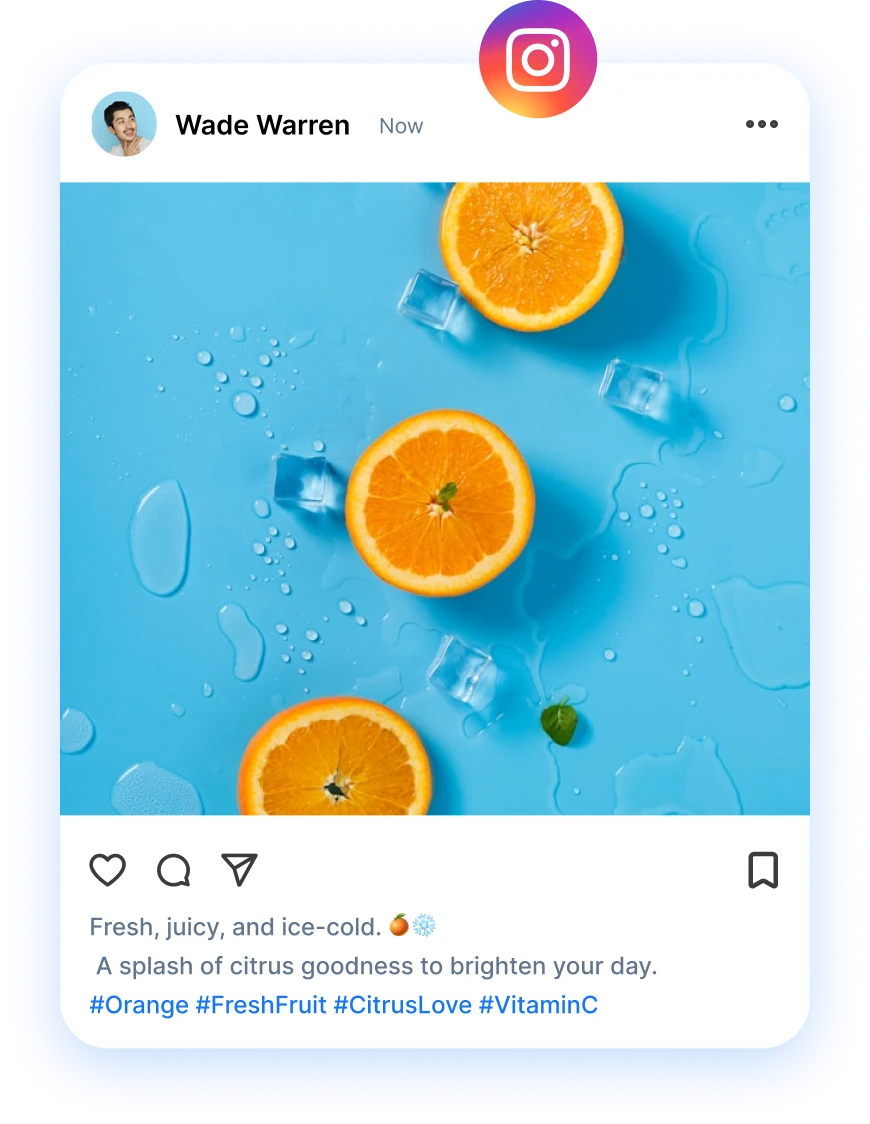
Format Check
Catch caption cutoffs and awkward crops while you edit
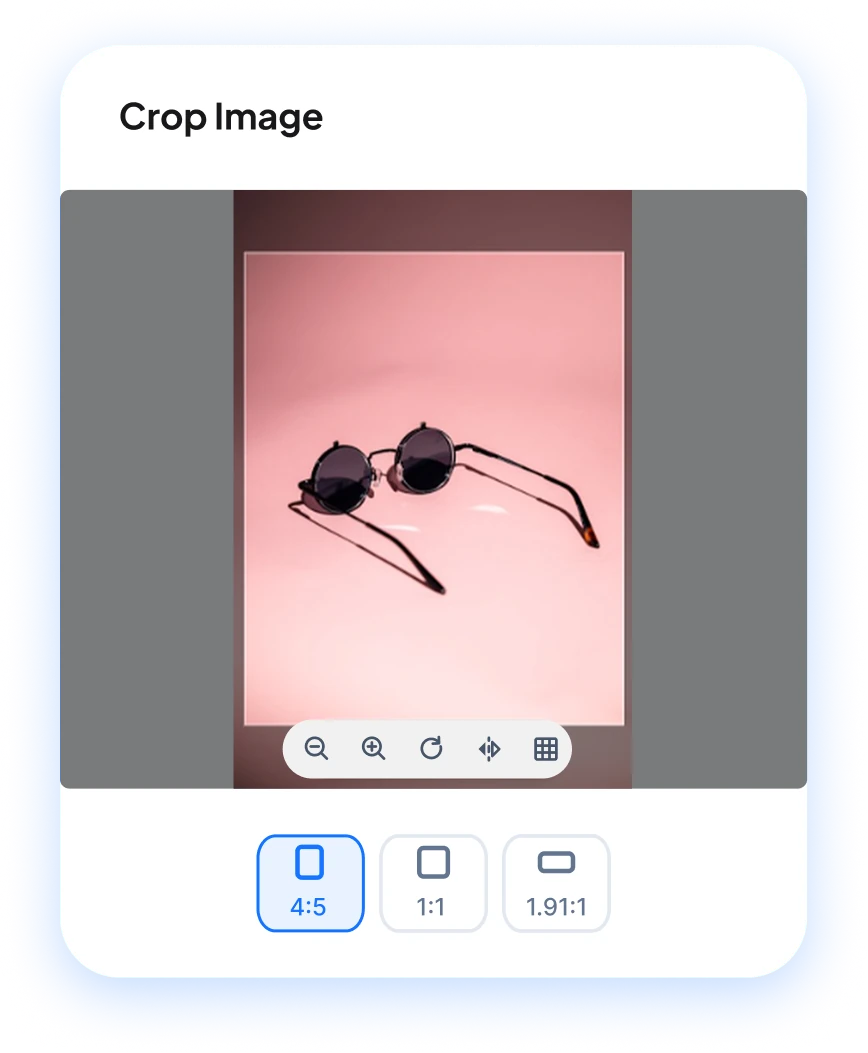
Some slips are easy to miss. A caption cut off mid sentence. An image cropped at the wrong spot. Hashtags shoving your call to action out of sight. RepeatPost flags all three. Truncation points differ by network, and long captions on X and LinkedIn are the usual culprits. Agencies running client accounts lean on this check hardest, because a client notices a bad crop faster than anyone. Fix it in the composer and the preview updates as you type.
Get started for freePublish with Confidence
Approve the final look, then schedule it and move on
The cheapest fix for a publishing mistake is the one you make before the post is scheduled. Give the finished preview one last pass, hand it to a teammate for a second opinion, and pick a slot. RepeatPost publishes at the time you chose, whether you're at your desk or asleep. Editing or deleting a live post costs you reach and looks sloppy, while a quick check costs seconds. Pair the preview with posting time suggestions so clean posts also go out when your followers are online.
Get started for free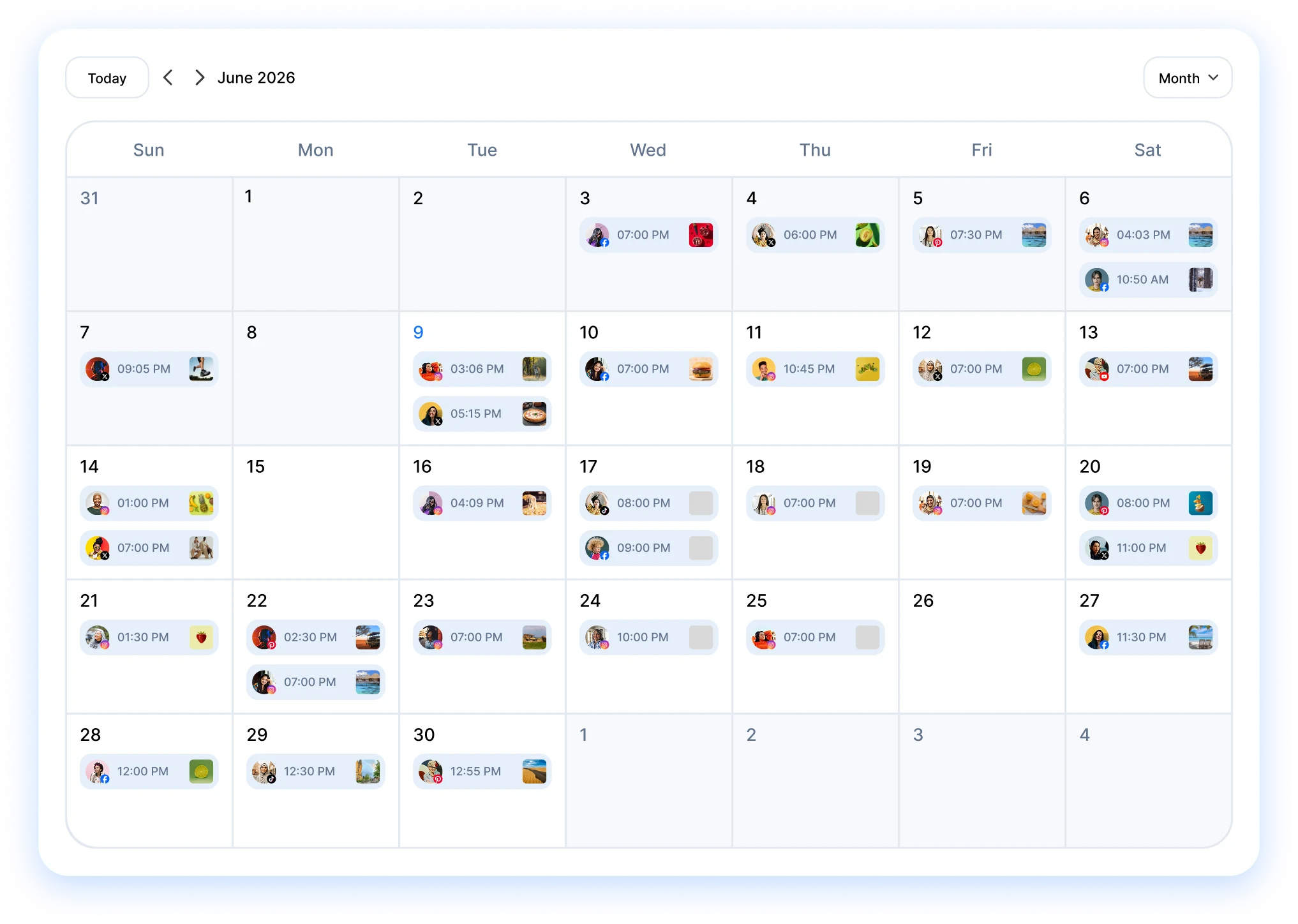
FEATURES
More ways to get every post out clean
A clean preview is step one. These RepeatPost features handle the planning, sign off, and follow up that carry a post from draft to published.
Mobile app
Manage posts, check analytics, and reply to comments from anywhere. Native iOS and Android apps.
Learn MoreAI agent
Tell the AI agent what to post and it writes, schedules and reports on it, on the web or in the iOS and Android apps.
Learn MoreBrand voice
Save tone sliders, word rules and example posts once, and the AI writes every caption in your brand voice.
Learn MoreChannel groups
Group channels by client, campaign, or any other way that makes sense to your team. Post to all channels in a group at once.
Learn MoreAudit logs
Track all activities and changes made within the platform for compliance and review purposes.
Learn MoreTelegram Bot
Create, schedule and publish social posts by chatting with the RepeatPost bot in Telegram, with AI captions and images on request.
Learn MoreHow teams picture using RepeatPost
“Honestly, the calendar is what sold me. I could see every channel in one view and spot the week we'd gone quiet. Before this I was juggling three spreadsheets and a Slack thread. Now I plan the month on a Monday morning and I'm done by half ten.”
Hannah Whitfield
Marketing Manager
United KingdomJun 14, 2026“We run social for eleven clients and keeping them separate used to be a genuine anxiety of mine. Workspaces fixed that. Each client sits in their own space, approvals route to the right person, and I've stopped worrying that someone's going to push a dental practice promo to a restaurant account at 6am.”
Marcus Reed
Agency Owner
United StatesJun 29, 2026“I batch a fortnight of content on a Sunday arvo and then I don't think about it again. Reckon it's saved me a solid day a week. Only gripe is the mobile app still feels a step behind the web version, so I do the actual planning on my laptop. Everything else is spot on.”
Chloe Baxter
Content Creator
AustraliaJul 11, 2026“I'm handling social for four small brands and writing captions was eating my whole morning. The AI drafts are actually quite usable now. I still rewrite maybe every third one to sound like the client, but starting from something beats staring at a blank box. The hashtag tool alone I'm using daily.”
Ananya Raghavan
Freelance Social Media Manager
IndiaJul 30, 2026“I sell fabrics and my customers find me on Instagram mostly. Posting used to be whenever I remembered, which was maybe twice a week. Now I sit down every Sunday evening, load up two weeks, and it goes out on its own. Sales have followed. I'd like to see WhatsApp added properly, that's my one ask.”
Chidinma Eze
Small Business Owner
NigeriaAug 18, 2026“Our team is five people and we were losing posts in Slack threads. Someone would approve something, someone else would tweak it, and nobody knew which version went live. The approval flow sorted that in a week. Fair play, it's the least glamorous feature on the site and it's the one I'd miss most.”
Niamh Gallagher
Social Media Lead
IrelandSep 02, 2026FAQs
Frequently Asked
Questions
A social media post preview tool renders your draft post the way each network will display it before you publish. RepeatPost builds the preview into its composer, so you check the caption, image crop, and layout for every connected channel while you write instead of after the post goes live.
Write the post in RepeatPost, select your Instagram account, and the preview shows the feed view with your caption, hashtags, and image crop. Stories and reels render in their own formats too. Edit anything that looks off and the preview updates instantly, then schedule the post once it looks right.
Yes. RepeatPost previews the same post for each channel you've selected, so you can flip between Instagram, Facebook, LinkedIn, X, and the rest from one screen. Each network applies its own cropping and character limits, and the preview reflects those differences before you queue anything.
Yes, the preview reflects each network's caption behavior, so you can see where X or LinkedIn will cut your text and what shows above the fold. Truncation points differ by channel, which is how captions slip through unnoticed. Trim the text in the composer and watch the preview update as you type.
Check the post in a preview that uses each network's real aspect ratios. RepeatPost shows how Instagram squares your image, how LinkedIn frames a link card, and how stories crop vertical media. If a face or a product gets cut, you spot it in the composer instead of in your feed.
Yes. Reviewers in your approval workflow see the same rendered preview you do, so sign off happens on the real layout rather than a pasted screenshot. Clients open it from a review link without creating an account, approve or comment, and approved posts keep their scheduled publishing slot.
Ready to see every post before your audience does?
Create your free account and start managing 16+ channels with AI in minutes.
Get started for freeFree plan to start
No Credit Card Required
Cancel anytime