The LinkedIn scheduler built for B2B growth
This LinkedIn scheduler queues your posts, carousels, and documents so your feed never goes quiet. RepeatPost is the AI social media management platform that plans, publishes, and analyzes content across 16+ channels from one dashboard, so your thought leadership ships on time.






What you can schedule to LinkedIn
Profiles and company pages
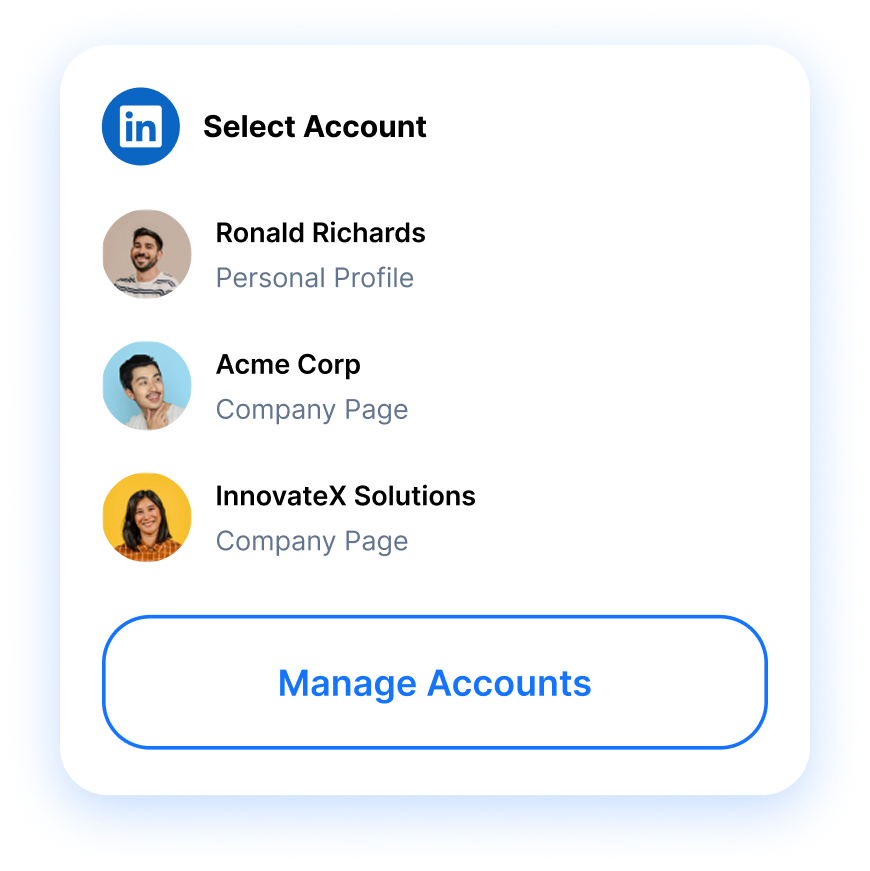
Publish to your personal profile and your company pages, then switch between accounts without ever logging out and back in.
Carousels and document posts
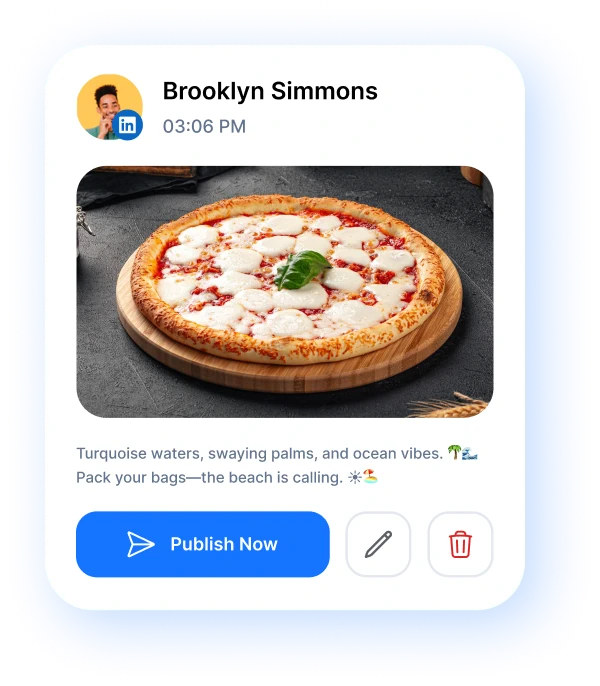
Queue PDF documents and multi image carousels, the formats that earn the most reach, straight from your content calendar.
First comment, on time
Drop your first comment the second a post goes live. Perfect for parking links and adding context outside the caption.
Run your whole LinkedIn
presence from one place
Post to personal profiles and company pages without juggling tabs. RepeatPost is the AI social media management platform that schedules your updates, queues carousels and document posts, times the first comment, and reports back on what your B2B audience actually engages with. One calendar holds it all.
SCHEDULING
A LinkedIn scheduler for teams and agencies
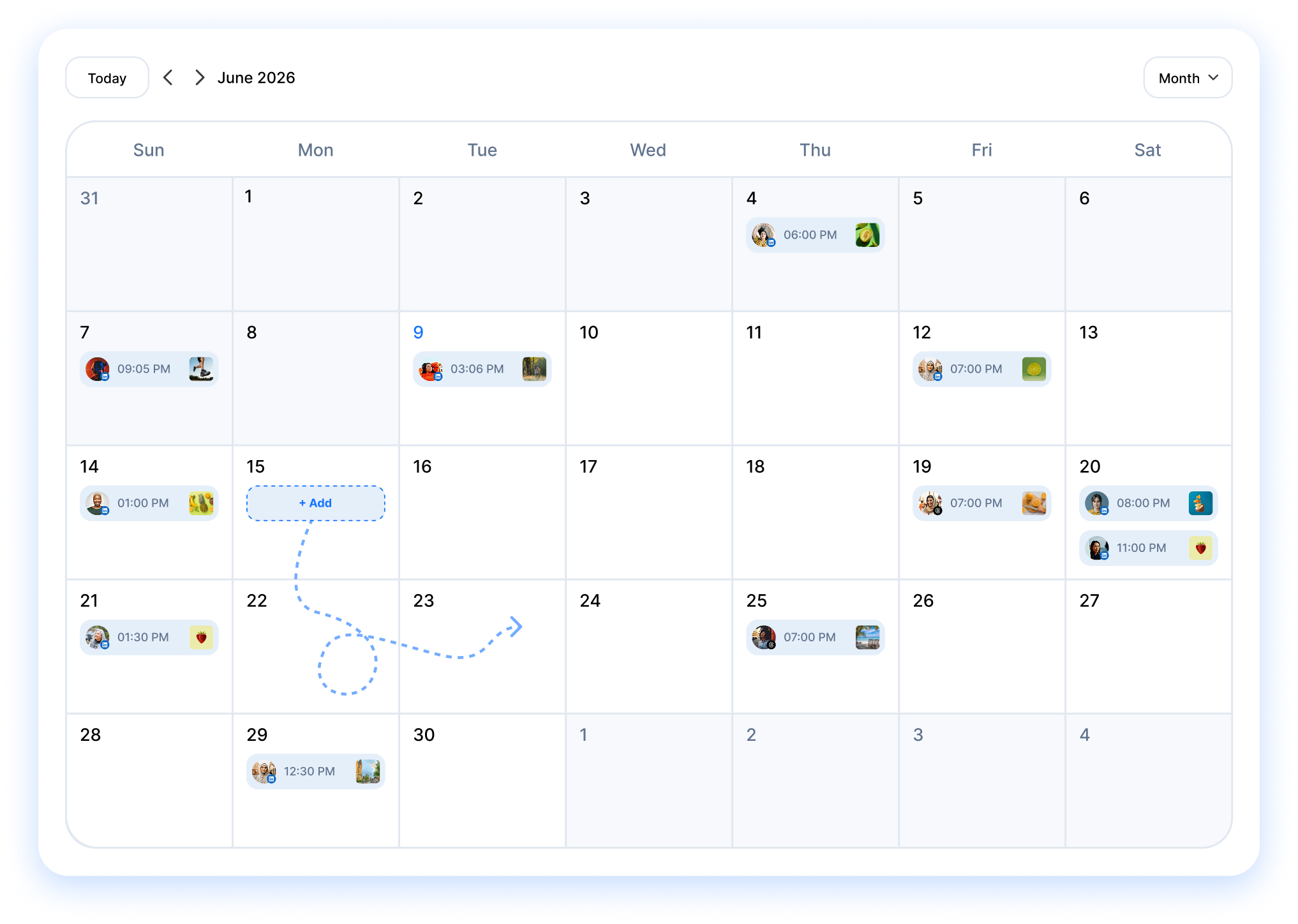
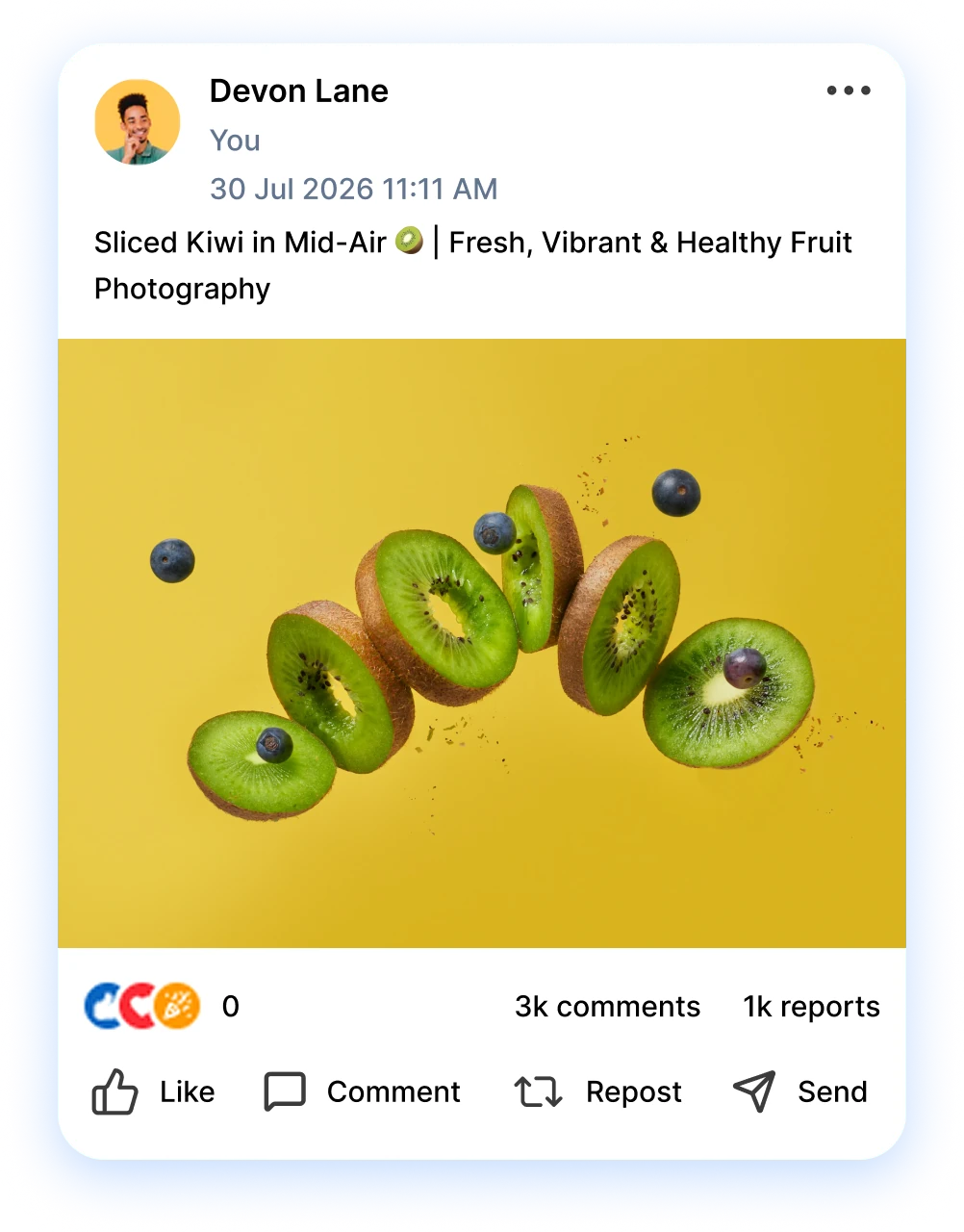
Map out weeks of LinkedIn content in one sitting. Build your posts, set the dates, and let the queue do the publishing while you focus on the work that wins clients. The visual calendar shows every profile and company page side by side, so nothing clashes and no slot sits empty.
Get started for freeMANAGEMENT
Manage every LinkedIn account in one view
Stop logging in and out of accounts all day. Connect your personal profile and every company page you run, then post to them from a single inbox. Reply to comments, line up document posts, and time the first comment for each update, all without leaving RepeatPost.
Get started for free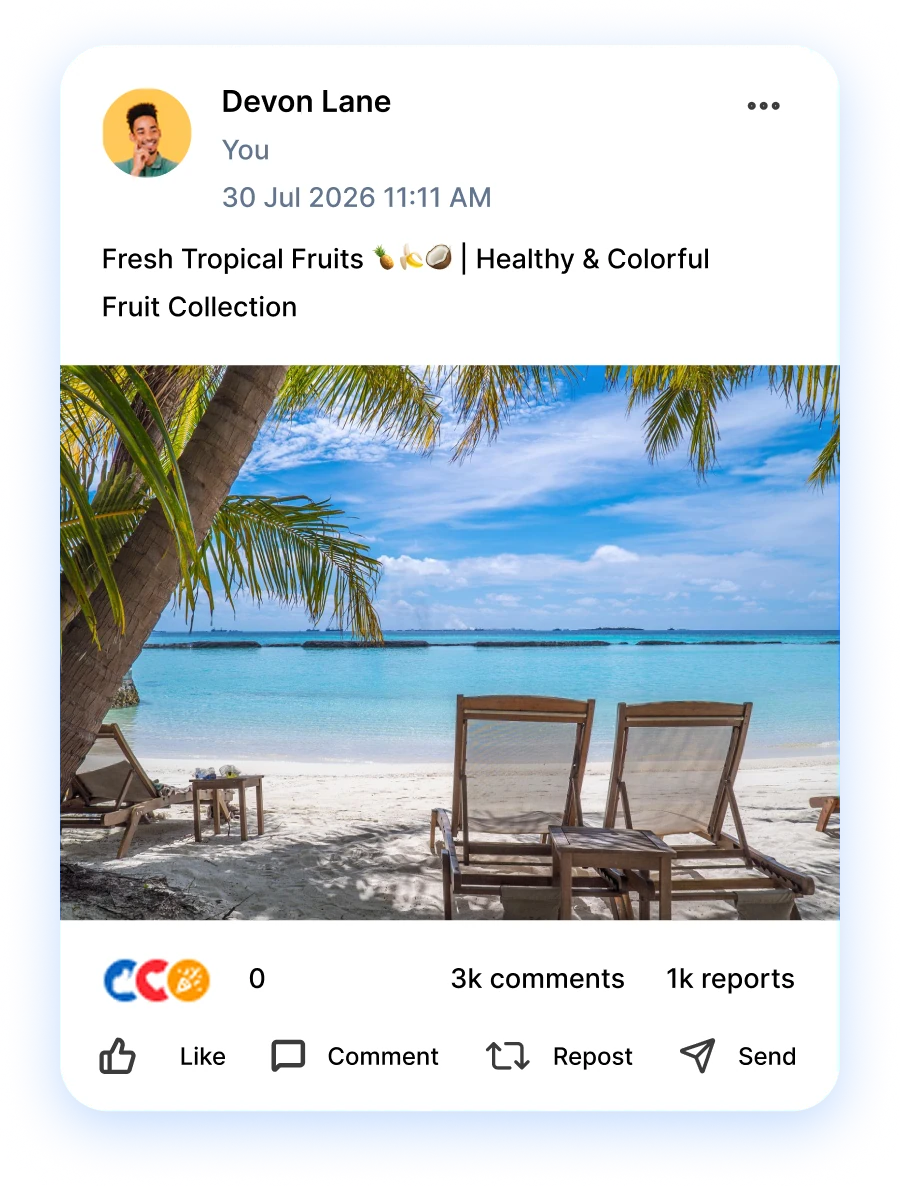


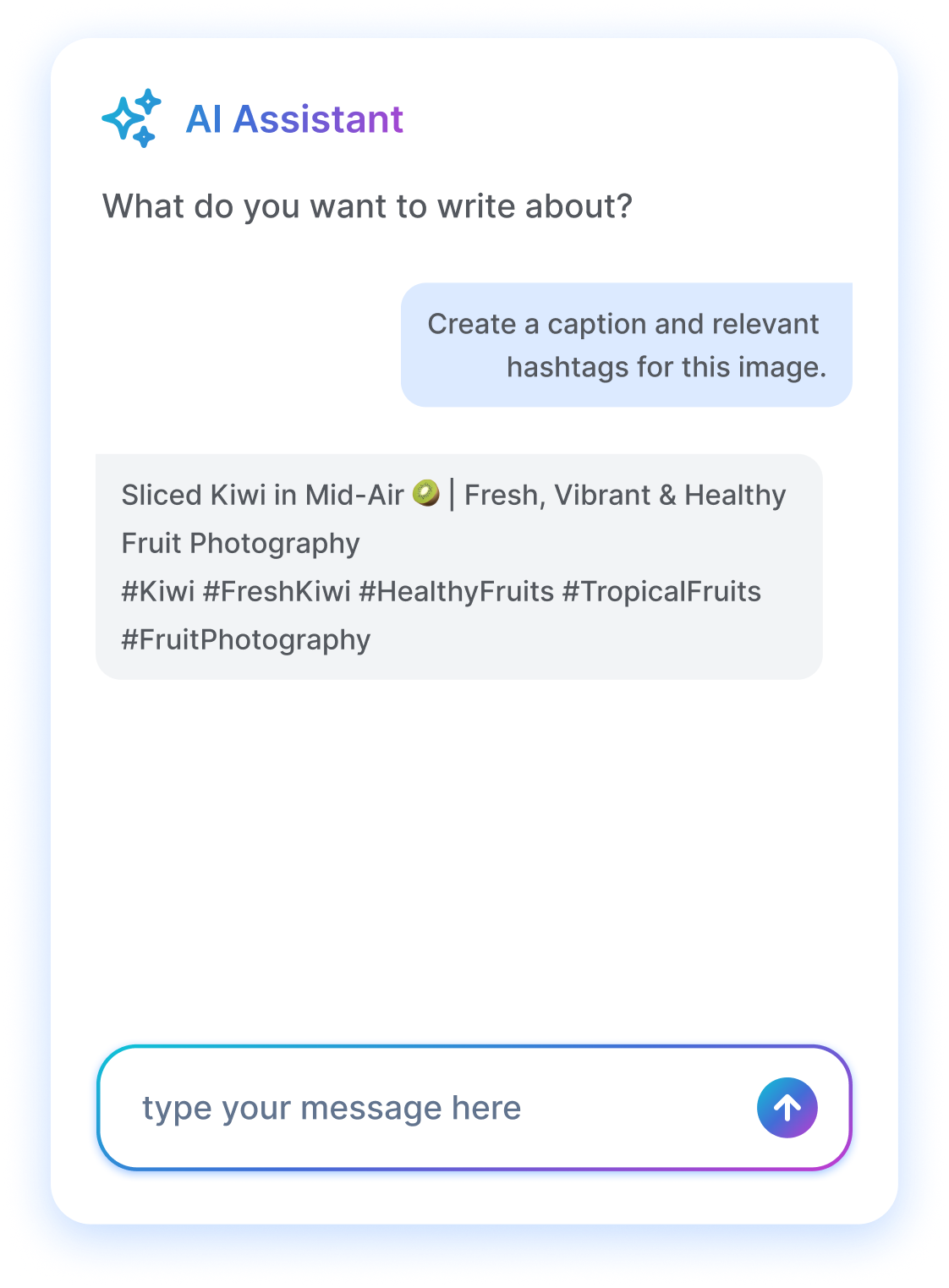
AI ASSISTANT
Write thought leadership in half the time
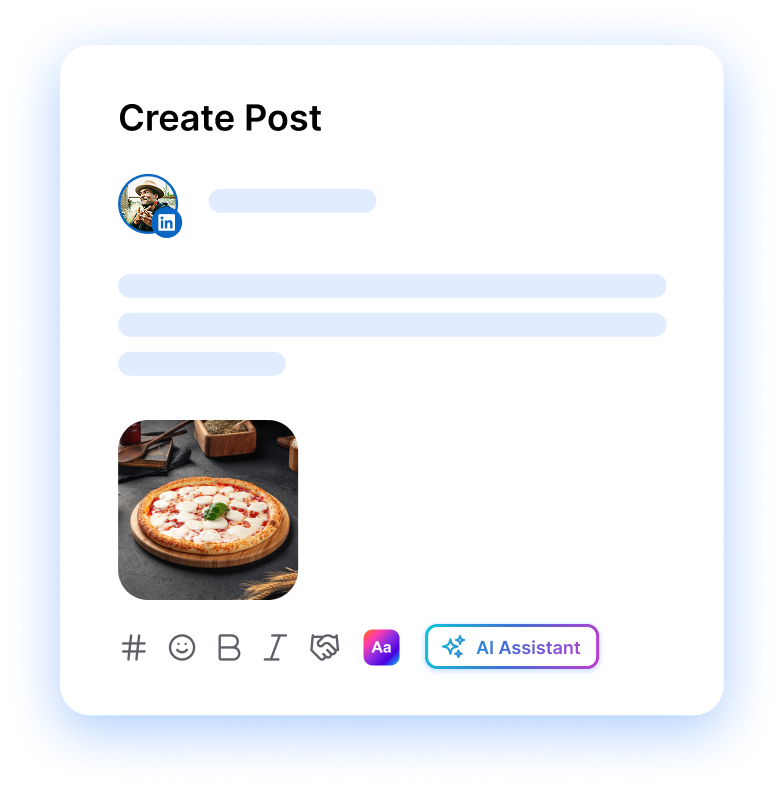
Staring at a blank post? The AI assistant drafts your hook, turns rough notes into a full LinkedIn update, and rewrites flat lines so they actually stop the scroll. Generate visuals for carousels too, then tweak the wording until it sounds like you and hit schedule.
Get started for freeADVANCED FEATURES
The extras that push your reach further
Small details move the needle on LinkedIn. Tag your links with UTMs so you can see which posts drive real B2B leads. Park the first comment for context the algorithm tends to reward. Then post when your audience is online, using the times the AI flags from your own engagement data.
Get started for free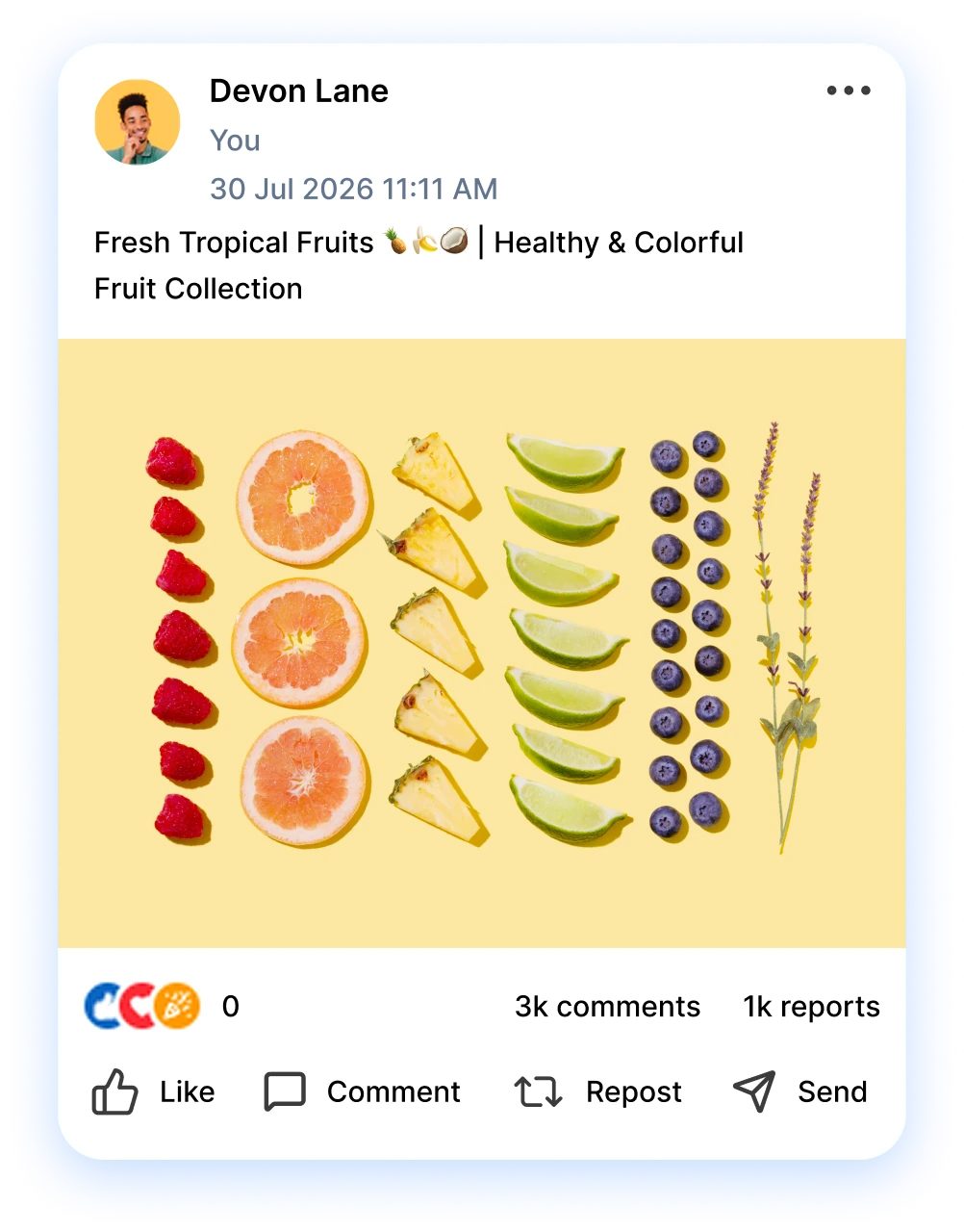
FEATURES
Discover more
LinkedIn covers the professional crowd. RepeatPost handles the rest, scheduling and tracking each channel your audience uses.

Auto-pin images and videos to your boards.

Google Business Profile
Schedule posts and pages to your Google Business Profile.

Mastodon
Schedule posts and pages to your Mastodon account.

Bluesky
Schedule posts and pages to your Bluesky account.

Telegram
Schedule posts and pages to your Telegram account.

Dribbble
Schedule posts and pages to your Dribbble account.
How teams picture using RepeatPost
“Honestly, the calendar is what sold me. I could see every channel in one view and spot the week we'd gone quiet. Before this I was juggling three spreadsheets and a Slack thread. Now I plan the month on a Monday morning and I'm done by half ten.”
Hannah Whitfield
Marketing Manager
United KingdomJun 14, 2026“We run social for eleven clients and keeping them separate used to be a genuine anxiety of mine. Workspaces fixed that. Each client sits in their own space, approvals route to the right person, and I've stopped worrying that someone's going to push a dental practice promo to a restaurant account at 6am.”
Marcus Reed
Agency Owner
United StatesJun 29, 2026“I batch a fortnight of content on a Sunday arvo and then I don't think about it again. Reckon it's saved me a solid day a week. Only gripe is the mobile app still feels a step behind the web version, so I do the actual planning on my laptop. Everything else is spot on.”
Chloe Baxter
Content Creator
AustraliaJul 11, 2026“I'm handling social for four small brands and writing captions was eating my whole morning. The AI drafts are actually quite usable now. I still rewrite maybe every third one to sound like the client, but starting from something beats staring at a blank box. The hashtag tool alone I'm using daily.”
Ananya Raghavan
Freelance Social Media Manager
IndiaJul 30, 2026“I sell fabrics and my customers find me on Instagram mostly. Posting used to be whenever I remembered, which was maybe twice a week. Now I sit down every Sunday evening, load up two weeks, and it goes out on its own. Sales have followed. I'd like to see WhatsApp added properly, that's my one ask.”
Chidinma Eze
Small Business Owner
NigeriaAug 18, 2026“Our team is five people and we were losing posts in Slack threads. Someone would approve something, someone else would tweak it, and nobody knew which version went live. The approval flow sorted that in a week. Fair play, it's the least glamorous feature on the site and it's the one I'd miss most.”
Niamh Gallagher
Social Media Lead
IrelandSep 02, 2026FAQs
Frequently Asked
Questions
Yes. Connect your personal profile and as many company pages as you manage, then schedule to any of them from the same calendar. You pick the destination when you build each post, so a thought leadership update and a brand announcement can go out side by side.
It does. Upload a PDF for a native document post or drop in several images for a swipeable carousel, both straight from the post composer. These formats tend to earn strong reach on LinkedIn, and you can queue them weeks ahead with everything else.
Yes. Write the first comment alongside your post and RepeatPost drops it the moment your update goes live. Founders use this to park links outside the caption, add extra context, or tag people, since the main post often performs better when the link sits below it.
Weekday mornings, roughly Tuesday through Thursday, usually catch professionals before meetings start. Your own audience may differ, though. RepeatPost reads your past engagement and suggests the slots when your followers are actually active, so you post on data rather than guessing at generic advice.
You get impressions, reactions, comments, shares, and follower growth for every profile and company page you connect. Tag links with UTMs to see which posts drive real B2B leads, and compare top performers so you can repeat the formats your audience responds to.
Yes. Connect several profiles and company pages, then publish across all of them without logging in and out. Agencies run client accounts from one inbox, switch between them in a click, and keep each brand on its own posting schedule and content calendar.
Ready to fill your LinkedIn queue?
Create your free account and start managing 16+ channels with AI in minutes.
Get started for freeFree plan to start
No Credit Card Required
Cancel anytime