Automation
Social media automation that replies, comments, and reposts for you
RepeatPost is the AI social media management platform that runs your engagement while you're offline. Set up social media automation once and three things happen on their own: a comment turns into a DM, a post that hits your like count gets your comment added, and a winner gets reposted to your other accounts. You pick the trigger. The rest is hands off.
Automate alongside these channels


Set the rule once, let it run
Automation handles the repeat work for you: reposting what performed, replying to the first comment, and routing every auto reply back into your inbox.
Rules you set once
Build the rule, save it, walk away. It keeps firing on every post you publish until you switch it off yourself.
One rulebook, 7 networks
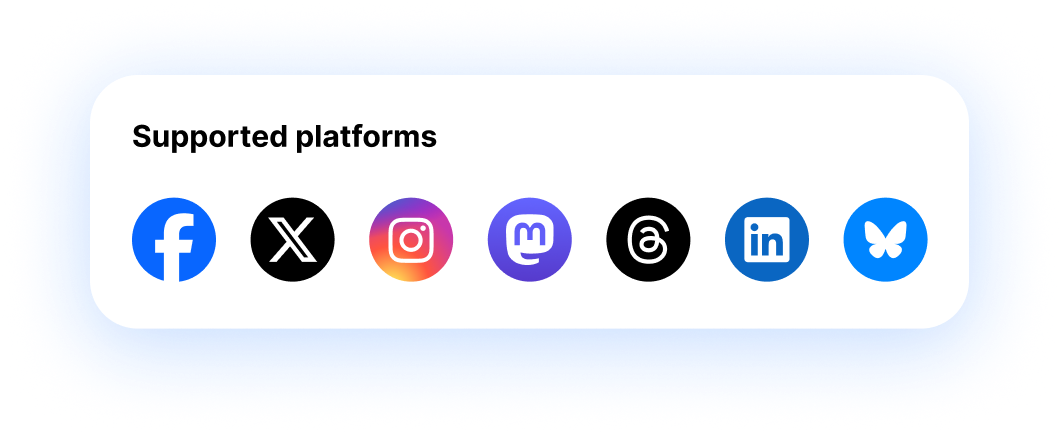
Facebook, X, Instagram, Mastodon, Threads, LinkedIn, and Bluesky all read from the same automation settings. No separate setup per app.
Auto replies land in your inbox
Every DM your automation sends shows up in the social inbox, so you can pick up the conversation the moment someone writes back.
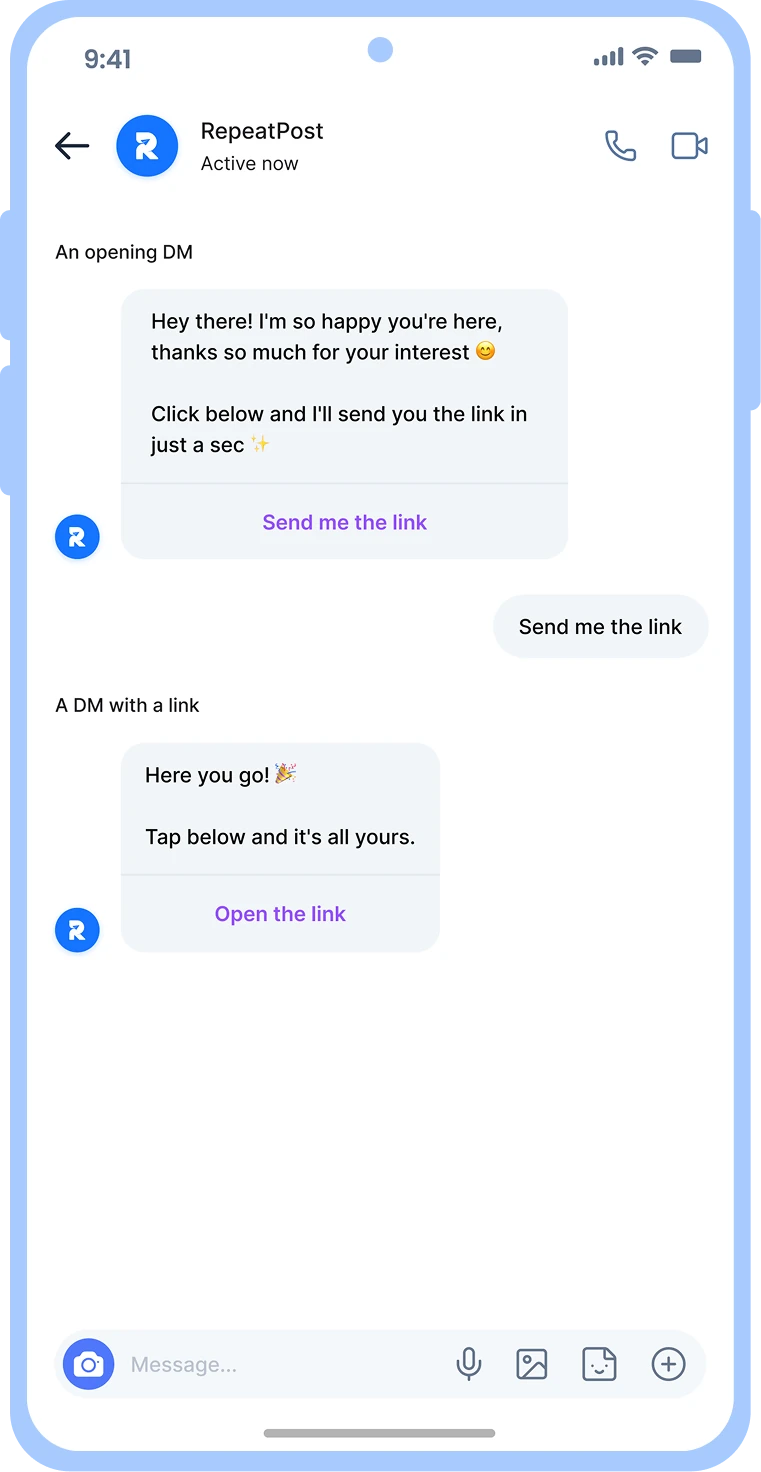
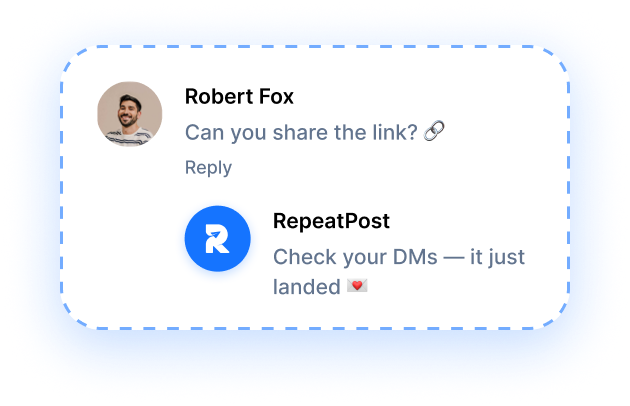
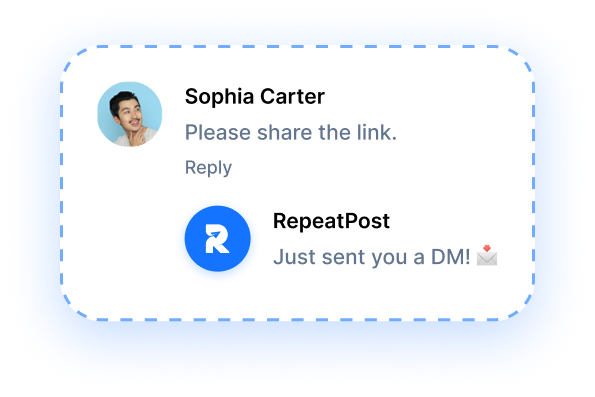
comment to dm
Turn comments into DMs on Instagram and Facebook
Comment to DM automation sends a private message the second someone comments your keyword. Say "drop LINK below" in your caption. Robert comments "Can you share the link?" and the DM is already in his inbox before he closes the app. RepeatPost runs this on Instagram scheduling and automation and Facebook, the two networks whose APIs allow it.
- Keyword triggered
- Instant auto reply
- Link delivered by DM
Keyword triggers
Pick the word people have to comment. "Link", "send", your product name. Anyone who types it gets the DM within seconds.
Public reply plus private DM
Your comment gets a visible answer so the thread looks alive, and the real payload goes to their inbox at the same moment.
Links that actually get tapped
The DM carries a button, not a bare URL. Your lead magnet, checkout page, or booking form sits one tap away.
Auto comment
Auto comment the moment a post hits your like count
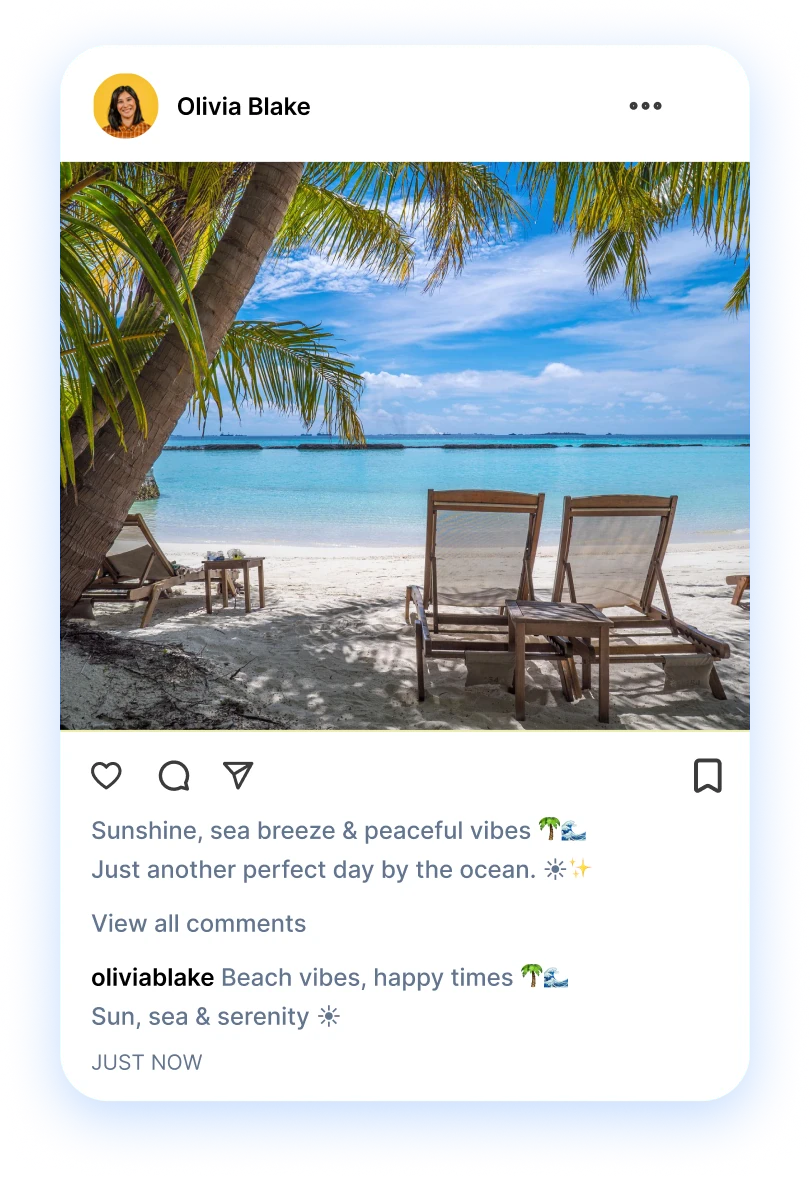
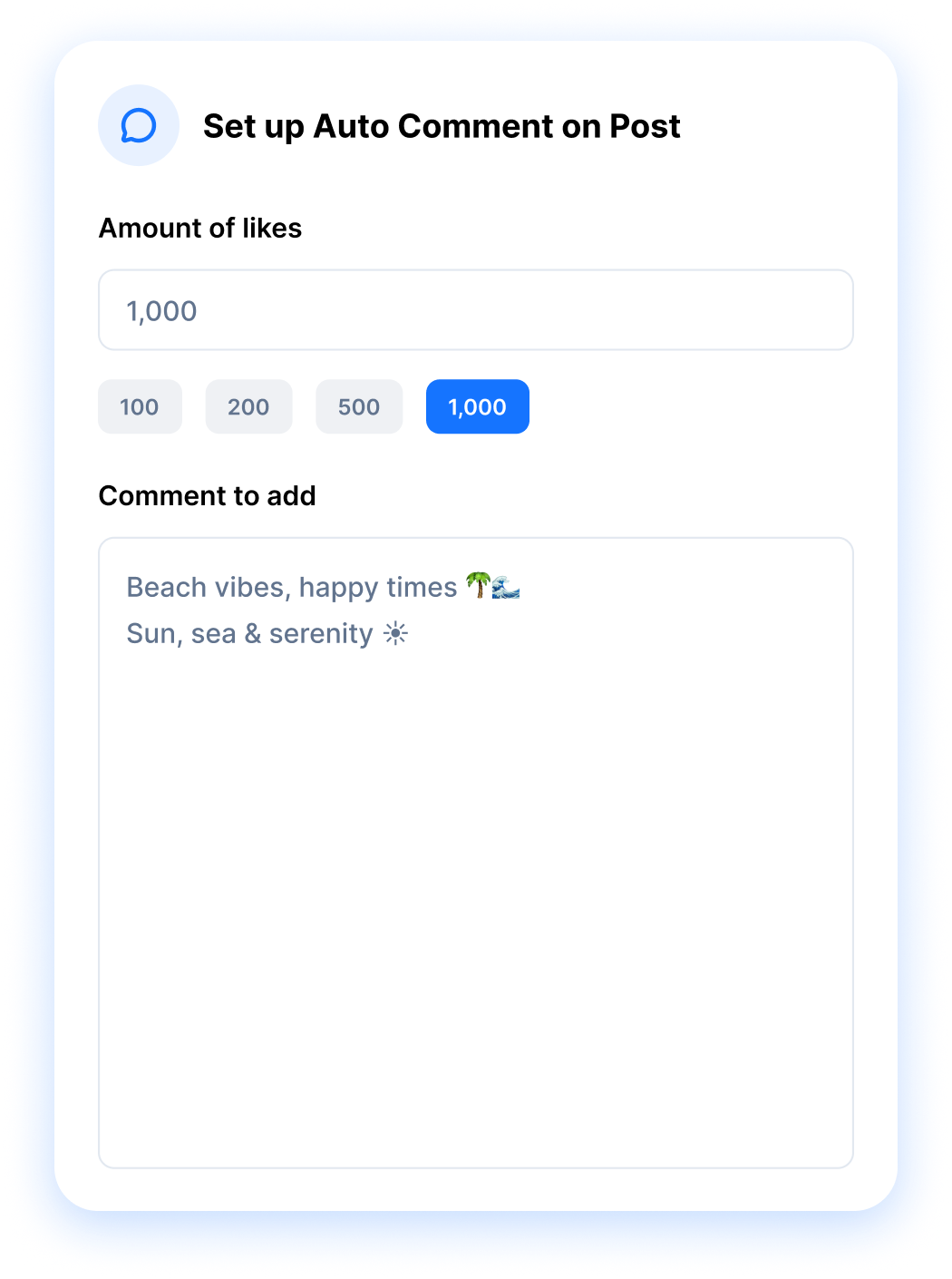
Auto comment waits for proof, then posts. You set a like threshold, write the comment once, and RepeatPost drops it in as soon as the post crosses that number. That's different from a scheduled first comment, which fires the instant you publish. One rewards a post that's already working. The other is part of how you publish.
Get started for freeLike counts do the triggering
Tap 100, 200, 500, or 1,000, or type your own number. Nothing posts until the post earns that many likes.
Write the comment upfront
Your comment text saves with the rule. Hashtag blocks, a link, a CTA, a question to restart the thread. Whatever the post needs.
Runs on 7 networks
Facebook, X, Instagram, Mastodon, Threads, LinkedIn, and Bluesky. Connect the account once and auto comment shows up as an option.
Timing beats guesswork
A comment on a post nobody saw is wasted. Waiting for real traction puts your link in front of an audience that already showed up.
Auto Repost
Auto repost your winners to every account you own
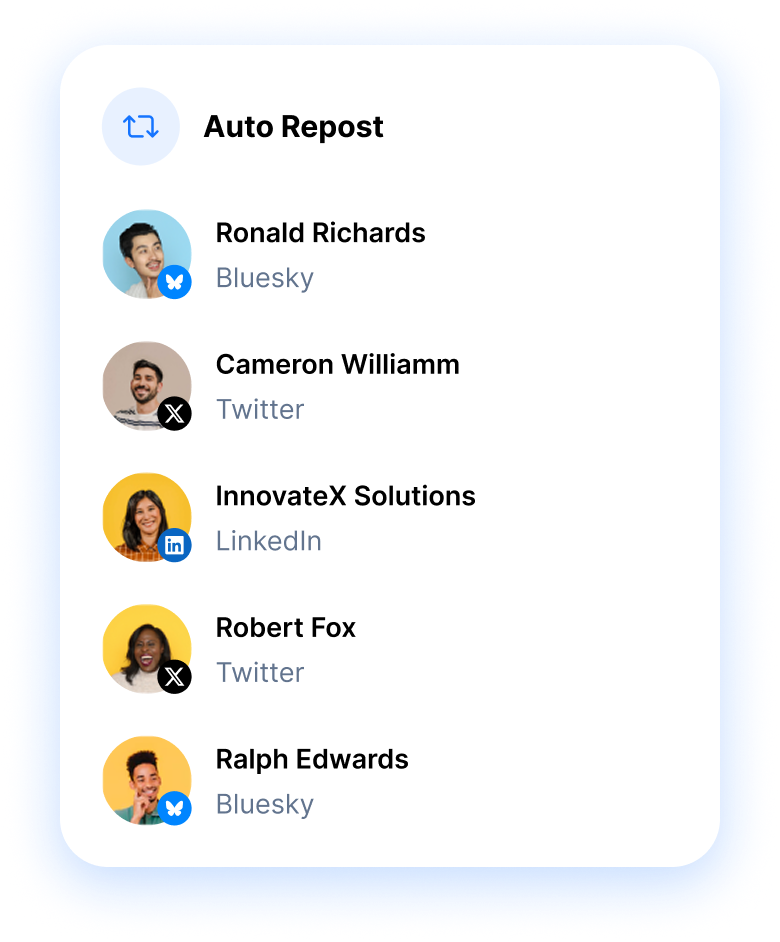
Auto repost moves a post to your other accounts once it proves itself. Choose which connected profiles should receive it, set the like count that qualifies a post, and RepeatPost handles the rest. A thread that took off on X lands on Bluesky and LinkedIn without you copying a thing. Works across all 7 automation networks. See the performance analytics dashboard for what each repost brought back.
- Like count triggers
- Your connected accounts
- 7 networks covered
Pick the receiving accounts
Tick the accounts that should catch the repost. Your Bluesky handle, a second X profile, a LinkedIn company page, or all three.
Set the like threshold
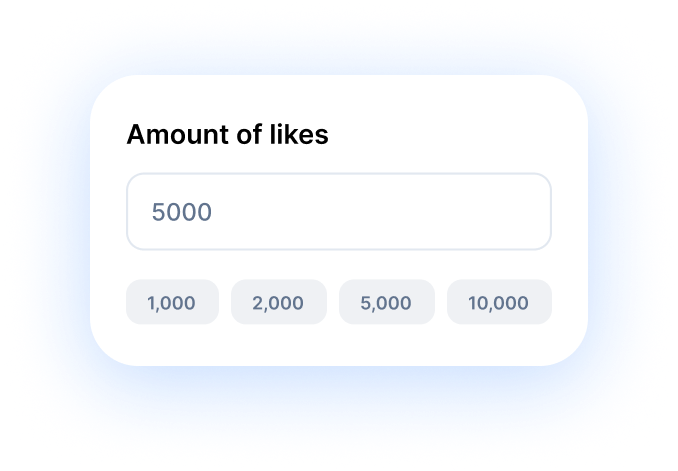
Choose 1,000, 2,000, 5,000, or 10,000 likes, or type an exact number. Only posts that clear it get reposted anywhere.
See what the repost earned
Reposts report back like any other post. Check the numbers in your analytics to learn which network gives a second life to your best work.
MORE AUTOMATION FEATURES
What runs alongside your automation rules
Triggers handle the reaction. These six handle everything around it: the timing your posts go out, the replies your team sends by hand, and the tracking that tells you whether an automated DM turned into anything.
First comment
Reserve your first comment to add context on Facebook, Instagram, LinkedIn, and YouTube.
Learn MoreBest time to post
Skip guessing at time slots. AI studies when each audience scrolls and drops every queued post into the window that performs.
Learn MoreMobile app
Manage posts, check analytics, and reply to comments from anywhere. Native iOS and Android apps.
Learn MoreCalendar planner
See your whole content plan on a drag and drop calendar across every channel.
Learn MoreWHAT'S NEXT
Your rules are live, now what?
Automation reacts. It doesn't decide what to post, when to post it, or whether any of it worked. Those four jobs live in the same workspace, one click from the automation settings you just saved.
Publish
Get posts out on a schedule so your rules have something to trigger on across 16+ channels.
Schedule Posts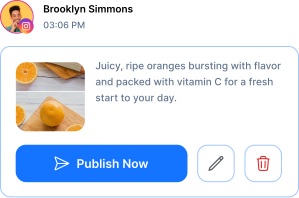
Analyze
Check which posts cleared your like thresholds and what the reposts pulled in afterwards.
See Analytics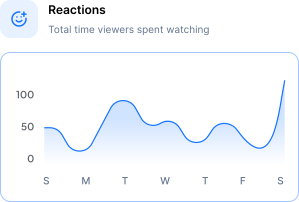
Engage
Take over by hand when an automated DM turns into a real conversation worth having.
Open Inbox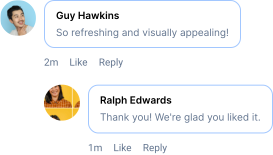
Explore
Spot the topics and formats worth automating next, before your competitors get to them.
Find Ideas
BY THE NUMBERS
Built to handle your entire social media workflow
16+
Channels Supported
Publish to Facebook, Instagram, X, LinkedIn, TikTok, YouTube, and 10 more.
100+
Free Tools
Bio generators, caption writers, hashtag finders, video downloaders, and more.
AI-First
Platform
AI built into every workflow: content creation, scheduling, analytics, and engagement.
3
Apps
Web app, iOS, and Android. Manage your social presence from anywhere.
How teams picture using RepeatPost
“Honestly, the calendar is what sold me. I could see every channel in one view and spot the week we'd gone quiet. Before this I was juggling three spreadsheets and a Slack thread. Now I plan the month on a Monday morning and I'm done by half ten.”
Hannah Whitfield
Marketing Manager
United KingdomJun 14, 2026“We run social for eleven clients and keeping them separate used to be a genuine anxiety of mine. Workspaces fixed that. Each client sits in their own space, approvals route to the right person, and I've stopped worrying that someone's going to push a dental practice promo to a restaurant account at 6am.”
Marcus Reed
Agency Owner
United StatesJun 29, 2026“I batch a fortnight of content on a Sunday arvo and then I don't think about it again. Reckon it's saved me a solid day a week. Only gripe is the mobile app still feels a step behind the web version, so I do the actual planning on my laptop. Everything else is spot on.”
Chloe Baxter
Content Creator
AustraliaJul 11, 2026“I'm handling social for four small brands and writing captions was eating my whole morning. The AI drafts are actually quite usable now. I still rewrite maybe every third one to sound like the client, but starting from something beats staring at a blank box. The hashtag tool alone I'm using daily.”
Ananya Raghavan
Freelance Social Media Manager
IndiaJul 30, 2026“I sell fabrics and my customers find me on Instagram mostly. Posting used to be whenever I remembered, which was maybe twice a week. Now I sit down every Sunday evening, load up two weeks, and it goes out on its own. Sales have followed. I'd like to see WhatsApp added properly, that's my one ask.”
Chidinma Eze
Small Business Owner
NigeriaAug 18, 2026“Our team is five people and we were losing posts in Slack threads. Someone would approve something, someone else would tweak it, and nobody knew which version went live. The approval flow sorted that in a week. Fair play, it's the least glamorous feature on the site and it's the one I'd miss most.”
Niamh Gallagher
Social Media Lead
IrelandSep 02, 2026FAQs
Frequently Asked
Questions
Social media automation means setting a rule once and letting RepeatPost act on it without you. Three rules ship today: comment to DM, auto comment at a like threshold, and auto repost to your other accounts. You define the trigger and the message, then leave it running.
Comment to DM works on Instagram and Facebook only. Those are the two networks whose APIs allow an app to message someone after they comment. Auto comment and auto repost cover more ground: Facebook, X, Instagram, Mastodon, Threads, LinkedIn, and Bluesky, so 7 networks in total.
It watches the like count. Pick 100, 200, 500, or 1,000 from the presets, or type any number you want, and your saved comment posts the moment the post crosses it. Posts that never reach the threshold never get commented on, so quiet posts stay quiet.
Timing and trigger. A scheduled first comment publishes seconds after your post goes live and is built for hashtags and links. Auto comment waits until the post earns a set number of likes, which suits CTAs you only want in front of an audience that already engaged.
Yes. Auto repost runs on all 7 automation networks, Bluesky and X included. Connect the accounts you want to receive the repost, tick them in the Auto Repost list, and set a like threshold of 1,000, 2,000, 5,000, 10,000, or your own figure.
You can create a free RepeatPost account and set up automation rules without a credit card. Automation limits differ by plan, so check the pricing page for how many active rules and connected accounts each tier includes before you build out a full workflow.
Ready to put your comments and DMs on autopilot?
Create your free account and start managing 16+ channels with AI in minutes.
Get started for freeFree plan to start
No Credit Card Required
Cancel anytime