Social media content calendar
A Social Media Content Calendar Without the Spreadsheet Chaos
RepeatPost is the AI social media management platform that puts your whole posting plan on one content calendar. See every scheduled post across 16+ channels, drag a post to a new day when plans change, and flip between day, week, and month views. Your team works from the same screen, so nobody asks what's going out on Friday. Gaps show up before your followers notice them.
Integrated with


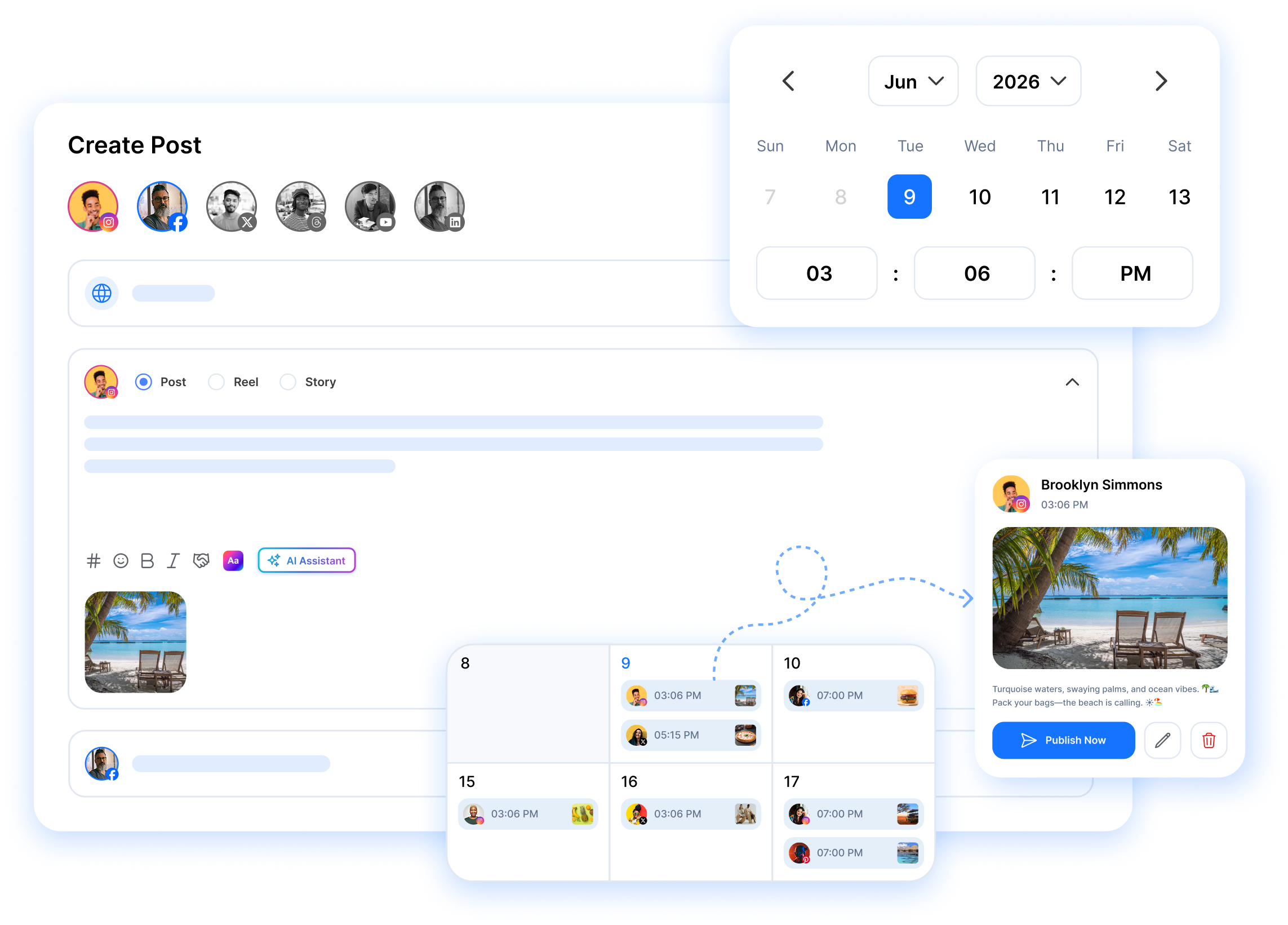
How the content calendar works
Drag and drop rescheduling
Grab any post and drop it on a new day. The schedule updates the moment you let go, across every channel the post targets.
Every channel in one view
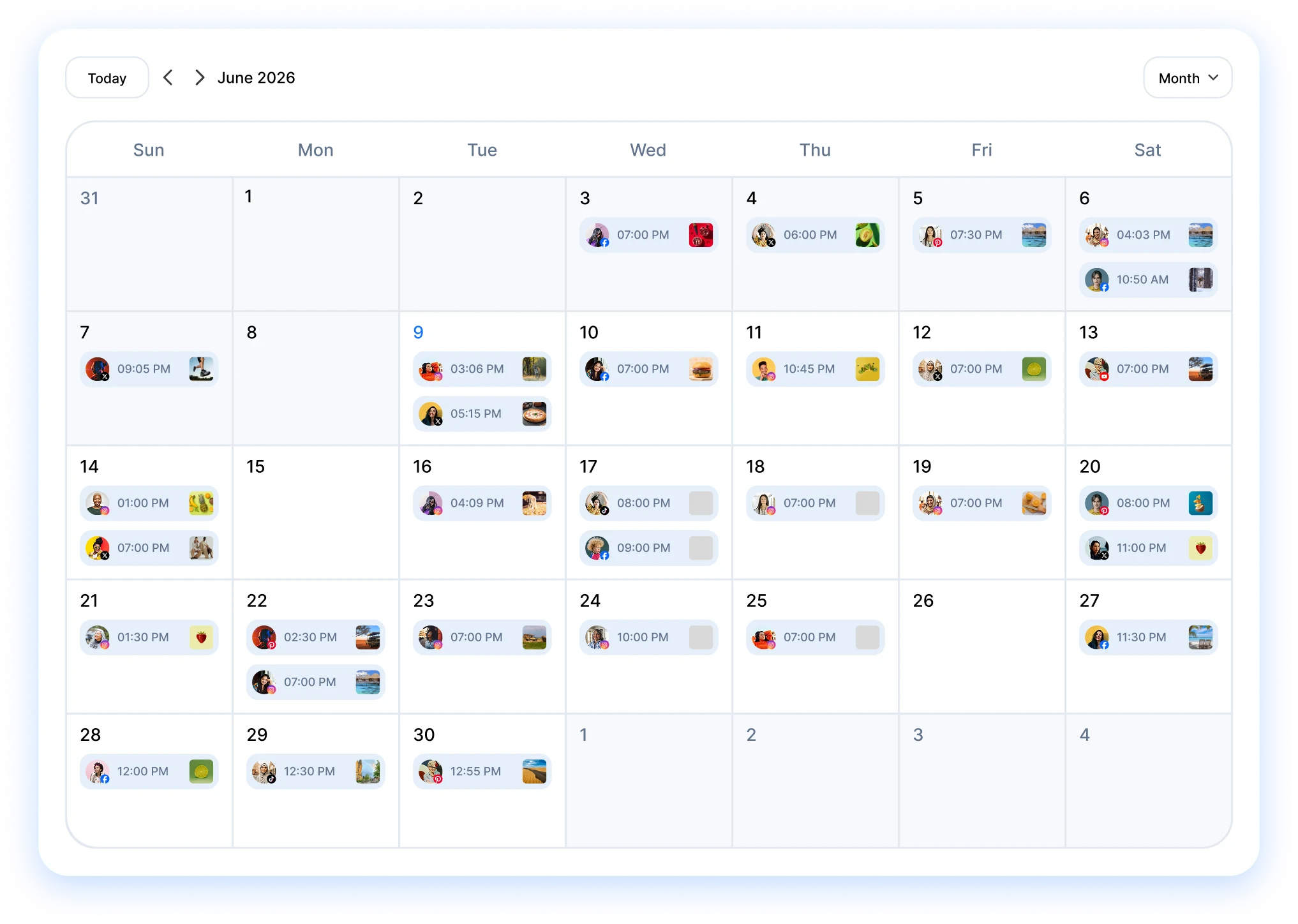
Posts from all 16+ channels sit on the same calendar, and each channel gets its own color so you can scan a packed week fast.
Shared team visibility
Everyone sees what's scheduled, what's still a draft, and what's waiting on approval. No morning status meetings required.
VISUAL PLANNING
One social media content calendar for every channel you manage
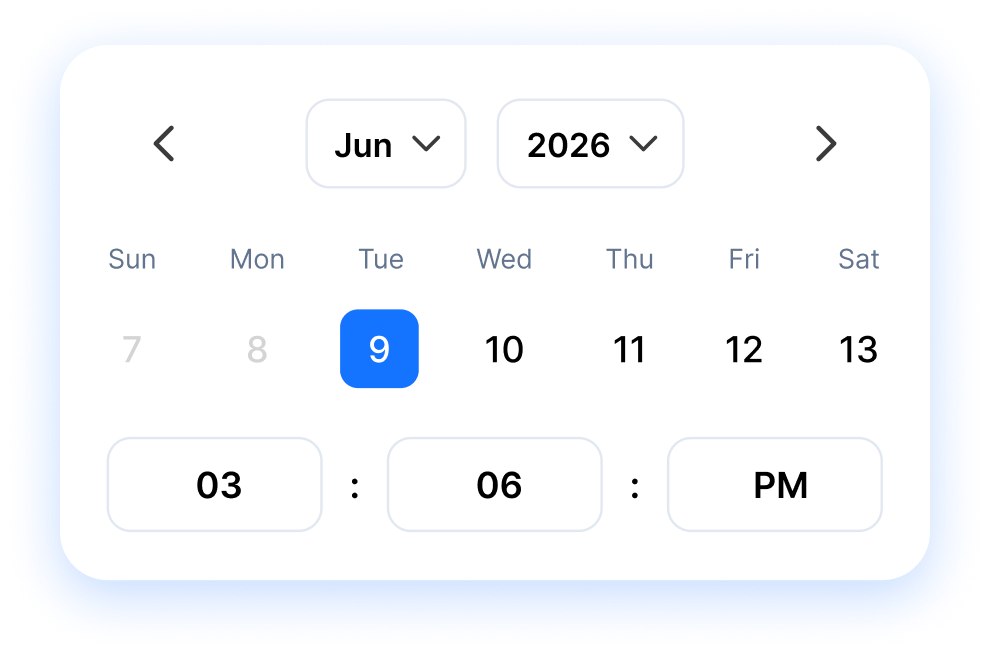
A social media content calendar shows every planned post across all your channels in one view, so you plan the story you're telling instead of firing off posts one at a time. RepeatPost pulls your 16+ connected channels onto a single screen. No more spreadsheet tabs per platform or pasting links into group chats. Draft a post once, place it on the calendar, and watch the week fill in around it.
Get started for freeCONTENT OVERVIEW
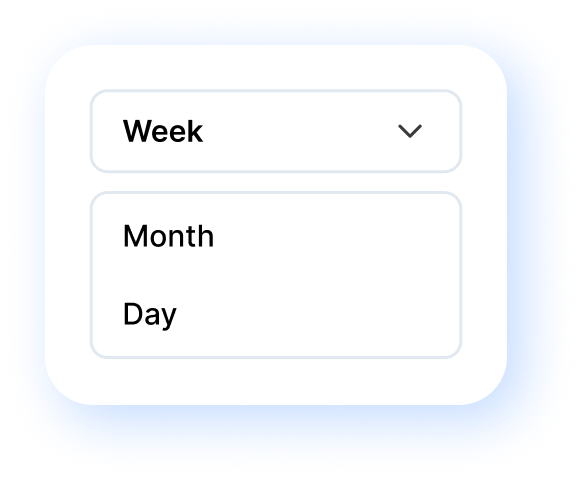
Plan by day, week, or month on one interactive calendar
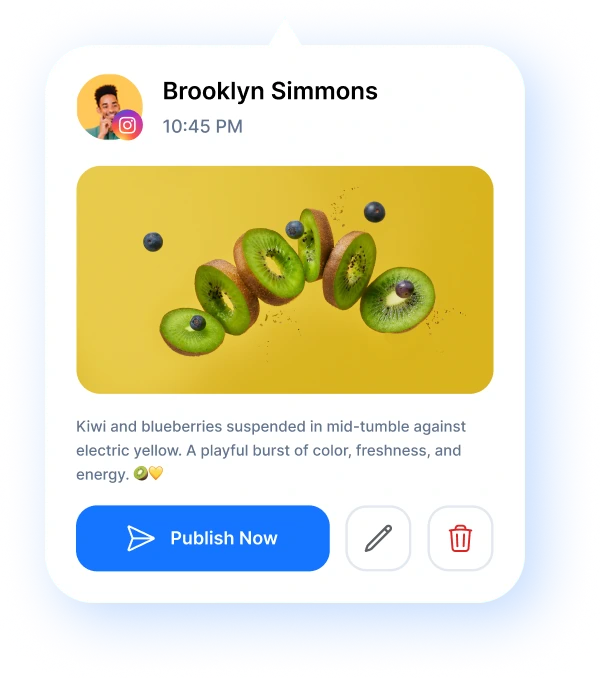
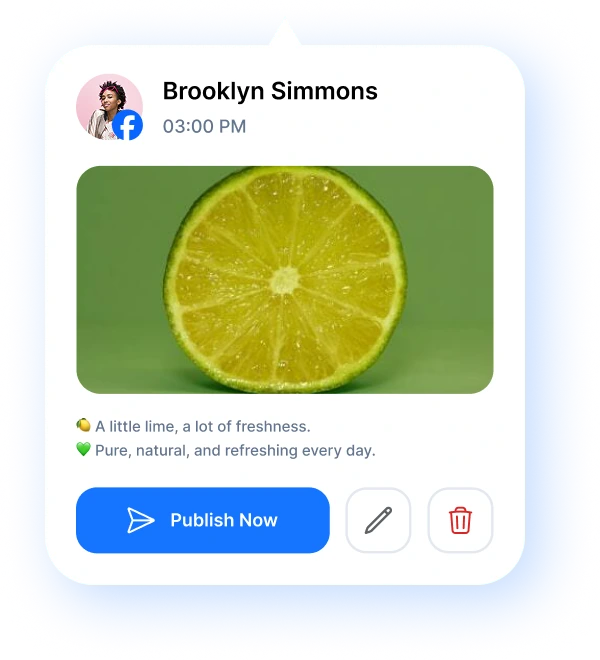
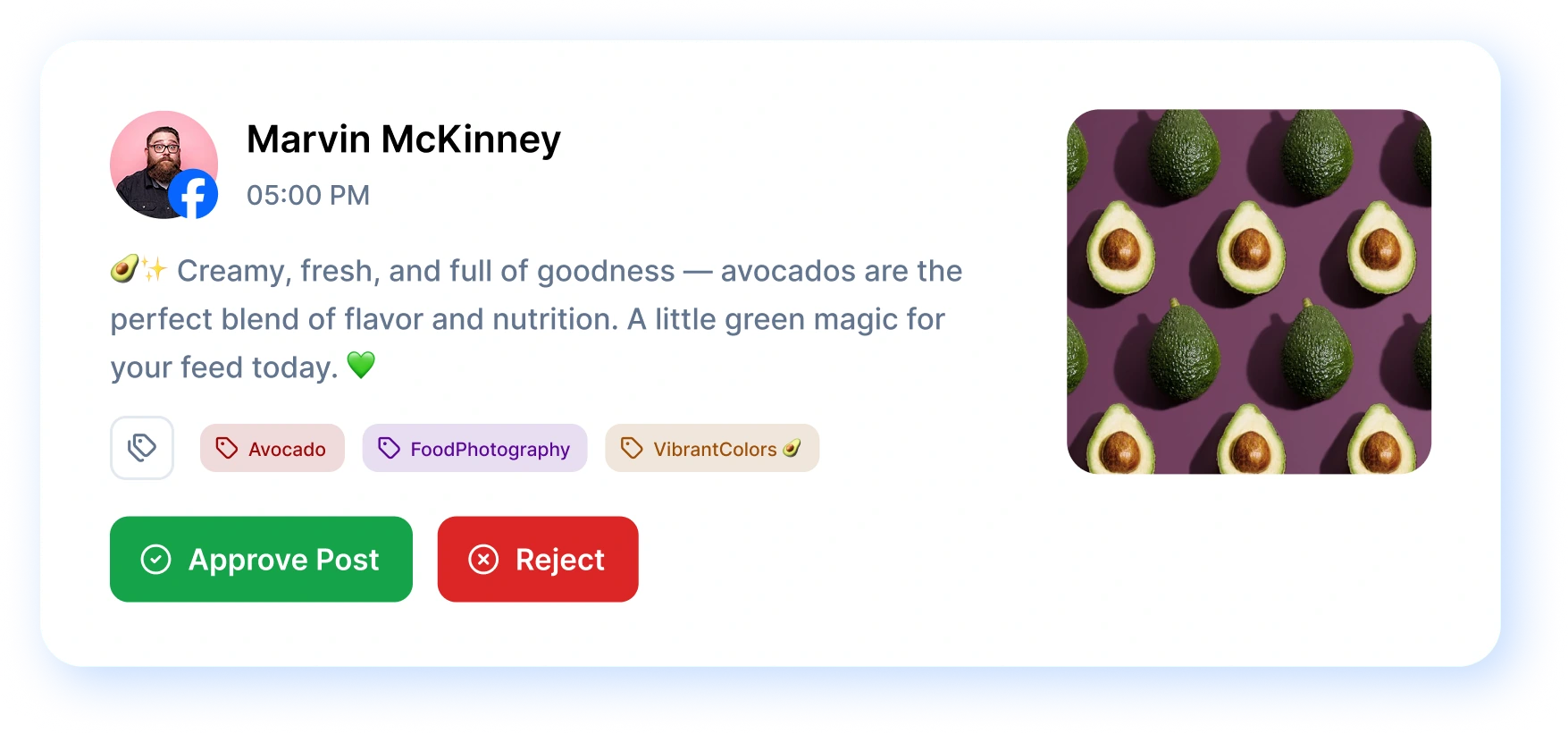
RepeatPost gives you three calendar views: day for the details, week for the working plan, and month for the big picture. Each view shows the same posts, so switching never loses your place. Click any post to open it right there. You can fix a typo, swap an image, or approve and reject posts without leaving the calendar. Reviewing a full month of content takes minutes instead of an afternoon.
Get started for free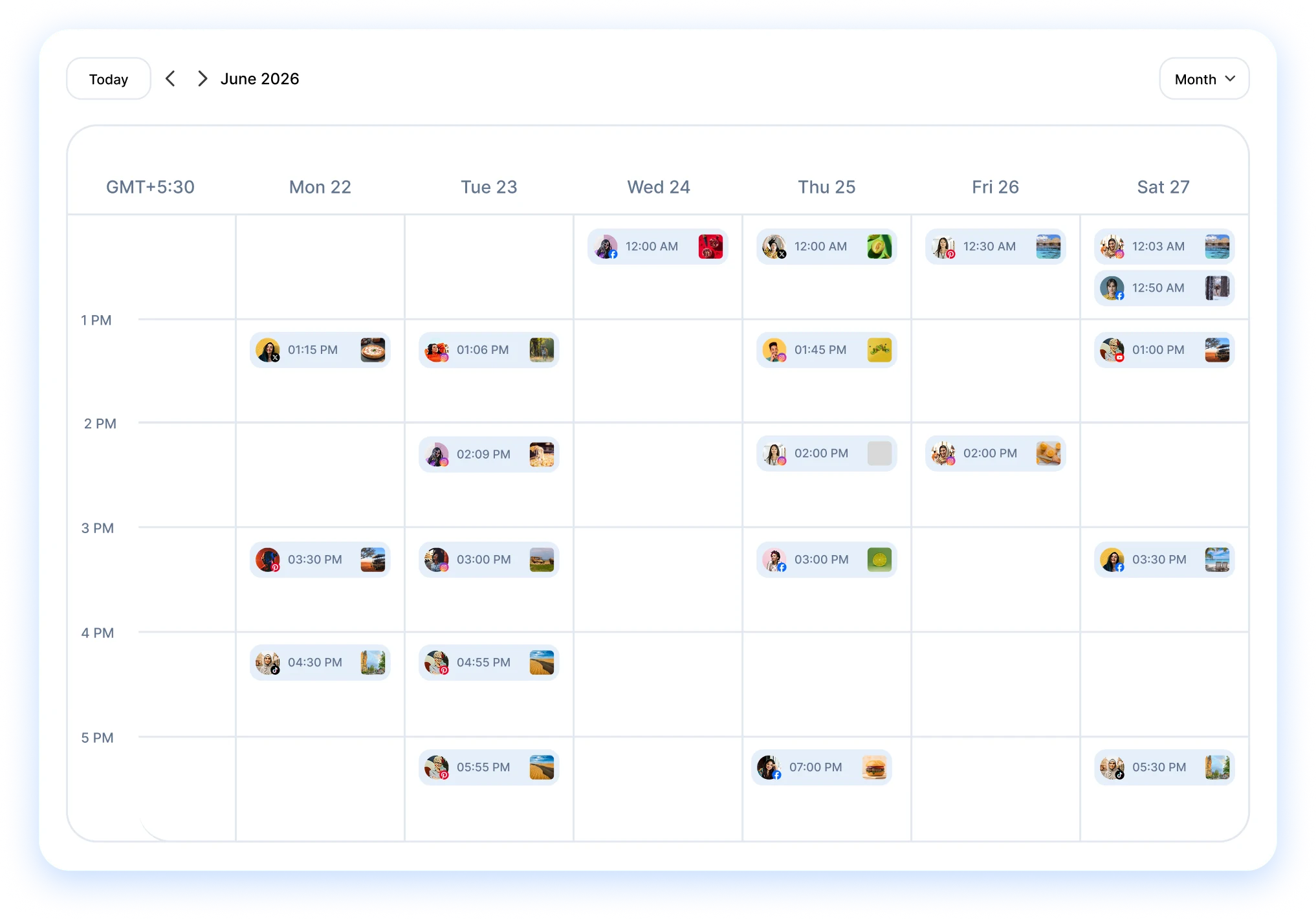
TEAM CALENDAR
A team calendar with approvals built in
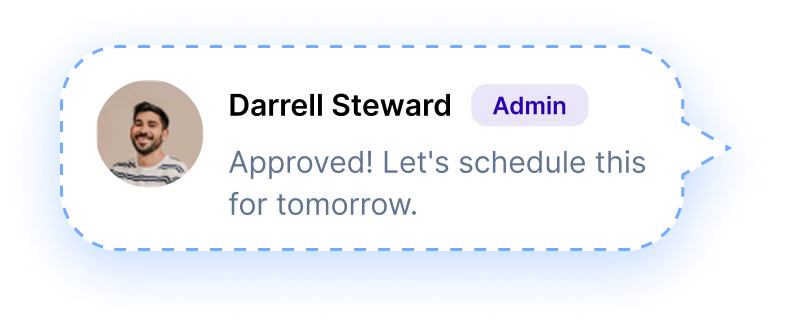
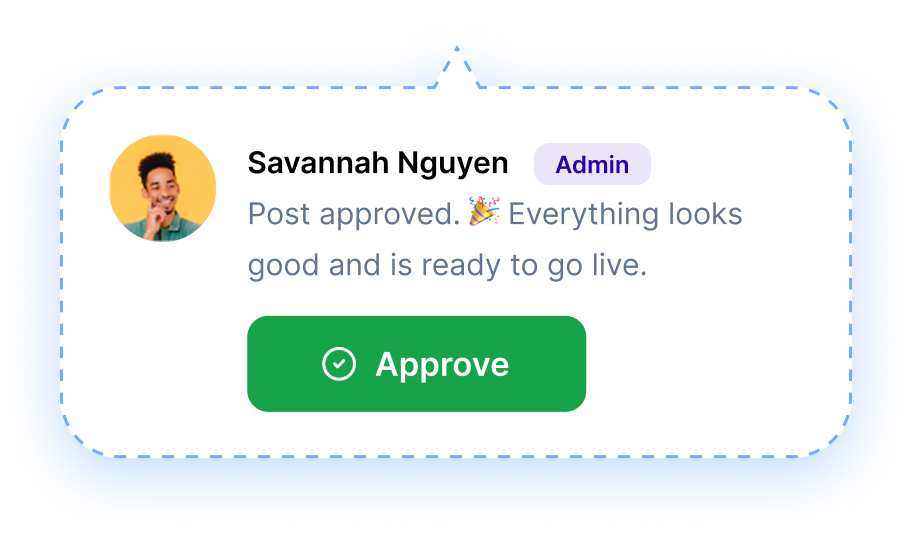
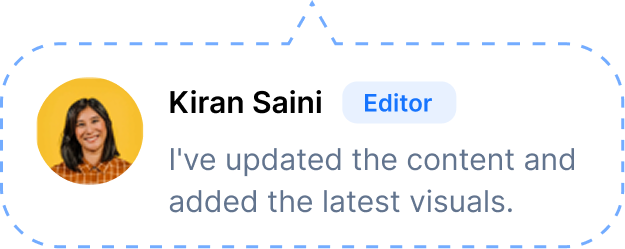
Every post on the calendar carries its status, so the whole team knows what's approved, what's in draft, and what's stuck waiting on a sign off. Reviewers open a post, read it in place, and approve or reject it with a comment attached. Clients can do the same through the social media approval workflow, no RepeatPost account needed. The back and forth that used to live in email threads now lives next to the post itself.
Get started for freeSCHEDULING
Run every client's schedule in its own workspace
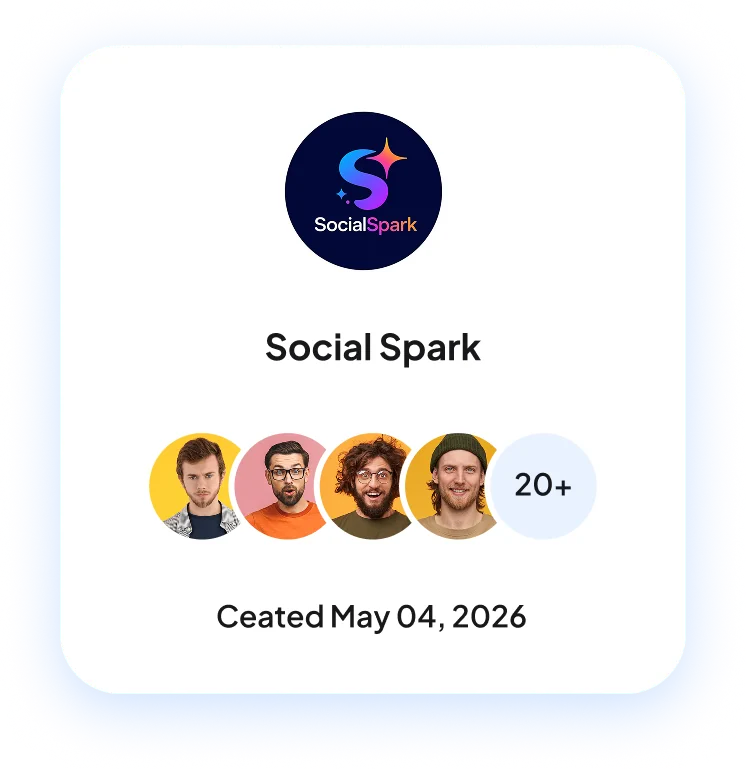
Each brand or client gets its own workspace in RepeatPost, with its own calendar, connected accounts, and team members. Nothing bleeds between clients, so a post meant for one brand can't land on another's feed. Switching between them takes a click. Agencies juggling ten clients plan each one separately in RepeatPost workspaces and still see every schedule from the same login.
Get started for free
FEATURES
More ways to keep the calendar full
Planning is half the job. These RepeatPost features handle the drafting, approvals, and timing that turn an empty month into a finished one.
Social Inbox
Answer comments, DMs, and mentions from every channel on one screen while your queue keeps publishing.
Learn MoreMedia library
Keep photos and videos in one shared place, ready to drop into any post you're planning.
Learn MoreBest time to post
RepeatPost suggests the posting slots where your audience is most active, so your calendar fills with times that work.
Learn MoreFirst comment
Reserve your first comment to add context on Facebook, Instagram, LinkedIn, and YouTube.
Learn MoreLive post preview
Check exactly how a post renders on each network before an approver ever sees it, captions and crops included.
Learn MoreHow teams picture using RepeatPost
“Honestly, the calendar is what sold me. I could see every channel in one view and spot the week we'd gone quiet. Before this I was juggling three spreadsheets and a Slack thread. Now I plan the month on a Monday morning and I'm done by half ten.”
Hannah Whitfield
Marketing Manager
United KingdomJun 14, 2026“We run social for eleven clients and keeping them separate used to be a genuine anxiety of mine. Workspaces fixed that. Each client sits in their own space, approvals route to the right person, and I've stopped worrying that someone's going to push a dental practice promo to a restaurant account at 6am.”
Marcus Reed
Agency Owner
United StatesJun 29, 2026“I batch a fortnight of content on a Sunday arvo and then I don't think about it again. Reckon it's saved me a solid day a week. Only gripe is the mobile app still feels a step behind the web version, so I do the actual planning on my laptop. Everything else is spot on.”
Chloe Baxter
Content Creator
AustraliaJul 11, 2026“I'm handling social for four small brands and writing captions was eating my whole morning. The AI drafts are actually quite usable now. I still rewrite maybe every third one to sound like the client, but starting from something beats staring at a blank box. The hashtag tool alone I'm using daily.”
Ananya Raghavan
Freelance Social Media Manager
IndiaJul 30, 2026“I sell fabrics and my customers find me on Instagram mostly. Posting used to be whenever I remembered, which was maybe twice a week. Now I sit down every Sunday evening, load up two weeks, and it goes out on its own. Sales have followed. I'd like to see WhatsApp added properly, that's my one ask.”
Chidinma Eze
Small Business Owner
NigeriaAug 18, 2026“Our team is five people and we were losing posts in Slack threads. Someone would approve something, someone else would tweak it, and nobody knew which version went live. The approval flow sorted that in a week. Fair play, it's the least glamorous feature on the site and it's the one I'd miss most.”
Niamh Gallagher
Social Media Lead
IrelandSep 02, 2026FAQs
Frequently Asked
Questions
A social media content calendar is a single view of every post you've planned across your channels, organized by date. In RepeatPost it covers 16+ channels at once, so you see what publishes where and when, spot empty days early, and keep a steady posting rhythm instead of scrambling.
Grab any scheduled post and drop it on a different day. RepeatPost updates the schedule the moment you release it, and the change applies to every channel the post targets. You never reopen an edit screen or resave settings, which makes reshuffling a whole week of content painless.
All of them. RepeatPost connects 16+ channels including Instagram, Facebook, TikTok, LinkedIn, X (Twitter), YouTube, Pinterest, Threads, Bluesky, Mastodon, Telegram, Discord, Slack, Reddit, and Google Business Profile. Every connected account's posts land on the same calendar, and each channel gets its own color so a packed week stays readable.
Yes, all three. Month view works best for planning campaigns and spotting gaps, week view for reviewing what's about to publish, and day view for checking exact posting times. Each view shows the same posts, so you can zoom from the full month down to a single morning without losing your place.
Yes. Open any post on the calendar and you can approve it, reject it, or leave a comment asking for changes, all without switching screens. Managers and clients review content in the exact slot it'll publish from, which catches timing mistakes a separate approval queue would miss.
Yes. Everyone in a workspace sees the same calendar, with roles deciding who can edit and who can only review. Owners, Admins, Managers, and Content Schedulers each get matching permissions, and clients outside your team can review planned posts through an approval link without creating a RepeatPost account.
Ready to plan a month in one sitting?
Create your free account and start managing 16+ channels with AI in minutes.
Get started for freeFree plan to start
No Credit Card Required
Cancel anytime