Slack
The RepeatPost Slack app: publish, alert, and approve in Slack
RepeatPost is the AI social media management platform that plans, publishes, and tracks posts across 16 channels. The RepeatPost app for Slack does three things: it publishes the posts you schedule into the Slack channels you pick, it alerts your team when a post goes live or fails, and it lets reviewers approve drafts with one button in Slack. It can't read your conversations.







What the RepeatPost Slack app does
Publish posts to Slack channels
Schedule a post in RepeatPost and the app sends it into the public or private Slack channels you pick, with your caption and links, at the exact time you set.
Alerts about your posts
Get a Slack message when a post goes live on Instagram, LinkedIn, or any connected network, when a publish fails, or when a draft is waiting for review.
Approve drafts with one button
Drafts arrive in Slack with the caption and preview. Reviewers click Approve or Request changes, and RepeatPost records who decided and moves the post on.
HOW IT WORKS
How the RepeatPost Slack app works
The RepeatPost app for Slack connects your RepeatPost calendar to your Slack workspace. You plan and write posts in RepeatPost, and the app delivers them, plus the alerts and approval requests around them, into the channels your team already reads.
- 1
Add RepeatPost to Slack
Click Add to Slack, choose your workspace, and review the permissions on Slack's consent screen. Nothing is posted until you set it up.
- 2
Pick your channels
Choose the channels that should receive posts and alerts. The app joins public channels on its own. For a private channel, you add it from RepeatPost.
- 3
Choose what goes where
In RepeatPost, add Slack as a destination on any post, and turn on the alerts you want: published, failed, or waiting for approval.
- 4
Posts arrive on schedule
At the scheduled time the app posts into each channel under the name and icon you set, such as your brand or client name.
- 5
Reviewers decide in Slack
Drafts that need sign off show Approve and Request changes buttons. One click records the decision in RepeatPost and updates the Slack message.

PUBLISH TO SLACK
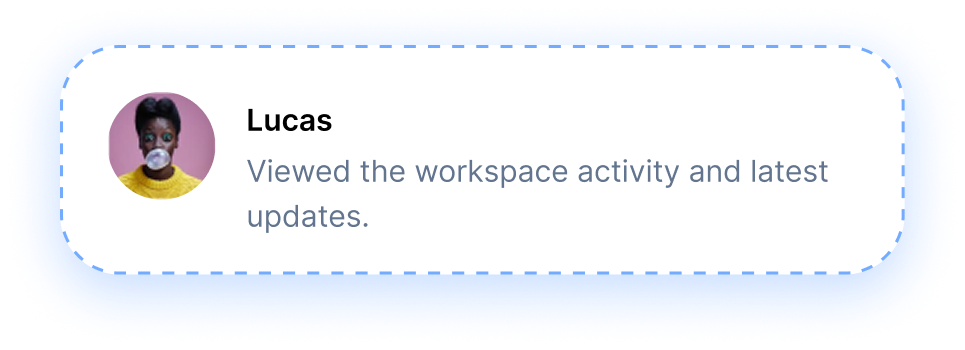
Publish Scheduled Posts Straight to Slack Channels
The RepeatPost Slack app treats a Slack channel like any other publishing destination. Write an announcement once in the RepeatPost editor, pick Slack alongside LinkedIn or Instagram, and schedule it. At that time the app posts it into each channel you selected, under the display name and icon you choose. It works well for internal launch notes, community workspaces, and client channels, and every Slack post sits on the same content calendar as the rest of your social media.
APPROVALS
Approve Drafts Without Leaving Slack
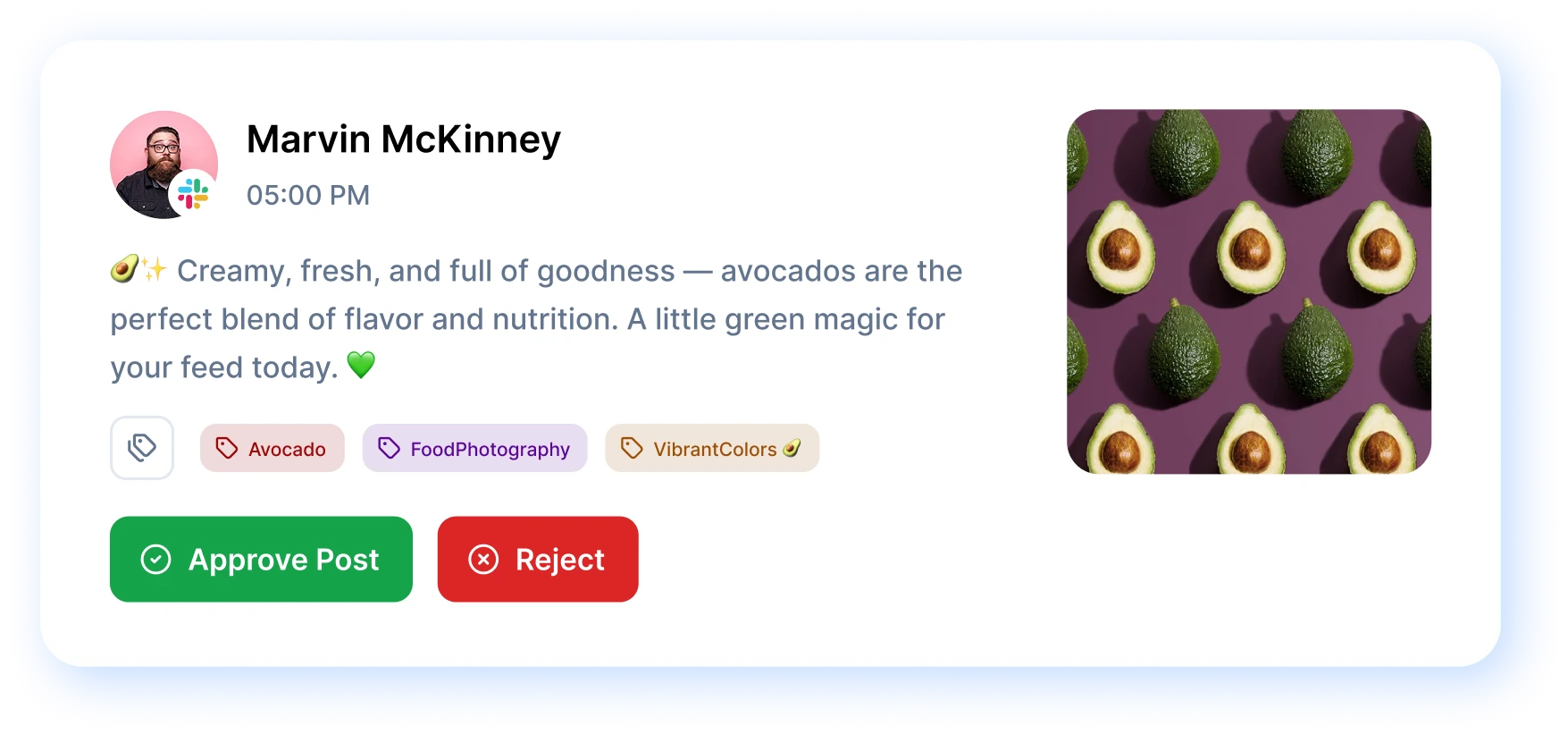
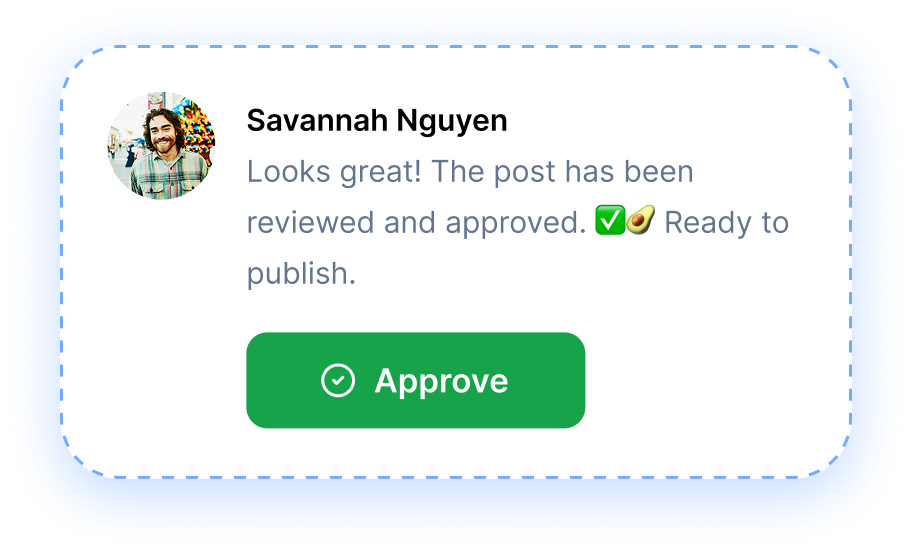
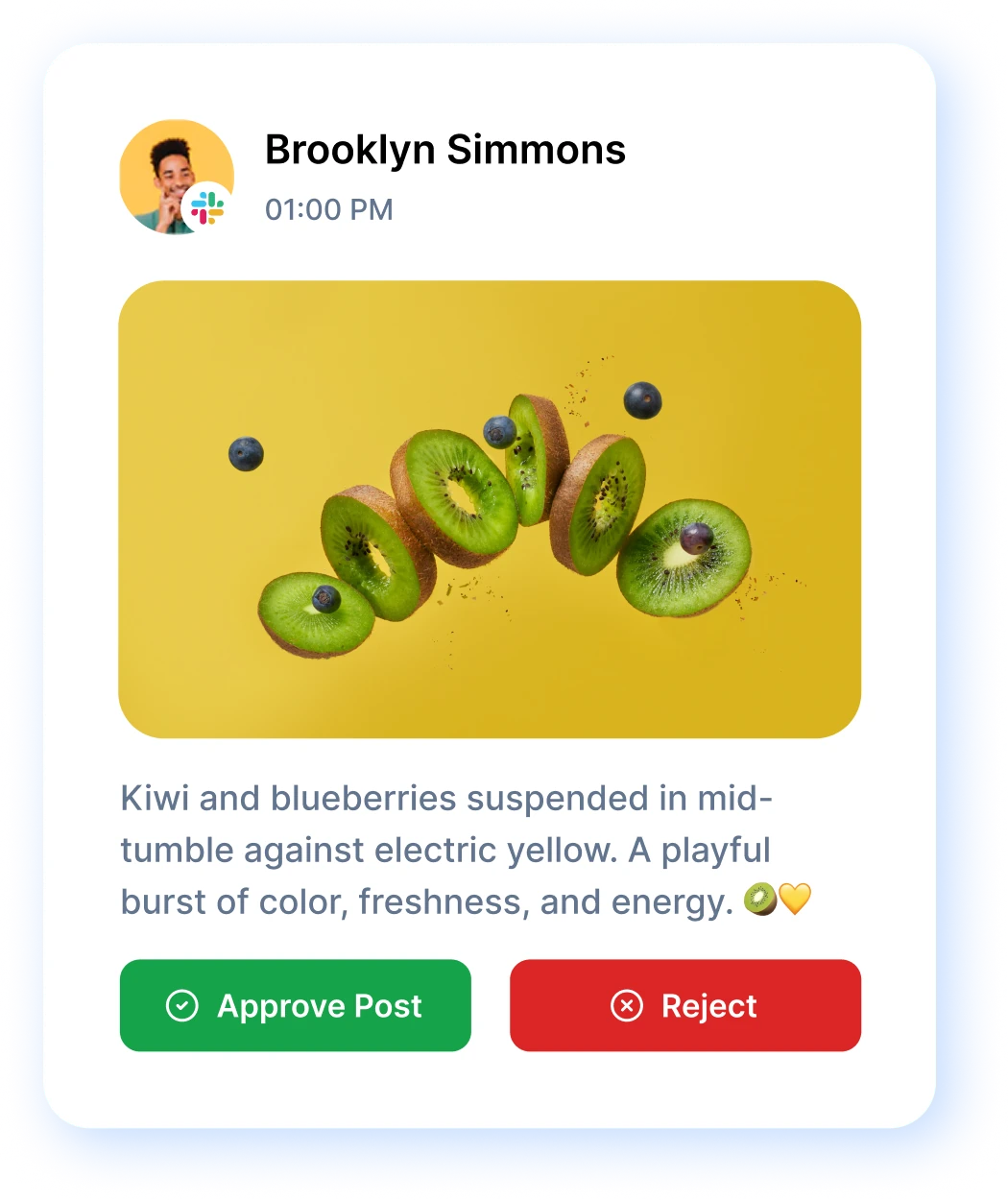
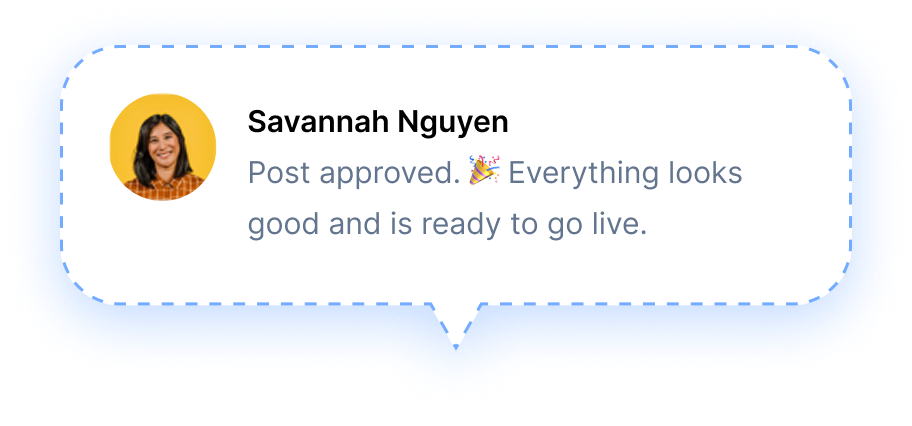
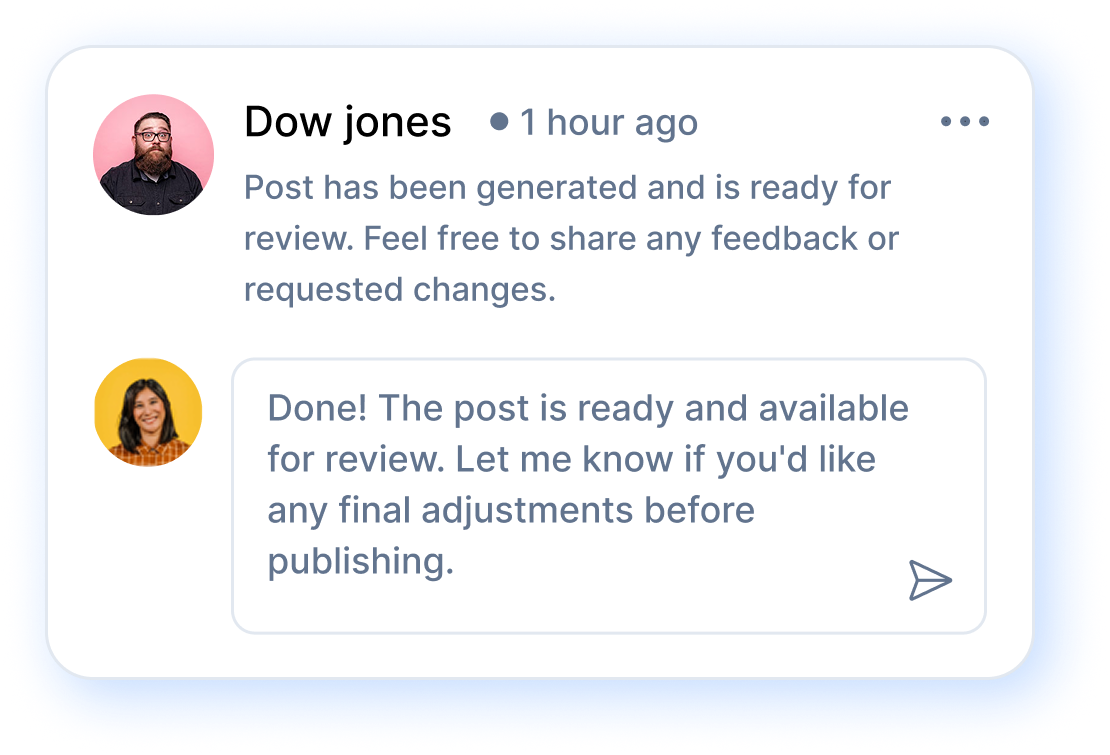
Yes, reviewers can approve posts without leaving Slack. When a draft is ready for sign off, the app posts it to your review channel with the caption, the target networks, and the scheduled time. Two buttons sit under it: Approve and Request changes. One click records who decided in RepeatPost, updates the Slack message so everyone sees the outcome, and either queues the post or sends it back to the writer. Nobody chases a client over email, and nothing waits in an inbox nobody checks. You set who needs to approve what in the RepeatPost publishing workflow.
ALERTS AND ROUTING
Send Each Alert to the Right Slack Channel
You decide which alerts go to which channel. Send approval requests to your editors' channel, published alerts to the marketing channel, and failed publish alerts to whoever fixes them. When a publish fails, the right person hears about it in Slack and can reconnect the account or fix the post before the moment passes. Turn off anything your team doesn't need and the channel stays useful instead of noisy. The full list of RepeatPost channels shows every network an alert can cover.
PERMISSIONS AND PRIVACY
Permissions and your Slack data
The RepeatPost Slack app can post messages and list channels, but it can't read your conversations. It asks for no history scopes, so it never sees messages, direct messages, or files other than the messages it posted itself and the button clicks on them. Here's every permission it requests and why.
| Token | Scope | Why RepeatPost needs it |
|---|---|---|
| Bot token | channels:read | List your public channels so you can pick where posts and alerts go. |
groups:read | List the private channels the app has been added to. | |
channels:join | Join a public channel you selected, so the app can post there. | |
chat:write | Post your scheduled content, alerts, and approval requests. | |
chat:write.public | Post to a public channel you selected without a separate invite. | |
chat:write.customize | Post under the display name and icon you set, such as your brand or client name. | |
team:read | Show which workspace is connected, by name and icon, inside RepeatPost. | |
users:read | Show the name and photo of the person who approved or sent back a draft. | |
| User token | groups:read | List the private channels you belong to, so you can choose one. |
groups:write.invites | Add the RepeatPost app to a private channel you choose. | |
| Sign in with Slack | openid, profile, email | Sign you in to RepeatPost with your Slack account, using your name, email address, and photo. |
What the app never does
- Read messages, threads, direct messages, or files in your workspace
- Send any Slack data to an AI model, or use it to train one
- Sell Slack data or use it for advertising
- Post anywhere you didn't choose
Removing the app and your data
Uninstall RepeatPost from the Manage apps page in Slack, or disconnect the workspace inside RepeatPost. Either way, we delete the access tokens and the workspace, channel, and member details straight away. Messages already posted stay in Slack under your workspace's retention settings.
To access, export, or delete your data, email support@repeatpost.com.
Read the RepeatPost privacy policy for Slack data for the full list of what we collect, how long we keep it, and your rights.
AI DISCLAIMER
About AI in RepeatPost
RepeatPost includes optional AI features that write captions, hashtags, and post ideas, and create images and video. They run inside RepeatPost using models from OpenAI and Google Gemini. A post you publish to Slack may contain text or media that someone on your team generated with these features.
AI can get things wrong. Generated content may be inaccurate, outdated, incomplete, or inappropriate. Review and edit every AI generated post before it publishes to Slack or to any other channel.
The Slack app itself doesn't run AI on your workspace. It never sends Slack messages, channel names, or member details to an AI model. Read more in the AI section of our privacy policy and in our Terms of Service.
FEATURES
Discover more
The RepeatPost Slack app sits next to every other channel you publish to. Explore the networks your Slack alerts and approvals can cover.

WordPress
Schedule posts and pages to your WordPress site.

Schedule posts, reels, and stories to pages and groups.

Auto-publish posts, reels, stories, and carousels.

X (Twitter)
Schedule tweets, threads, and media posts.

Publish to profiles, company pages, and articles.

YouTube
Schedule Shorts and long-form video uploads.
How teams picture using RepeatPost
“Honestly, the calendar is what sold me. I could see every channel in one view and spot the week we'd gone quiet. Before this I was juggling three spreadsheets and a Slack thread. Now I plan the month on a Monday morning and I'm done by half ten.”
Hannah Whitfield
Marketing Manager
United KingdomJun 14, 2026“We run social for eleven clients and keeping them separate used to be a genuine anxiety of mine. Workspaces fixed that. Each client sits in their own space, approvals route to the right person, and I've stopped worrying that someone's going to push a dental practice promo to a restaurant account at 6am.”
Marcus Reed
Agency Owner
United StatesJun 29, 2026“I batch a fortnight of content on a Sunday arvo and then I don't think about it again. Reckon it's saved me a solid day a week. Only gripe is the mobile app still feels a step behind the web version, so I do the actual planning on my laptop. Everything else is spot on.”
Chloe Baxter
Content Creator
AustraliaJul 11, 2026“I'm handling social for four small brands and writing captions was eating my whole morning. The AI drafts are actually quite usable now. I still rewrite maybe every third one to sound like the client, but starting from something beats staring at a blank box. The hashtag tool alone I'm using daily.”
Ananya Raghavan
Freelance Social Media Manager
IndiaJul 30, 2026“I sell fabrics and my customers find me on Instagram mostly. Posting used to be whenever I remembered, which was maybe twice a week. Now I sit down every Sunday evening, load up two weeks, and it goes out on its own. Sales have followed. I'd like to see WhatsApp added properly, that's my one ask.”
Chidinma Eze
Small Business Owner
NigeriaAug 18, 2026“Our team is five people and we were losing posts in Slack threads. Someone would approve something, someone else would tweak it, and nobody knew which version went live. The approval flow sorted that in a week. Fair play, it's the least glamorous feature on the site and it's the one I'd miss most.”
Niamh Gallagher
Social Media Lead
IrelandSep 02, 2026FAQs
Frequently Asked
Questions
It does three things. It publishes posts you schedule in RepeatPost into the Slack channels you pick, it alerts your team when a post goes live or fails on any connected network, and it lets reviewers approve or send back drafts with a button in Slack. You plan everything in RepeatPost; Slack is where it arrives.
Yes. When a draft needs sign off, the app posts it to your review channel with the caption, target networks, and scheduled time, plus Approve and Request changes buttons. One click records who decided in RepeatPost and updates the Slack message, so the whole channel sees the outcome without opening another tool.
No. The app requests no history scopes, so it can't read channel messages, threads, direct messages, or files. It only sees the messages it posted itself and the button clicks on them. It uses channel lists to let you pick destinations and member names to show who approved a draft.
Not on your Slack data. RepeatPost has optional AI features, powered by OpenAI and Google Gemini models, that write captions and create images and video inside RepeatPost. AI output can be inaccurate, so review it before publishing. No Slack messages, channels, or member details are ever sent to an AI model.
You can turn on alerts for three events: a post published successfully, a post failed to publish, and a draft waiting for approval. Each alert type can go to a different channel, so editors see approval requests while the wider marketing channel only hears about posts that went live.
Uninstall RepeatPost from the Manage apps page in Slack, or disconnect the workspace inside RepeatPost. We delete the access tokens and the workspace, channel, and member details immediately. Messages already posted stay in Slack. To access or export your data, email support@repeatpost.com.
Ready to bring your posts into Slack?
Add RepeatPost to your Slack workspace and start publishing posts, alerts, and approvals to the channels your team already reads.
Free plan to start
No Credit Card Required
Cancel anytime