Pinterest title generator
Free Pinterest Title Generator
Pinterest is the other platform with a genuine title field, and it indexes it. That makes a literal searchable title worth more than a clever one, which inverts the instinct most social platforms teach you.
Also, you can check Mastodon Title or Bluesky Title or More
Titles built from real search phrasing
Indexed text rather than decoration
Free to use, no account needed
These tools stay free because people chip in. Buy us a coffee ☕
Something broken, or a tool you wish we had? Tell us what you need


More free tools
People who use the Pinterest Title Generator also reach for these
Every tool here is free, runs in your browser and needs no account.
Inside RepeatPost
What you get when the free tool is not enough
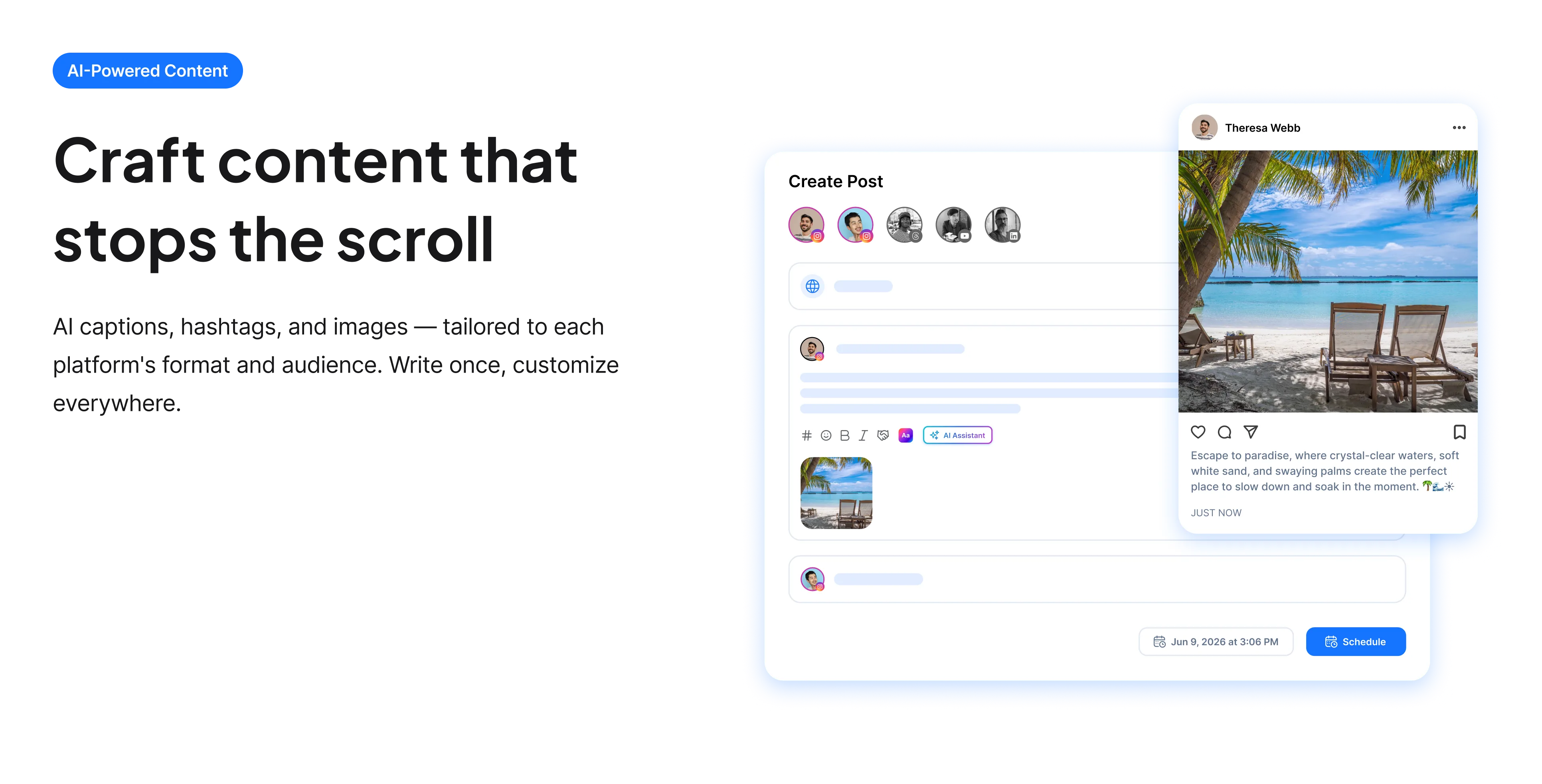
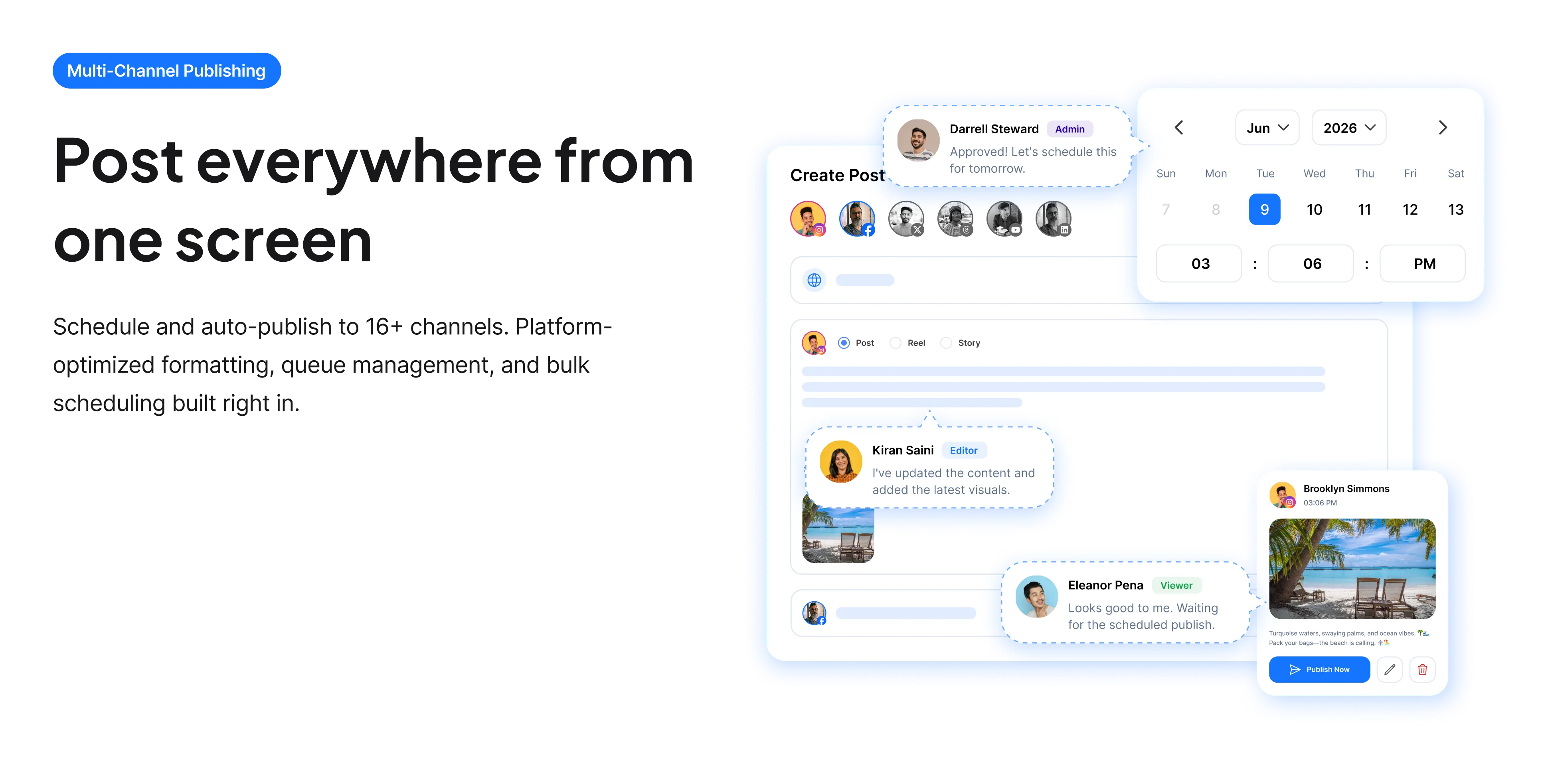
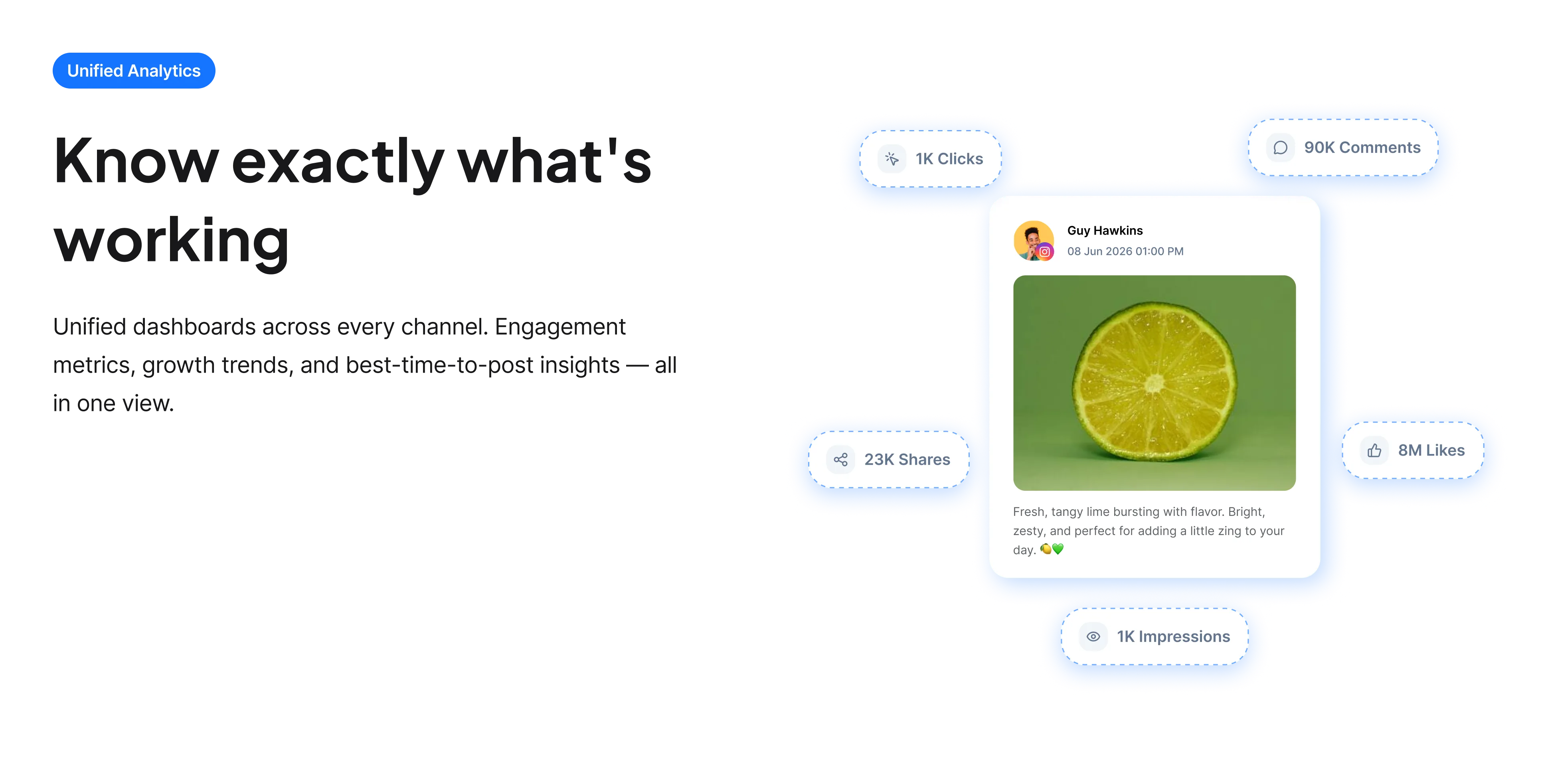
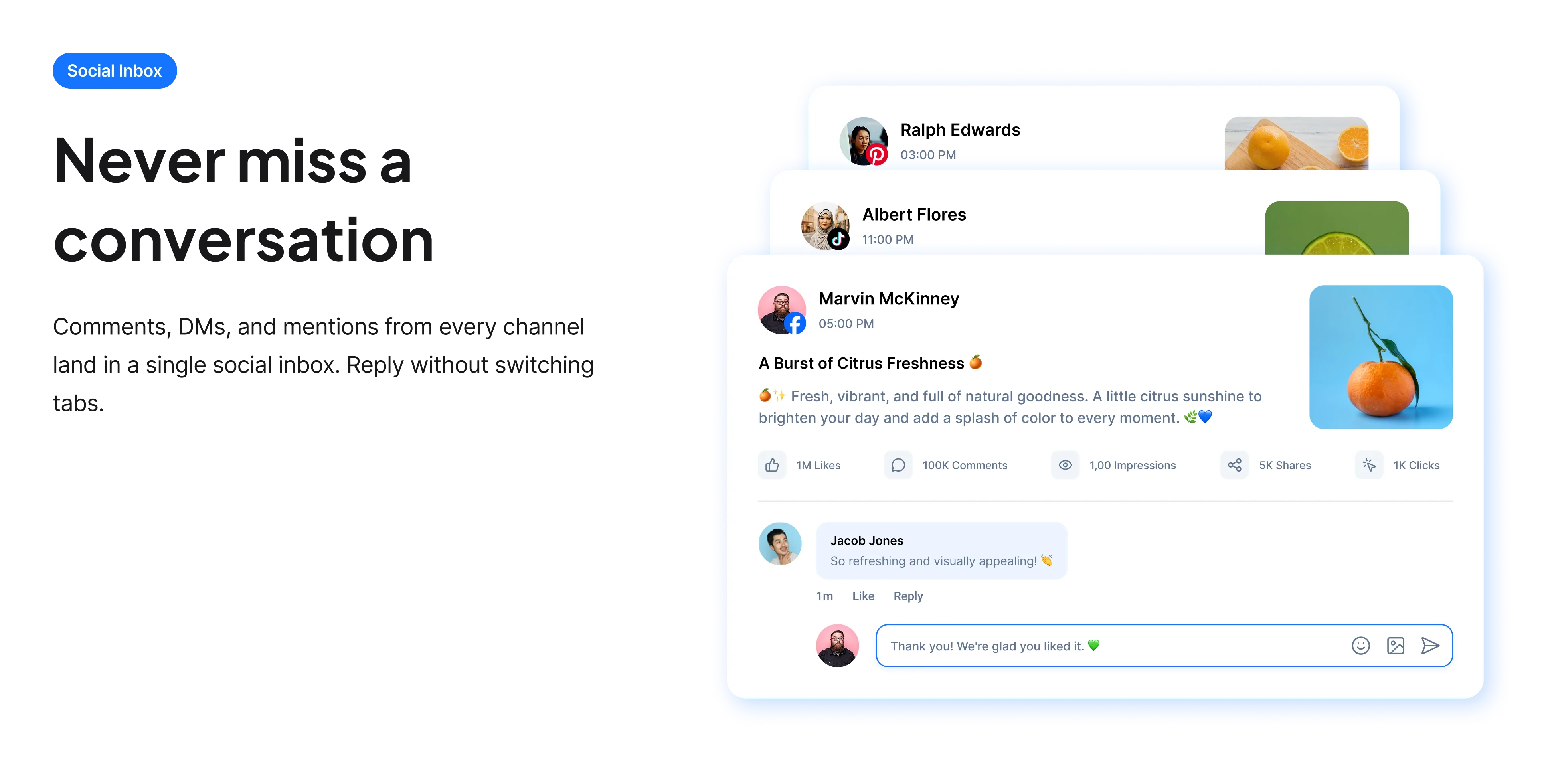
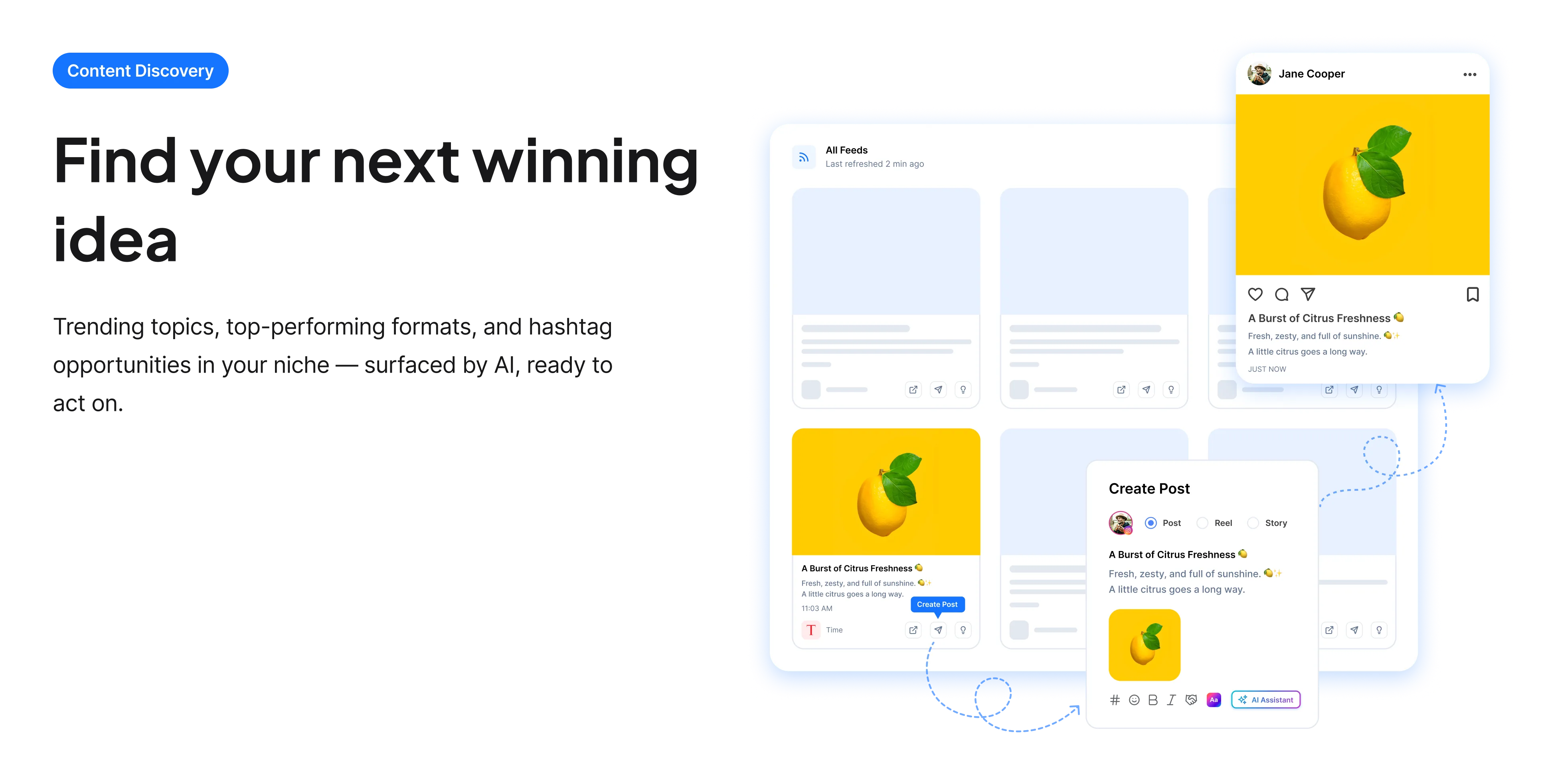
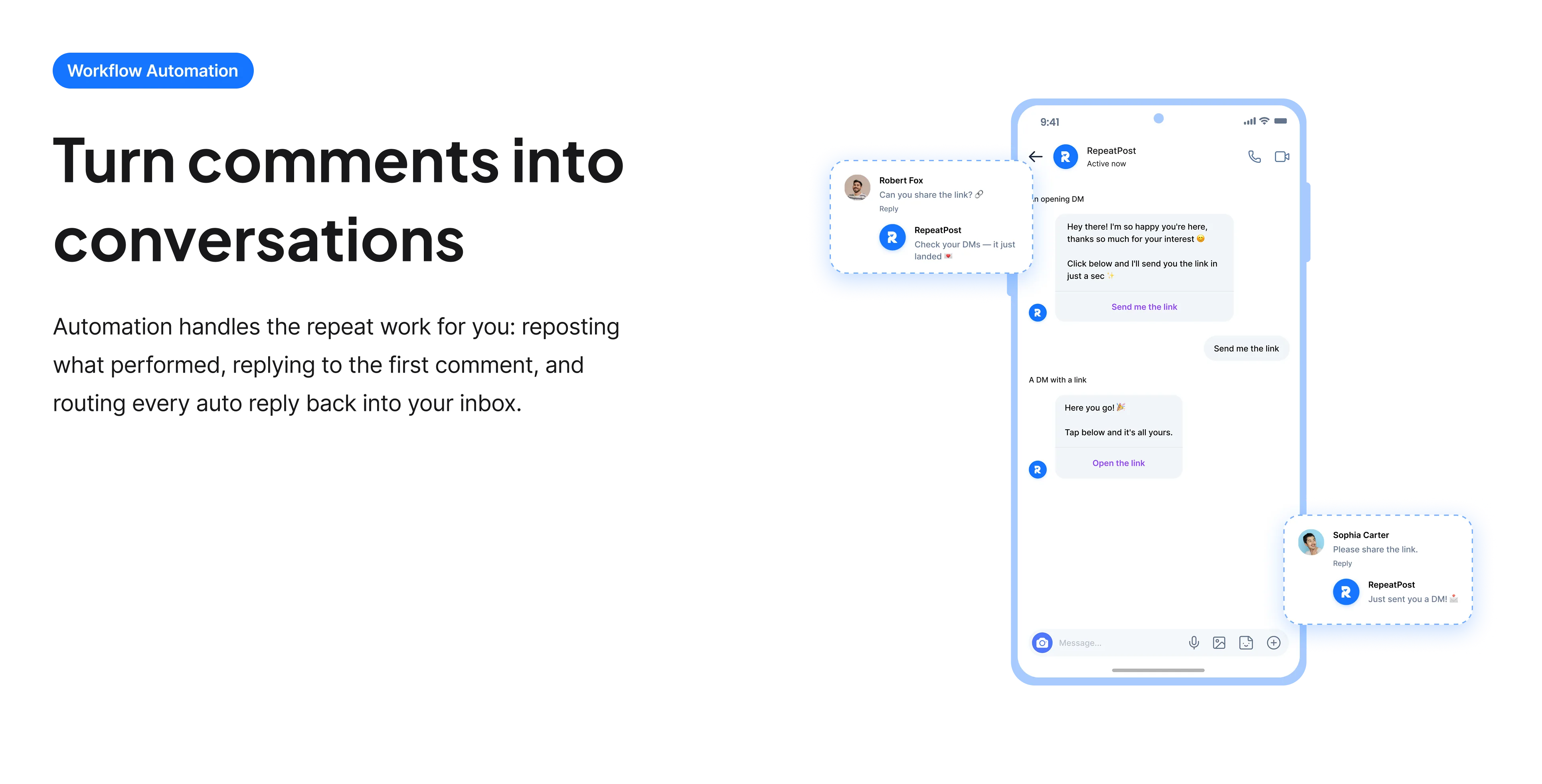
The free tools solve one task at a time. RepeatPost handles the whole loop: write the post, publish it everywhere, then see what landed.
Ready to get started?
The free tools are the warm up. RepeatPost plans, writes and publishes across every channel you post to.
Free plan to start
No credit card required
Cancel anytime
All about the Pinterest title generator
Pinterest titles are search text
Pinterest gives each pin a title field and reads it when deciding which searches the pin should answer. That makes it function much like a page title in web search: literal, descriptive and containing the words people type. This runs against the instinct most social platforms build, where a playful title costs nothing. On Pinterest a title like "Cosy Corner Vibes" matches no query anyone actually types, while "Small Living Room Reading Nook Ideas" matches several, and the difference shows up directly in impressions.
How to write a pin title
Write it the way you would write a page title, not a caption.
- Say exactly what the pin is, using the words a searcher would type rather than your own phrasing.
- Include the qualifier that narrows it: small, budget, rental, beginner, easy, no sew.
- Keep it readable. A title stuffed with terms performs worse and looks like spam to the person scrolling.
- Put the most important words first, since titles are truncated in the grid.
- Match it to the description and the board so all three describe the same thing.
- Avoid puns and inside references entirely, since nobody searches for them.
How titles fit the rest of Pinterest search
Several text surfaces work together, and the title is one of the stronger ones.
- Pin descriptions carry the most volume, since you write one for every pin and they allow 500 characters.
- Titles are shorter but weighted, and they are what appears under the pin in the grid.
- Board names categorize everything inside them, so a literal board name reinforces every pin on it.
- Board descriptions are indexed and are empty on most accounts, which makes them easy ground.
- Consistency across all four is what tells Pinterest clearly what your account covers.
Who uses this tool
People pinning at volume where every pin needs a title.
- Bloggers creating several pins per article, each needing a distinct searchable title.
- Ecommerce sellers with large product catalogues.
- Food, craft and home creators whose content is inherently searchable.
- Wedding and event suppliers, whose customers plan a long way in advance.
- Anyone whose pins are uploaded with the filename as the title, which is more common than it should be.
Pinterest title reference
Where the title sits among the indexed fields.
| Field | Length | Search weight |
|---|---|---|
| Pin title | Short, keep it literal | High, shown in the grid |
| Pin description | 500 characters | High, highest volume |
| Board name | Keep it literal | High, categorises pins |
| Board description | 500 characters | Moderate, usually empty |
| Hashtags | Function as keywords | Low |
| Best image ratio | 2:3 | Tall images dominate the grid |
| Content lifespan | Months | Unlike feed platforms |
| Rights to the output | Yours to use commercially | Including client accounts |
Titles, descriptions and board names are read together, and the weighting between them has moved over the years. Checked September 2026.
When this is not the right tool
A searchable title on a weak image will not perform, because Pinterest is visual before it is textual and the picture decides whether anyone opens the pin. Tall 2:3 images consistently outperform square ones regardless of the words. Renaming titles on an established account can also disturb performance that is already working, so change deliberately rather than in bulk. For the description that carries more volume, use the Pinterest caption generator, and for board naming the Pinterest board name generator.
How teams picture using RepeatPost
“Honestly, the calendar is what sold me. I could see every channel in one view and spot the week we'd gone quiet. Before this I was juggling three spreadsheets and a Slack thread. Now I plan the month on a Monday morning and I'm done by half ten.”
Hannah Whitfield
Marketing Manager
United KingdomJun 14, 2026“We run social for eleven clients and keeping them separate used to be a genuine anxiety of mine. Workspaces fixed that. Each client sits in their own space, approvals route to the right person, and I've stopped worrying that someone's going to push a dental practice promo to a restaurant account at 6am.”
Marcus Reed
Agency Owner
United StatesJun 29, 2026“I batch a fortnight of content on a Sunday arvo and then I don't think about it again. Reckon it's saved me a solid day a week. Only gripe is the mobile app still feels a step behind the web version, so I do the actual planning on my laptop. Everything else is spot on.”
Chloe Baxter
Content Creator
AustraliaJul 11, 2026“I'm handling social for four small brands and writing captions was eating my whole morning. The AI drafts are actually quite usable now. I still rewrite maybe every third one to sound like the client, but starting from something beats staring at a blank box. The hashtag tool alone I'm using daily.”
Ananya Raghavan
Freelance Social Media Manager
IndiaJul 30, 2026“I sell fabrics and my customers find me on Instagram mostly. Posting used to be whenever I remembered, which was maybe twice a week. Now I sit down every Sunday evening, load up two weeks, and it goes out on its own. Sales have followed. I'd like to see WhatsApp added properly, that's my one ask.”
Chidinma Eze
Small Business Owner
NigeriaAug 18, 2026“Our team is five people and we were losing posts in Slack threads. Someone would approve something, someone else would tweak it, and nobody knew which version went live. The approval flow sorted that in a week. Fair play, it's the least glamorous feature on the site and it's the one I'd miss most.”
Niamh Gallagher
Social Media Lead
IrelandSep 02, 2026FAQs
Frequently Asked
Questions
Yes. Titles are read when Pinterest decides which searches a pin should answer, which makes them function much like a page title in web search. That is why a literal descriptive title outperforms a creative one here.
Because nobody searches for it. "Cosy Corner Vibes" matches no real query, while "Small Living Room Reading Nook Ideas" matches several. The social media instinct toward playful naming works against you on Pinterest.
The ones that appear in genuine searches: small, budget, rental, beginner, easy, no sew. They narrow the match toward people who want exactly what you have, which converts considerably better than a broad term.
Descriptions carry more volume, since you write one for every pin and they allow 500 characters. Titles are shorter but weighted and visible in the grid, so both matter and they should agree with each other.
Cautiously. Changing titles on an established account can disturb performance that already works, so adjust a few at a time and watch what happens rather than overhauling everything in one pass.
The image. Pinterest is visual before it is textual, so a searchable title on a weak or square image will not perform. Tall 2:3 images consistently get more attention regardless of the words attached to them.
Ready to grow on autopilot?
Create your free account and start managing 16+ channels with AI in minutes.
Get started for freeFree plan to start
No Credit Card Required
Cancel anytime