BRAND VOICE
An AI brand voice that sounds like you.
RepeatPost is the AI social media management platform that writes in your brand voice. Build a voice profile once: six tone sliders, the words you always use, the words you never use, and a few real posts that sound like you. The AI Agent reads that profile before it drafts a single caption. Assign a voice to each channel, and a LinkedIn update, an Instagram caption and a Threads post all come back sounding like the same brand.
Integrated with


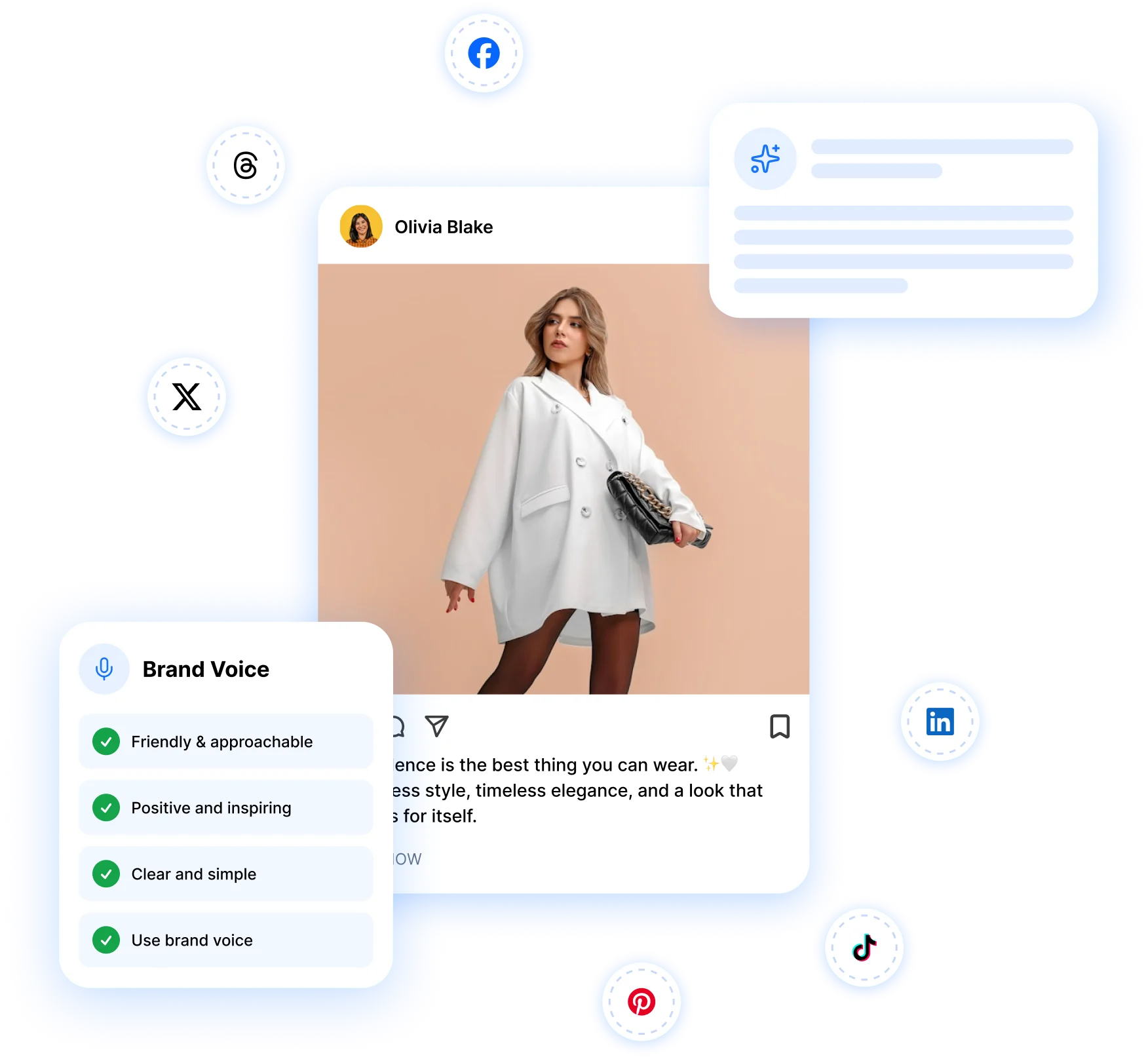
What a RepeatPost brand voice controls
Six tone of voice sliders
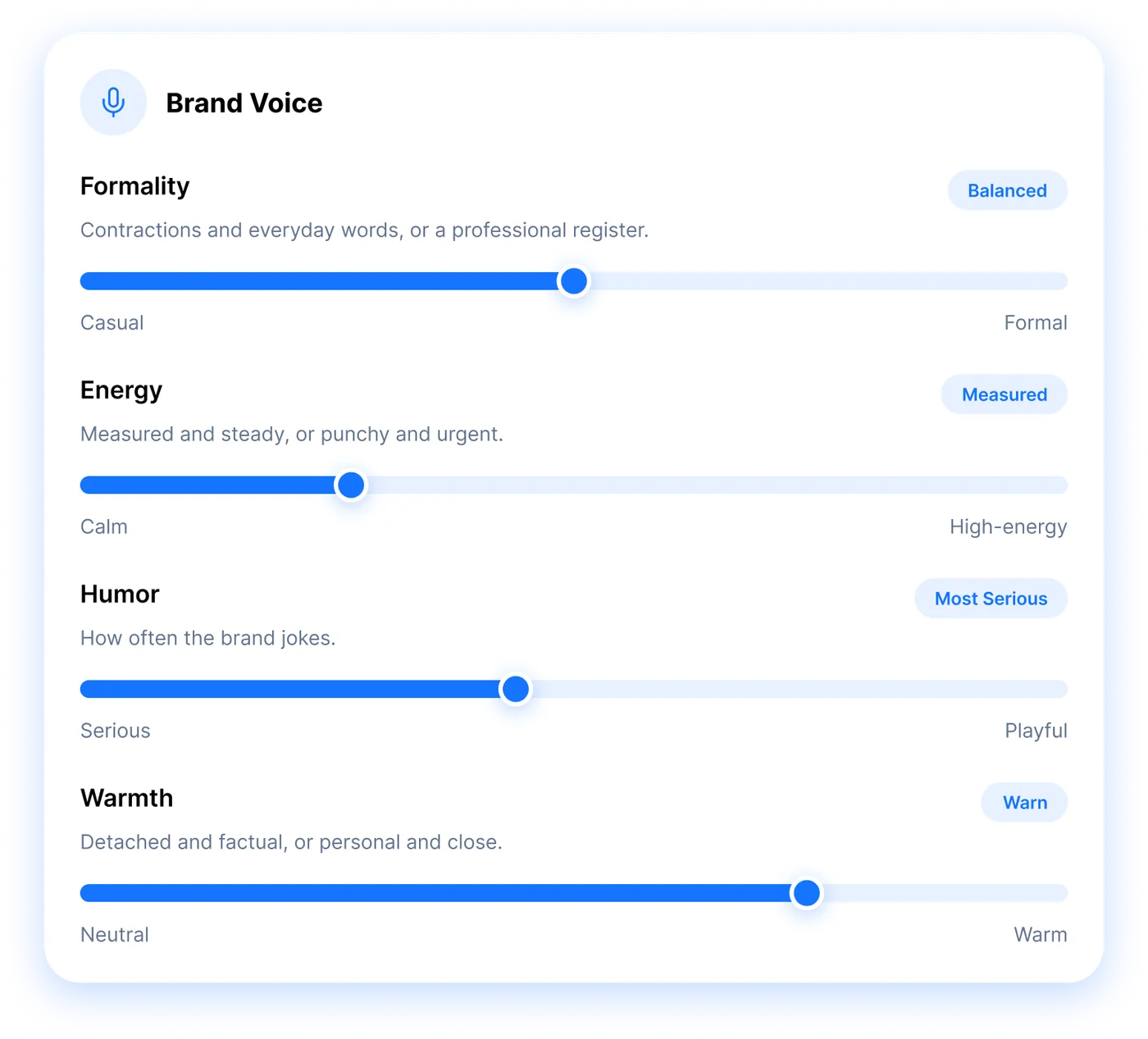
Set formality, energy, humor, warmth, confidence and technicality anywhere from 0 to 100. The AI reads those numbers before it writes a word.
Words to use and avoid
Ban up to 40 words, add 25 you prefer, and list the claims the AI must never make, like results you can't guarantee.
A voice for each channel
Give a voice to one channel, a channel group or the whole workspace. A client's LinkedIn never borrows the tone from your own Instagram.

DEFINE
Set your brand's tone of voice with six sliders
Your tone of voice is how your brand sounds, and RepeatPost measures it on six sliders. Formality runs from casual to formal. Energy goes from calm to high energy, humor from serious to playful, warmth from neutral to warm, confidence from humble to bold, and technicality from plain language to technical. Pick a point of view (I, we, you or they) and a reading level as well. A fitness coach might sit at casual, high energy and bold. An accounting firm probably wants formal, calm and plain. The AI Agent reads those settings before it drafts anything.
Get started for freeGUIDE
Write brand voice guidelines the AI actually follows
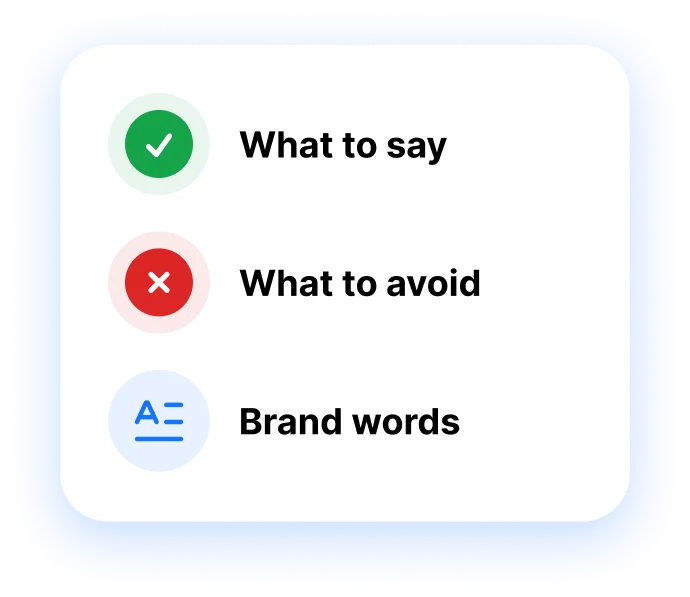
Brand voice guidelines tell the AI what to say, what to skip and which words belong to you. In RepeatPost they live as fields the AI checks, so they don't sit in a PDF nobody opens. Ban up to 40 words (goodbye, “synergy”) and add up to 25 you prefer, plus your signature phrases. List up to 15 claims the AI must never make, such as “guaranteed results”. Emoji and hashtag habits go here too, from never to freely. If an AI Agent draft uses a banned word, it's flagged before the post reaches your approval workflow.
Get started for free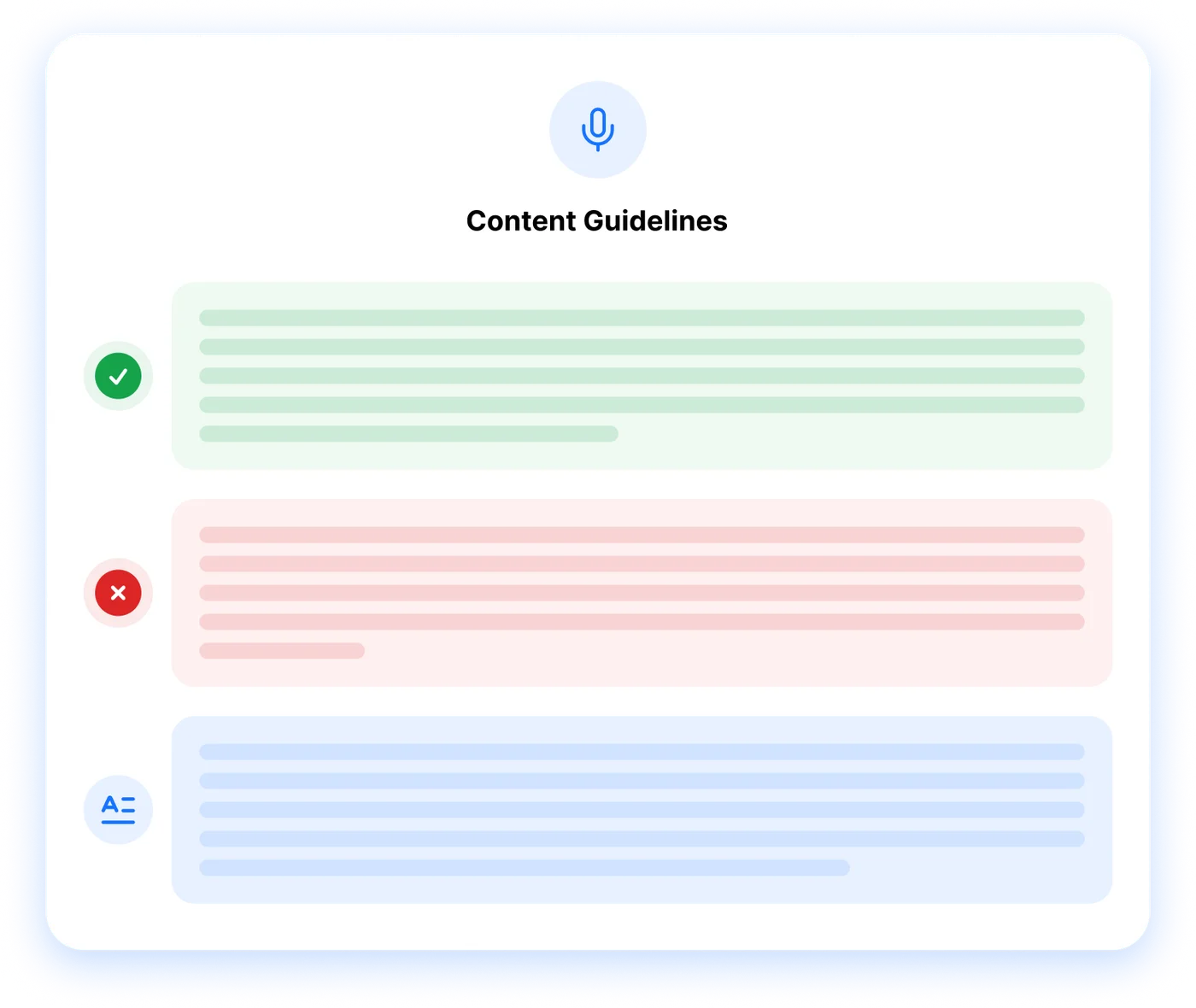




TRAIN
Train the AI on posts that already sound like you
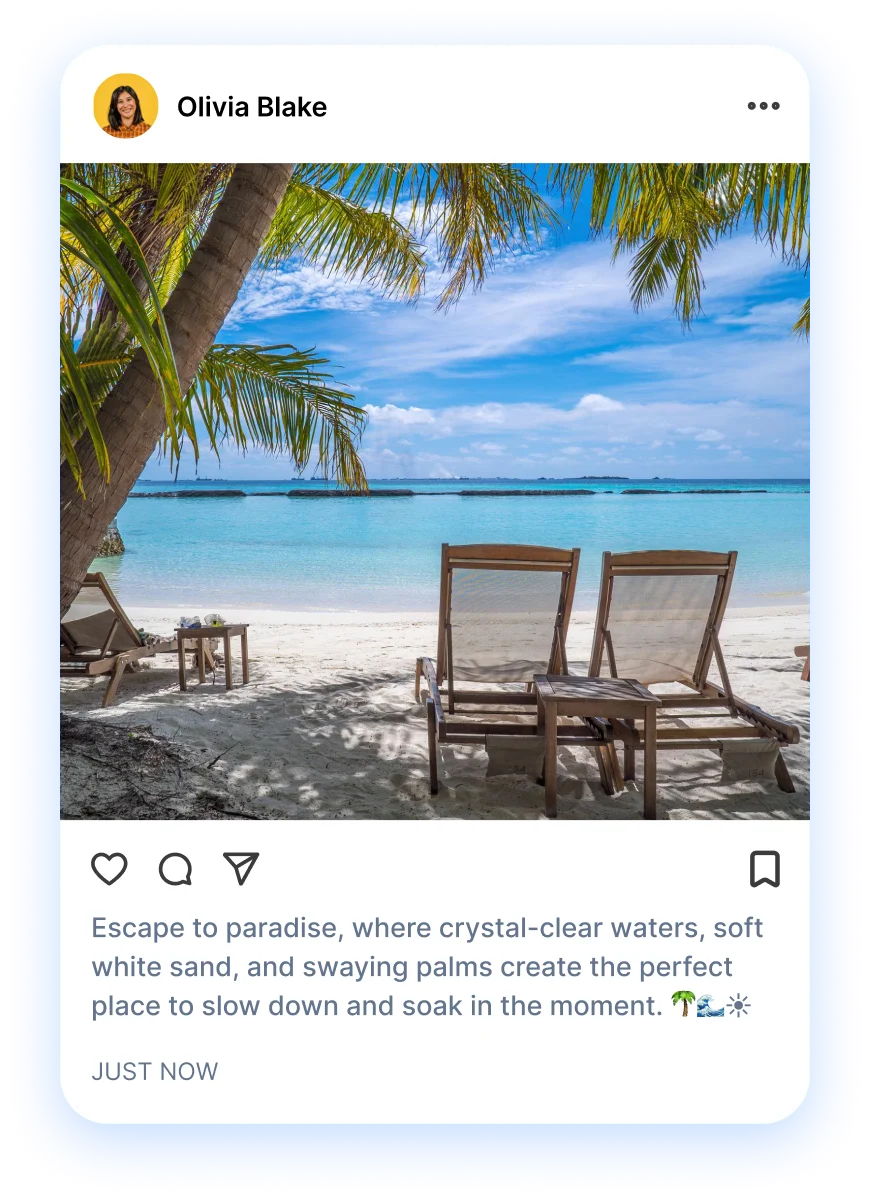
Examples teach the AI faster than settings do. Paste up to 8 real posts and label each one “sounds like us” or “does not sound like us”. Two or three strong examples often do more than every slider combined, because the AI picks up sentence length, openers, emoji habits and how you sign off. Add a post that missed, too. It learns the edges that way. Short on material? RepeatPost can read your website or your past posts and draft a first profile, which you then correct. Drafting a profile this way uses AI credits.
Get started for freeCREATE
One consistent brand voice across every channel
A consistent brand voice means people recognize you on any platform, even when the format changes. RepeatPost picks the voice for each post in three layers. A voice set on the channel wins, then the channel group's, then your workspace default. That's how an agency runs a playful voice for a café's Instagram and a formal one for a law firm's LinkedIn in one account. When the AI Agent plans a week of posts, each channel card shows which voice wrote it, across all 16+ channels you connect.
Get started for free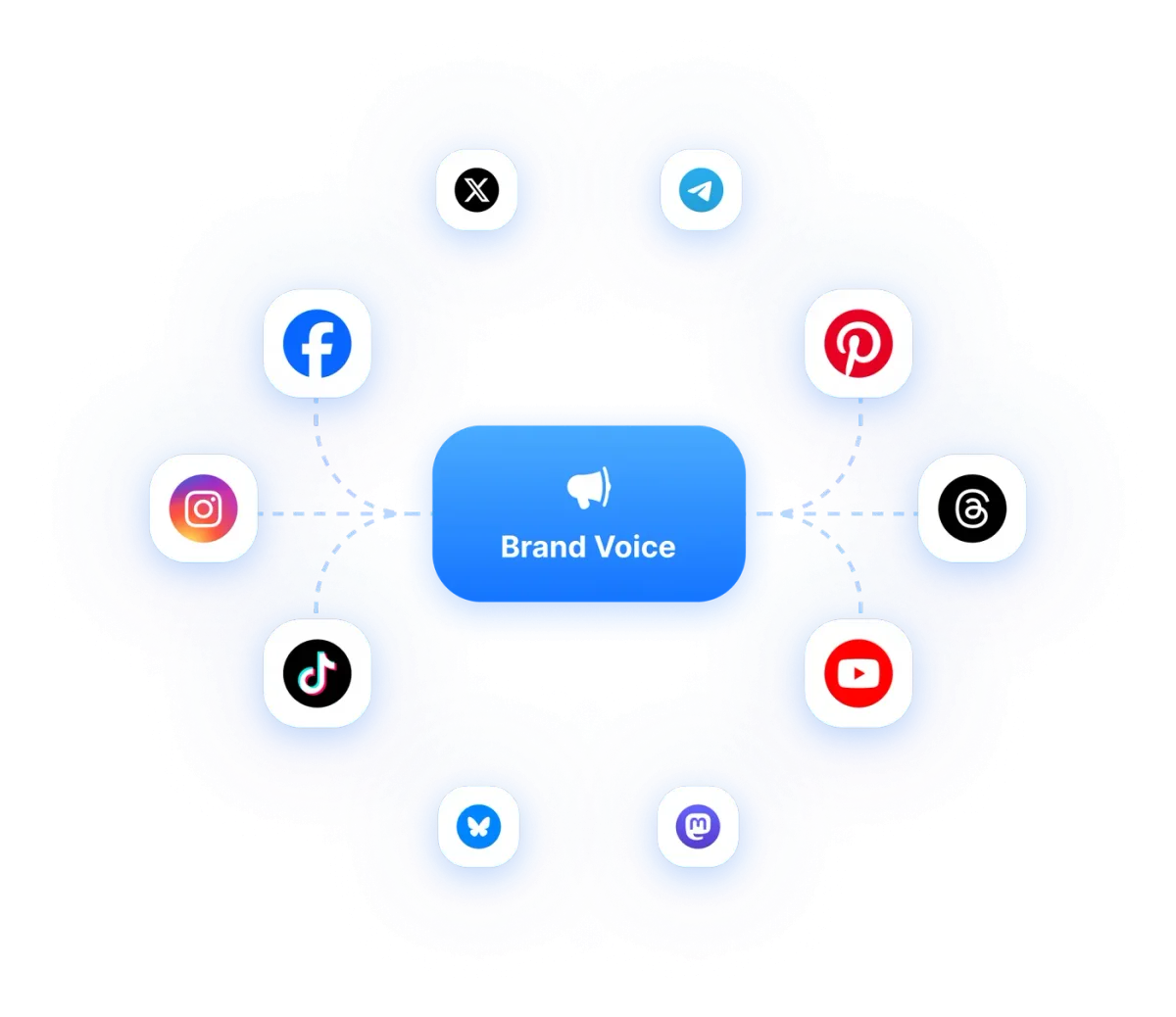
BUILT FOR TEAMS
Keep a whole team writing in one voice
A brand voice pays off when everyone uses it. These tools give each client a separate space, route drafts past a reviewer, and keep every reply in one place.
Channel groups
Group channels by client, campaign, or any other way that makes sense to your team. Post to all channels in a group at once.
Learn MoreAudit logs
Track all activities and changes made within the platform for compliance and review purposes.
Learn MoreTelegram Bot
Create, schedule and publish social posts by chatting with the RepeatPost bot in Telegram, with AI captions and images on request.
Learn MoreMCP
Connect Claude, ChatGPT, Cursor and other AI assistants to RepeatPost to create, schedule and publish posts from a chat.
Learn MoreWorkspaces
Keep every client dashboard separate and organized, from social accounts and schedules to media files and team members.
Learn MoreHow teams picture using RepeatPost
“Honestly, the calendar is what sold me. I could see every channel in one view and spot the week we'd gone quiet. Before this I was juggling three spreadsheets and a Slack thread. Now I plan the month on a Monday morning and I'm done by half ten.”
Hannah Whitfield
Marketing Manager
United KingdomJun 14, 2026“We run social for eleven clients and keeping them separate used to be a genuine anxiety of mine. Workspaces fixed that. Each client sits in their own space, approvals route to the right person, and I've stopped worrying that someone's going to push a dental practice promo to a restaurant account at 6am.”
Marcus Reed
Agency Owner
United StatesJun 29, 2026“I batch a fortnight of content on a Sunday arvo and then I don't think about it again. Reckon it's saved me a solid day a week. Only gripe is the mobile app still feels a step behind the web version, so I do the actual planning on my laptop. Everything else is spot on.”
Chloe Baxter
Content Creator
AustraliaJul 11, 2026“I'm handling social for four small brands and writing captions was eating my whole morning. The AI drafts are actually quite usable now. I still rewrite maybe every third one to sound like the client, but starting from something beats staring at a blank box. The hashtag tool alone I'm using daily.”
Ananya Raghavan
Freelance Social Media Manager
IndiaJul 30, 2026“I sell fabrics and my customers find me on Instagram mostly. Posting used to be whenever I remembered, which was maybe twice a week. Now I sit down every Sunday evening, load up two weeks, and it goes out on its own. Sales have followed. I'd like to see WhatsApp added properly, that's my one ask.”
Chidinma Eze
Small Business Owner
NigeriaAug 18, 2026“Our team is five people and we were losing posts in Slack threads. Someone would approve something, someone else would tweak it, and nobody knew which version went live. The approval flow sorted that in a week. Fair play, it's the least glamorous feature on the site and it's the one I'd miss most.”
Niamh Gallagher
Social Media Lead
IrelandSep 02, 2026FAQs
Frequently Asked
Questions
An AI brand voice is a saved profile that tells an AI writer how your brand sounds. In RepeatPost it holds six tone sliders, your word rules, emoji and hashtag habits, and a few example posts. The AI Agent reads that profile before drafting, so captions come back in your tone instead of a generic one.
Open Brand voice in Settings and add a new voice. The editor has six steps: identity, voice, rules, brand kit, examples and preview. Fill them in yourself, or let RepeatPost read your website or past posts and draft the profile for you. Then fix anything that sounds off before you save it.
Start with two or three real posts that sound like you, and add more up to the limit of 8. Pick different formats, such as a launch post, a quick tip and a behind the scenes story. Then label one weaker post "does not sound like us" so the AI learns what to steer away from.
Yes. Save several named voices in one workspace and assign them per channel, per channel group, or as the workspace default. A voice set on the channel wins over the group, and the group wins over the default. Only an owner or an admin can choose a group's voice, so nobody changes it by accident.
Good guidelines cover tone, point of view, reading level, words you use, words you ban, claims you never make, and your emoji and hashtag habits. Be specific. "Friendly" tells a writer very little, while "we say folks, never guys, and one emoji at most" gives the AI a rule it can actually follow.
Sometimes, yes. No AI writer follows every rule every time, which is why RepeatPost checks its own work. When an AI Agent draft uses a word your voice bans, the post gets flagged. The preview step shows exactly what the AI is told, and the approval workflow adds a human check before anything goes live.
Ready to teach the AI how your brand talks?
Create your free account and start managing 16+ channels with AI in minutes.
Get started for freeFree plan to start
No Credit Card Required
Cancel anytime