TikTok video downloader
Free TikTok Video Downloader
TikTok stamps every download from the app with a moving username watermark. Paste a link here instead and you get a clean MP4 with the audio intact, ready to repost, caption or archive.
Also, you can check Twitter video downloader or LinkedIn video downloader or More
Clean MP4 with no username watermark
Original audio kept intact
Nothing you paste is stored on our side
These tools stay free because people chip in. Buy us a coffee ☕
Something broken, or a tool you wish we had? Tell us what you need


More free tools
People who use the TikTok Video Downloader also reach for these
Every tool here is free, runs in your browser and needs no account.
Inside RepeatPost
What you get when the free tool is not enough
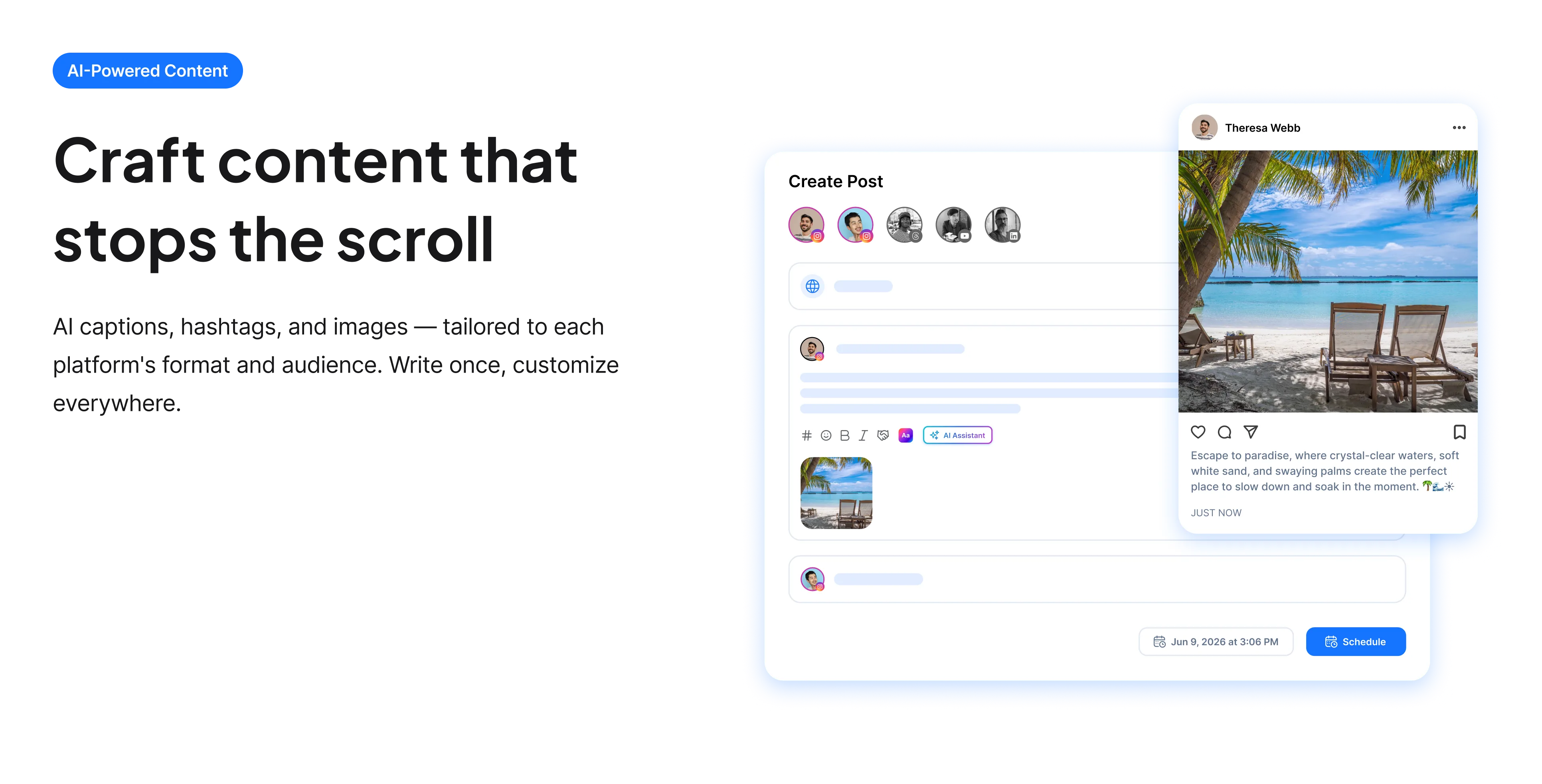
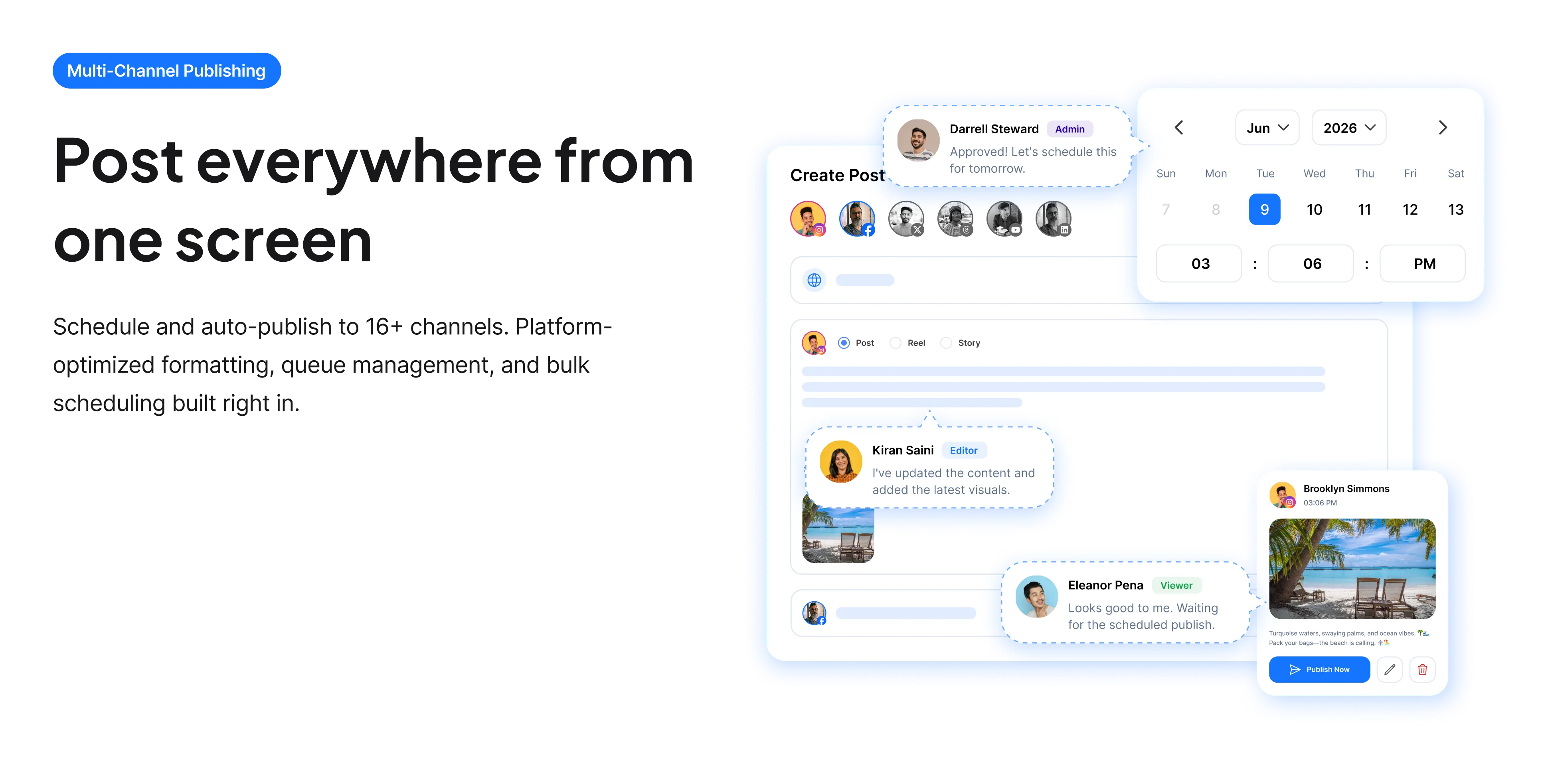
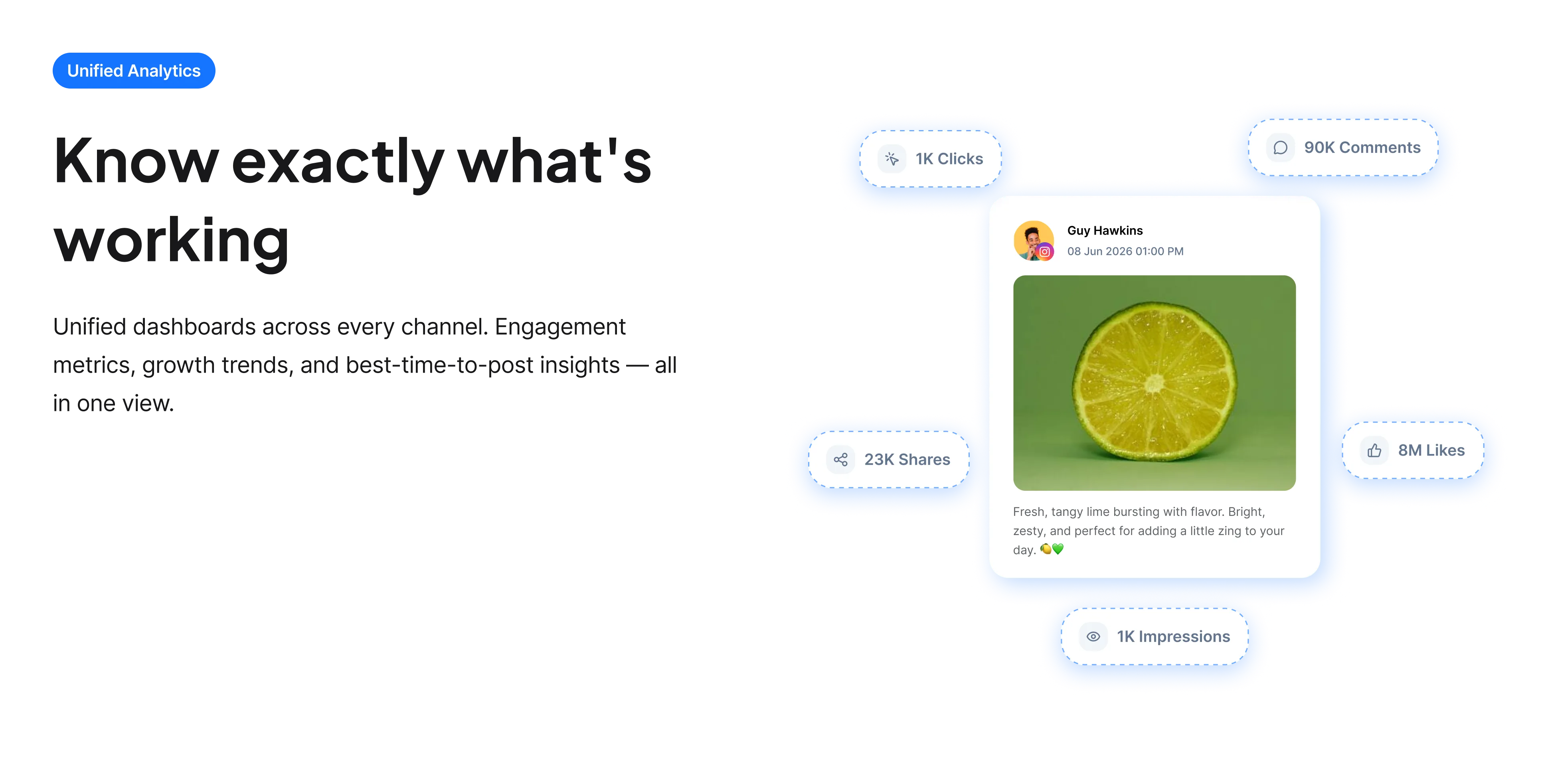
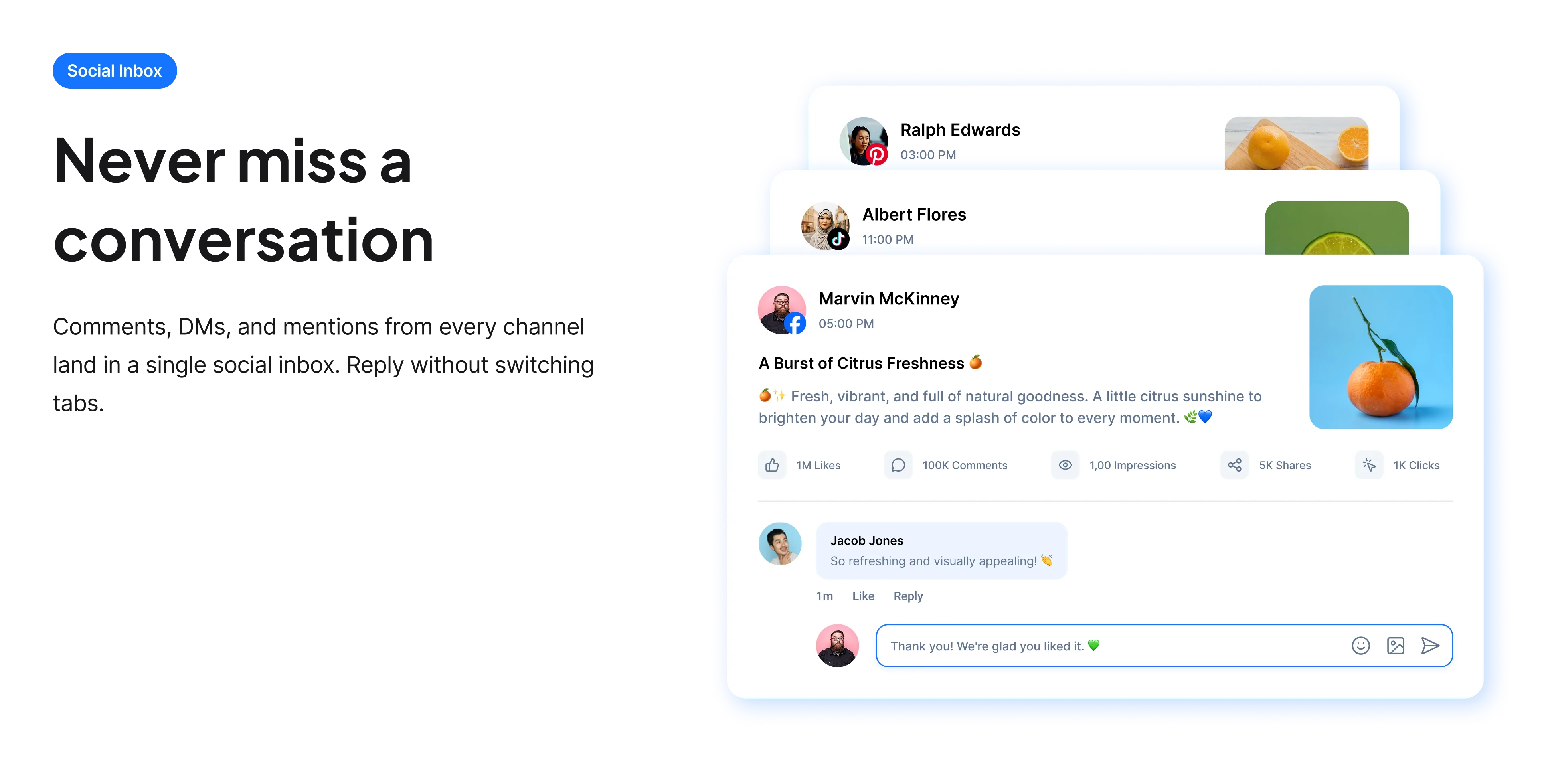
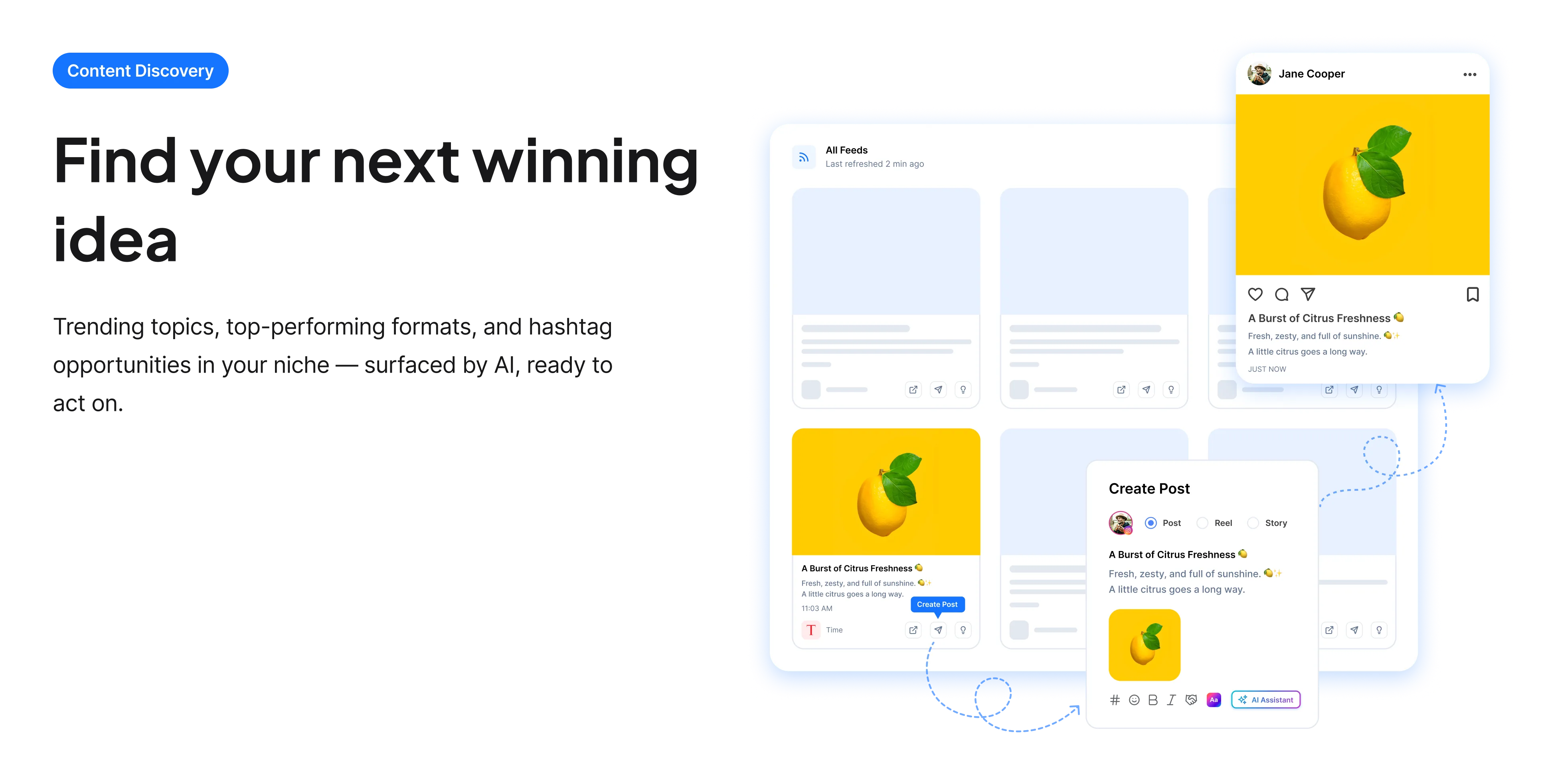
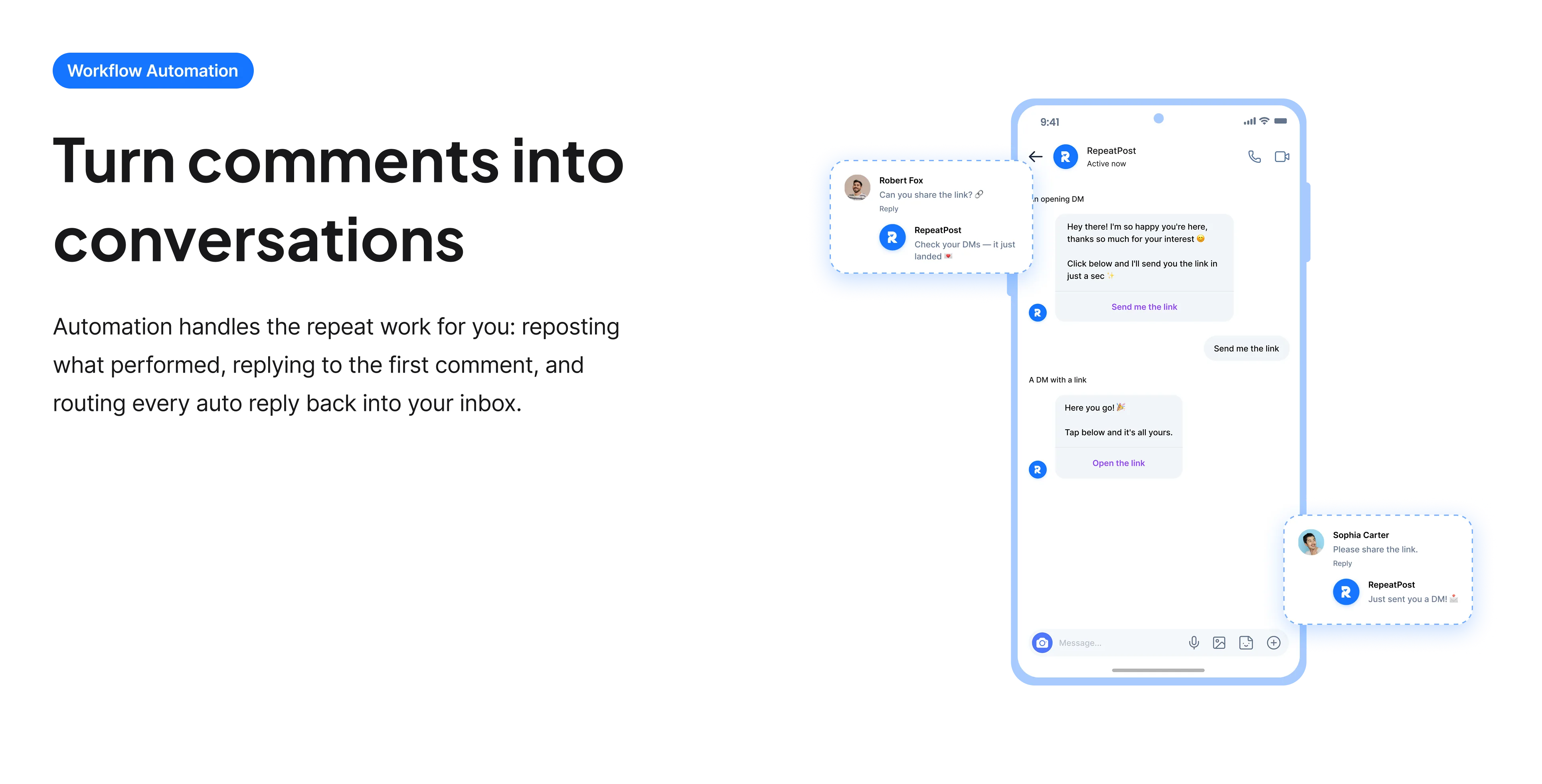
The free tools solve one task at a time. RepeatPost handles the whole loop: write the post, publish it everywhere, then see what landed.
Ready to get started?
The free tools are the warm up. RepeatPost plans, writes and publishes across every channel you post to.
Free plan to start
No credit card required
Cancel anytime
All about the TikTok video downloader
What is a TikTok video downloader?
A TikTok downloader takes a public video URL and returns the underlying MP4 file, so you can save it outside the app. The reason people reach for one is the watermark: saving through TikTok itself burns in a bouncing logo and the creator username, which makes the file unusable anywhere else and gets it flagged as recycled content by other platforms. This tool returns the file without that overlay, keeps the audio, and does not require an account. Nothing you paste is stored on our side.
How to download a TikTok video
The whole process takes about fifteen seconds and works the same on phone and desktop.
- Open the video in TikTok and tap Share, then Copy link. If you are on desktop, copying the URL out of the address bar does the same job.
- Paste the link into the field on this page. Short vm.tiktok.com links and full URLs both resolve.
- Choose a resolution. Higher is better if the file is going to be re uploaded anywhere.
- Download the MP4. On iOS, Safari saves to Files by default, so use the share sheet afterwards if you want it in Photos.
- Check the file plays with sound before you close the tab, since a muted result usually means the original had licensed audio stripped.
Using downloaded TikToks responsibly
The technical part is easy. The part that gets people in trouble is what happens to the file afterwards.
- Credit the creator whenever you repost. Tag the account in the caption and leave the credit visible rather than buried in a comment.
- Ask first if you are using someone else’s video commercially. A download is not a license, and a brand reposting a creator’s work into a paid ad without permission is a genuine legal problem, not a grey area.
- Save your own videos here when you have lost the original. This is the most common honest use: your drafts folder is gone and the only surviving copy is the posted one.
- Check the audio rights separately. Music on TikTok is cleared for TikTok, and that clearance does not travel with the file to YouTube, Instagram or an ad.
- Do not use it to rebuild someone else’s account elsewhere. Wholesale reposting of another creator’s catalogue is how accounts get struck, and it is worth avoiding on its own merits.
Who uses this tool
Most people arrive here for one of a handful of concrete reasons.
- Creators recovering their own work. The phone died, the drafts are gone, and the posted version is the only copy left.
- Anyone cross posting to Reels or Shorts. Both platforms demote visibly watermarked uploads, so a clean file measurably outperforms a re shared one.
- Social media managers building a swipe file. Saving the hooks and edits that worked is easier to study offline than scrolling back through a For You page.
- Editors pulling a clip into a longer piece. A compilation, a reaction video or a presentation all need the raw file rather than a screen recording.
- People saving something to watch without a signal, on a flight or a commute.
TikTok downloader specs
What you get back, and what the tool will not do.
| Detail | Value | Notes |
|---|---|---|
| Output format | MP4 | Plays on any device without conversion |
| Watermark | Removed | No bouncing username overlay |
| Audio | Included | Original audio track is kept |
| Accepted links | Short and full TikTok URLs | vm.tiktok.com links resolve fine |
| Private videos | Not supported | The video has to be publicly viewable |
| Software needed | None | No app and no browser extension |
| Cost | Free | No account and no card |
| Storage | Nothing retained | Links are not logged or kept |
Checked in September 2026. TikTok changes its delivery formats from time to time, so occasional failures on a specific video usually mean the platform changed something rather than that the link was wrong.
When this is not the right tool
It only works on public videos. Anything private, friends only, or behind an age restriction will not resolve, and that is deliberate rather than a bug. It also will not help you build a following out of other people’s work: reposting a catalogue you did not make is the fastest route to a strike, whatever the watermark says. If the video you want is on another network, use the matching tool for it, such as the Instagram video downloader or the X video downloader. And if what you actually want is to schedule your own TikToks rather than retrieve them, the publishing tools are the better place to start.
How teams picture using RepeatPost
“Honestly, the calendar is what sold me. I could see every channel in one view and spot the week we'd gone quiet. Before this I was juggling three spreadsheets and a Slack thread. Now I plan the month on a Monday morning and I'm done by half ten.”
Hannah Whitfield
Marketing Manager
United KingdomJun 14, 2026“We run social for eleven clients and keeping them separate used to be a genuine anxiety of mine. Workspaces fixed that. Each client sits in their own space, approvals route to the right person, and I've stopped worrying that someone's going to push a dental practice promo to a restaurant account at 6am.”
Marcus Reed
Agency Owner
United StatesJun 29, 2026“I batch a fortnight of content on a Sunday arvo and then I don't think about it again. Reckon it's saved me a solid day a week. Only gripe is the mobile app still feels a step behind the web version, so I do the actual planning on my laptop. Everything else is spot on.”
Chloe Baxter
Content Creator
AustraliaJul 11, 2026“I'm handling social for four small brands and writing captions was eating my whole morning. The AI drafts are actually quite usable now. I still rewrite maybe every third one to sound like the client, but starting from something beats staring at a blank box. The hashtag tool alone I'm using daily.”
Ananya Raghavan
Freelance Social Media Manager
IndiaJul 30, 2026“I sell fabrics and my customers find me on Instagram mostly. Posting used to be whenever I remembered, which was maybe twice a week. Now I sit down every Sunday evening, load up two weeks, and it goes out on its own. Sales have followed. I'd like to see WhatsApp added properly, that's my one ask.”
Chidinma Eze
Small Business Owner
NigeriaAug 18, 2026“Our team is five people and we were losing posts in Slack threads. Someone would approve something, someone else would tweak it, and nobody knew which version went live. The approval flow sorted that in a week. Fair play, it's the least glamorous feature on the site and it's the one I'd miss most.”
Niamh Gallagher
Social Media Lead
IrelandSep 02, 2026FAQs
Frequently Asked
Questions
Copy the video link from the Share menu in TikTok, paste it into the field on this page, choose a quality and save the MP4. Saving from inside the TikTok app instead burns in a moving username overlay, which is what makes those files awkward to reuse anywhere else.
Downloading your own videos is fine. Downloading someone else’s for private viewing sits in the same grey area as saving any web content. Republishing another creator’s video, especially commercially, needs their permission. A download is not a license, and the music rights are separate again.
That usually means the original used licensed music that is not delivered with the file. TikTok clears music for playback inside TikTok, and that clearance does not travel with a download. Videos using original or creator uploaded audio come through with sound intact.
No. The tool can only reach videos that are publicly viewable, which is deliberate. Test it by opening the link in a private browser window: if TikTok will not show it there, this tool hits the same wall. Age restricted videos behave the same way.
No. Your link is used once to locate the file and then discarded. Without an account there is nothing to attach a history to, so no record of what you saved exists here afterwards.
A visibly watermarked upload will. Instagram and YouTube both demote content that obviously came from a competitor, and the TikTok username overlay is the clearest possible signal of that. A clean file avoids the penalty, though original content still tends to outperform reposts.
Take the highest available if the file is going to be uploaded anywhere else. Every platform re encodes on upload, so starting from an already compressed copy compounds the loss and the second version looks noticeably softer. Lower resolutions are fine for offline viewing.
Ready to grow on autopilot?
Create your free account and start managing 16+ channels with AI in minutes.
Get started for freeFree plan to start
No Credit Card Required
Cancel anytime