Instagram video downloader
Free Instagram Video Downloader
Instagram gives you no download button at all, and screen recording costs you the quality plus half the frame. Paste a link here and you get the original MP4 back, with the audio and without the username overlay.
Also, you can check Facebook video downloader or X (Twitter) video downloader or More
Reels, feed video and IGTV in one place
Original resolution rather than a screen recording
Nothing you paste is stored on our side
These tools stay free because people chip in. Buy us a coffee ☕
Something broken, or a tool you wish we had? Tell us what you need


More free tools
People who use the Instagram Video Downloader also reach for these
Every tool here is free, runs in your browser and needs no account.
Inside RepeatPost
What you get when the free tool is not enough
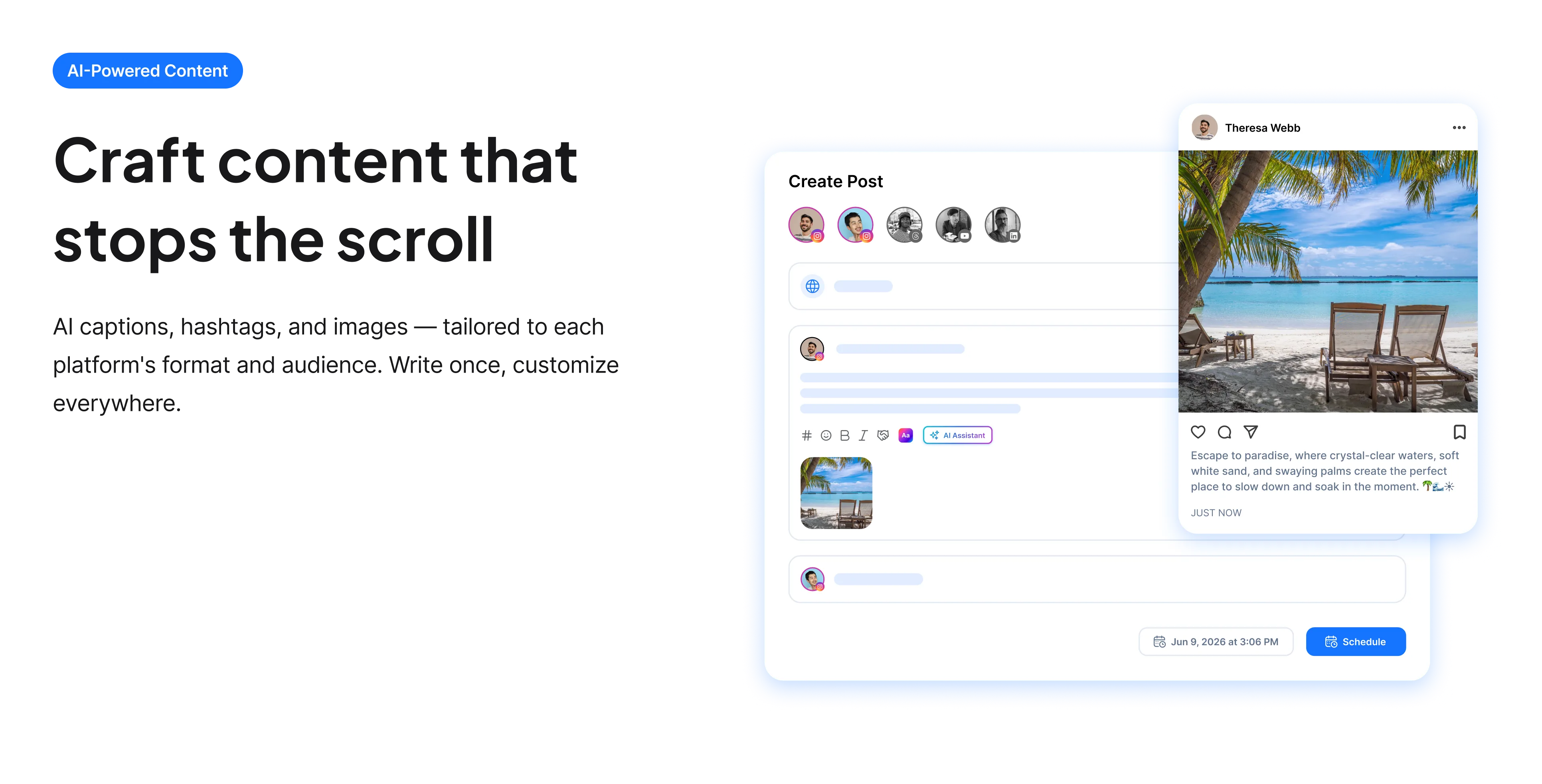
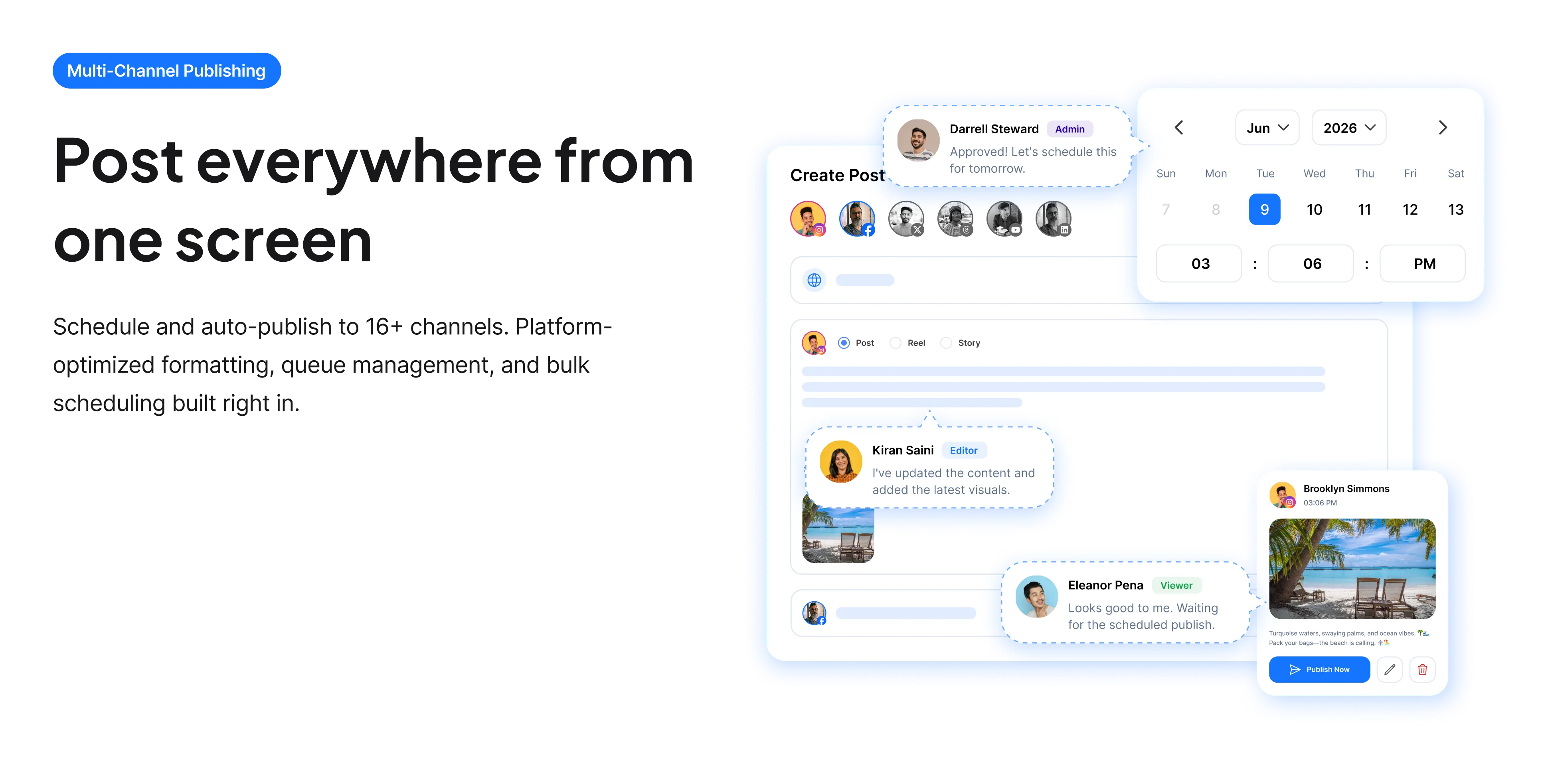
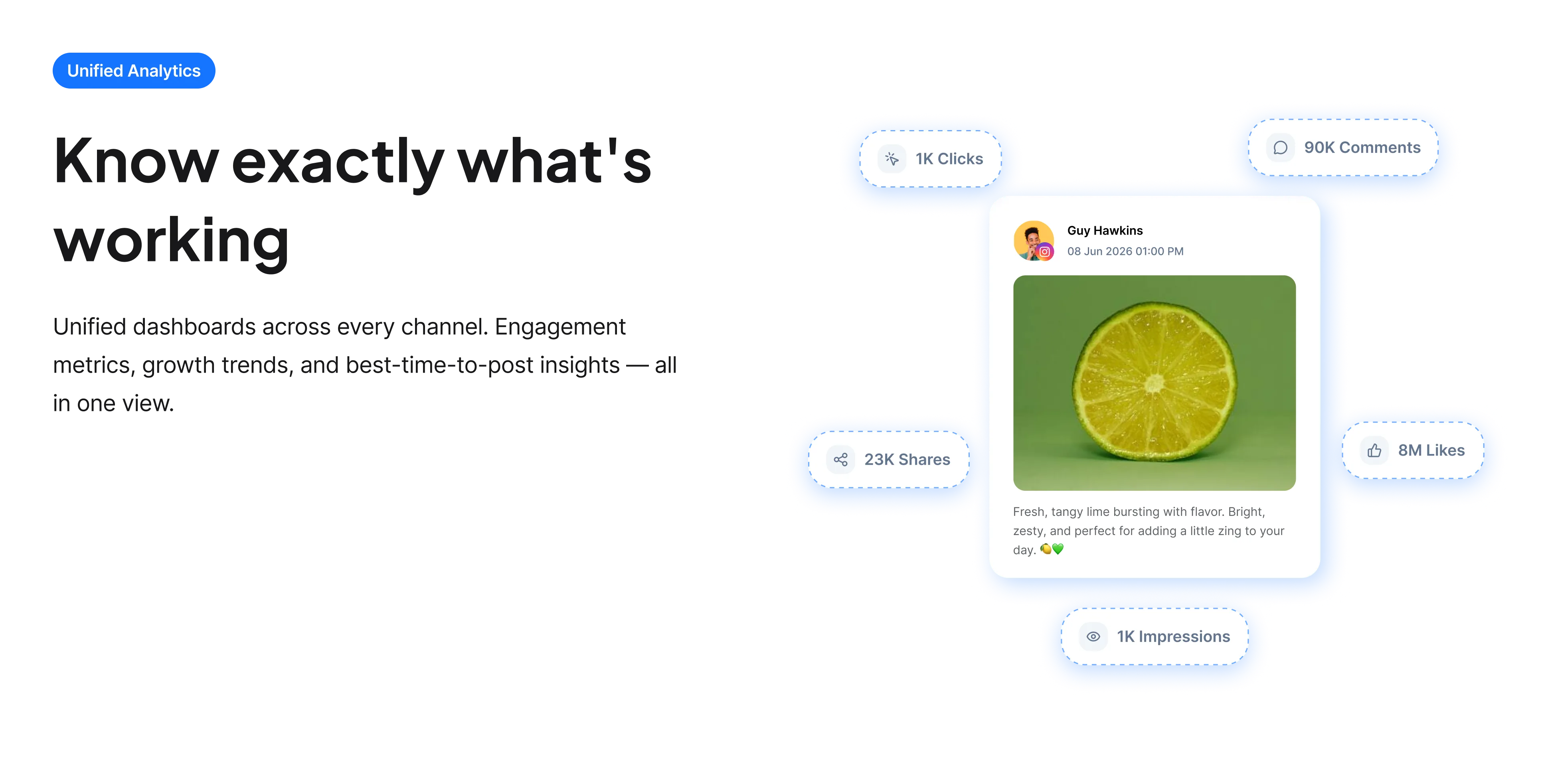
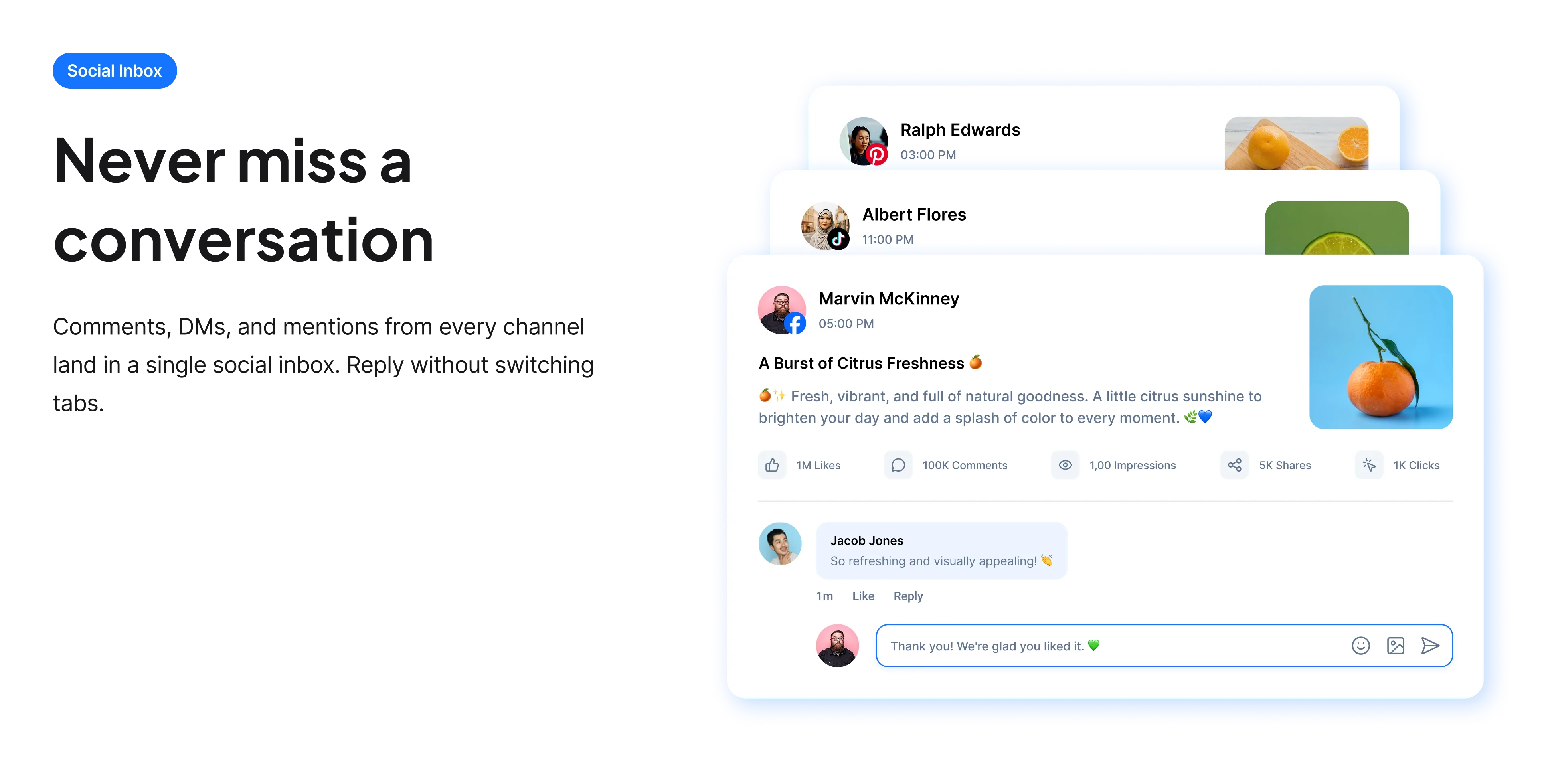
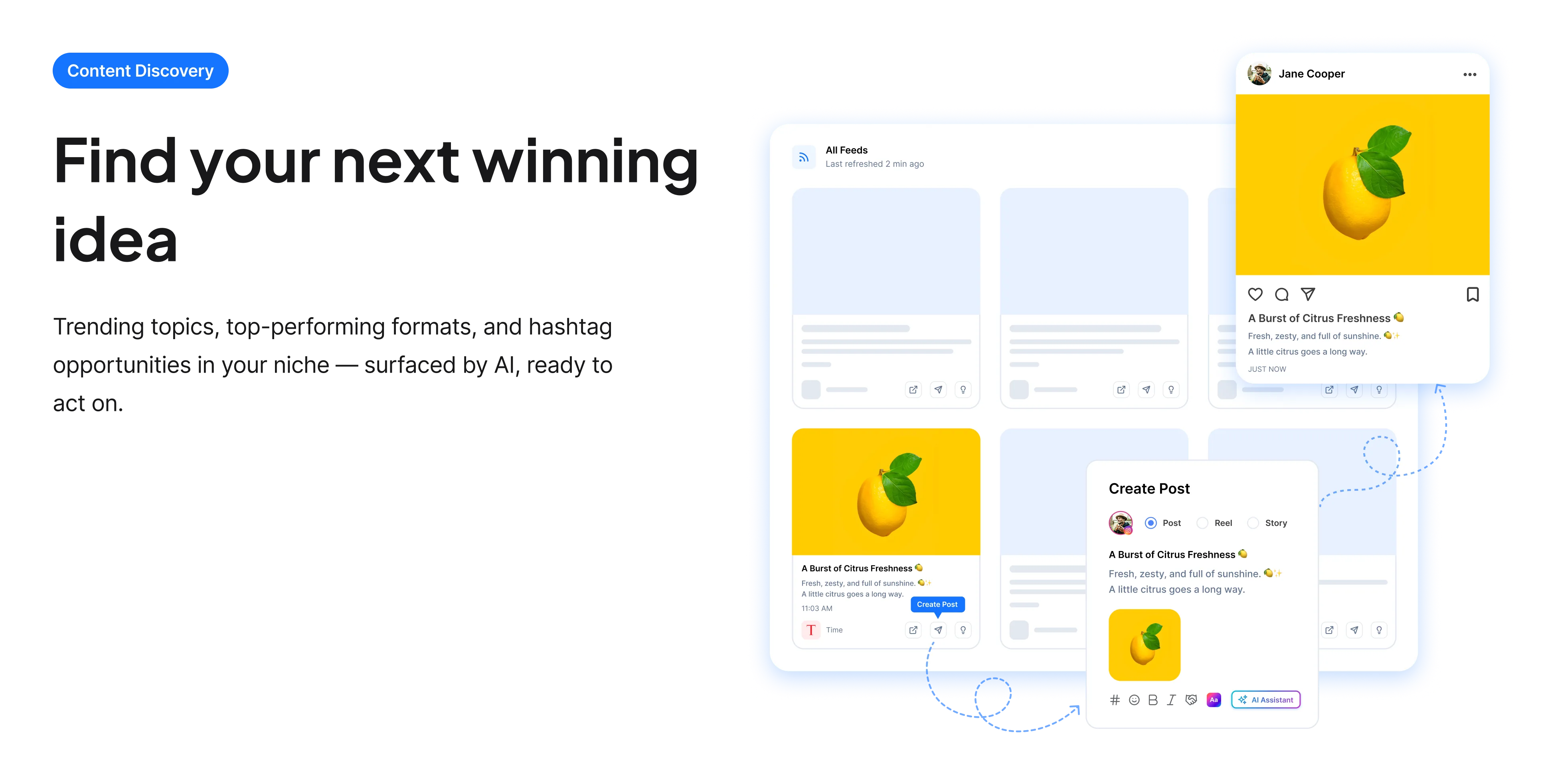
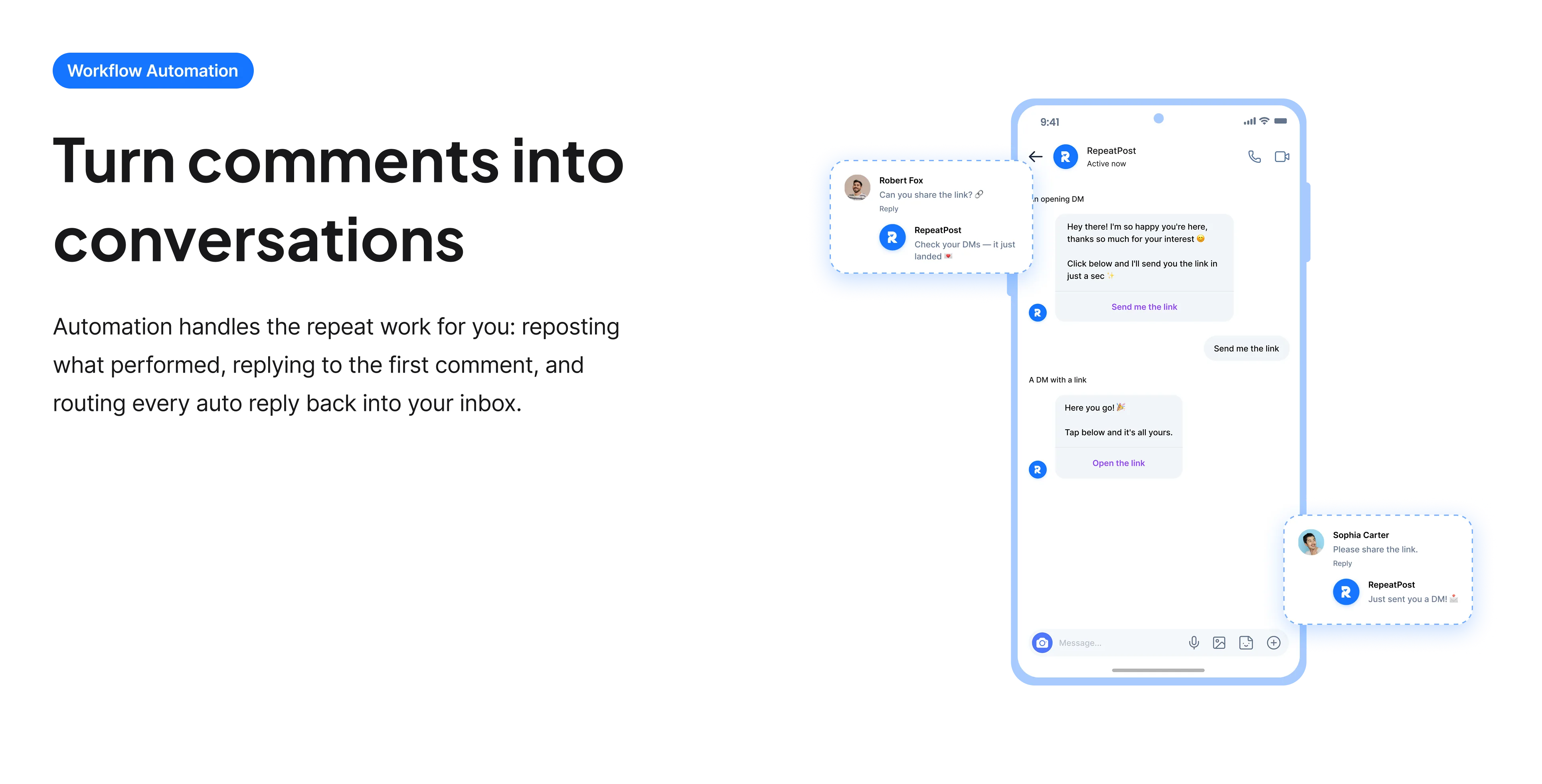
The free tools solve one task at a time. RepeatPost handles the whole loop: write the post, publish it everywhere, then see what landed.
Ready to get started?
The free tools are the warm up. RepeatPost plans, writes and publishes across every channel you post to.
Free plan to start
No credit card required
Cancel anytime
All about the Instagram video downloader
What is an Instagram video downloader?
An Instagram video downloader takes a public post URL and returns the underlying MP4, which matters because Instagram ships no download option of any kind. The usual workaround is a screen recording, and that costs you resolution, crops the frame to your phone, and captures the interface along with the video. This tool returns the file Instagram is actually serving, at the resolution it was uploaded, with the audio track intact and no username overlay burned in.
How to download an Instagram video
Works the same for Reels, feed posts and carousels containing video.
- Open the post, tap the three dots, and choose Copy link. On desktop, copying the address bar URL does the same job.
- Paste the link into the field on this page. Share links carry tracking parameters, and you can leave those in place.
- Pick a resolution. Take the highest if you plan to repost it anywhere.
- Download the file. It arrives as a standard MP4 that plays anywhere without conversion.
- For a carousel, note that only video slides can be saved this way. Still images in the same post are not video files.
Getting a usable file rather than a broken one
Most failed downloads come down to one of these, and all of them are avoidable.
- Check the account is public first. If you cannot open the link in a logged out browser window, the downloader cannot reach it either.
- Use the post link, not a Story link. Stories expire after 24 hours and are handled differently by Instagram.
- Save your own Reels before you delete a draft. Instagram does not keep an editable copy for you, and the posted version is often the only one left.
- Grab the highest resolution when cross posting to TikTok or YouTube, because both re encode on upload and a soft source looks noticeably worse afterwards.
- Credit the creator if the video is not yours. A download is not permission, and reposting someone else's Reel into an ad without asking is a real legal problem.
Who uses this tool
A few concrete situations account for most downloads here.
- Creators recovering their own work. The drafts are gone, the phone was replaced, and the posted Reel is the only surviving copy.
- Brands collecting user generated content. A customer tagged you in a video and you want to reshare it properly rather than screenshotting it.
- Social media managers cross posting to TikTok and YouTube Shorts, where a clean source file measurably outperforms a re shared one.
- Editors pulling footage into a longer edit, a compilation or a client presentation, all of which need the actual file.
- Anyone archiving a campaign before an account is handed over or closed.
Instagram downloader specs
What comes back, and what the tool will not reach.
| Detail | Value | Notes |
|---|---|---|
| Output format | MP4 | Plays anywhere without conversion |
| Supported posts | Reels, feed video, video carousels | Stories are not supported |
| Resolution | As uploaded | Not a re encoded screen capture |
| Audio | Included | Original audio track kept |
| Private accounts | Not supported | The post must be publicly viewable |
| Software needed | None | No app and no browser extension |
| Cost | Free | No account and no card |
| Storage | Nothing retained | Links are not logged |
Checked in September 2026. Instagram changes its delivery formats periodically, so an occasional failure on one post usually means the platform changed something rather than that your link was wrong.
When this is not the right tool
Private accounts and Stories are both out of reach, and deliberately so. It also will not help you run an account built on other people's Reels: mass reposting is the quickest route to a strike, and the watermark question is beside the point. If the video lives on another network, use the tool built for it, such as the TikTok video downloader or the Facebook video downloader. And if what you want is to plan and publish your own Reels rather than retrieve them, start with the publishing tools instead.
How teams picture using RepeatPost
“Honestly, the calendar is what sold me. I could see every channel in one view and spot the week we'd gone quiet. Before this I was juggling three spreadsheets and a Slack thread. Now I plan the month on a Monday morning and I'm done by half ten.”
Hannah Whitfield
Marketing Manager
United KingdomJun 14, 2026“We run social for eleven clients and keeping them separate used to be a genuine anxiety of mine. Workspaces fixed that. Each client sits in their own space, approvals route to the right person, and I've stopped worrying that someone's going to push a dental practice promo to a restaurant account at 6am.”
Marcus Reed
Agency Owner
United StatesJun 29, 2026“I batch a fortnight of content on a Sunday arvo and then I don't think about it again. Reckon it's saved me a solid day a week. Only gripe is the mobile app still feels a step behind the web version, so I do the actual planning on my laptop. Everything else is spot on.”
Chloe Baxter
Content Creator
AustraliaJul 11, 2026“I'm handling social for four small brands and writing captions was eating my whole morning. The AI drafts are actually quite usable now. I still rewrite maybe every third one to sound like the client, but starting from something beats staring at a blank box. The hashtag tool alone I'm using daily.”
Ananya Raghavan
Freelance Social Media Manager
IndiaJul 30, 2026“I sell fabrics and my customers find me on Instagram mostly. Posting used to be whenever I remembered, which was maybe twice a week. Now I sit down every Sunday evening, load up two weeks, and it goes out on its own. Sales have followed. I'd like to see WhatsApp added properly, that's my one ask.”
Chidinma Eze
Small Business Owner
NigeriaAug 18, 2026“Our team is five people and we were losing posts in Slack threads. Someone would approve something, someone else would tweak it, and nobody knew which version went live. The approval flow sorted that in a week. Fair play, it's the least glamorous feature on the site and it's the one I'd miss most.”
Niamh Gallagher
Social Media Lead
IrelandSep 02, 2026FAQs
Frequently Asked
Questions
Tap the three dots on the Reel and choose Copy link, paste that into the field on this page, pick a quality and save the MP4. Instagram itself offers no download button, which is why a screen recording is otherwise the only option.
A screen recording captures your display rather than the file, so you lose resolution, crop the frame to your phone dimensions and often catch the interface too. Downloading returns the file Instagram is serving, at the resolution it was uploaded.
No. The tool only reaches posts that are publicly viewable. If you cannot open the link in a logged out browser window, neither can the downloader. That is intentional rather than a limitation we plan to remove.
No, Stories are not supported. They expire after 24 hours and Instagram handles them differently from feed posts and Reels. This tool covers Reels, feed video and video inside carousels.
Downloading your own content is fine. Saving someone else's for private viewing sits in the same grey area as saving any web content. Republishing another creator's video, especially in anything commercial, needs their permission first.
No. The link is used to fetch the file and nothing is retained. There is no account, so no download history is attached to you and no copy of the video sits on our side afterwards.
No. You get the video as Instagram serves it, with no username overlay added. That matters for cross posting, because both TikTok and YouTube demote uploads that visibly came from a competitor platform.
Ready to grow on autopilot?
Create your free account and start managing 16+ channels with AI in minutes.
Get started for freeFree plan to start
No Credit Card Required
Cancel anytime