Instagram caption generator
Free Instagram Caption Generator for social media
Instagram gives you 2,200 characters but only shows about 125 before it collapses your caption behind a More link. This free generator writes the whole thing, and it front loads the part that has to earn the tap.
Also, you can check Telegram Caption or Facebook Caption or More
Captions built around the 125 character cut off
Emojis and hashtag sets included
Free to use, no account needed
These tools stay free because people chip in. Buy us a coffee ☕
Something broken, or a tool you wish we had? Tell us what you need


More free tools
People who use the Instagram Caption Generator also reach for these
Every tool here is free, runs in your browser and needs no account.
Inside RepeatPost
What you get when the free tool is not enough
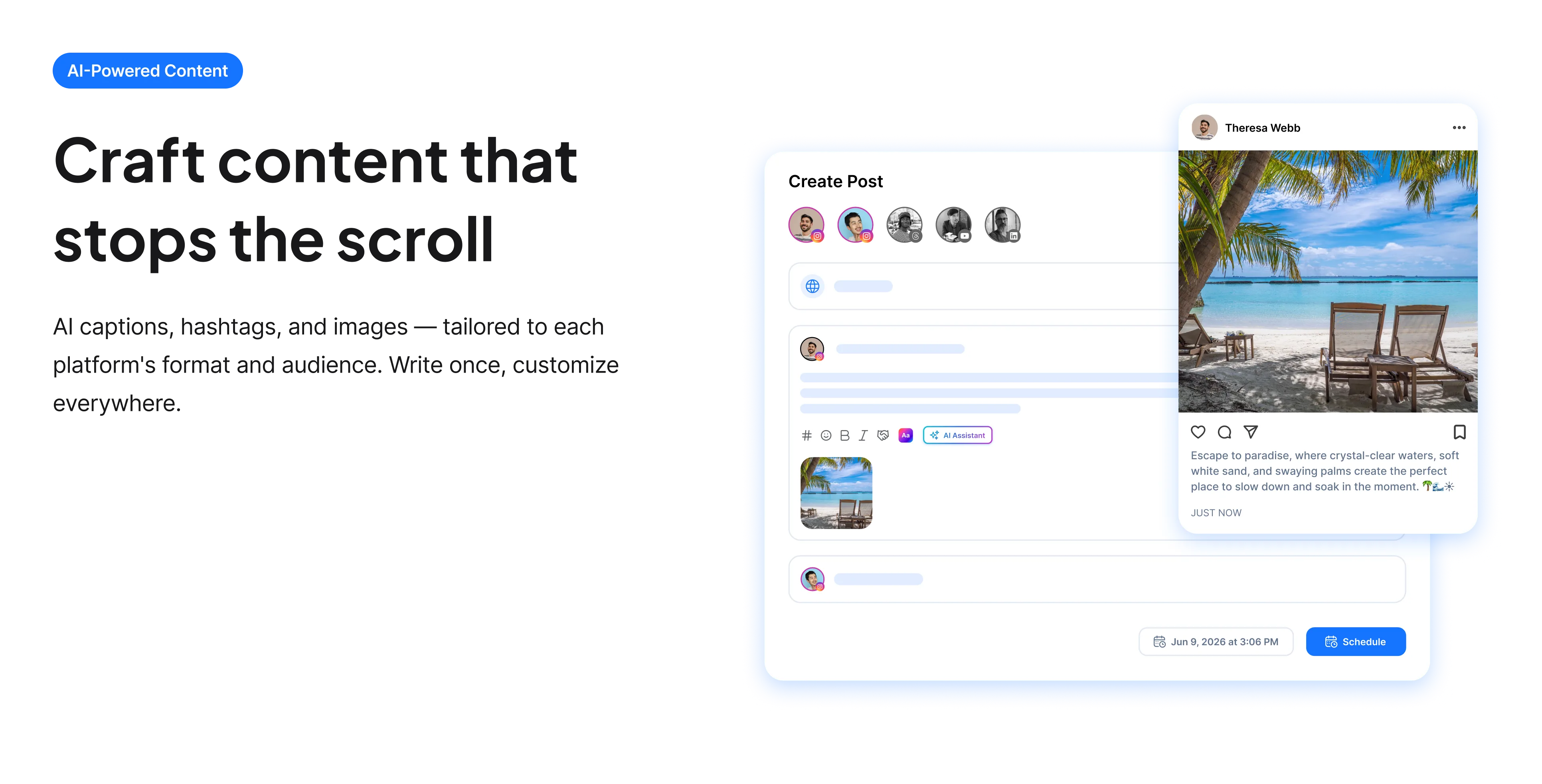
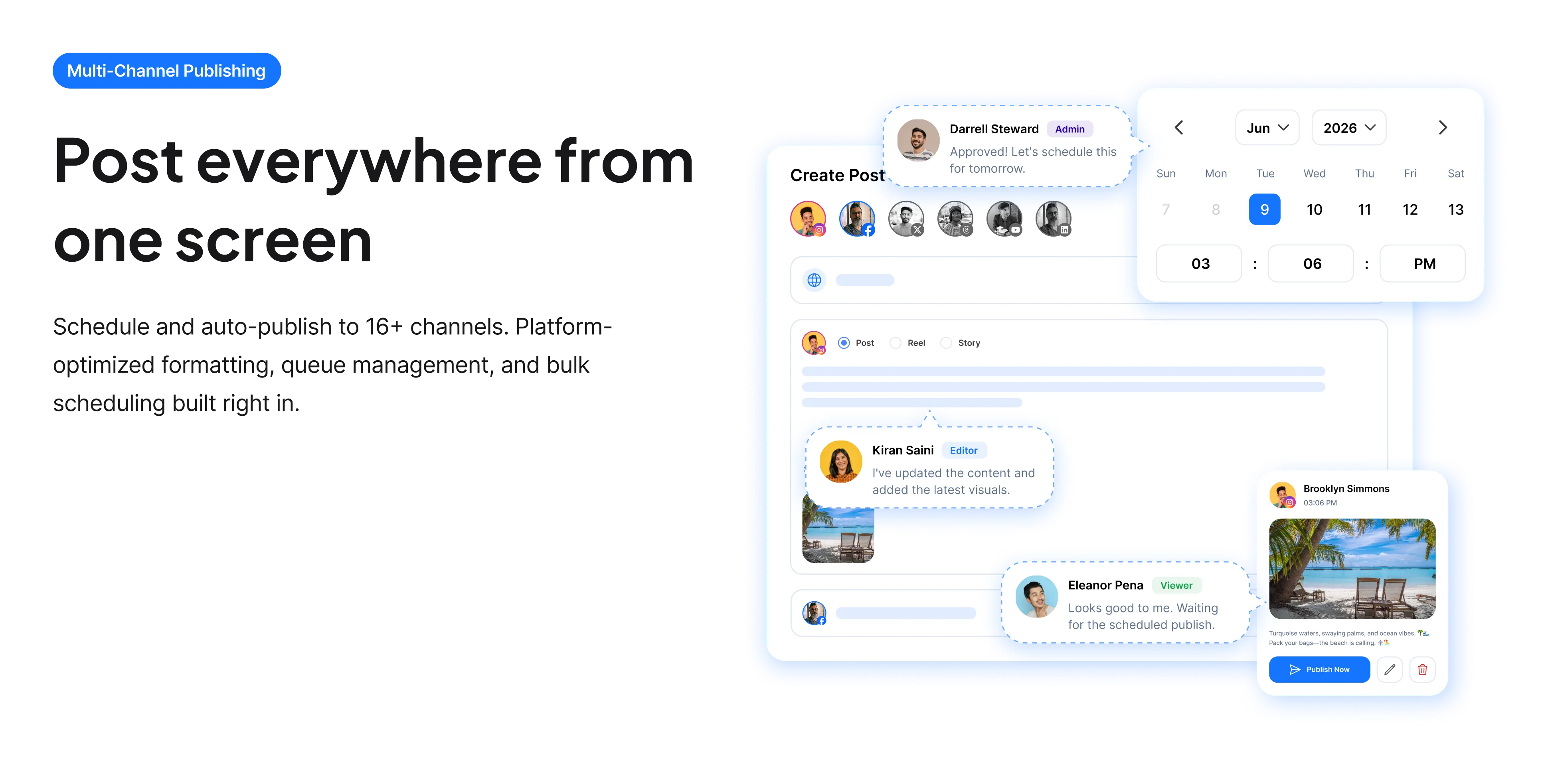
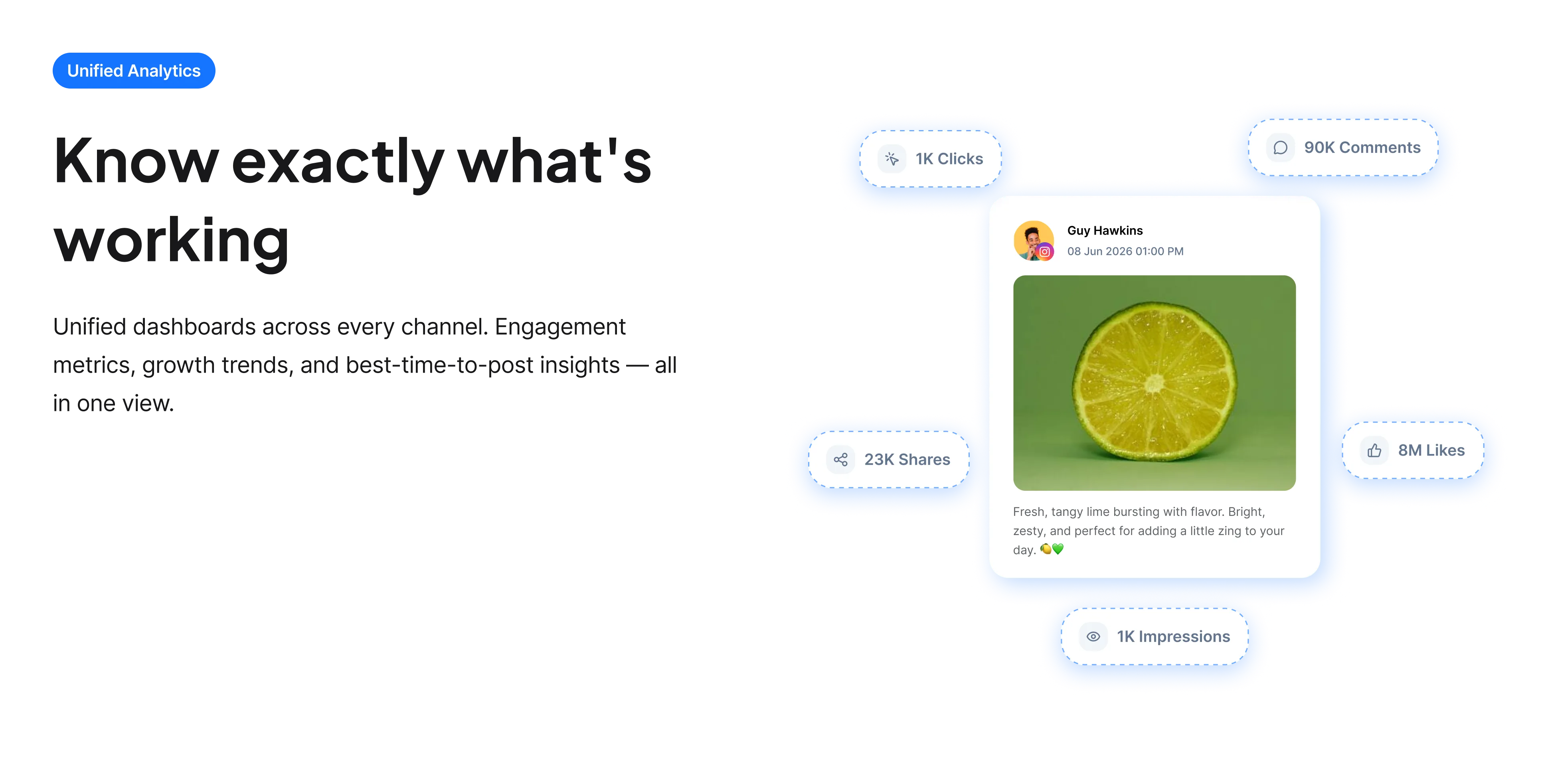
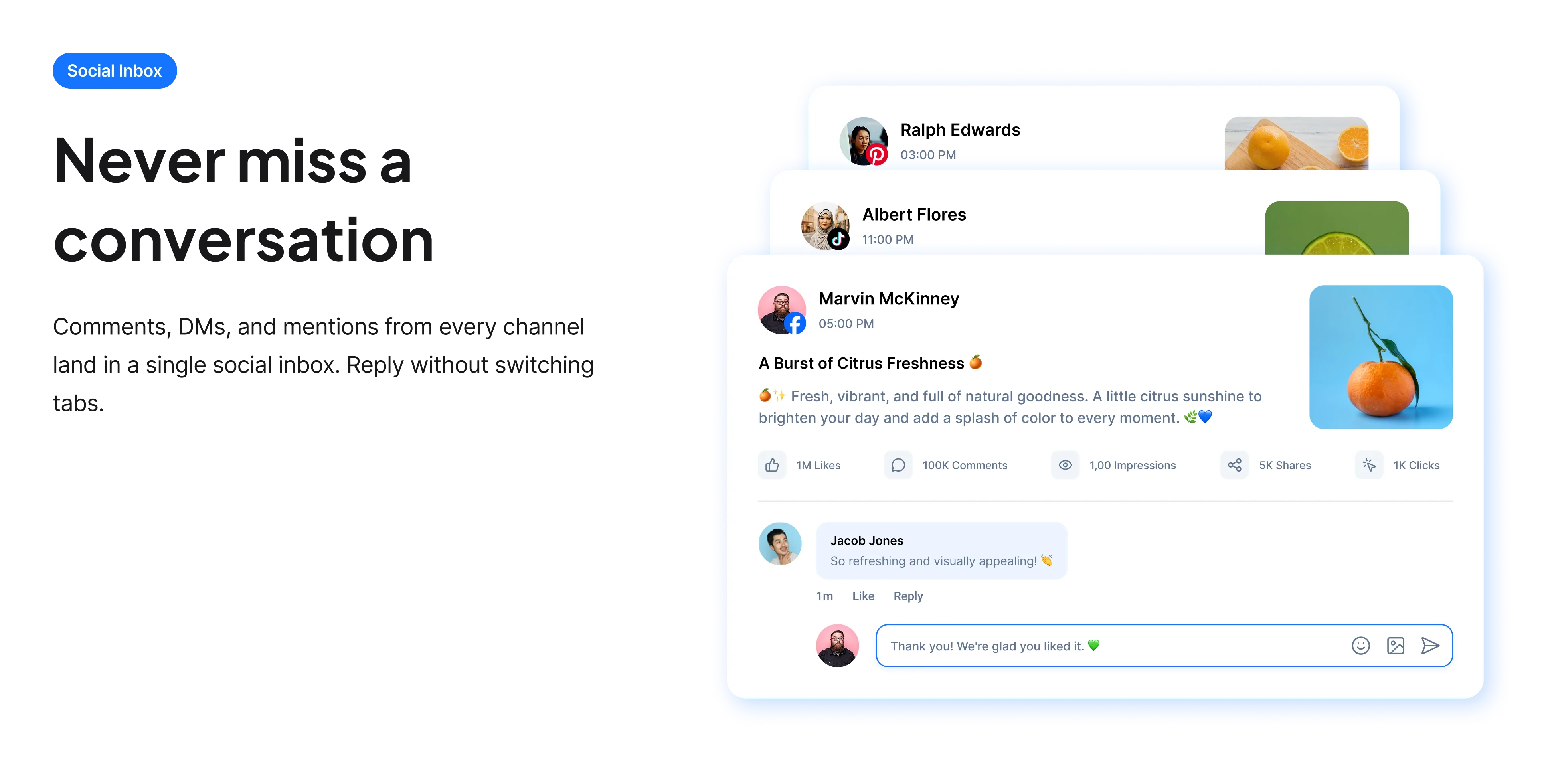
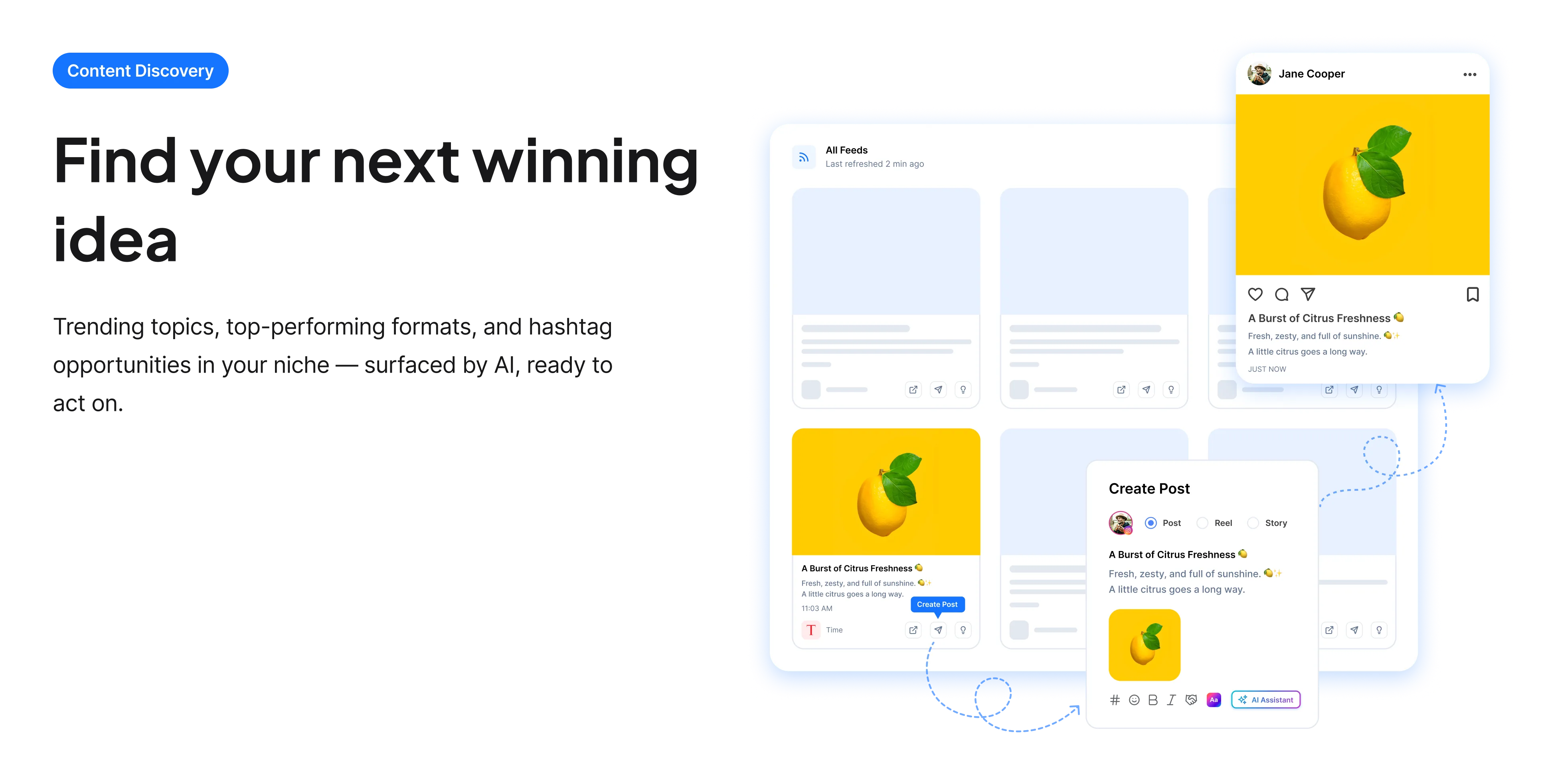
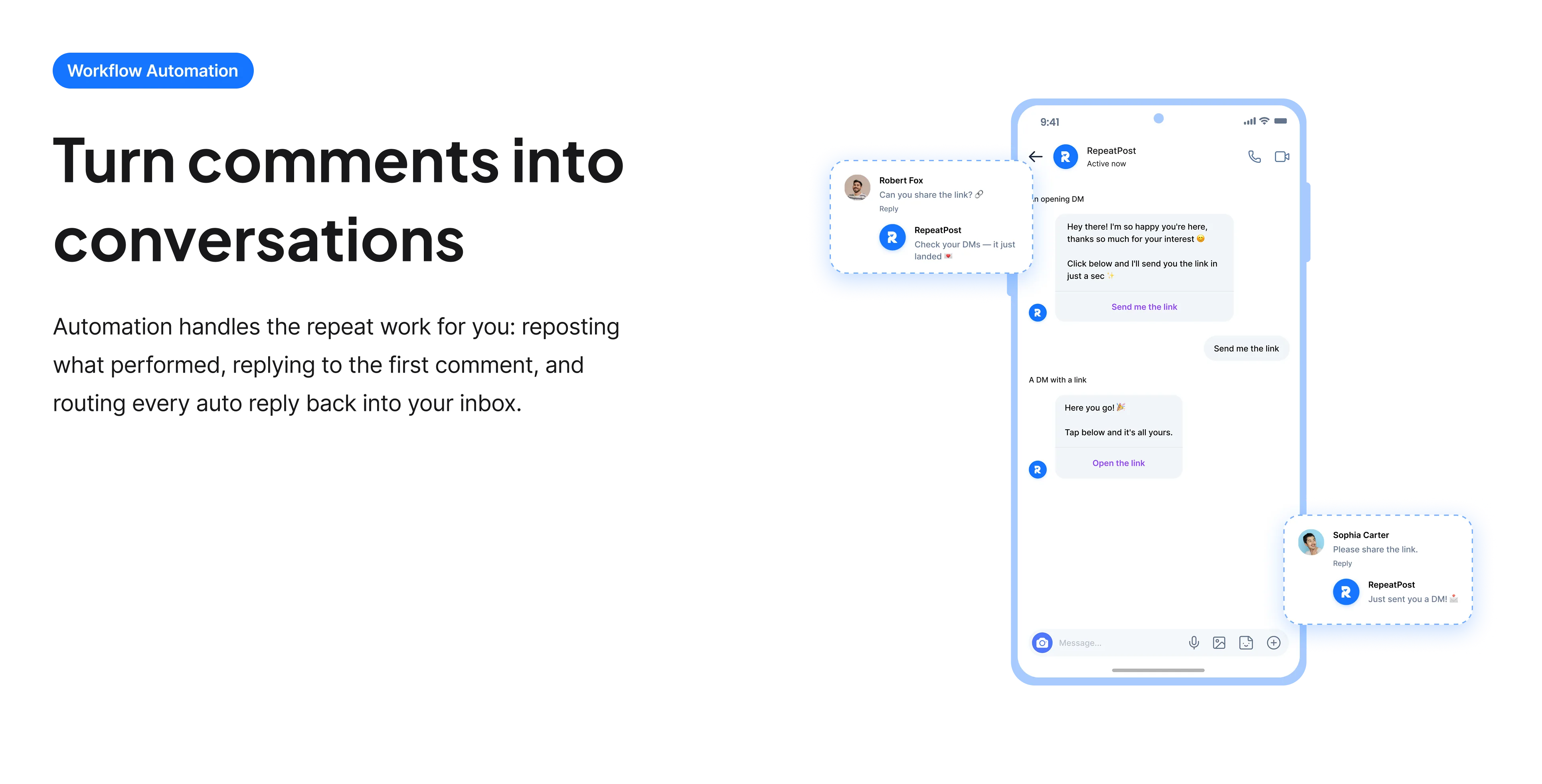
The free tools solve one task at a time. RepeatPost handles the whole loop: write the post, publish it everywhere, then see what landed.
Ready to get started?
The free tools are the warm up. RepeatPost plans, writes and publishes across every channel you post to.
Free plan to start
No credit card required
Cancel anytime
All about the Instagram caption generator
What is an Instagram caption generator?
An Instagram caption generator is a tool that writes the text under your post for you, based on a short description of what you are sharing. This one is built specifically around how Instagram displays captions: it treats the first sentence as the hook, because Instagram truncates the caption in feed at roughly 125 characters and hides the rest behind more. You get several complete options with optional emojis and a matching hashtag set, and you keep editing rights over all of them.
How to write an Instagram caption that earns the tap
The generator does the drafting, but these are the moves that decide whether a caption works on Instagram specifically.
- Put the payoff in the first sentence. Everything after character 125 is invisible until someone taps, so a caption that builds slowly to its point loses most of its readers before the point arrives.
- Ask a question people can answer in three words. Instagram weights comments heavily, and long questions get scrolled past. "Which one, left or right?" outperforms "let us know your thoughts below".
- Keep hashtags off the first line. They eat the visible characters you need for the hook. Put them at the end of the caption or in the first comment.
- Write for the sound off viewer. Most Reels autoplay muted, so the caption often carries the whole message on its own.
- Match the caption length to the format. Reels do better with one or two punchy lines. Carousels can carry a longer caption because people are already stopped and swiping.
Getting more out of the generator
Most weak output traces back to a vague prompt. These adjustments fix that.
- Name your audience in the prompt. "For first time sourdough bakers" produces a noticeably different caption than the same prompt without it.
- Include the thing you want people to do. If you need saves, say so, and the generator will write toward saves rather than generic engagement.
- Generate once, then regenerate with the best line pasted back in as context. That second pass is usually where the caption gets good.
- Keep a swipe file of openings that worked for you and feed one in as a style reference.
- Run the winner through the free Instagram line breaker before posting if you want clean spacing, since Instagram collapses ordinary line breaks in some placements.
Who uses this tool
Instagram captions are a daily chore for a few groups in particular, and each of them uses the generator differently.
- Creators posting daily. The bottleneck is rarely the photo, it is writing something under it for the fifth time this week. Generating three options and picking one takes about a minute.
- Small product businesses. Owners who would rather be making the product than writing about it use this to turn a plain product description into something that sounds like a person.
- Social media managers running several accounts. Different tone settings per client keep a fitness studio from sounding like a law firm.
- Anyone whose English is their second or third language. The generator handles idiom and rhythm, and you keep control of the facts and the claims.
- People restarting a dormant account. Writing the first few captions after a long gap is disproportionately hard, and a draft on the screen is easier to fix than a blank field.
Instagram caption specs and limits
The numbers the generator writes against. These are Instagram platform limits, not limits of this tool.
| Detail | Value | Why it matters |
|---|---|---|
| Maximum caption length | 2,200 characters | Anything past this is cut off when you post |
| Visible before truncation | About 125 characters | The rest hides behind a More link in feed |
| Maximum hashtags per post | 30 | Instagram recommends far fewer, around 3 to 5 |
| Applies to | Feed posts, Reels and carousels | Stories use text overlays instead |
| Cost | Free | No account, no card, no watermark |
| Generations | Daily limit, resets each day | Enough for normal posting, not for bulk scraping |
| Rights to the output | Yours to use commercially | Including client work and paid ads |
Platform limits were checked in September 2026. Instagram changes these occasionally, so treat the character counts as current rather than permanent.
When this is not the right tool
Skip the generator when the caption is the actual content. Anything where the words carry news, a personal account, an apology, or a claim about your product should be written by you, because a plausible sounding sentence that is slightly wrong does real damage. It also cannot see your image, so it writes from your description and not from the photo itself. If you want the tool to read the picture, use the AI image caption generator instead. And if your problem is which tags to use rather than what to say, the Instagram hashtag generator is the more direct fix.
How teams picture using RepeatPost
“Honestly, the calendar is what sold me. I could see every channel in one view and spot the week we'd gone quiet. Before this I was juggling three spreadsheets and a Slack thread. Now I plan the month on a Monday morning and I'm done by half ten.”
Hannah Whitfield
Marketing Manager
United KingdomJun 14, 2026“We run social for eleven clients and keeping them separate used to be a genuine anxiety of mine. Workspaces fixed that. Each client sits in their own space, approvals route to the right person, and I've stopped worrying that someone's going to push a dental practice promo to a restaurant account at 6am.”
Marcus Reed
Agency Owner
United StatesJun 29, 2026“I batch a fortnight of content on a Sunday arvo and then I don't think about it again. Reckon it's saved me a solid day a week. Only gripe is the mobile app still feels a step behind the web version, so I do the actual planning on my laptop. Everything else is spot on.”
Chloe Baxter
Content Creator
AustraliaJul 11, 2026“I'm handling social for four small brands and writing captions was eating my whole morning. The AI drafts are actually quite usable now. I still rewrite maybe every third one to sound like the client, but starting from something beats staring at a blank box. The hashtag tool alone I'm using daily.”
Ananya Raghavan
Freelance Social Media Manager
IndiaJul 30, 2026“I sell fabrics and my customers find me on Instagram mostly. Posting used to be whenever I remembered, which was maybe twice a week. Now I sit down every Sunday evening, load up two weeks, and it goes out on its own. Sales have followed. I'd like to see WhatsApp added properly, that's my one ask.”
Chidinma Eze
Small Business Owner
NigeriaAug 18, 2026“Our team is five people and we were losing posts in Slack threads. Someone would approve something, someone else would tweak it, and nobody knew which version went live. The approval flow sorted that in a week. Fair play, it's the least glamorous feature on the site and it's the one I'd miss most.”
Niamh Gallagher
Social Media Lead
IrelandSep 02, 2026FAQs
Frequently Asked
Questions
As long as it needs to be, but the first 125 characters do the work. Instagram hides everything past roughly that point behind a More link, so put your hook and your main point up front. The hard ceiling is 2,200 characters. Reels tend to do better short, carousels support longer captions.
Yes. There is no account, no card and no watermark, and the captions are yours to use commercially, including for client work and paid ads. There is a daily generation limit that resets each day, which is set high enough for normal posting.
Instagram allows up to 30 per post but recommends far fewer, in the range of 3 to 5 well chosen tags. Piling on 30 broad tags mostly reaches other people doing the same thing. Keep them out of your opening line so they do not eat your visible characters.
No. Instagram has no rule against AI assisted captions, and there is no detection penalty for writing help. What does hurt you is generic copy that no one responds to. Treat the output as a first draft and rewrite the opening line in your own voice.
No. This tool writes from the description you type, not from the image. If you want a caption based on the picture itself, use the AI image caption generator instead, which accepts an upload and writes from what it sees.
Instagram collapses ordinary line breaks in some placements, which is why carefully spaced captions come out as one block. Run the finished caption through the free Instagram line breaker first and the spacing will hold when you post.
Yes. There are no licensing restrictions on the output, so agency and freelance work is fine. Generate with a tone setting that matches each client so a bakery and a consultancy do not end up sounding identical.
Ready to grow on autopilot?
Create your free account and start managing 16+ channels with AI in minutes.
Get started for freeFree plan to start
No Credit Card Required
Cancel anytime