LinkedIn caption generator
Free LinkedIn Caption Generator
LinkedIn collapses your post after roughly 210 characters behind a See more link. Everything past that is invisible until someone chooses to expand it, which makes the opening two lines the entire job.
Also, you can check X (Twitter) Caption or TikTok Caption or More
Openings written to survive the See more fold
Professional tone without the corporate stiffness
Free to use, no account needed
These tools stay free because people chip in. Buy us a coffee ☕
Something broken, or a tool you wish we had? Tell us what you need


More free tools
People who use the LinkedIn Caption Generator also reach for these
Every tool here is free, runs in your browser and needs no account.
Inside RepeatPost
What you get when the free tool is not enough
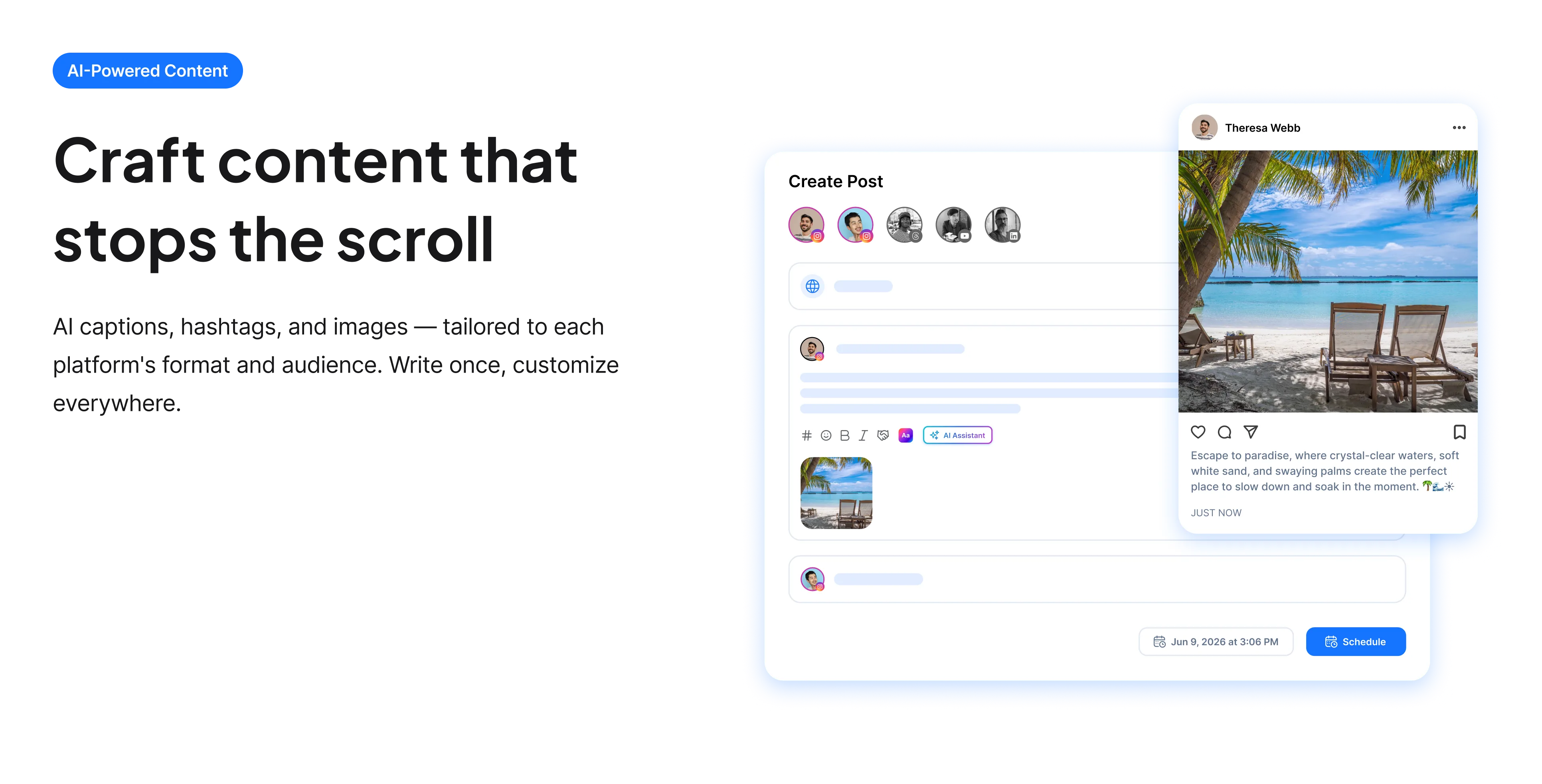
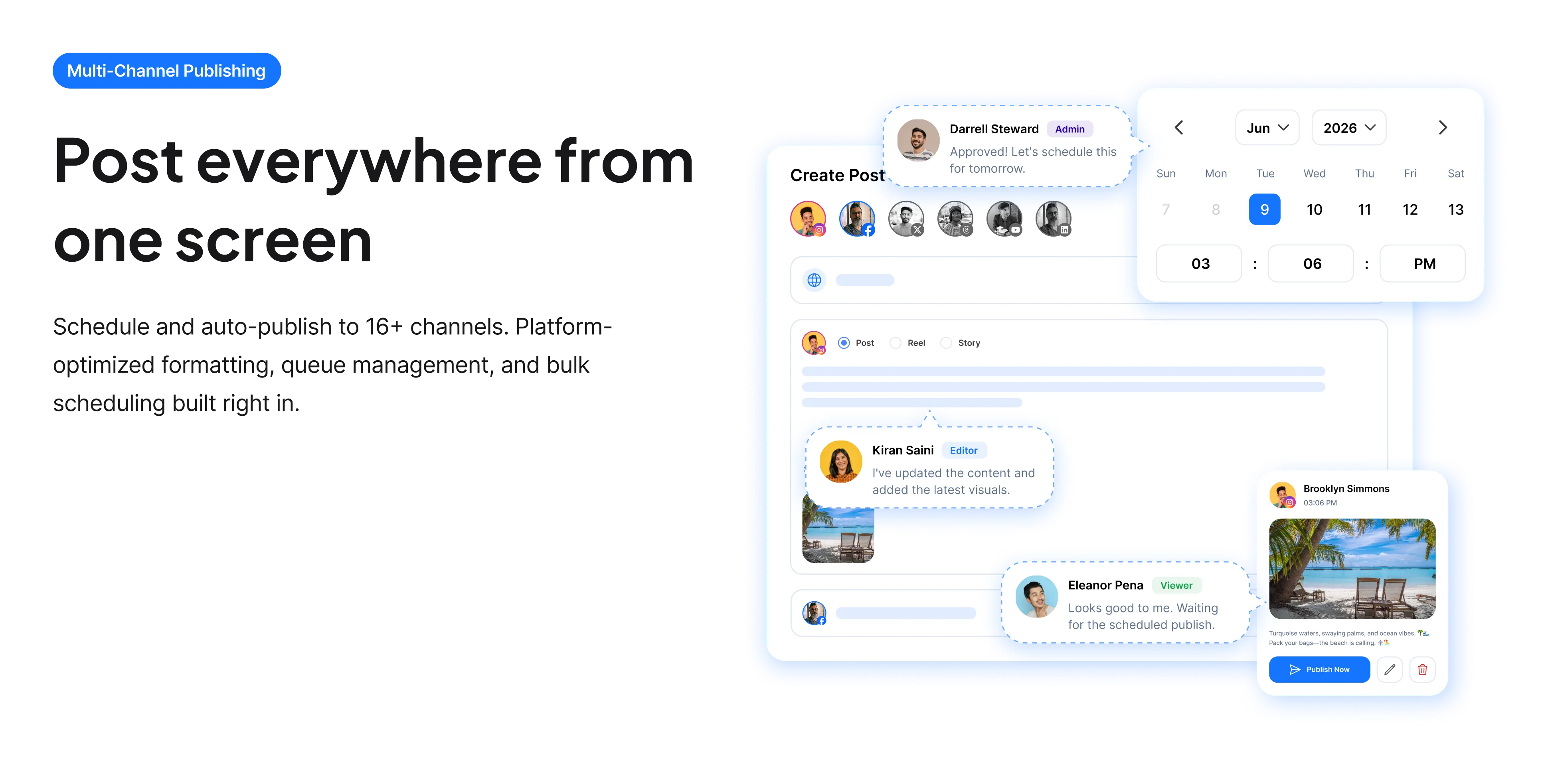
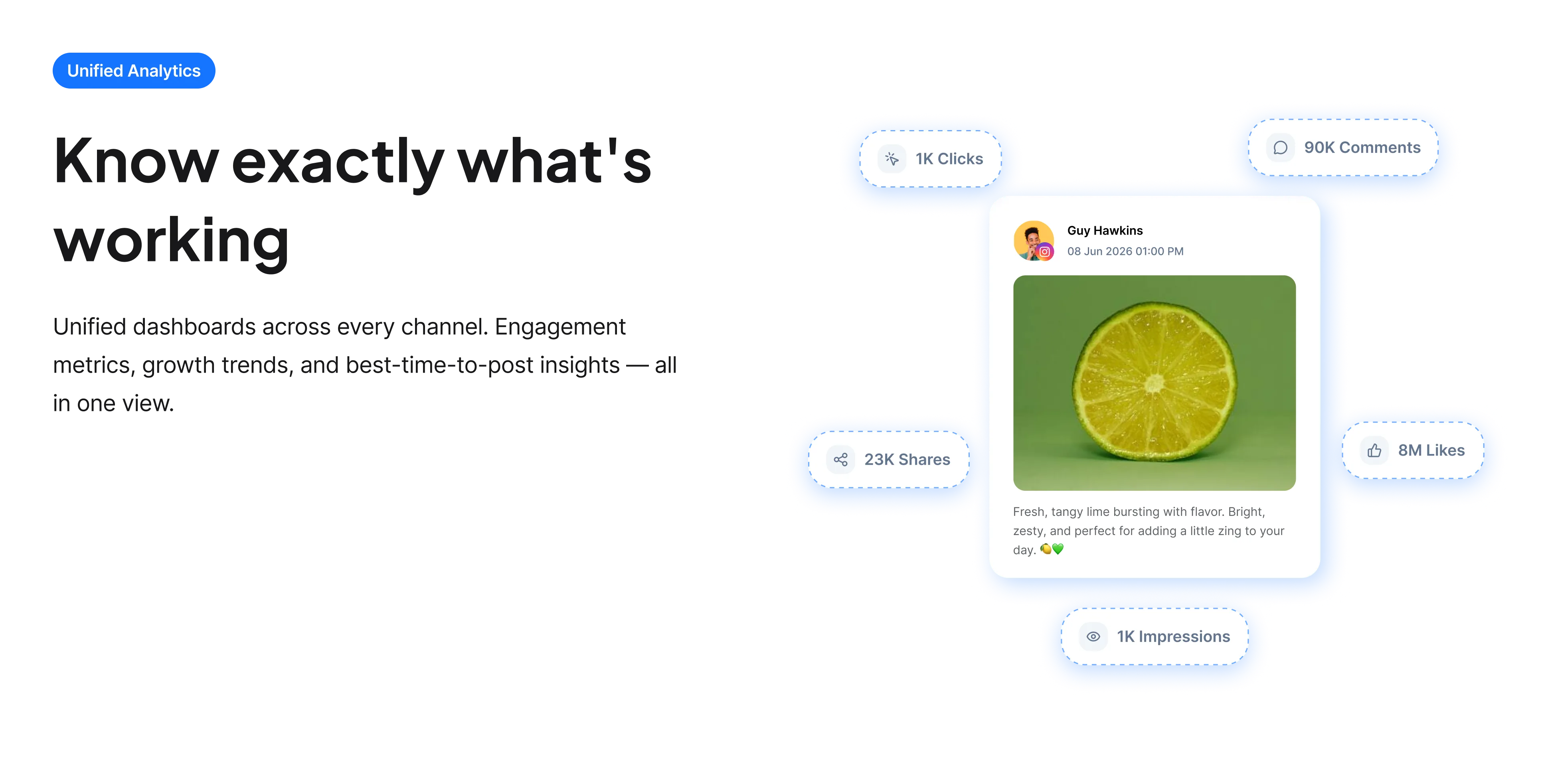
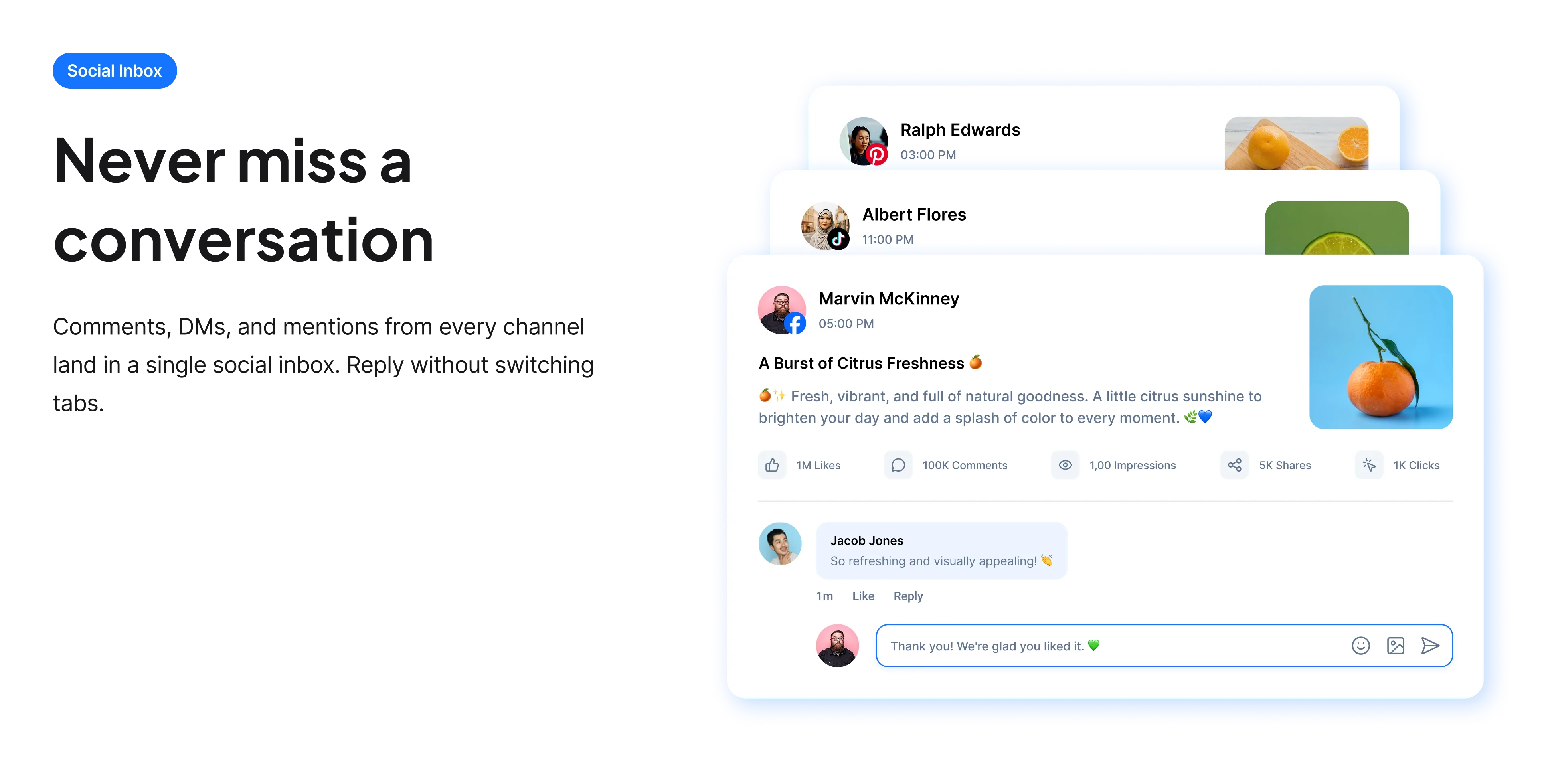
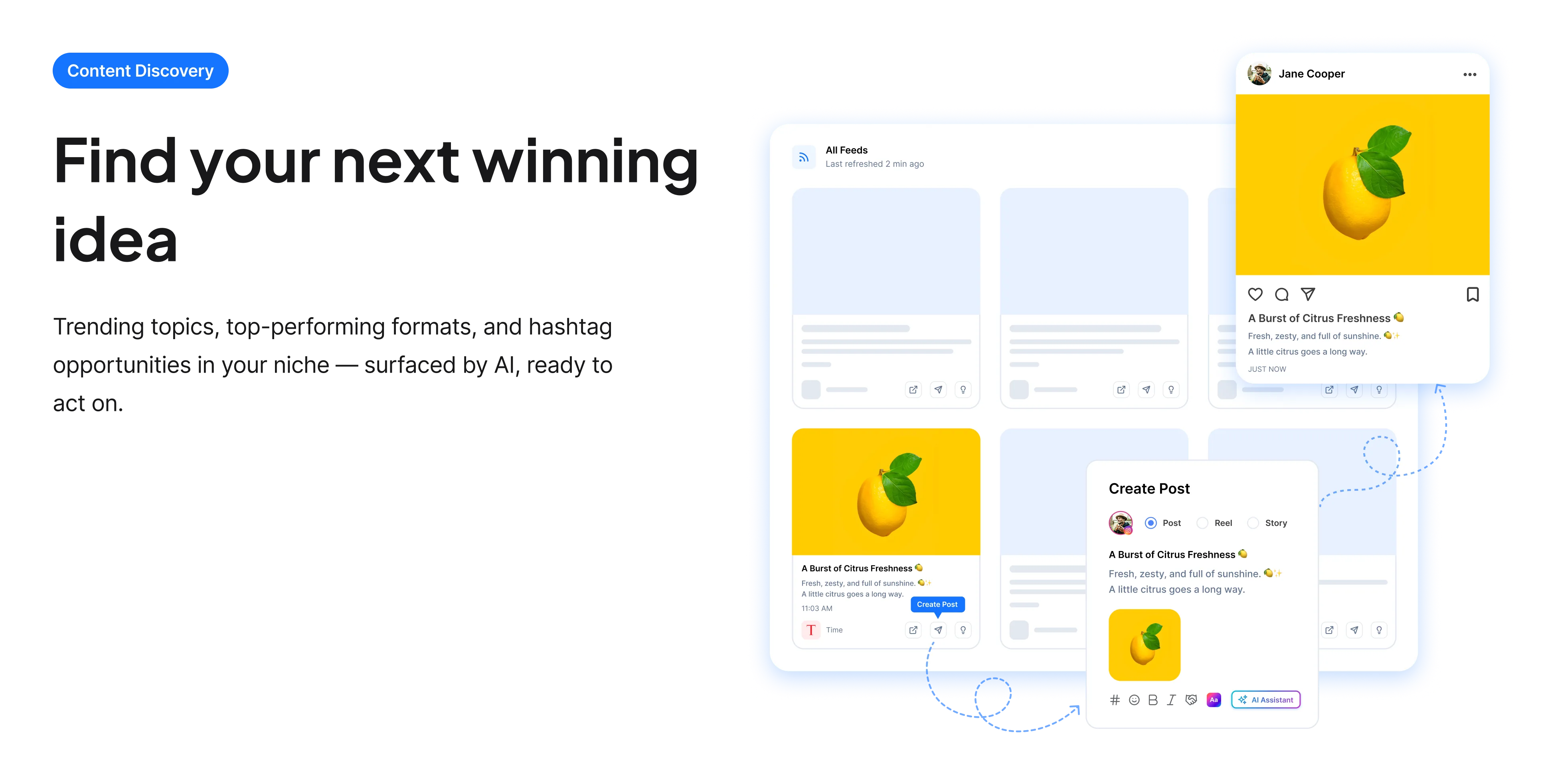
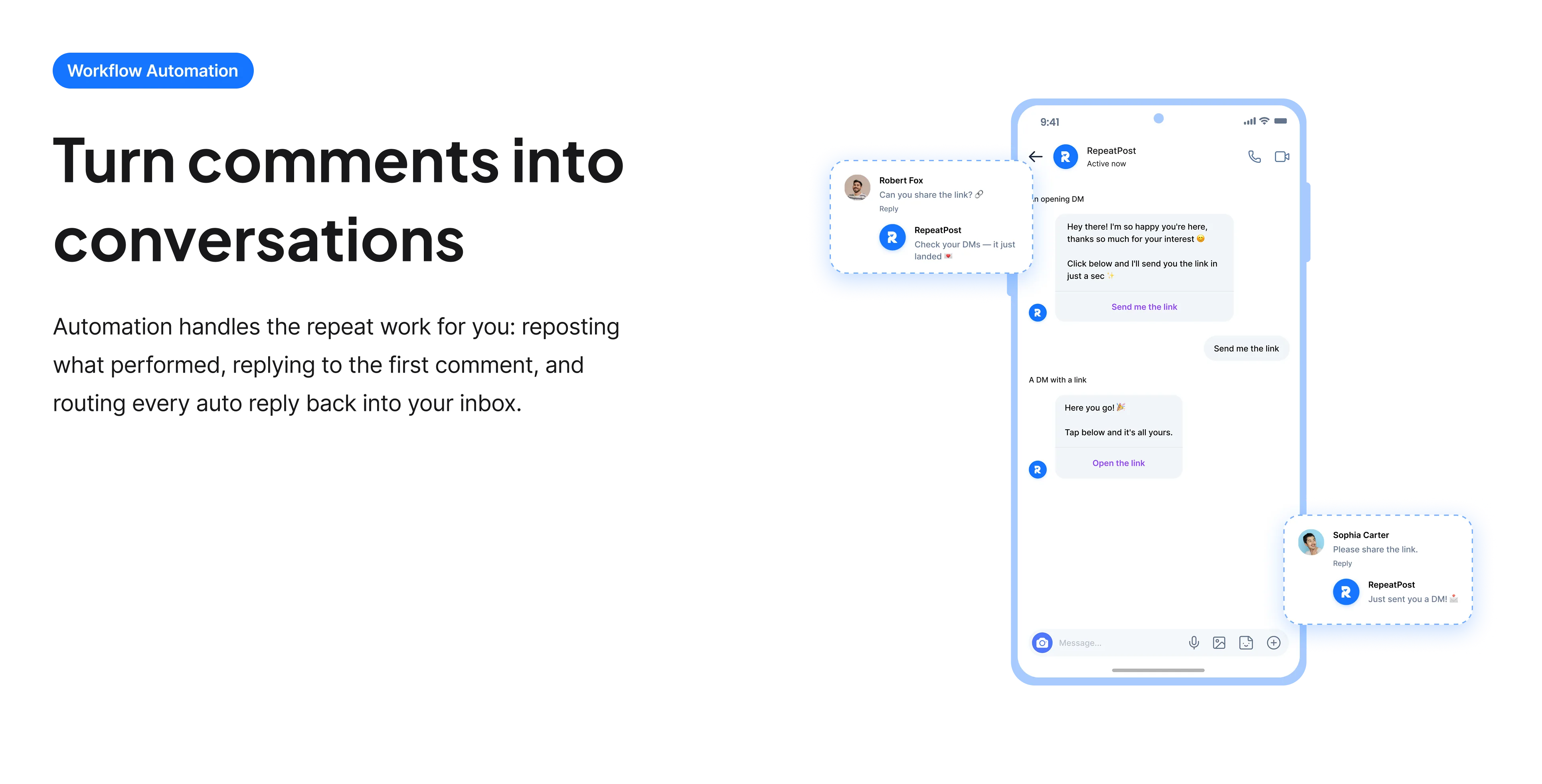
The free tools solve one task at a time. RepeatPost handles the whole loop: write the post, publish it everywhere, then see what landed.
Ready to get started?
The free tools are the warm up. RepeatPost plans, writes and publishes across every channel you post to.
Free plan to start
No credit card required
Cancel anytime
All about the LinkedIn caption generator
Why LinkedIn posts are written backwards
LinkedIn shows roughly 210 characters before collapsing the rest behind See more. That single interface decision shapes how posts are written on the platform: the opening cannot be a preamble, because a preamble is all most people will ever see. Effective LinkedIn posts therefore front load the claim, the number or the surprise, and use the space after the fold to explain it. It is closer to writing a headline followed by an article than to writing a caption, and it is why so many LinkedIn posts open with a single short line and a break.
How to write for the fold
The structure that works is fairly consistent, and it starts at the end.
- Open with the conclusion. Not "I have been thinking about hiring lately" but the actual thing you concluded about hiring.
- Use a line break after the first line. It creates white space, makes the hook stand alone, and is the single most common formatting choice on the platform.
- Keep paragraphs to one or two lines. Dense blocks are hard to read on a phone and get skipped.
- Put the detail after the fold, where you have 3,000 characters and the reader has already committed.
- End with a specific question. "What am I missing?" outperforms "thoughts?" because it is easier to answer.
- Avoid the fake vulnerability opening. Posts beginning with a manufactured personal crisis are widely recognized now and read as manipulative.
What LinkedIn actually rewards
Distribution here works differently from a consumer feed and it is worth knowing the levers.
- Comments carry considerably more weight than likes, and replying to your own comments extends how long a post circulates.
- Dwell time matters, which is why a post that makes people stop and read beats a short clever one.
- Early engagement is disproportionately important. A post that gets responses in its first hour travels much further.
- External links have historically been distributed less well, which is why the first comment convention exists.
- Consistency helps. LinkedIn favours accounts that post regularly over accounts that post occasionally.
Who uses this tool
People for whom LinkedIn is a business development channel rather than a CV host.
- Founders building an audience where their buyers already are.
- Consultants and freelancers whose enquiries come from being visible in a professional feed.
- Job seekers who have realised that posting gets them found more reliably than applying does.
- Employees posting on behalf of a company and struggling to sound like a person rather than a press release.
- Anyone whose posts are read by their existing connections and nobody else.
LinkedIn post specs
The numbers that shape how a post is written.
| Detail | Value | Notes |
|---|---|---|
| Post character limit | 3,000 characters | Generous, but mostly hidden |
| Visible before See more | Around 210 characters | The number that matters |
| Headline shown | 220 characters | Appears under your name |
| Strongest signal | Comments | Weighted above likes |
| Early engagement | Disproportionately important | First hour especially |
| External links | Historically distributed less | Hence the first comment habit |
| Cost | Free | No account and no card |
| Rights to the output | Yours to use commercially | Including client accounts |
LinkedIn does not publish its feed ranking, so distribution guidance here reflects widely observed behavior. Checked September 2026.
When this is not the right tool
It cannot give you something worth saying. LinkedIn punishes empty posts fairly efficiently, and a well structured post with no insight simply gets ignored rather than criticised. The platform is also saturated with a particular kind of formulaic post, so output that follows the template too closely reads as exactly that. Rewrite the opening in your own words every time. For the headline that appears under your name on every one of these posts, use the LinkedIn bio generator, and for the tags, the LinkedIn hashtag generator.
How teams picture using RepeatPost
“Honestly, the calendar is what sold me. I could see every channel in one view and spot the week we'd gone quiet. Before this I was juggling three spreadsheets and a Slack thread. Now I plan the month on a Monday morning and I'm done by half ten.”
Hannah Whitfield
Marketing Manager
United KingdomJun 14, 2026“We run social for eleven clients and keeping them separate used to be a genuine anxiety of mine. Workspaces fixed that. Each client sits in their own space, approvals route to the right person, and I've stopped worrying that someone's going to push a dental practice promo to a restaurant account at 6am.”
Marcus Reed
Agency Owner
United StatesJun 29, 2026“I batch a fortnight of content on a Sunday arvo and then I don't think about it again. Reckon it's saved me a solid day a week. Only gripe is the mobile app still feels a step behind the web version, so I do the actual planning on my laptop. Everything else is spot on.”
Chloe Baxter
Content Creator
AustraliaJul 11, 2026“I'm handling social for four small brands and writing captions was eating my whole morning. The AI drafts are actually quite usable now. I still rewrite maybe every third one to sound like the client, but starting from something beats staring at a blank box. The hashtag tool alone I'm using daily.”
Ananya Raghavan
Freelance Social Media Manager
IndiaJul 30, 2026“I sell fabrics and my customers find me on Instagram mostly. Posting used to be whenever I remembered, which was maybe twice a week. Now I sit down every Sunday evening, load up two weeks, and it goes out on its own. Sales have followed. I'd like to see WhatsApp added properly, that's my one ask.”
Chidinma Eze
Small Business Owner
NigeriaAug 18, 2026“Our team is five people and we were losing posts in Slack threads. Someone would approve something, someone else would tweak it, and nobody knew which version went live. The approval flow sorted that in a week. Fair play, it's the least glamorous feature on the site and it's the one I'd miss most.”
Niamh Gallagher
Social Media Lead
IrelandSep 02, 2026FAQs
Frequently Asked
Questions
Three thousand characters, but LinkedIn collapses it after roughly 210 behind a See more link. That second number is the one that matters, because everything past it is invisible until someone chooses to expand the post.
A conclusion rather than an introduction. State the thing you concluded, not the topic you are about to discuss. Follow it with a line break, which creates white space and makes the hook stand alone before the fold.
Considerably. Comments carry far more weight in distribution, and replying to your own comments extends how long the post keeps circulating. Ending with a specific, easy to answer question is the most reliable way to generate them.
External links have historically been distributed less well in the feed, which is why the first comment convention became widespread. It is worth testing on your own account, since LinkedIn adjusts this behavior periodically.
Because a particular formula spread widely: a short dramatic opening, heavy line breaks, a manufactured personal story and a tidy lesson. Readers recognize it now, so following it too closely works against you rather than for you.
Less than most people assume. LinkedIn tolerates a wide tonal range, and the stiffest corporate register is rarely the best performing. Write closer to how you would explain something to a colleague than how you would write a report.
Ready to grow on autopilot?
Create your free account and start managing 16+ channels with AI in minutes.
Get started for freeFree plan to start
No Credit Card Required
Cancel anytime