Instagram image caption generator
AI Instagram Image Caption Generator
This one looks at the picture. Instead of asking you to describe your photo and writing from that, it reads the image itself, which matters when the interesting detail is something you would not have thought to mention.
Drop your image here
or browse files
Also, you can check Telegram Image Caption or Facebook Image Caption or More
Writes from the image, not from your description
Produces alt text alongside the caption
Free to use, no account needed
These tools stay free because people chip in. Buy us a coffee ☕
Something broken, or a tool you wish we had? Tell us what you need


More free tools
People who use the Instagram Image Caption Generator also reach for these
Every tool here is free, runs in your browser and needs no account.
Inside RepeatPost
What you get when the free tool is not enough
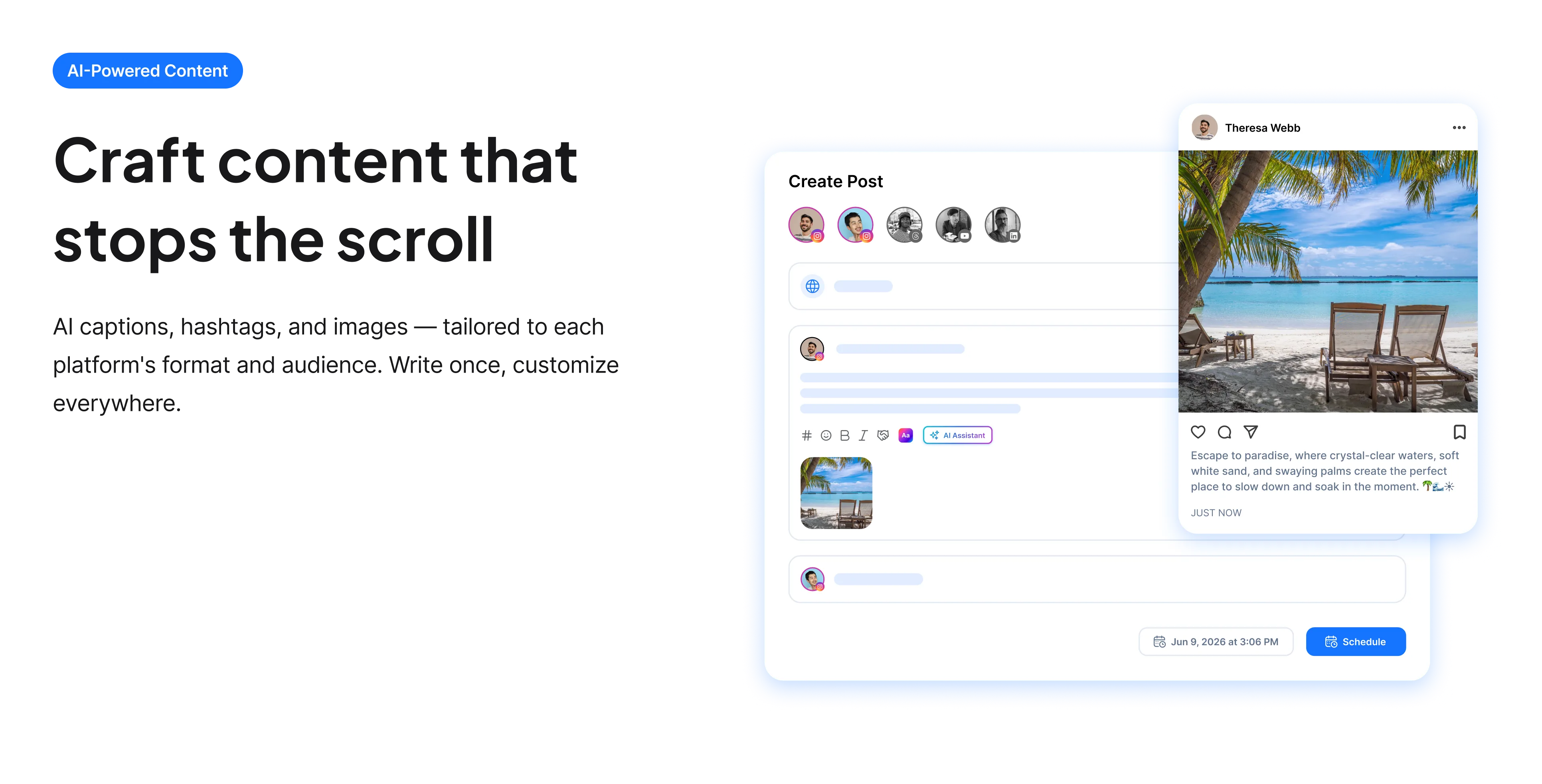
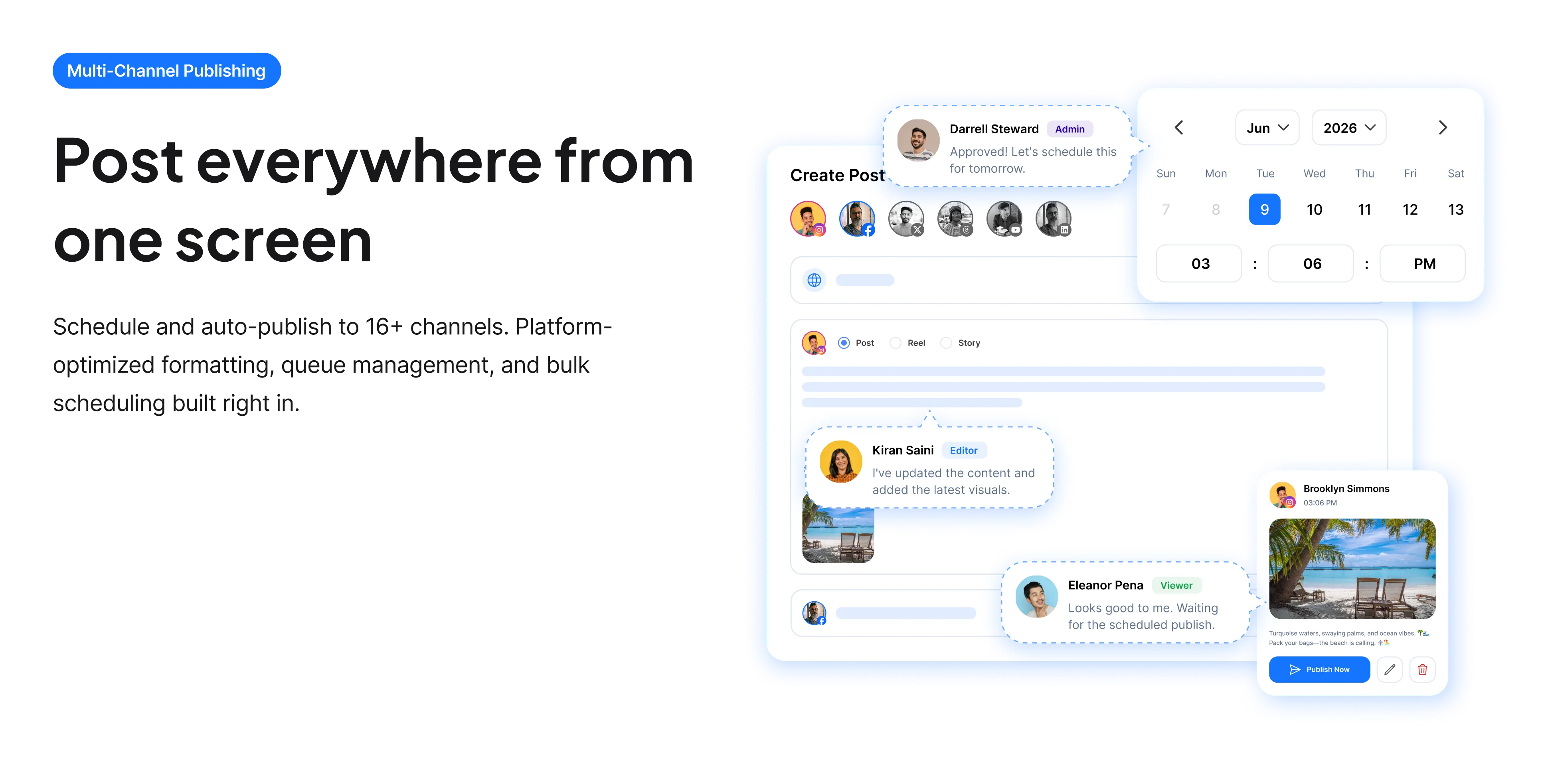
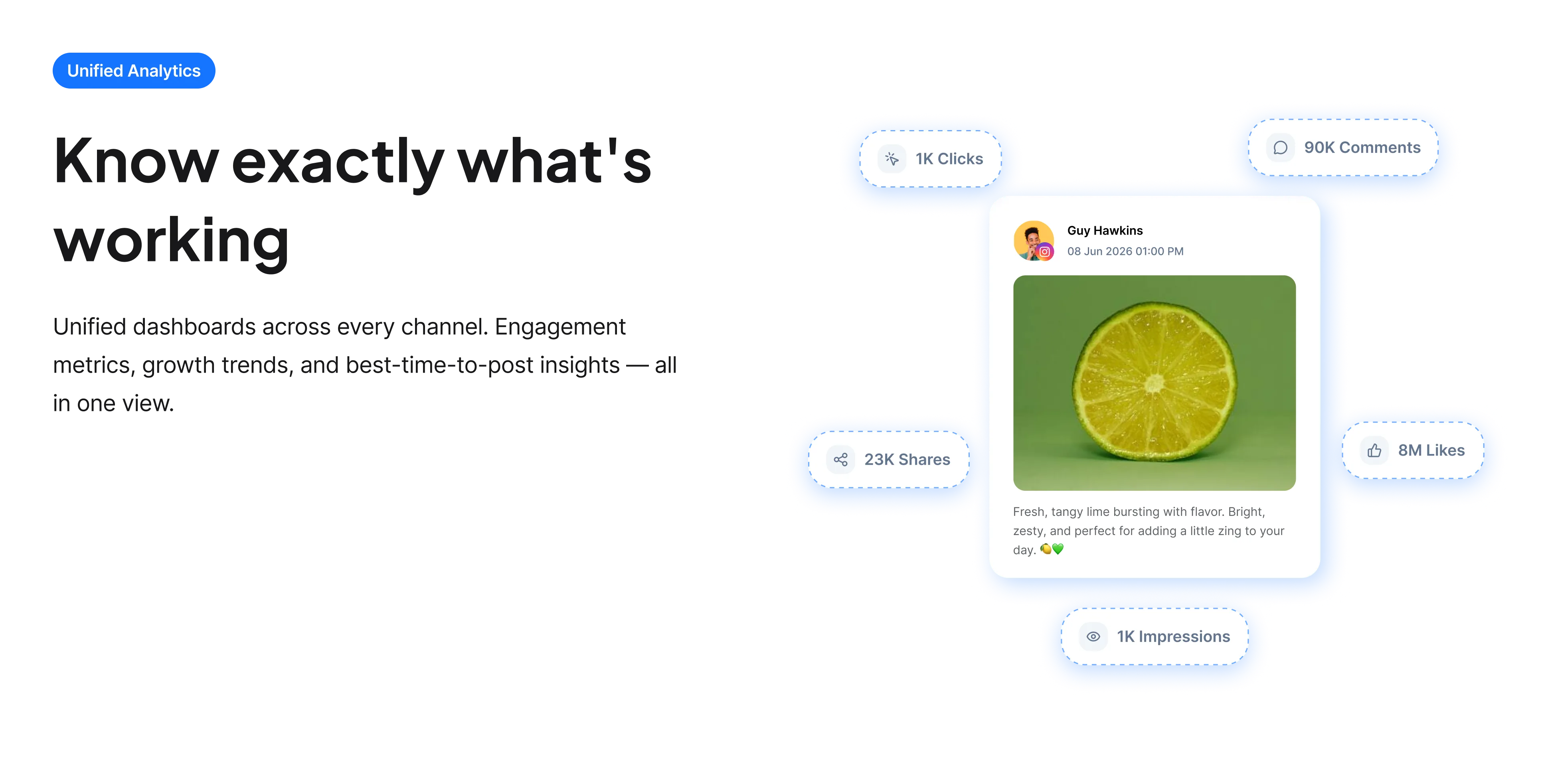
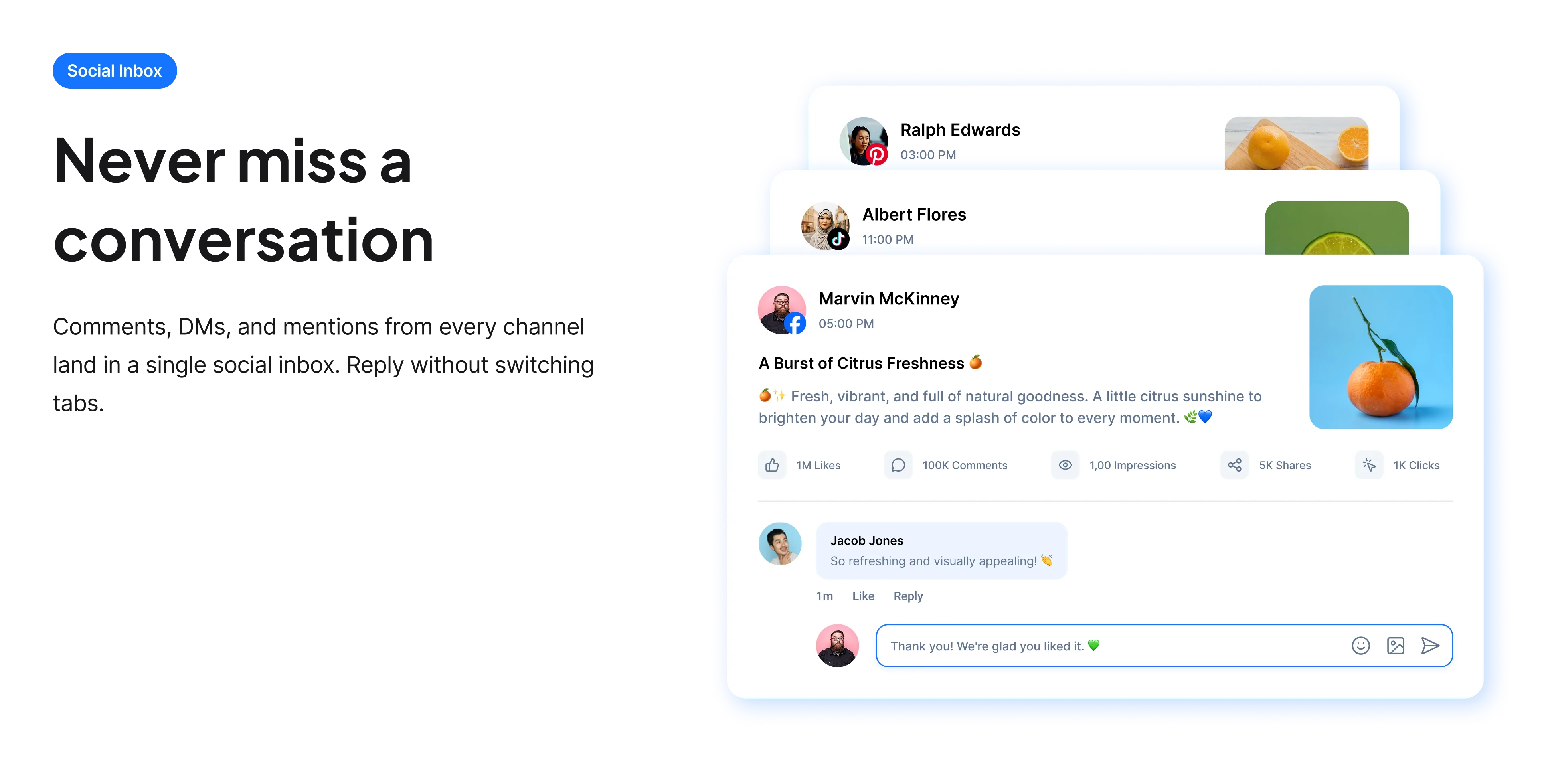
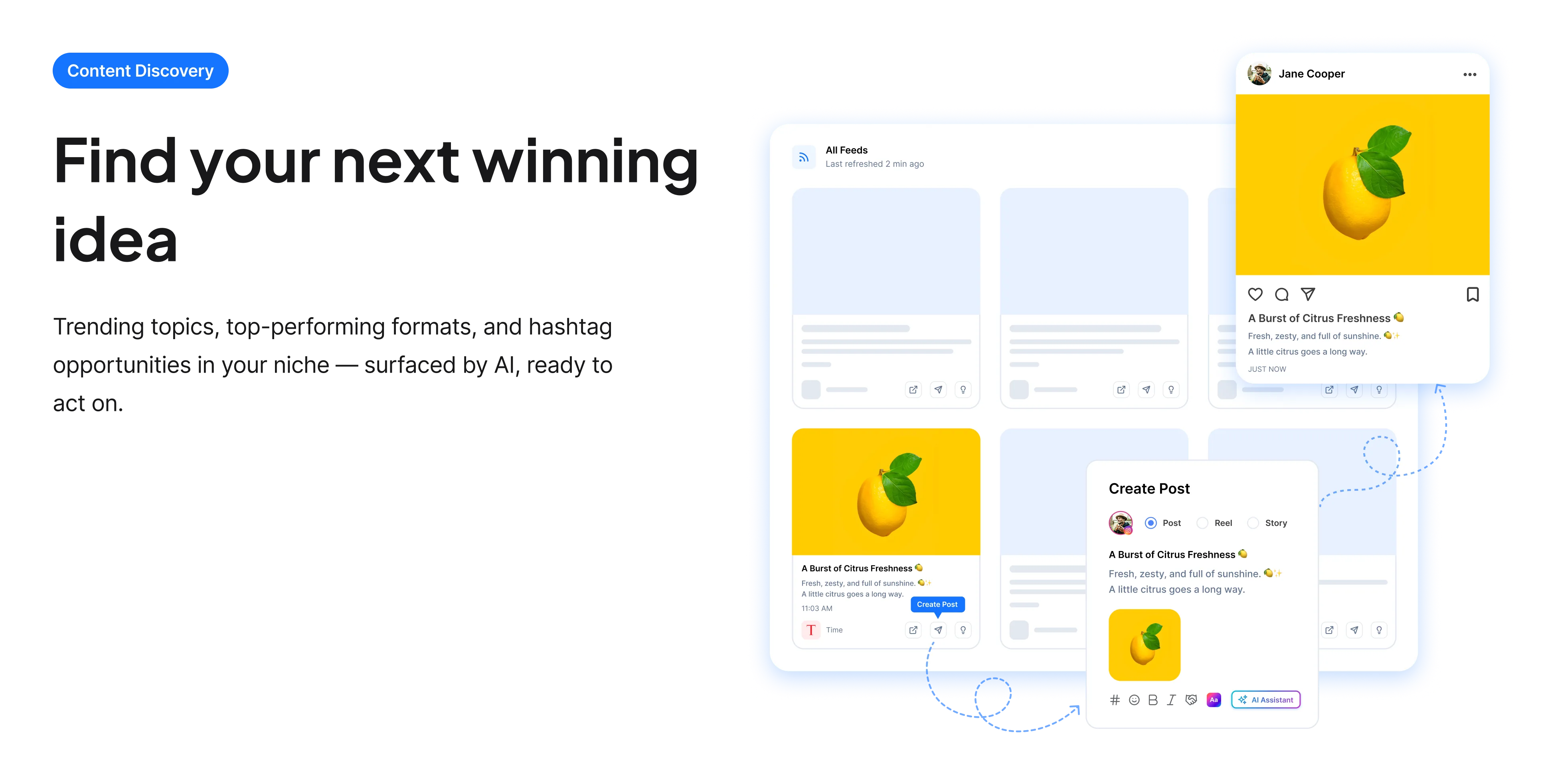
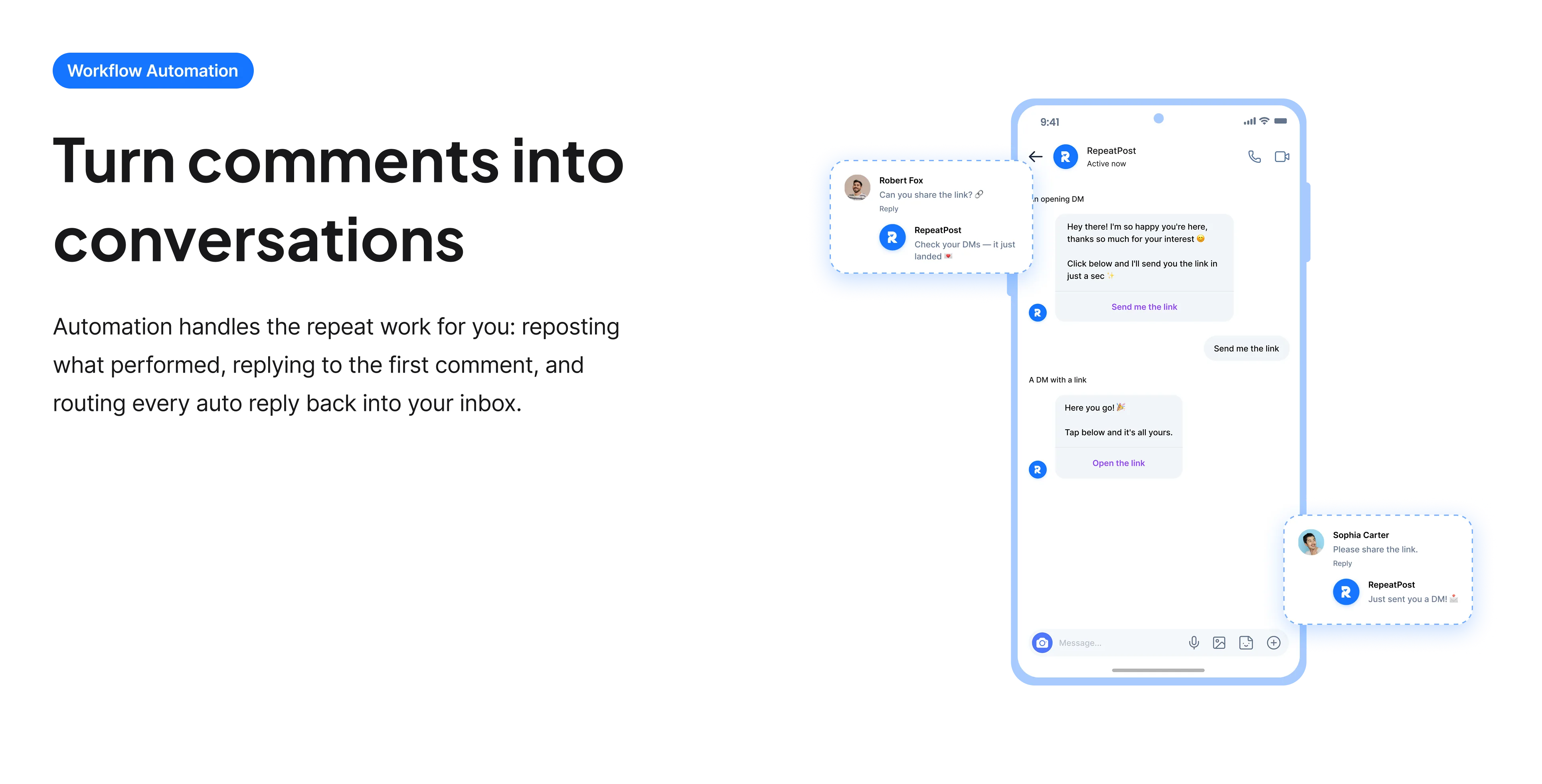
The free tools solve one task at a time. RepeatPost handles the whole loop: write the post, publish it everywhere, then see what landed.
Ready to get started?
The free tools are the warm up. RepeatPost plans, writes and publishes across every channel you post to.
Free plan to start
No credit card required
Cancel anytime
All about the Instagram image caption generator
What reading the image actually changes
A text caption generator works from what you type, which means it can only reflect what you already noticed. An image caption generator reads the photograph, so it picks up the things in frame you did not think to mention: the weather, the setting, what someone is holding, how the light falls. That gives you a caption anchored to the specific picture rather than to the general topic. It also produces usable alt text as a by product, which is the accessibility field Instagram exposes and which the overwhelming majority of accounts leave to an automatic guess.
How to get a good caption from a photo
The AI supplies the description. You supply the meaning.
- Upload the actual image you are posting rather than a similar one, since the caption is written from what is in the frame.
- Add the context the picture cannot show. A photo of a cake does not reveal that it took four attempts, and that is usually the interesting part.
- Say what you want the caption to do. A post seeking saves reads differently from one seeking comments.
- Check the description is accurate before posting. AI image reading is good but not infallible, and a confidently wrong detail is embarrassing.
- Rewrite the first line yourself. Instagram shows about 125 characters before truncating, and that sentence decides everything.
- Use the generated alt text rather than discarding it, since it takes one paste and makes the post readable to more people.
Alt text, which almost nobody fills in
Instagram generates alt text automatically and it is usually poor. Writing it yourself takes seconds.
- Find it under advanced settings when you create a post, or edit it on an existing post afterwards.
- Describe what is in the image plainly, as you would to someone on the phone who cannot see it.
- Include text that appears in the image, since screen readers cannot extract words from a picture.
- Skip "image of" and "photo of", which screen readers already announce.
- Keep it under about 125 characters where you can, since long alt text becomes tiring to listen to.
- It also gives Instagram more information about your image, which contributes to how the post is categorized.
Who uses this tool
People who have the photo and not the words.
- Creators sitting on a camera roll of good images with no idea what to write under any of them.
- Small businesses photographing products who find describing them repetitive.
- Anyone posting from an event, where the photos exist and the captions are the bottleneck.
- Accounts wanting to add alt text properly but unsure how to write it.
- People whose English is a second language, who can see the image clearly and want natural phrasing for it.
Image caption specs
What goes in, what comes out, and the limits it writes against.
| Detail | Value | Notes |
|---|---|---|
| Input | An uploaded image | Not a text description |
| Caption limit | 2,200 characters | About 125 visible in feed |
| Alt text produced | Yes | Paste into advanced settings |
| Alt text length | Around 125 characters | Longer becomes tiring aloud |
| Hashtags | 30 maximum | Instagram suggests 3 to 5 |
| Reads text in images | Usually | Verify before posting |
| Cost | Free | No account and no card |
| Rights to the output | Yours to use commercially | Including client work |
AI image description is reliable for obvious content and less so for specific brands, faces or fine text. Check the detail before publishing.
When this is not the right tool
It sees the picture but not the story, so anything the caption needs to claim about a person, a price or an event has to come from you. It can also get specifics wrong, particularly brand names, faces and small text, so read the description before trusting it. If you already know exactly what you want to say and only need it phrased well, the Instagram caption generator is faster since it skips the upload. For clean spacing once the caption is written, the Instagram line breaker stops the breaks collapsing.
How teams picture using RepeatPost
“Honestly, the calendar is what sold me. I could see every channel in one view and spot the week we'd gone quiet. Before this I was juggling three spreadsheets and a Slack thread. Now I plan the month on a Monday morning and I'm done by half ten.”
Hannah Whitfield
Marketing Manager
United KingdomJun 14, 2026“We run social for eleven clients and keeping them separate used to be a genuine anxiety of mine. Workspaces fixed that. Each client sits in their own space, approvals route to the right person, and I've stopped worrying that someone's going to push a dental practice promo to a restaurant account at 6am.”
Marcus Reed
Agency Owner
United StatesJun 29, 2026“I batch a fortnight of content on a Sunday arvo and then I don't think about it again. Reckon it's saved me a solid day a week. Only gripe is the mobile app still feels a step behind the web version, so I do the actual planning on my laptop. Everything else is spot on.”
Chloe Baxter
Content Creator
AustraliaJul 11, 2026“I'm handling social for four small brands and writing captions was eating my whole morning. The AI drafts are actually quite usable now. I still rewrite maybe every third one to sound like the client, but starting from something beats staring at a blank box. The hashtag tool alone I'm using daily.”
Ananya Raghavan
Freelance Social Media Manager
IndiaJul 30, 2026“I sell fabrics and my customers find me on Instagram mostly. Posting used to be whenever I remembered, which was maybe twice a week. Now I sit down every Sunday evening, load up two weeks, and it goes out on its own. Sales have followed. I'd like to see WhatsApp added properly, that's my one ask.”
Chidinma Eze
Small Business Owner
NigeriaAug 18, 2026“Our team is five people and we were losing posts in Slack threads. Someone would approve something, someone else would tweak it, and nobody knew which version went live. The approval flow sorted that in a week. Fair play, it's the least glamorous feature on the site and it's the one I'd miss most.”
Niamh Gallagher
Social Media Lead
IrelandSep 02, 2026FAQs
Frequently Asked
Questions
This one reads the uploaded image, while the text generator works from a description you type. That means it notices details in the frame you might not have mentioned, and it can produce alt text describing the picture.
Yes, the caption is written from the image contents rather than from a prompt. That is what lets it reference the setting, the objects and the composition, though it cannot know anything the picture does not show.
It is a written description for people using screen readers. Instagram exposes it under advanced settings when creating a post, and you can edit it on existing posts. Instagram guesses automatically otherwise, usually poorly.
Around 125 characters is a reasonable target. It has to convey what matters in the image without becoming tiring to listen to. Skip phrases like "image of", since screen readers already announce that it is an image.
Usually, though not always reliably for small or stylised text. Check anything important, and include text from the image in your alt text manually, since screen readers cannot extract words from a picture on their own.
No. It can describe what is visible but not why it matters, who the people are, or what happened before the shot. Add that context yourself, because it is usually the part that makes the caption worth reading.
Ready to grow on autopilot?
Create your free account and start managing 16+ channels with AI in minutes.
Get started for freeFree plan to start
No Credit Card Required
Cancel anytime