LinkedIn hashtag generator
Free LinkedIn Hashtag Generator
LinkedIn hashtags are followable, which makes them different from most platforms. A tag with a large following is a standing audience, and putting your post into the right one reaches people who never see your profile.
Also, you can check X (Twitter) Hashtag or YouTube Hashtag or More
Three to five professional tags per post
Targets tags with real follower counts
Free to use, no account needed
These tools stay free because people chip in. Buy us a coffee ☕
Something broken, or a tool you wish we had? Tell us what you need


More free tools
People who use the LinkedIn Hashtag Generator also reach for these
Every tool here is free, runs in your browser and needs no account.
Inside RepeatPost
What you get when the free tool is not enough
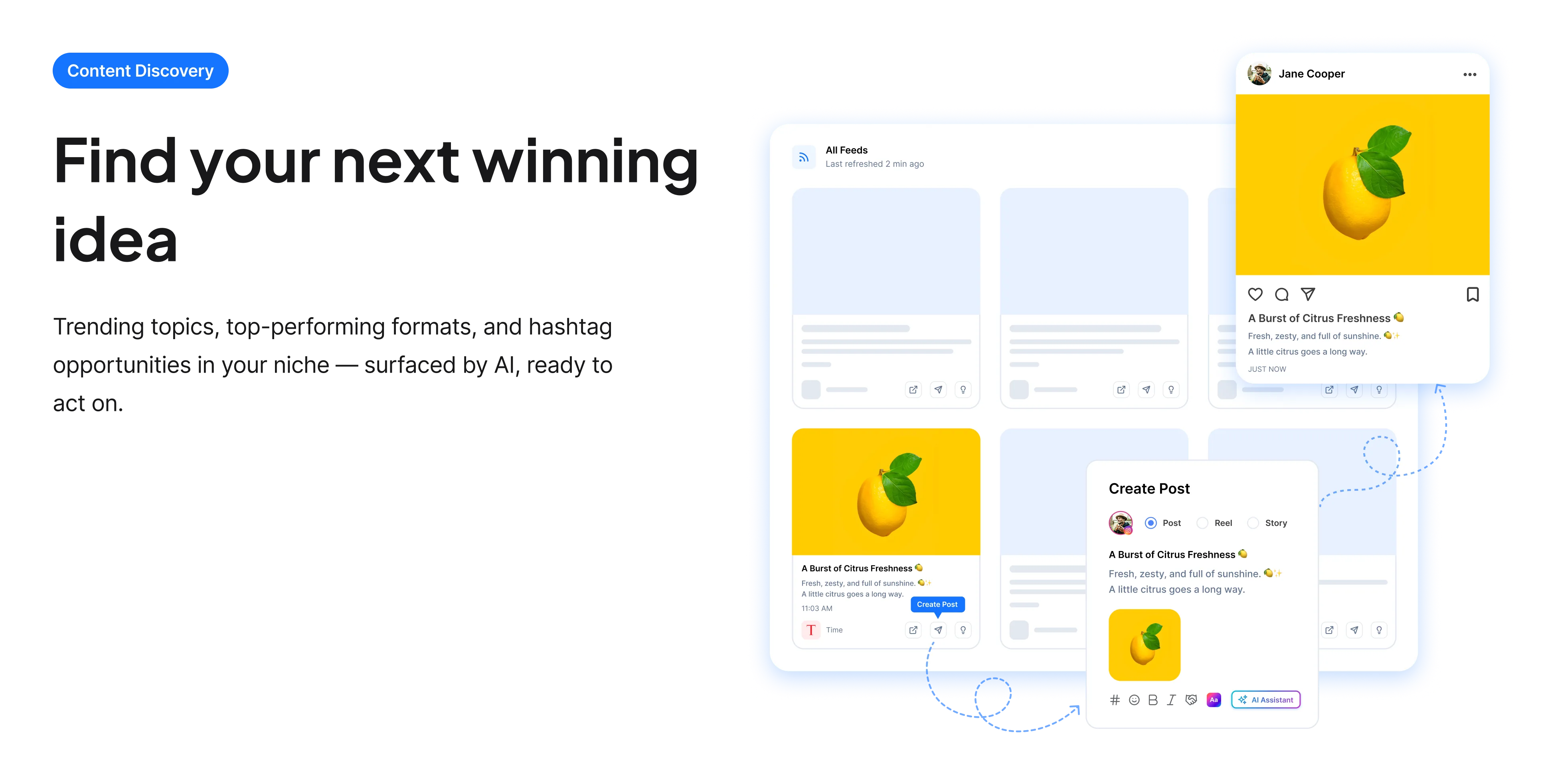
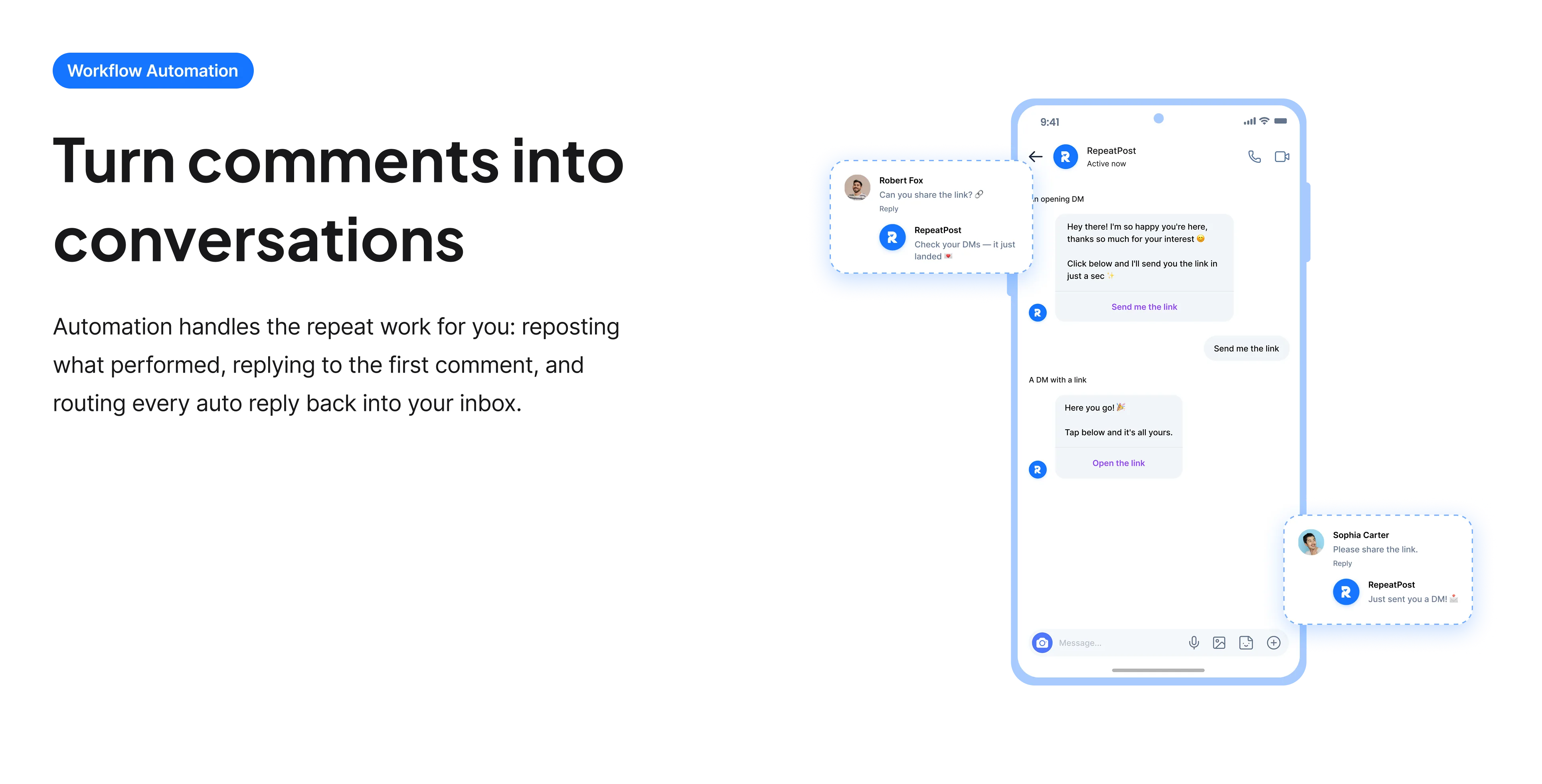
The free tools solve one task at a time. RepeatPost handles the whole loop: write the post, publish it everywhere, then see what landed.
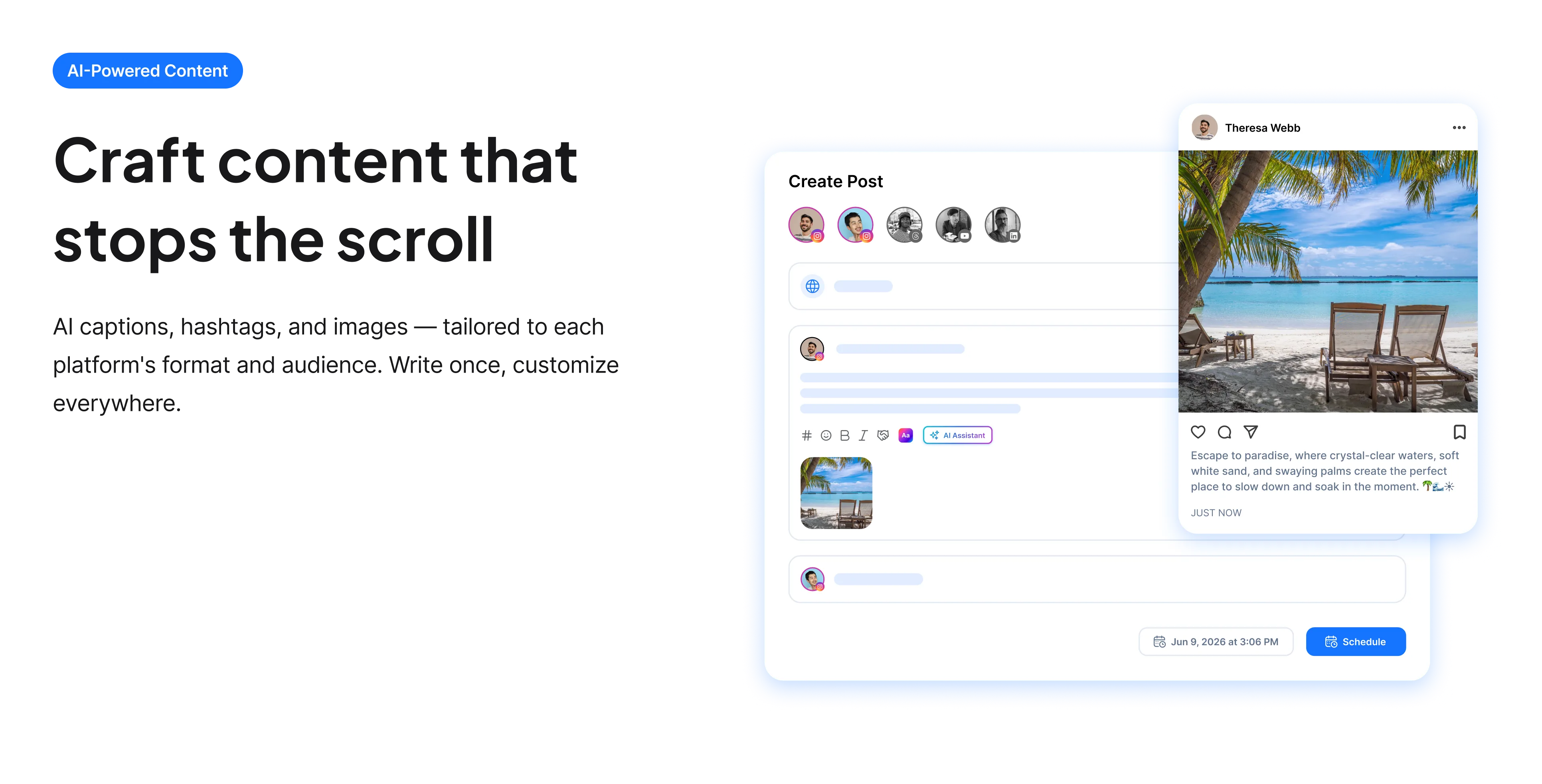
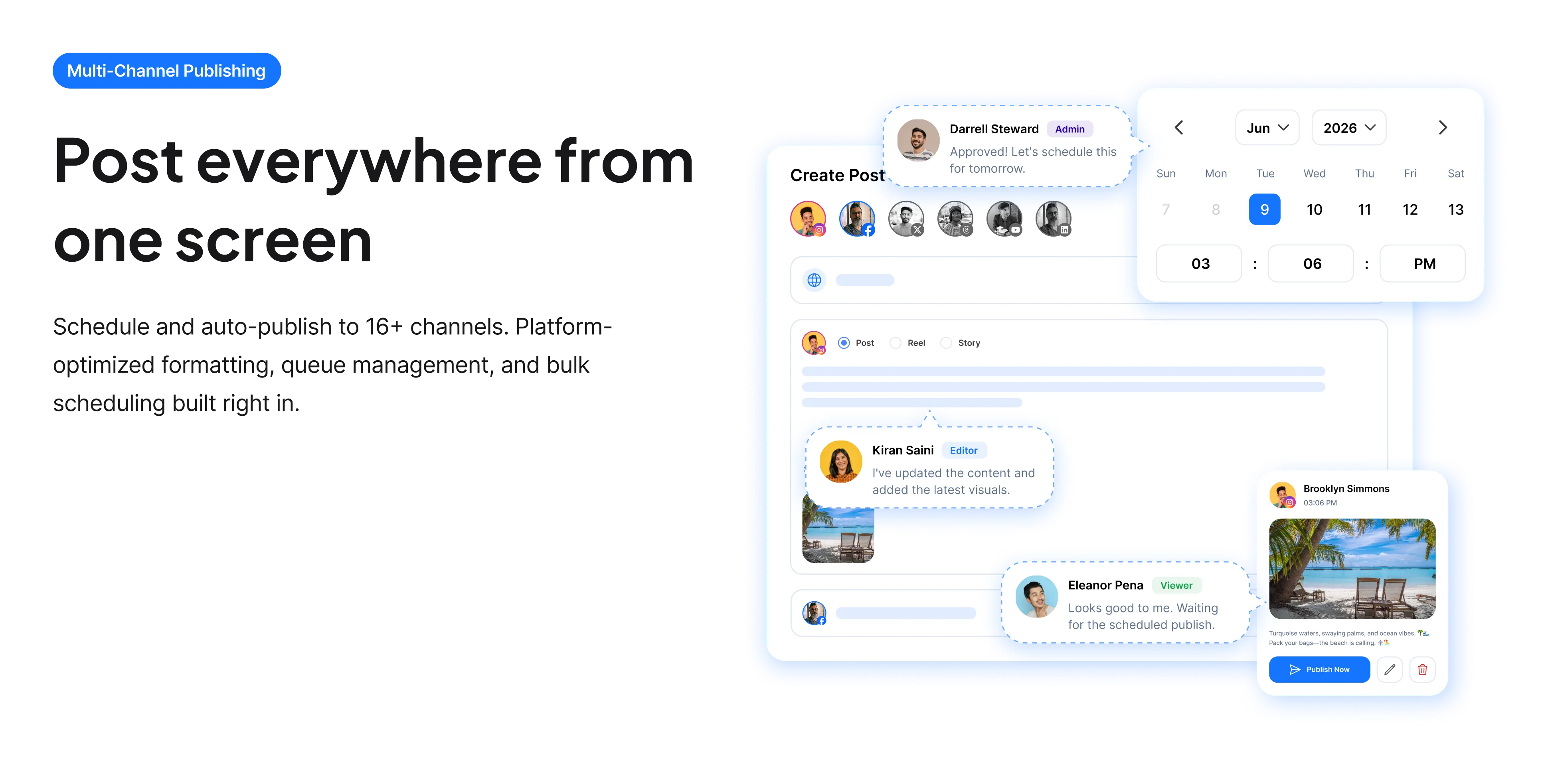
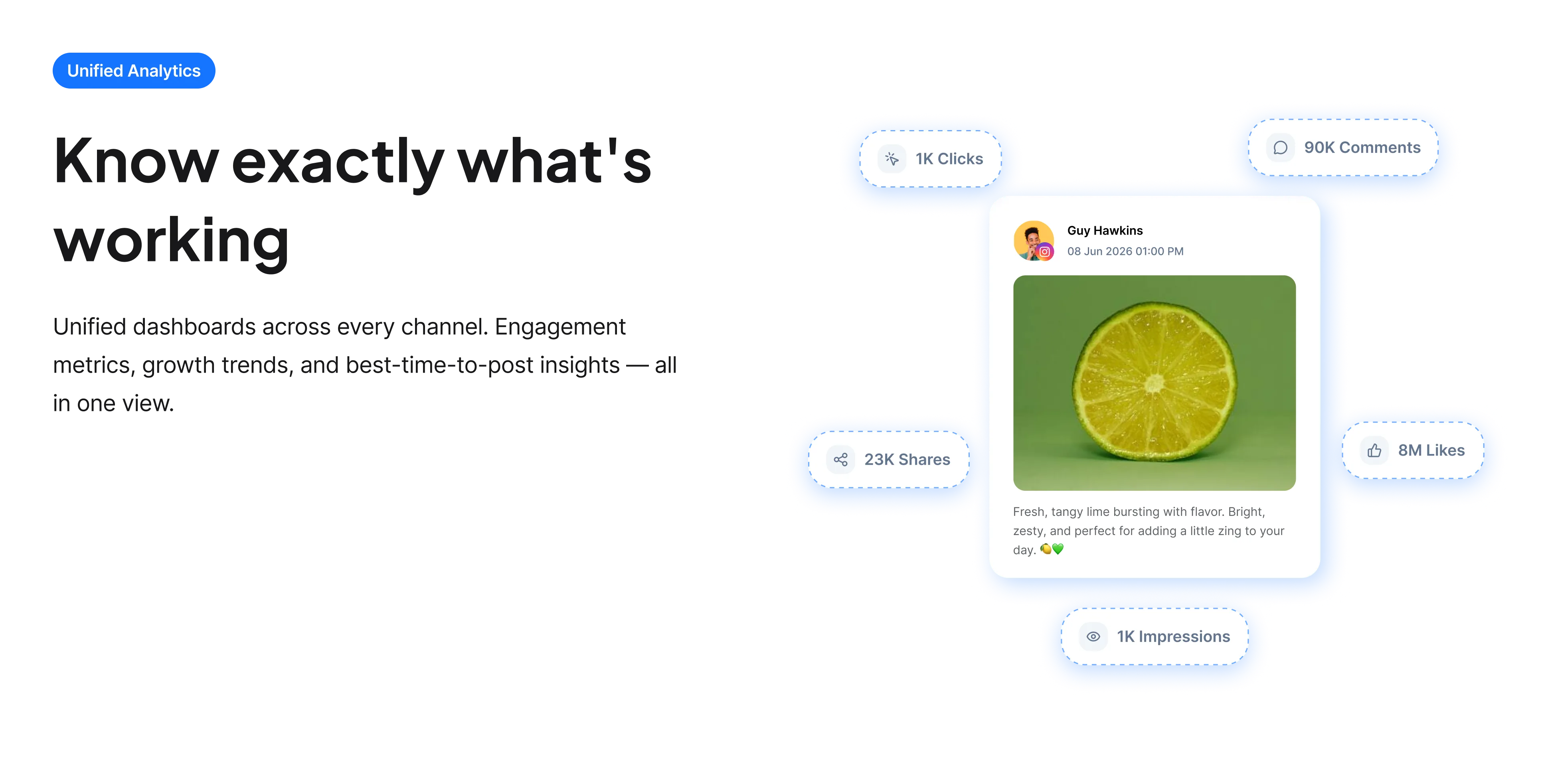
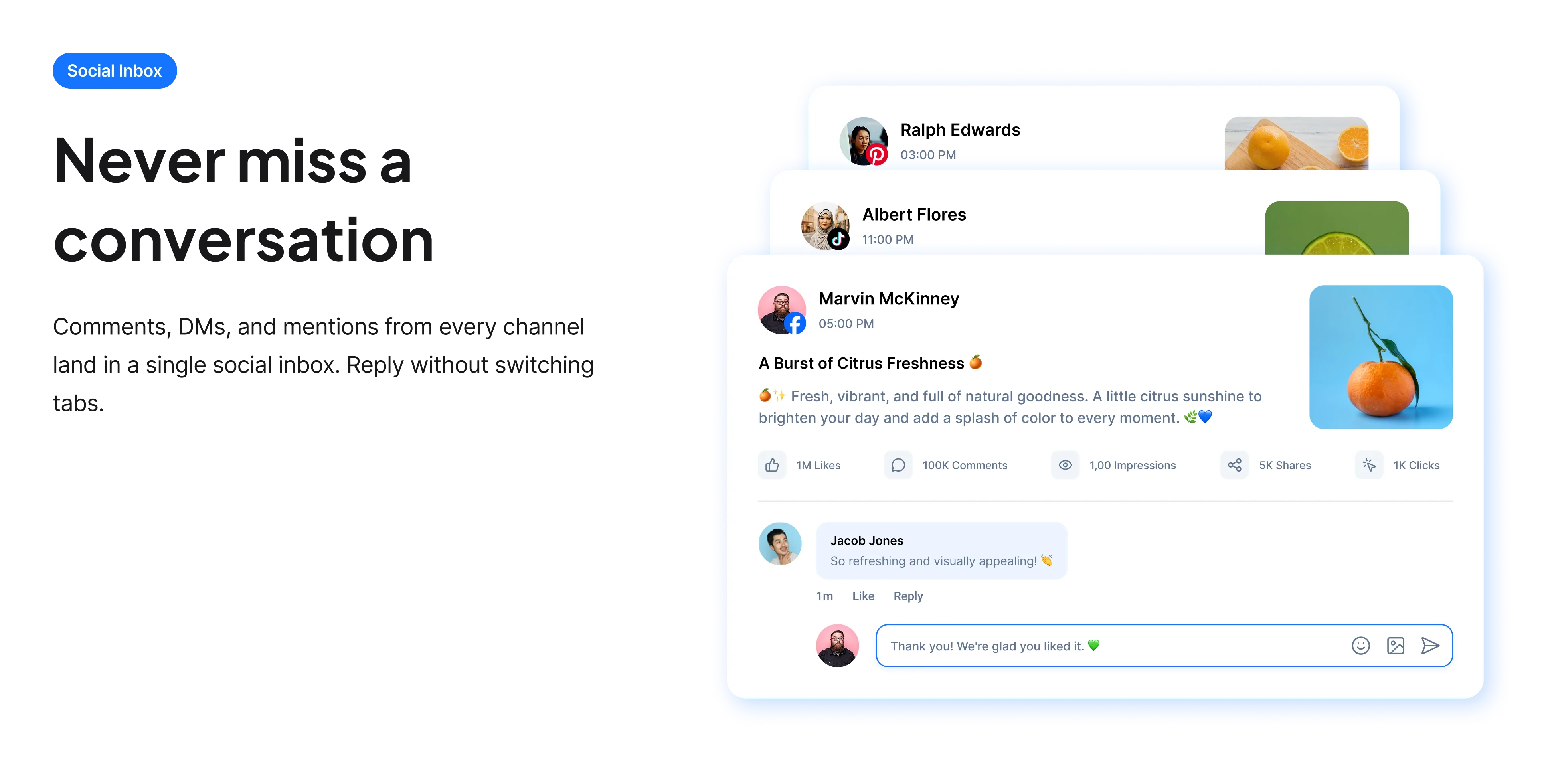
Ready to get started?
The free tools are the warm up. RepeatPost plans, writes and publishes across every channel you post to.
Free plan to start
No credit card required
Cancel anytime
All about the LinkedIn hashtag generator
Why followable tags change the maths
LinkedIn lets people follow a hashtag the way they follow a person, which means a well chosen tag is a standing audience rather than a passing search. Someone following a professional topic sees tagged posts in their feed without knowing you exist. That makes tags more valuable here than on X or Facebook, though still secondary to whether the post itself earns engagement. The practical approach is three to five tags naming the industry, the function or the topic, chosen by whether real people follow them.
How to choose LinkedIn hashtags
Follower count is a visible number, which makes this less guesswork than elsewhere.
- Check the follower count before using a tag. LinkedIn displays it, so there is no reason to guess whether anyone is watching.
- Mix one broad professional tag with two or three specific ones. The broad tag offers reach, the specific ones offer relevance.
- Name industries and functions rather than moods. People follow marketing and supply chain, not motivation.
- Keep them professional. LinkedIn tags that read as casual social tags look out of place and attract the wrong audience.
- Use three to five. More than that starts to look like a job advert rather than a post.
- Place them after the post text so they do not eat into the visible opening before the See more fold.
How hashtags fit LinkedIn distribution
Tags are one input among several, and the others matter more.
- Early engagement is the strongest signal. A post that gets comments in its first hour travels much further than one that does not.
- Dwell time counts, which is why posts that make people stop and read outperform short ones.
- Comments outweigh likes considerably, and replying to your own comments extends a post’s life.
- External links have historically been distributed less well, which is why so many people put them in the first comment.
- Consistency matters. LinkedIn favours accounts that post regularly rather than sporadically.
Who uses this tool
People whose reach depends on being seen outside their own network.
- B2B marketers whose audience is defined by job title rather than by interest.
- Consultants and freelancers using LinkedIn as their main source of enquiries.
- Job seekers wanting posts seen by recruiters in a specific industry.
- Employees posting on behalf of a company and needing the right professional tags.
- Anyone whose posts only ever reach their existing connections.
LinkedIn hashtag reference
How tags behave and where they sit among the other signals.
| Detail | Value | Notes |
|---|---|---|
| Followable tags | Yes | A tag is a standing audience |
| Follower counts | Publicly visible | Check before choosing |
| Recommended count | Three to five | More looks like an advert |
| Post length | 3,000 characters | Folds at roughly 210 |
| Strongest signal | Early engagement | Especially comments |
| Comments vs likes | Comments weigh more | Replies extend post life |
| Placement | After the post text | Keeps the opening clean |
| Cost | Free | No account and no card |
LinkedIn adjusts its feed ranking regularly and rarely documents it, so treat distribution guidance as observed practice rather than published rules. Checked September 2026.
When this is not the right tool
Hashtags cannot make a dull post travel. LinkedIn weights early engagement heavily, so a post that nobody comments on in its first hour will not be rescued by tagging, however well chosen. The bigger determinant is whether the post says something worth responding to, which the LinkedIn post generator addresses. If you are trying to be found through search rather than the feed, your headline carries more weight than any tag, and the LinkedIn keyword tool covers the terms worth targeting there.
How teams picture using RepeatPost
“Honestly, the calendar is what sold me. I could see every channel in one view and spot the week we'd gone quiet. Before this I was juggling three spreadsheets and a Slack thread. Now I plan the month on a Monday morning and I'm done by half ten.”
Hannah Whitfield
Marketing Manager
United KingdomJun 14, 2026“We run social for eleven clients and keeping them separate used to be a genuine anxiety of mine. Workspaces fixed that. Each client sits in their own space, approvals route to the right person, and I've stopped worrying that someone's going to push a dental practice promo to a restaurant account at 6am.”
Marcus Reed
Agency Owner
United StatesJun 29, 2026“I batch a fortnight of content on a Sunday arvo and then I don't think about it again. Reckon it's saved me a solid day a week. Only gripe is the mobile app still feels a step behind the web version, so I do the actual planning on my laptop. Everything else is spot on.”
Chloe Baxter
Content Creator
AustraliaJul 11, 2026“I'm handling social for four small brands and writing captions was eating my whole morning. The AI drafts are actually quite usable now. I still rewrite maybe every third one to sound like the client, but starting from something beats staring at a blank box. The hashtag tool alone I'm using daily.”
Ananya Raghavan
Freelance Social Media Manager
IndiaJul 30, 2026“I sell fabrics and my customers find me on Instagram mostly. Posting used to be whenever I remembered, which was maybe twice a week. Now I sit down every Sunday evening, load up two weeks, and it goes out on its own. Sales have followed. I'd like to see WhatsApp added properly, that's my one ask.”
Chidinma Eze
Small Business Owner
NigeriaAug 18, 2026“Our team is five people and we were losing posts in Slack threads. Someone would approve something, someone else would tweak it, and nobody knew which version went live. The approval flow sorted that in a week. Fair play, it's the least glamorous feature on the site and it's the one I'd miss most.”
Niamh Gallagher
Social Media Lead
IrelandSep 02, 2026FAQs
Frequently Asked
Questions
Three to five. Fewer than three under uses a genuinely useful mechanism, since LinkedIn tags are followable, while more than five starts to look like a job advert rather than a considered post.
Because people can follow a hashtag the way they follow a person. That makes a well chosen tag a standing audience who will see your post in their feed without ever having encountered your profile.
LinkedIn shows the follower count for each tag, so you can check directly rather than guessing. A tag with very few followers is not worth one of your three to five slots, however precisely it describes the post.
After the post text. LinkedIn folds posts at roughly 210 characters, so tags placed near the beginning consume the visible opening that has to earn the See more click.
Early engagement, particularly comments in the first hour. LinkedIn weights that heavily, and comments count for considerably more than likes. Replying to your own comments also extends how long a post keeps circulating.
The feed has long been less generous to posts carrying an external link, which is how the first comment habit started. It is worth testing on your own account rather than assuming, since LinkedIn adjusts this behavior periodically.
Ready to grow on autopilot?
Create your free account and start managing 16+ channels with AI in minutes.
Get started for freeFree plan to start
No Credit Card Required
Cancel anytime