LinkedIn bio generator
Free LinkedIn Bio Generator
Your LinkedIn headline is not confined to your profile. It appears under your name in every comment you leave, every search result and every connection request, which makes it the most widely read line you will write.
Also, you can check Bluesky Bio or Pinterest Bio or More
Headlines built for the 220 character field
Also writes the longer About section
Free to use, no account needed
These tools stay free because people chip in. Buy us a coffee ☕
Something broken, or a tool you wish we had? Tell us what you need


More free tools
People who use the LinkedIn Bio Generator also reach for these
Every tool here is free, runs in your browser and needs no account.
Inside RepeatPost
What you get when the free tool is not enough
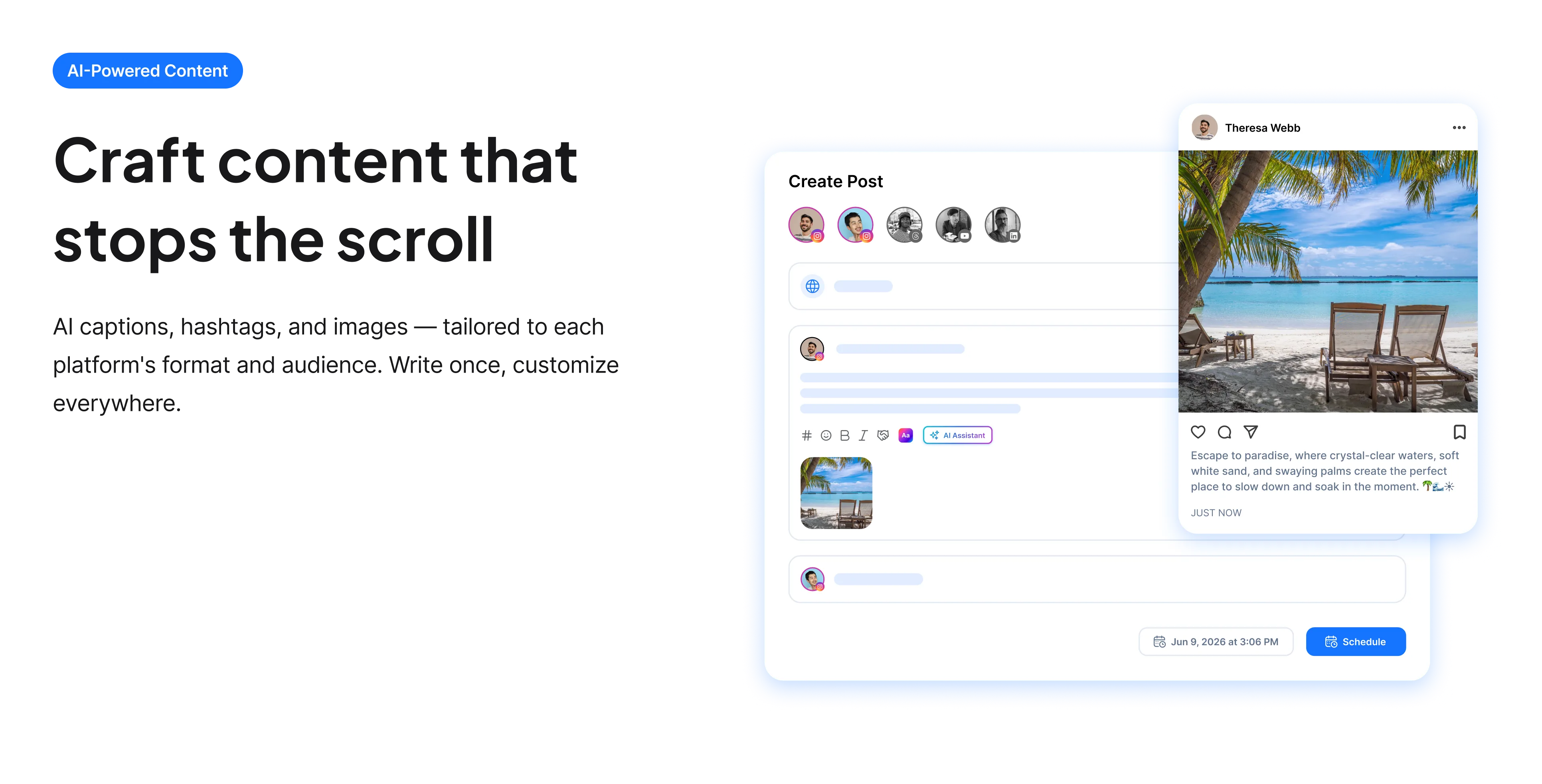
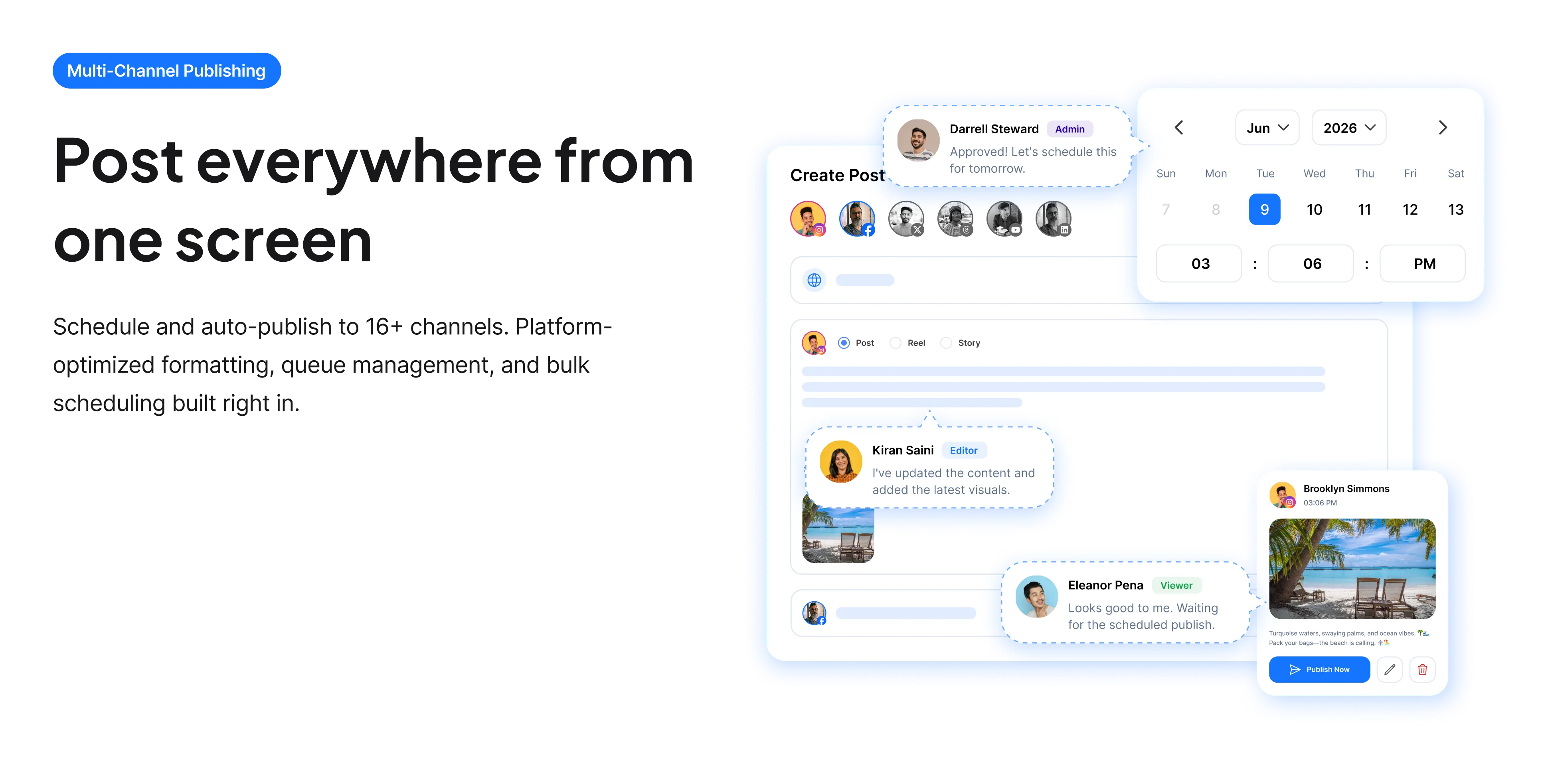
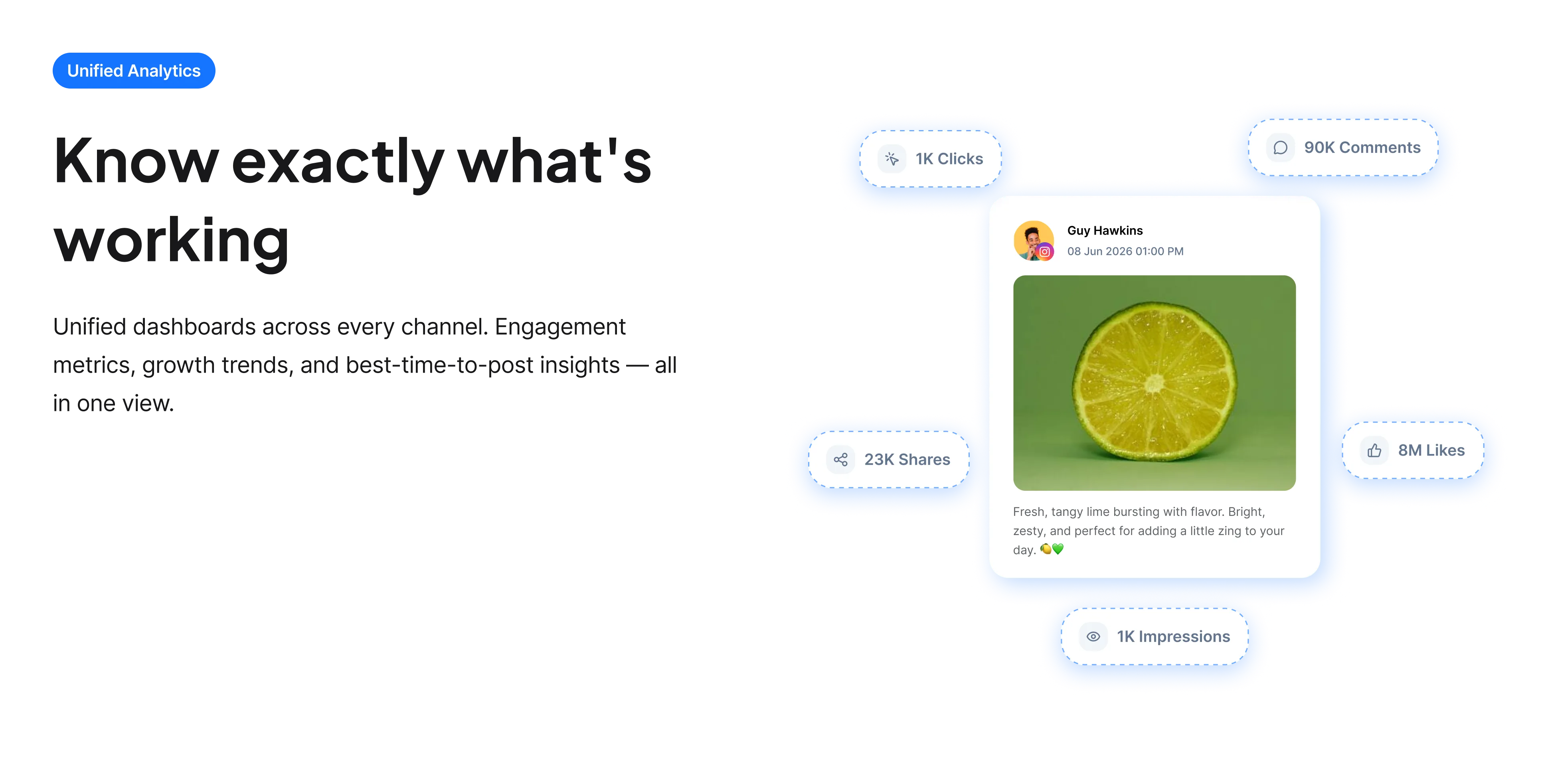
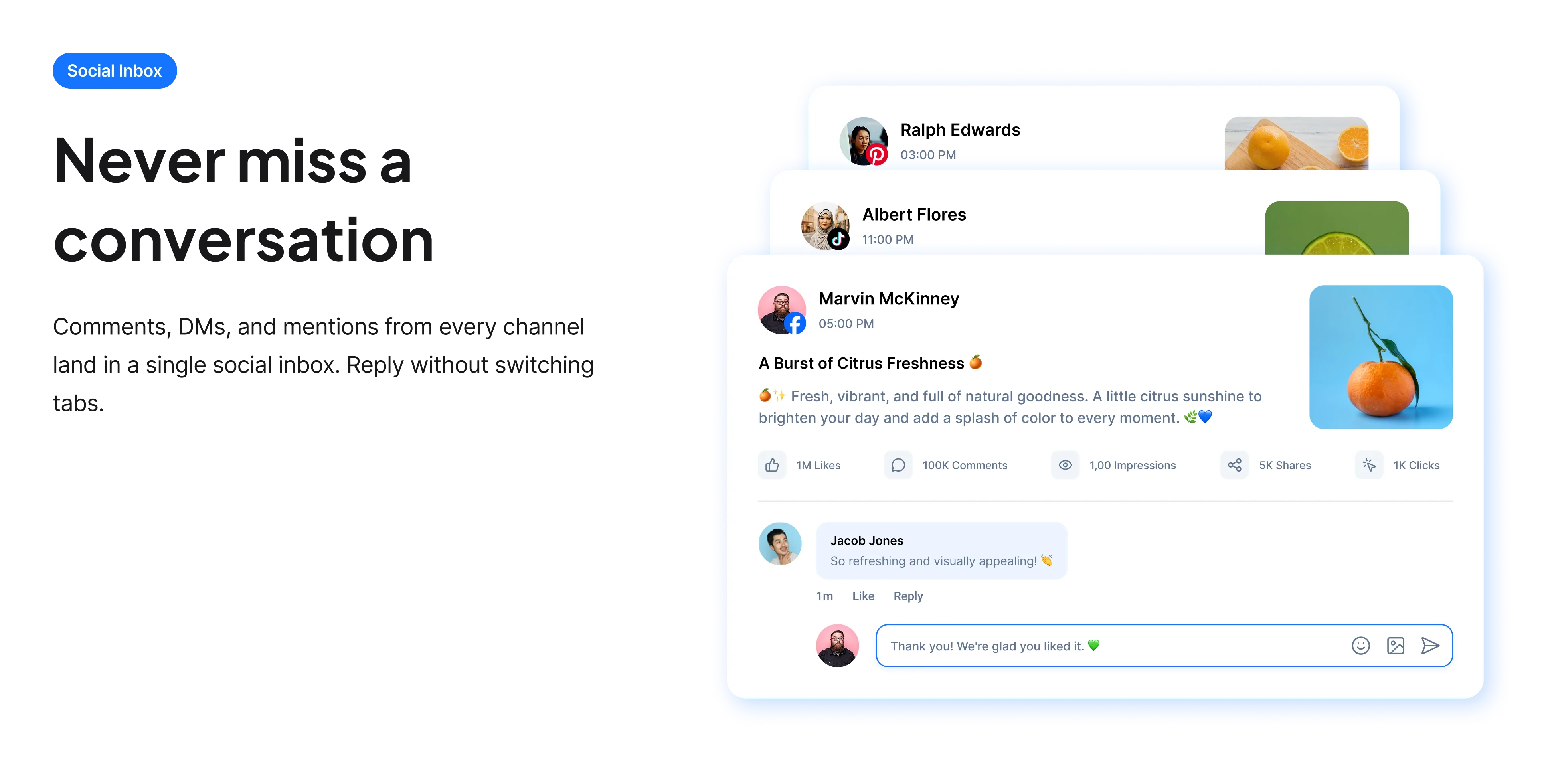
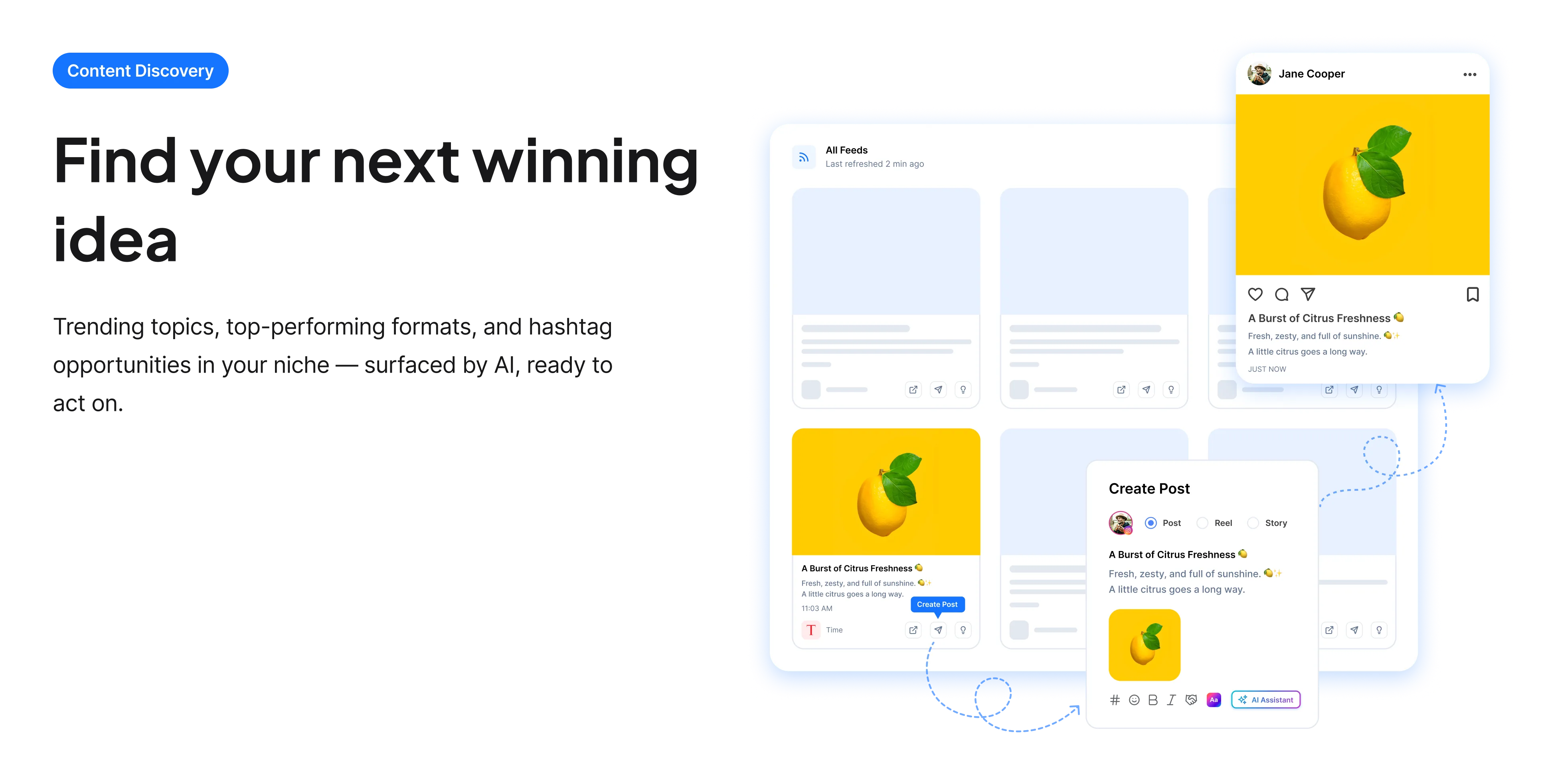
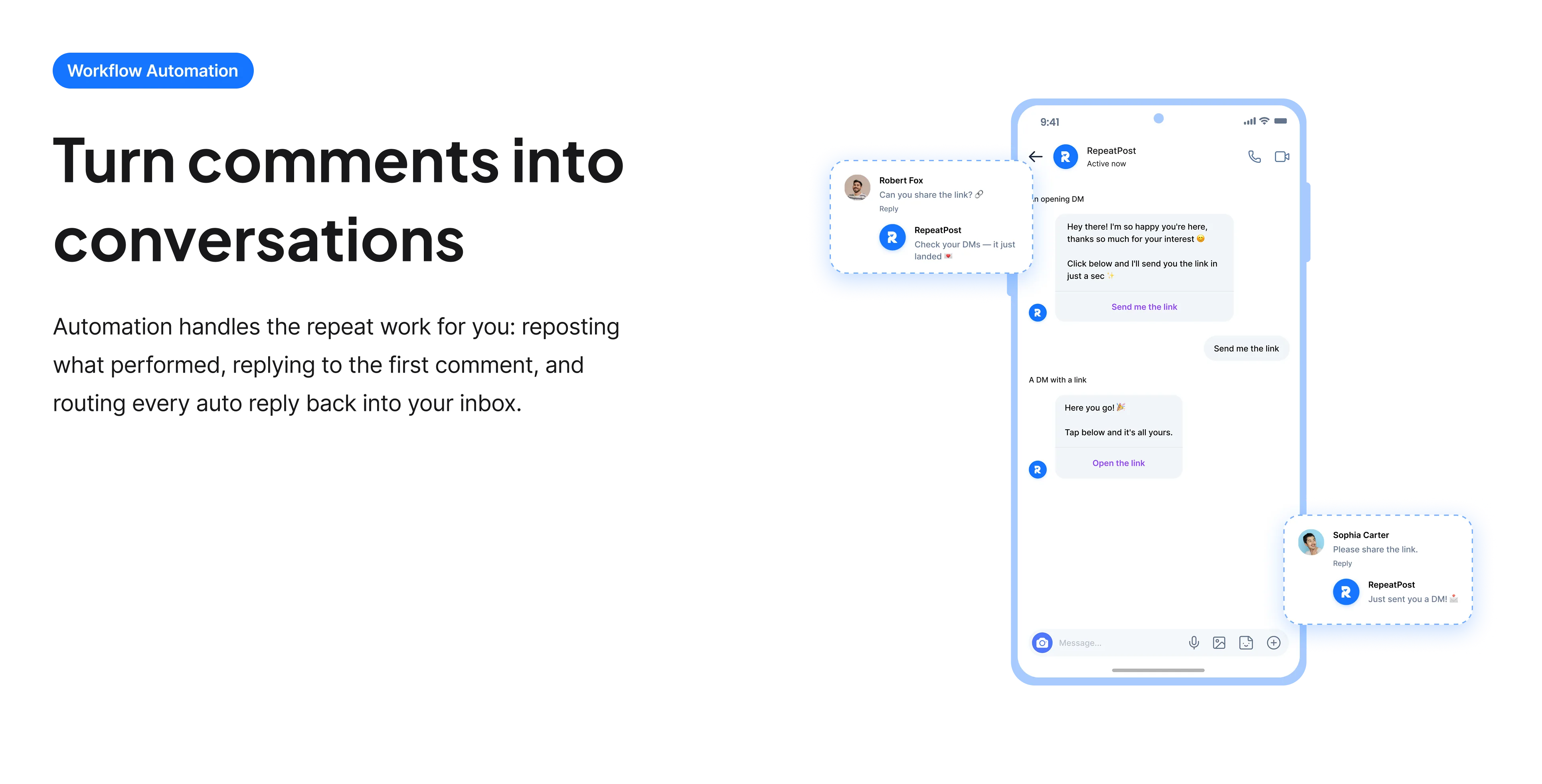
The free tools solve one task at a time. RepeatPost handles the whole loop: write the post, publish it everywhere, then see what landed.
Ready to get started?
The free tools are the warm up. RepeatPost plans, writes and publishes across every channel you post to.
Free plan to start
No credit card required
Cancel anytime
All about the LinkedIn bio generator
Why the headline matters more than the profile
The headline is the only part of your LinkedIn profile that travels. It appears under your name every time you comment on a post, in every search result, in connection requests, and in the people also viewed sidebar. Someone can read your headline dozens of times without ever opening your profile. That makes it the hardest working 220 characters on the platform, and it is why a headline that just repeats your job title wastes an opportunity: the title tells people what you are called, while a good headline tells them what you do and who benefits.
How to write a LinkedIn headline
A headline has two jobs, being found and being understood, and it has to do both at once.
- Include the terms people search for. LinkedIn search weights the headline heavily, so if you want to be found for a role or a skill, that word has to appear.
- State the outcome, not just the function. "I help B2B teams shorten their sales cycle" beats "Sales Consultant" for exactly the same word count.
- Name your audience. Being specific about who you serve makes you more findable, not less, because the people you want are searching in narrower terms.
- Drop the buzzword stacks. Strings of separated keywords read as filler and increasingly look like a profile trying to game a search.
- Avoid "Open to work" as your whole headline. It uses the most visible line on the platform to say what you need rather than what you offer.
- Keep it readable. It appears in small text under your name in feeds, and a long headline is truncated there.
The About section is a different job
Only people who already clicked your profile read this, which changes what it is for.
- Write it in first person. Third person biographies read as oddly formal on a platform where everyone is speaking as themselves.
- Open with the problem you solve rather than your career timeline. Anyone reading has already seen your job history further down the page.
- Front load the first few lines, because LinkedIn truncates the About section and most visitors never expand it.
- Include concrete results where you can. Numbers are the difference between a claim and a demonstration.
- End with what you want to happen: a message, a call, a link. Profiles frequently describe someone thoroughly and give the reader nothing to do.
Who uses this tool
LinkedIn profiles are written under pressure and then left alone for years.
- Job seekers who need the headline to state a target role rather than their last one.
- Consultants and freelancers, for whom the profile functions as a sales page and the headline as the ad for it.
- People who post regularly on LinkedIn and whose headline is read constantly in comment threads without them realising.
- Career changers, where the headline has to bridge what they did and what they are moving toward.
- Founders whose headline says CEO of a company nobody has heard of, which communicates nothing to a reader.
LinkedIn profile field limits
The fields worth writing carefully and how much room each gives you.
| Field | Limit | Notes |
|---|---|---|
| Headline | 220 characters | Appears everywhere you comment |
| About section | 2,600 characters | Truncated after a few lines |
| Post text | 3,000 characters | Folds after roughly 210 |
| Custom profile URL | Editable | Set it rather than keeping the default |
| Search weighting | Headline is heavily weighted | Keywords belong there |
| Feed display | Headline truncated | Front load the important words |
| Cost | Free | No account and no card |
| Rights to the output | Yours to use commercially | Including client profiles |
Checked September 2026. LinkedIn raised the headline limit from its earlier, much shorter cap, so older advice about fitting into 120 characters is out of date.
When this is not the right tool
A headline cannot substitute for activity. LinkedIn surfaces people who post and comment, so a perfectly written profile that never appears in a feed reaches almost nobody. It also cannot claim experience you do not have, and on a platform where your network can see your actual history, an overstated headline is a liability rather than a shortcut. For the posts that do the work of getting you seen, use the LinkedIn post generator, and to work out which terms to target, the LinkedIn keyword tool.
How teams picture using RepeatPost
“Honestly, the calendar is what sold me. I could see every channel in one view and spot the week we'd gone quiet. Before this I was juggling three spreadsheets and a Slack thread. Now I plan the month on a Monday morning and I'm done by half ten.”
Hannah Whitfield
Marketing Manager
United KingdomJun 14, 2026“We run social for eleven clients and keeping them separate used to be a genuine anxiety of mine. Workspaces fixed that. Each client sits in their own space, approvals route to the right person, and I've stopped worrying that someone's going to push a dental practice promo to a restaurant account at 6am.”
Marcus Reed
Agency Owner
United StatesJun 29, 2026“I batch a fortnight of content on a Sunday arvo and then I don't think about it again. Reckon it's saved me a solid day a week. Only gripe is the mobile app still feels a step behind the web version, so I do the actual planning on my laptop. Everything else is spot on.”
Chloe Baxter
Content Creator
AustraliaJul 11, 2026“I'm handling social for four small brands and writing captions was eating my whole morning. The AI drafts are actually quite usable now. I still rewrite maybe every third one to sound like the client, but starting from something beats staring at a blank box. The hashtag tool alone I'm using daily.”
Ananya Raghavan
Freelance Social Media Manager
IndiaJul 30, 2026“I sell fabrics and my customers find me on Instagram mostly. Posting used to be whenever I remembered, which was maybe twice a week. Now I sit down every Sunday evening, load up two weeks, and it goes out on its own. Sales have followed. I'd like to see WhatsApp added properly, that's my one ask.”
Chidinma Eze
Small Business Owner
NigeriaAug 18, 2026“Our team is five people and we were losing posts in Slack threads. Someone would approve something, someone else would tweak it, and nobody knew which version went live. The approval flow sorted that in a week. Fair play, it's the least glamorous feature on the site and it's the one I'd miss most.”
Niamh Gallagher
Social Media Lead
IrelandSep 02, 2026FAQs
Frequently Asked
Questions
The headline field holds 220 characters. That is considerably more than the older limit many guides still reference, so advice about squeezing into 120 characters is out of date. It is truncated in feeds, so front load the important words.
Because it travels with you. It appears under your name in every comment, every search result and every connection request, so people read it repeatedly without ever visiting your profile. Nothing else on LinkedIn gets that much exposure.
No, that wastes the field. A title says what you are called; a headline can say what you do and who benefits, in the same space. "I help manufacturing teams cut changeover time" communicates far more than "Operations Lead".
First person. Third person biographies read as stiff on a platform where everyone else is speaking as themselves, and they create a distance that works against the networking the profile exists to support.
Yes, LinkedIn search weights the headline heavily. But write them into real sentences rather than stacking separated terms, since keyword strings read as filler and increasingly look like an attempt to game the search.
Not as the whole headline. It uses your most visible line to state what you need rather than what you offer. Use the dedicated Open to Work setting for availability, and keep the headline focused on the value you bring.
Ready to grow on autopilot?
Create your free account and start managing 16+ channels with AI in minutes.
Get started for freeFree plan to start
No Credit Card Required
Cancel anytime