LinkedIn post generator
Free LinkedIn Post Generator
LinkedIn has a format most people ignore: the document post, a swipeable PDF carousel that consistently holds attention better than text. Choosing between that and a normal post shapes everything else.
Also, you can check YouTube Post or Pinterest Post or More
Covers text posts and document carousels
Structures the post before writing it
Free to use, no account needed
These tools stay free because people chip in. Buy us a coffee ☕
Something broken, or a tool you wish we had? Tell us what you need


More free tools
People who use the LinkedIn Post Generator also reach for these
Every tool here is free, runs in your browser and needs no account.
Inside RepeatPost
What you get when the free tool is not enough
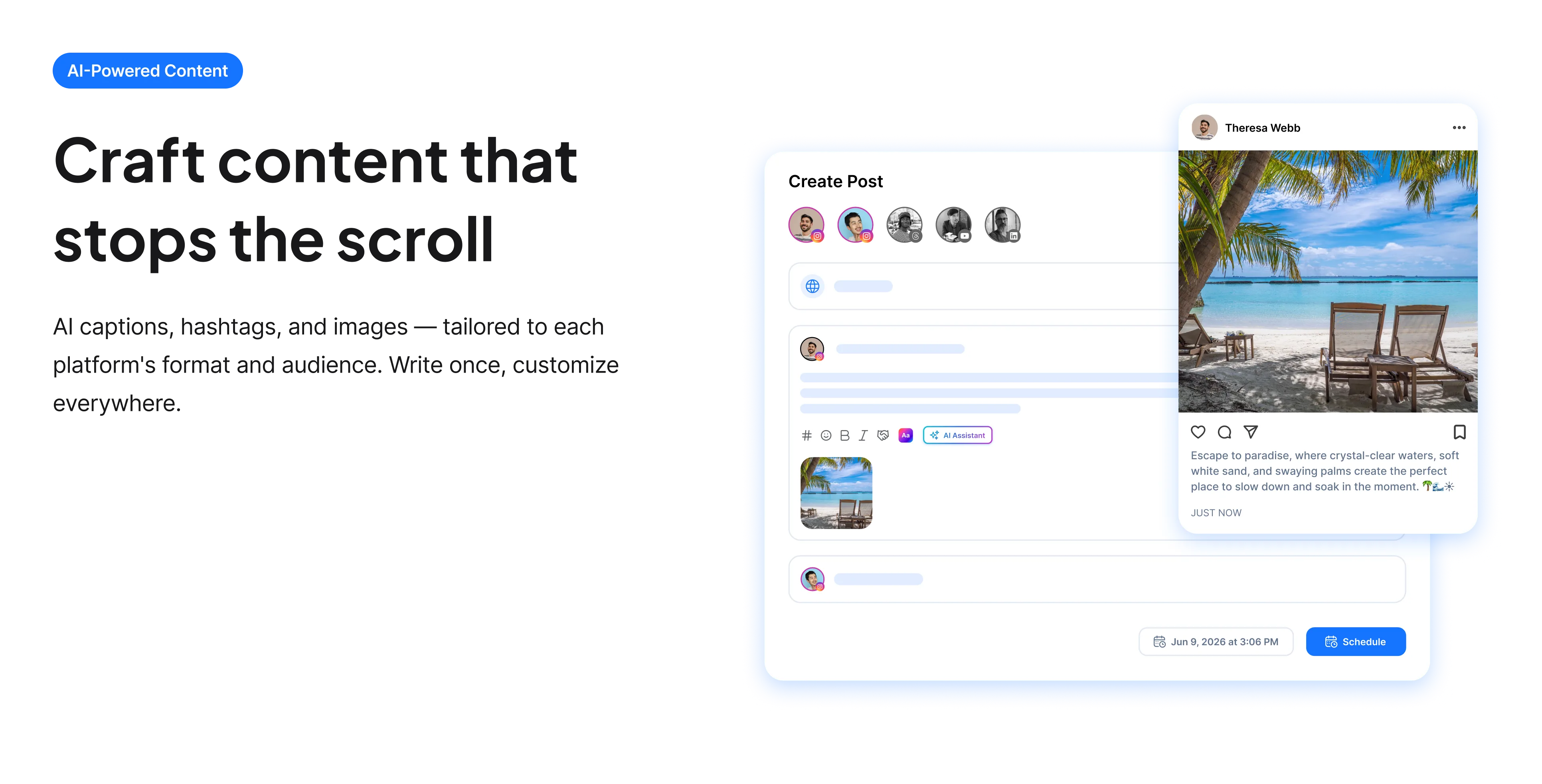
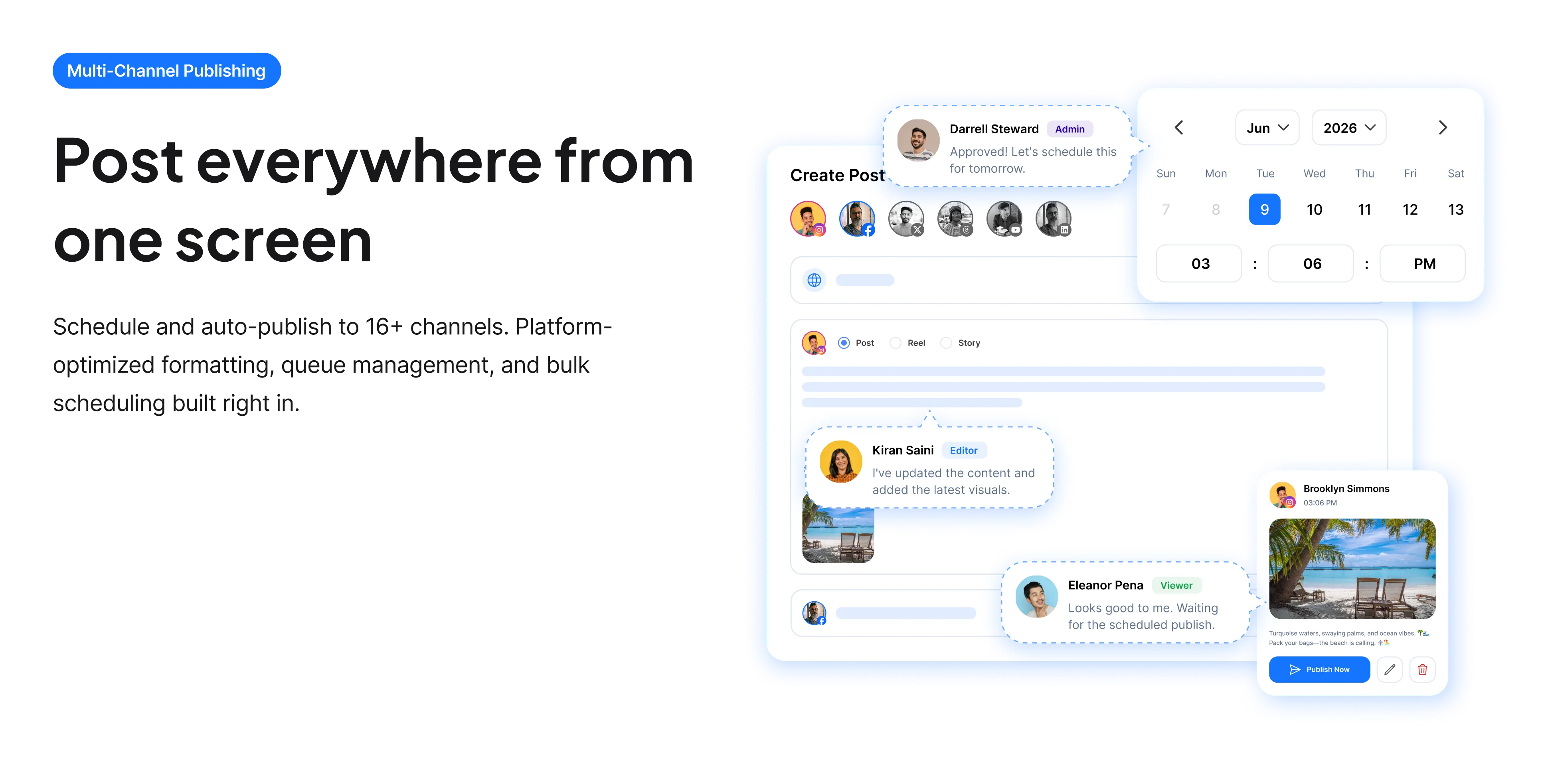
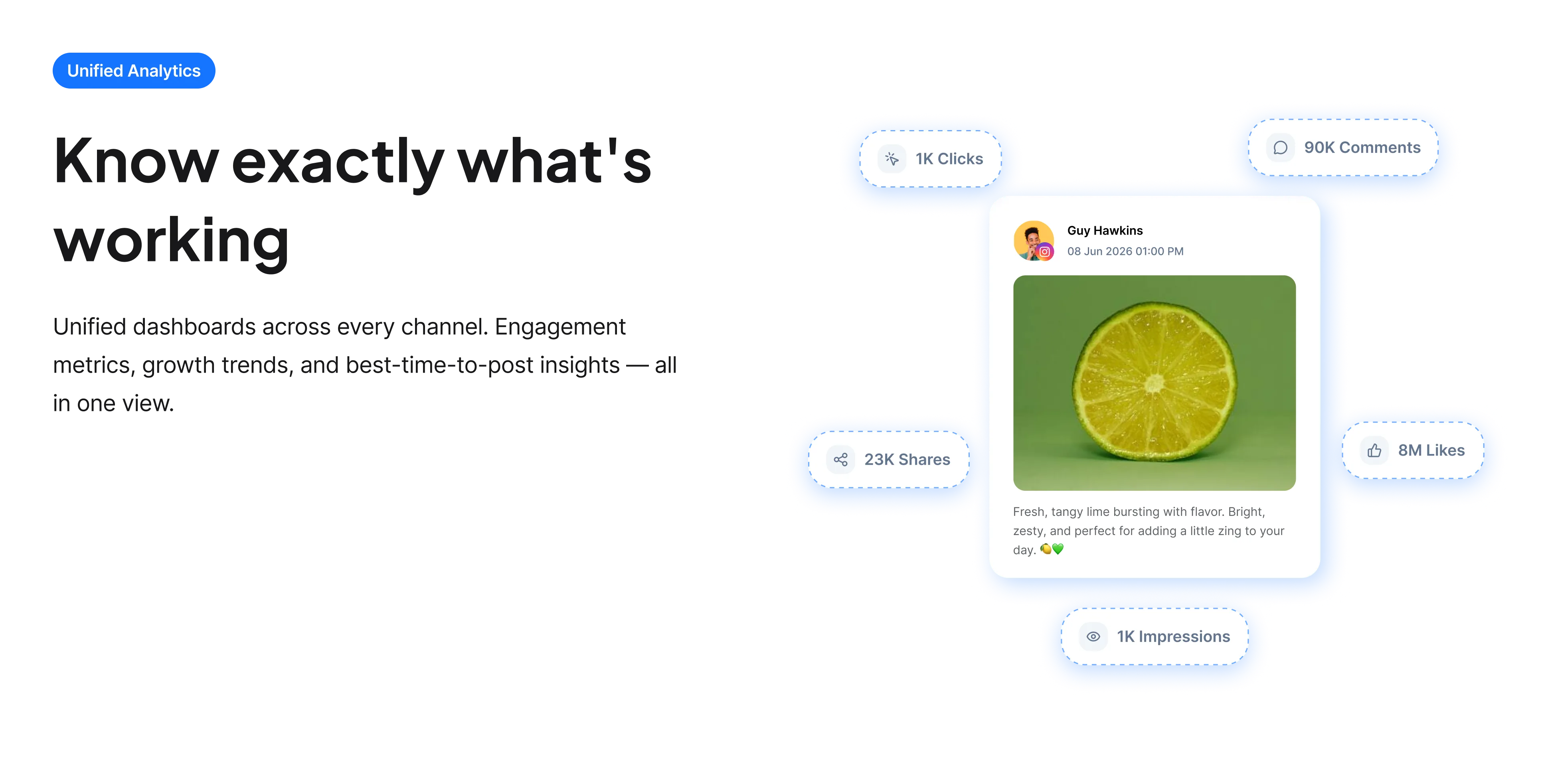
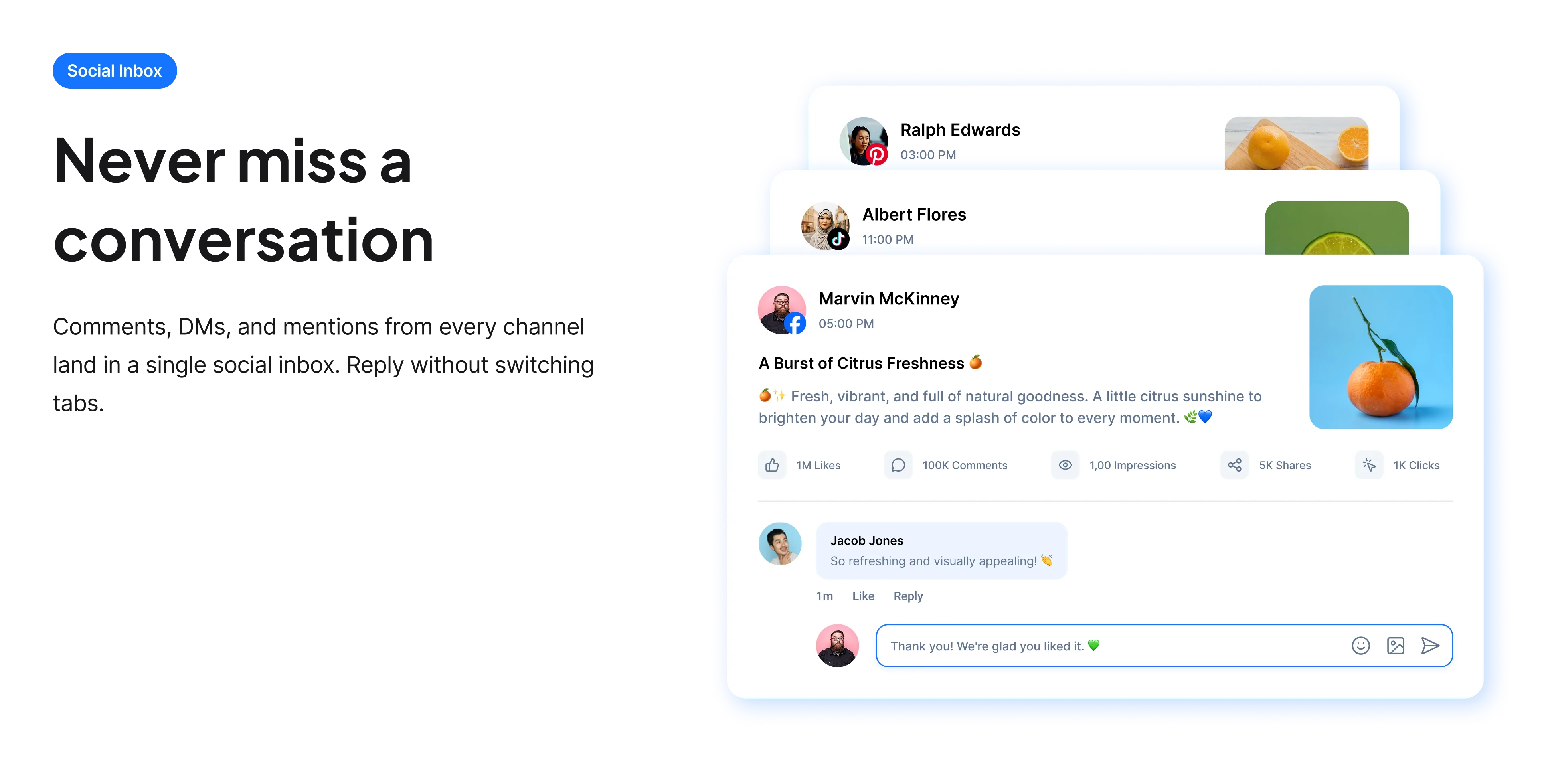
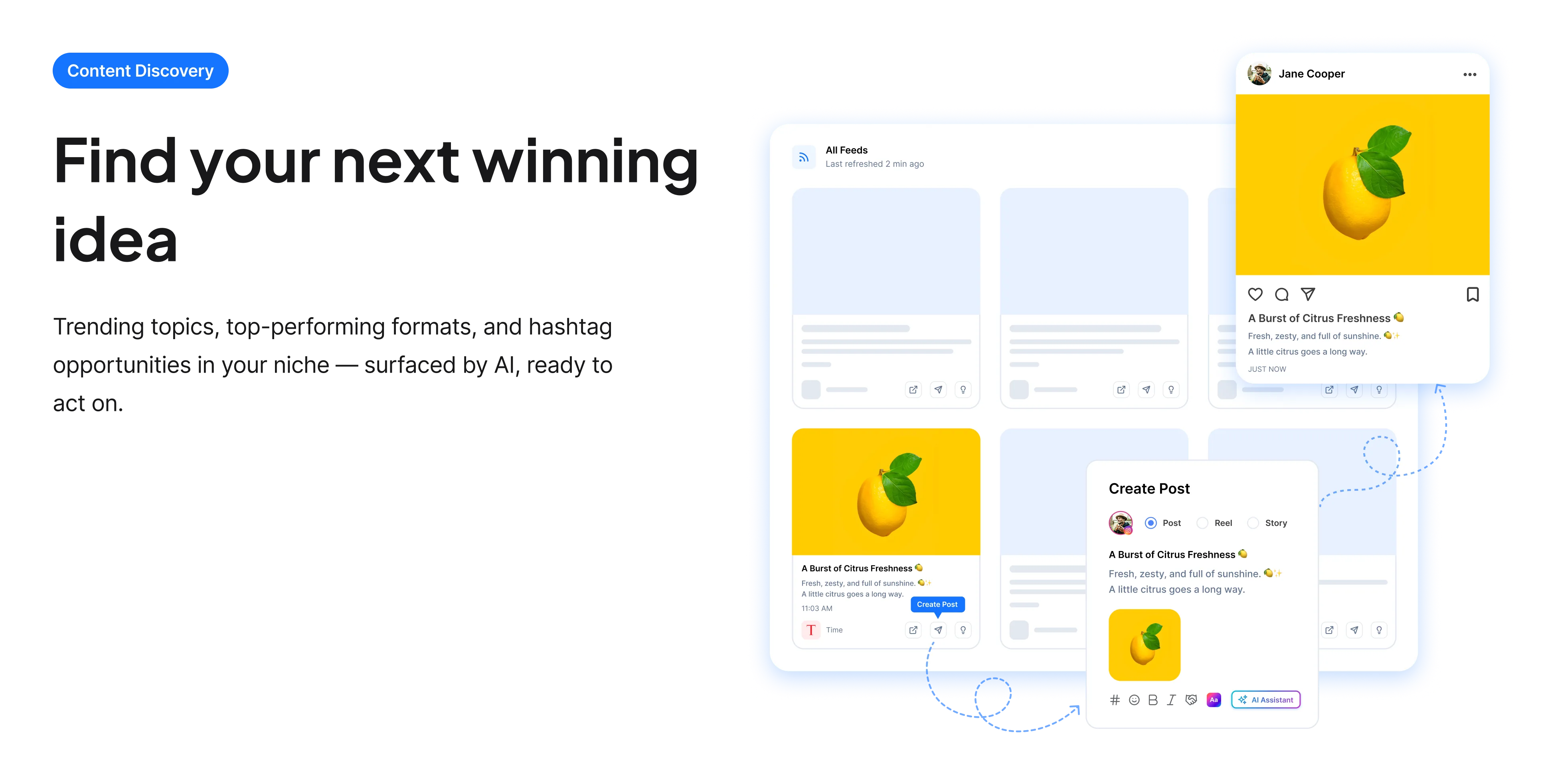
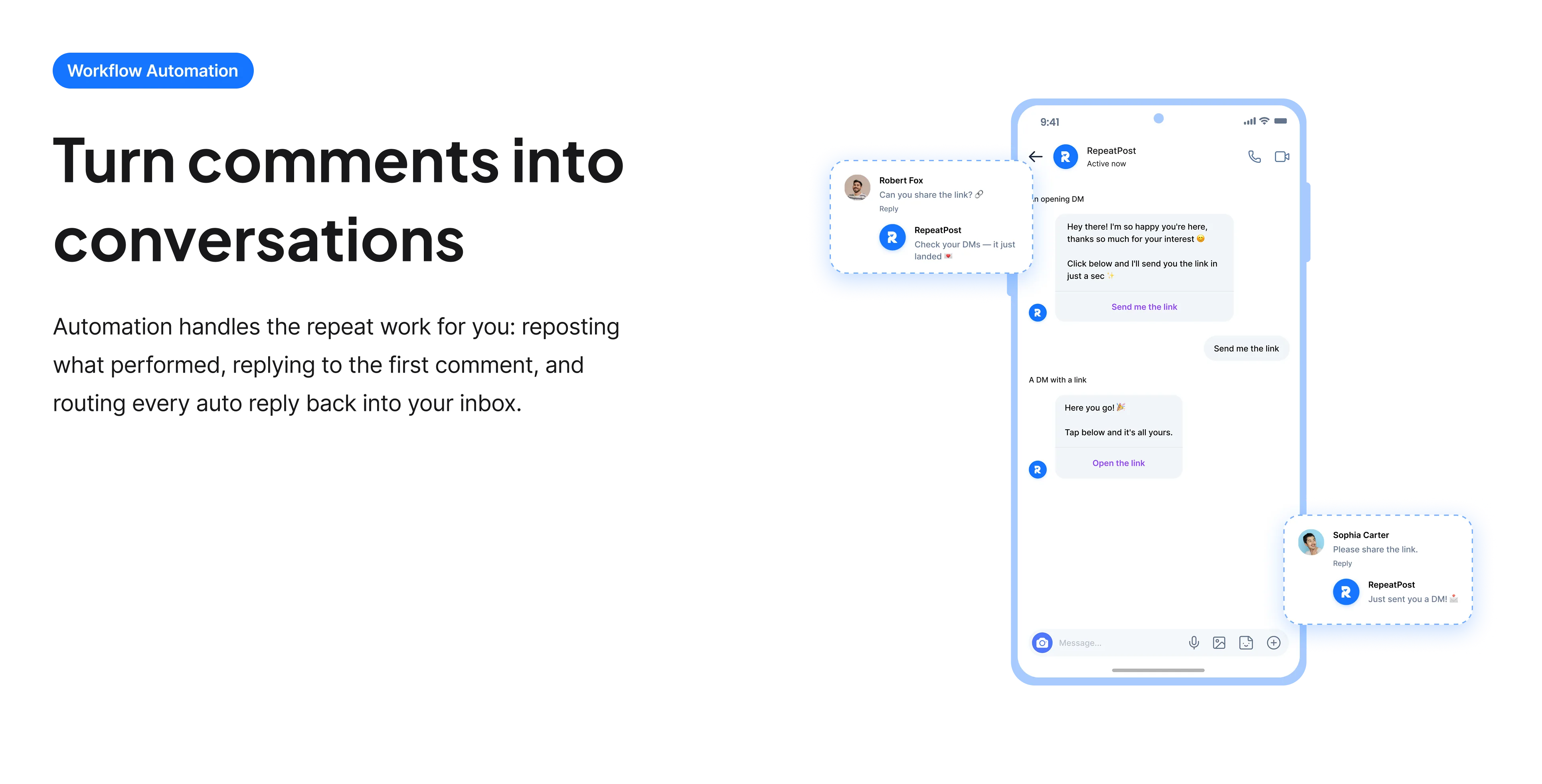
The free tools solve one task at a time. RepeatPost handles the whole loop: write the post, publish it everywhere, then see what landed.
Ready to get started?
The free tools are the warm up. RepeatPost plans, writes and publishes across every channel you post to.
Free plan to start
No credit card required
Cancel anytime
All about the LinkedIn post generator
Document posts are the underused format
LinkedIn supports document posts, which are PDFs displayed as a swipeable carousel in the feed. They hold attention considerably better than text because swiping is an engagement action and the format signals that something structured is inside. Most people never use them, partly because creating a PDF feels like more work than typing a post. For anything with steps, a framework or a comparison, the extra effort usually returns more than the same content posted as text, and deciding between the two formats before writing is the choice that shapes the rest.
How to build a LinkedIn post
Whichever format, the fold governs the opening.
- Decide format first, since a carousel is written slide by slide and a text post is written as continuous prose.
- Write the hook to land inside roughly 210 characters, because everything past that is behind See more.
- Break the line after the hook, which is standard practice and genuinely improves readability.
- Keep paragraphs short, since dense blocks get skipped on a phone.
- Close with a specific question, because comments carry far more weight than likes on LinkedIn.
- For a carousel, make each slide readable alone, as people swipe rather than read in strict order.
Consistency matters more than any single post
LinkedIn rewards regular posting more visibly than most platforms.
- Accounts that post regularly are surfaced more readily than accounts that post occasionally and well.
- Early engagement is weighted heavily, and a regular audience is what produces it in the first hour.
- Replying to your own comments extends how long a post keeps circulating.
- A predictable subject helps, since people follow for a topic rather than for variety.
- That makes a workable posting rhythm worth more than an occasional excellent post.
Who uses this tool
People for whom LinkedIn is a business development channel.
- Consultants and freelancers whose enquiries come from being visible in the feed.
- Founders posting about building a company.
- Employees posting on behalf of an employer and struggling to sound human.
- People who have never used document carousels and want to try the format.
- Job seekers using posts to be found rather than only applying.
LinkedIn format comparison
The two main formats and what governs them.
| Format | Best for | Notes |
|---|---|---|
| Text post | A single point or story | Fastest to produce |
| Document carousel | Steps, frameworks, comparisons | Holds attention better |
| Post limit | 3,000 characters | Folds at roughly 210 |
| Strongest signal | Comments | Weighted above likes |
| External links | Distributed less well | Hence the first comment habit |
| Consistency | Rewarded | Regular beats occasional |
| Cost | Free | No account and no card |
| Rights to the output | Yours to use commercially | Including client accounts |
LinkedIn does not publish its feed ranking, so distribution guidance reflects widely observed behavior. Checked September 2026.
When this is not the right tool
It cannot give you something worth saying, and LinkedIn is saturated with well structured posts that contain nothing. The formulaic style has been imitated to the point where following it closely works against you, so rewrite the opening in your own words every time. The tool also cannot design the carousel slides, only write their content. For refining an existing draft, the LinkedIn caption generator is closer, and the LinkedIn bio generator covers the headline sitting above everything you post.
How teams picture using RepeatPost
“Honestly, the calendar is what sold me. I could see every channel in one view and spot the week we'd gone quiet. Before this I was juggling three spreadsheets and a Slack thread. Now I plan the month on a Monday morning and I'm done by half ten.”
Hannah Whitfield
Marketing Manager
United KingdomJun 14, 2026“We run social for eleven clients and keeping them separate used to be a genuine anxiety of mine. Workspaces fixed that. Each client sits in their own space, approvals route to the right person, and I've stopped worrying that someone's going to push a dental practice promo to a restaurant account at 6am.”
Marcus Reed
Agency Owner
United StatesJun 29, 2026“I batch a fortnight of content on a Sunday arvo and then I don't think about it again. Reckon it's saved me a solid day a week. Only gripe is the mobile app still feels a step behind the web version, so I do the actual planning on my laptop. Everything else is spot on.”
Chloe Baxter
Content Creator
AustraliaJul 11, 2026“I'm handling social for four small brands and writing captions was eating my whole morning. The AI drafts are actually quite usable now. I still rewrite maybe every third one to sound like the client, but starting from something beats staring at a blank box. The hashtag tool alone I'm using daily.”
Ananya Raghavan
Freelance Social Media Manager
IndiaJul 30, 2026“I sell fabrics and my customers find me on Instagram mostly. Posting used to be whenever I remembered, which was maybe twice a week. Now I sit down every Sunday evening, load up two weeks, and it goes out on its own. Sales have followed. I'd like to see WhatsApp added properly, that's my one ask.”
Chidinma Eze
Small Business Owner
NigeriaAug 18, 2026“Our team is five people and we were losing posts in Slack threads. Someone would approve something, someone else would tweak it, and nobody knew which version went live. The approval flow sorted that in a week. Fair play, it's the least glamorous feature on the site and it's the one I'd miss most.”
Niamh Gallagher
Social Media Lead
IrelandSep 02, 2026FAQs
Frequently Asked
Questions
A PDF displayed as a swipeable carousel in the feed. It holds attention better than text because swiping is an engagement action, and it suits anything with steps, a framework or a comparison inside it.
For structured content, usually yes. They consistently outperform the same material posted as text, and most people never use them, which means the format is less crowded than the standard text post.
This starts from an idea and produces a complete post including a format decision. The caption generator refines text for a post you have already conceived, which is a narrower and faster job.
Considerably. LinkedIn surfaces accounts that post regularly more readily than accounts that post occasionally, and a regular audience is what produces the early engagement the feed weights so heavily.
A particular formula spread widely: a dramatic one line opening, heavy breaks, a personal story and a tidy lesson. Readers recognize it now, so following it closely marks a post as generic rather than making it perform.
No, it writes the content for each slide but not the design. You will need a design tool to lay them out and export as a PDF, which is the format LinkedIn accepts for document posts.
Ready to grow on autopilot?
Create your free account and start managing 16+ channels with AI in minutes.
Get started for freeFree plan to start
No Credit Card Required
Cancel anytime