YouTube hashtag generator
Free YouTube Hashtag Generator
The first three hashtags in your description appear above your video title, where viewers actually see them. The rest sit in the description. Choosing which three go first is the decision that matters.
Also, you can check LinkedIn Hashtag or Threads Hashtag or More
Picks the three tags shown above your title
Stays inside the 15 hashtag limit
Free to use, no account needed
These tools stay free because people chip in. Buy us a coffee ☕
Something broken, or a tool you wish we had? Tell us what you need


More free tools
People who use the YouTube Hashtag Generator also reach for these
Every tool here is free, runs in your browser and needs no account.
Inside RepeatPost
What you get when the free tool is not enough
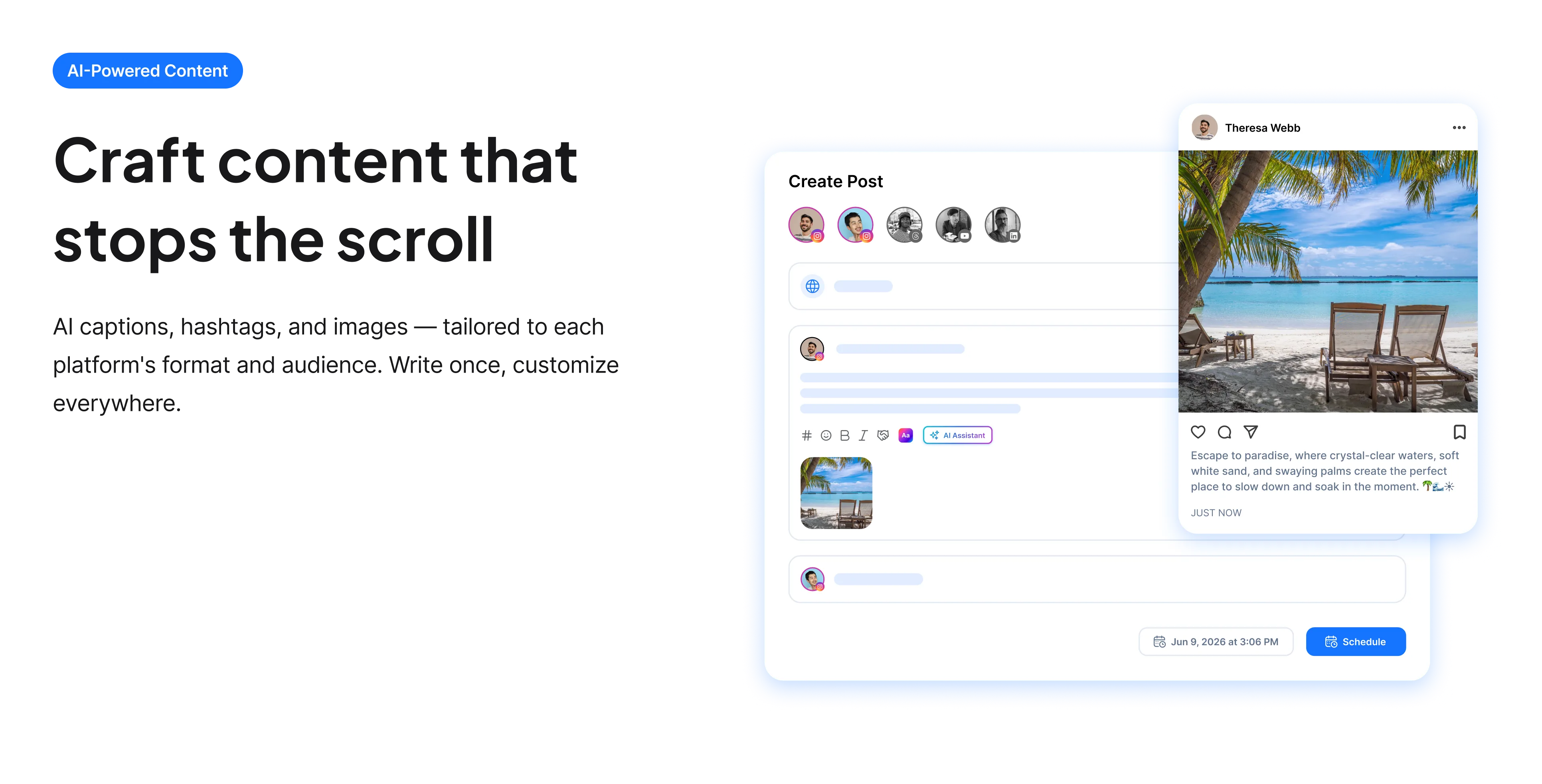
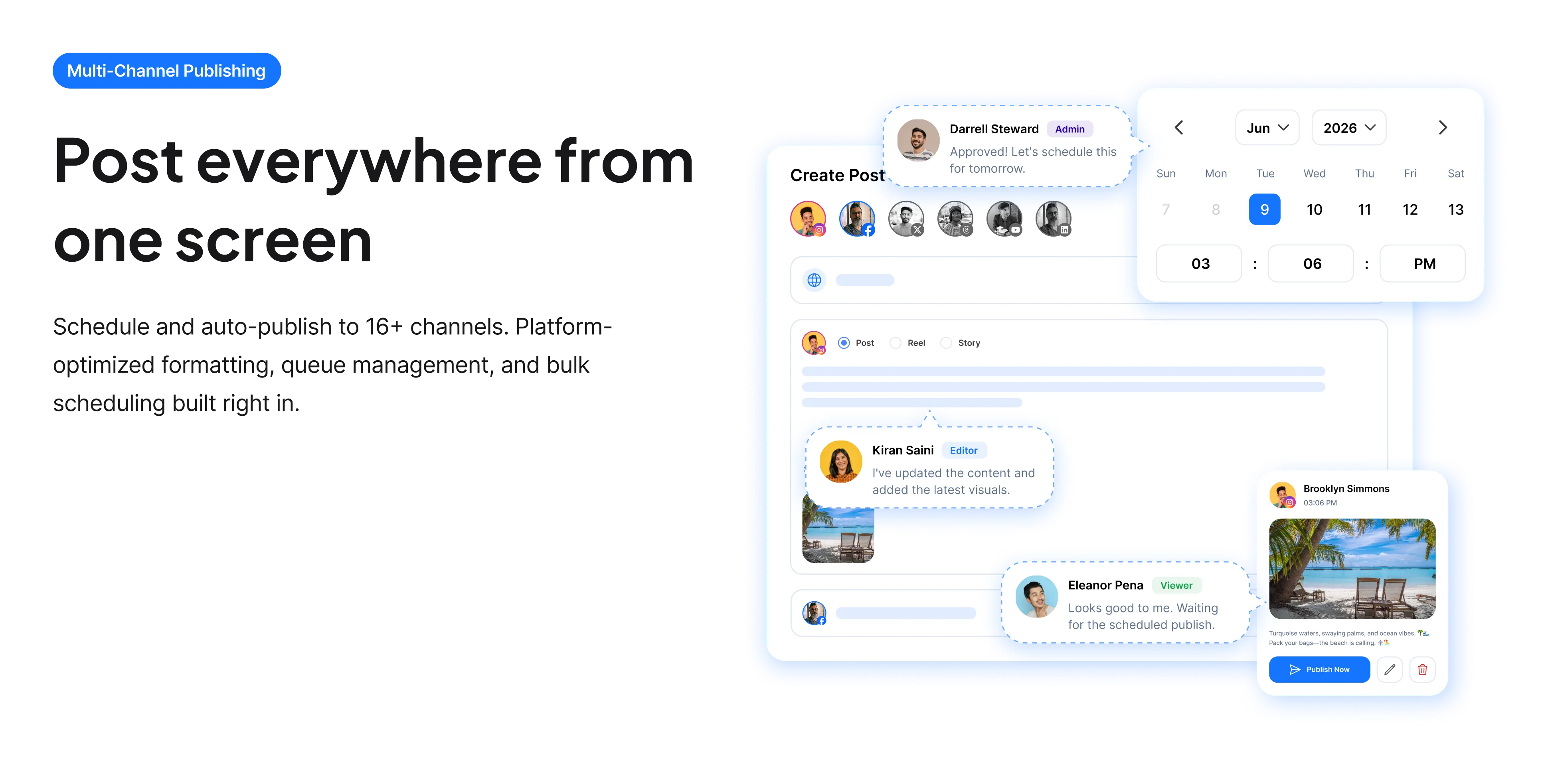
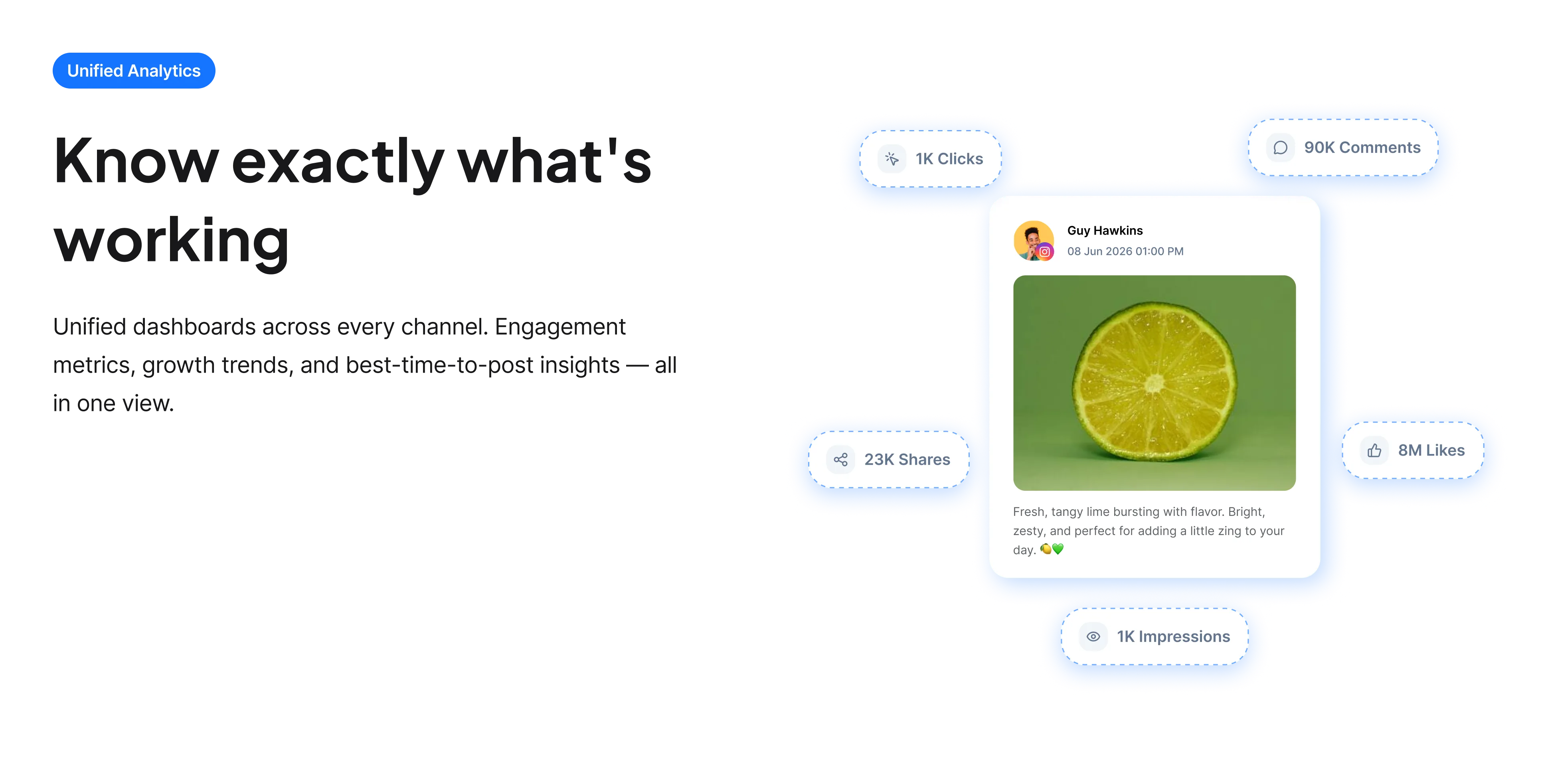
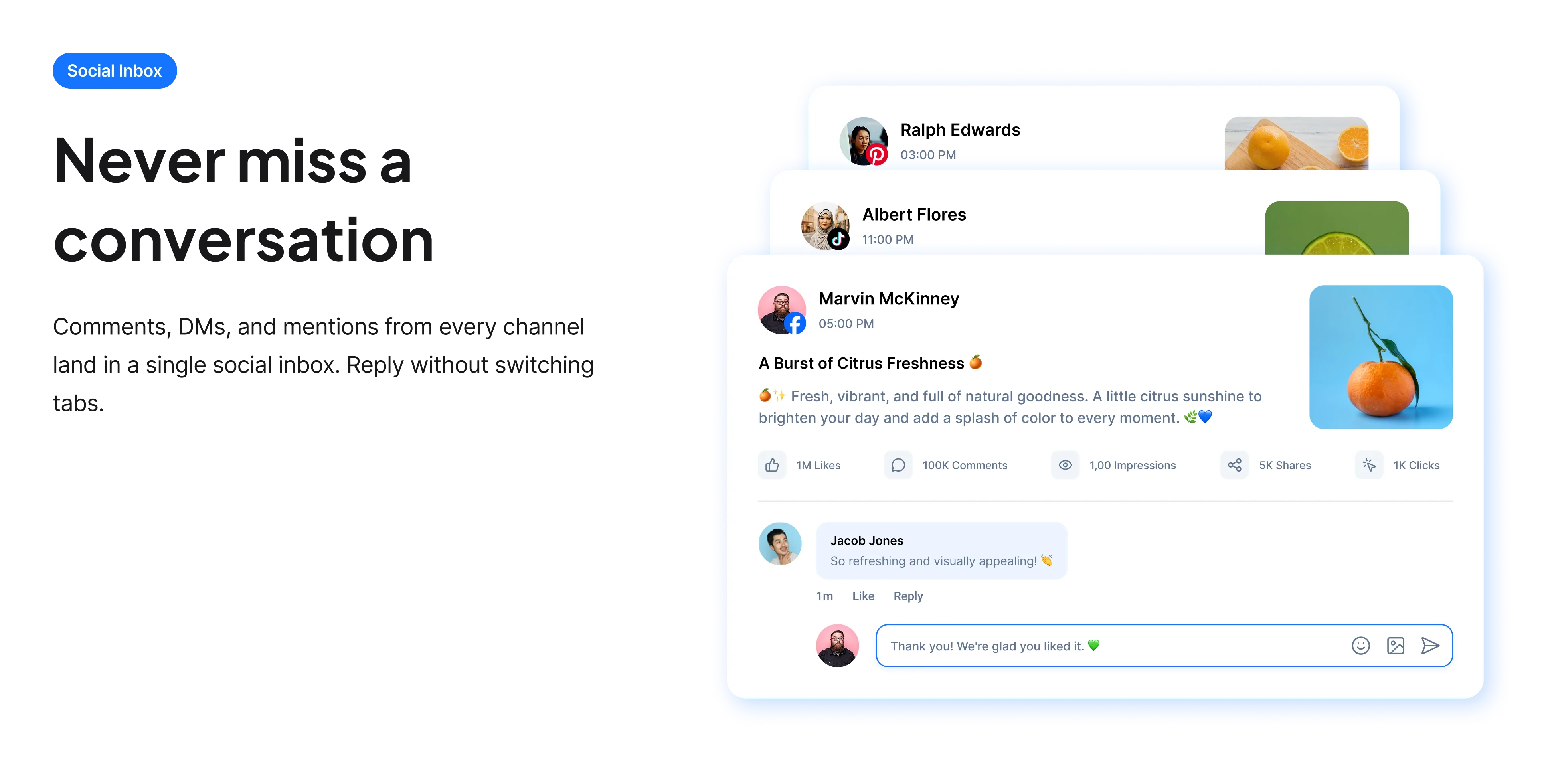
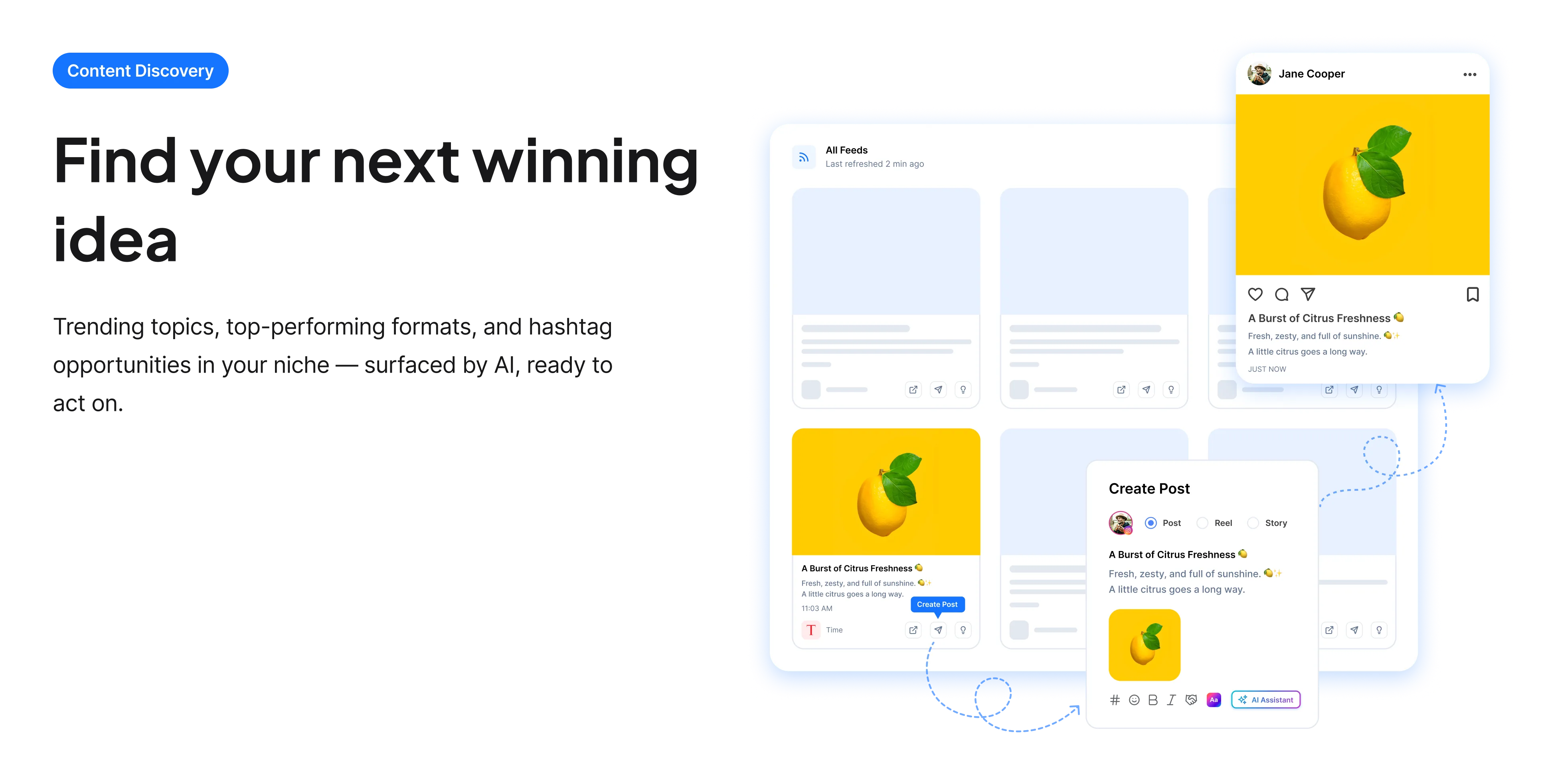
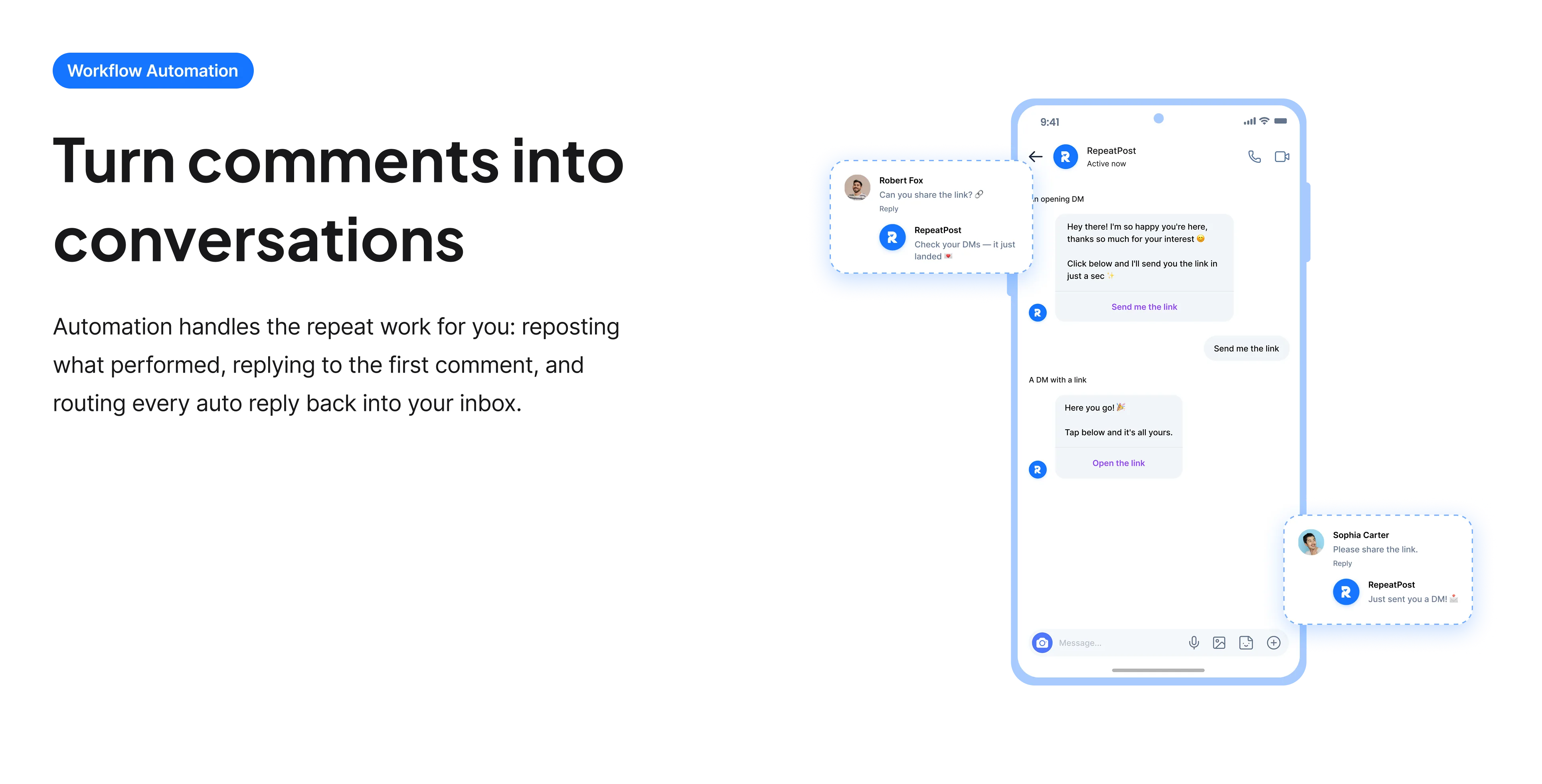
The free tools solve one task at a time. RepeatPost handles the whole loop: write the post, publish it everywhere, then see what landed.
Ready to get started?
The free tools are the warm up. RepeatPost plans, writes and publishes across every channel you post to.
Free plan to start
No credit card required
Cancel anytime
All about the YouTube hashtag generator
How YouTube hashtags actually display
YouTube handles hashtags differently from every other platform. You put them in the video description, and the first three automatically appear above your video title as clickable links. That placement is genuinely visible, unlike tags buried in a caption elsewhere. The rest remain in the description and are read but not displayed prominently. There is also a hard rule worth knowing: YouTube permits 15 hashtags per video, and exceeding that causes it to ignore all of them, so an over tagged description performs worse than an untagged one.
How to use them well
The first three are the real decision; the rest are supporting detail.
- Choose the first three deliberately, since those display above the title and are the only ones most viewers see.
- Make the first three specific to the video rather than generic to your channel, because they act as context for that particular video.
- Keep the total under 15. Going over means YouTube ignores every hashtag on the video.
- Do not confuse hashtags with the separate tags field, which is a different feature and now carries little weight.
- Avoid repeating the same three on every video, since they should describe the specific content rather than brand the channel.
- Remember the title and description do far more for search than any hashtag, so spend your effort there first.
Hashtags compared with the rest of YouTube search
Tags are a small part of a much larger system, and it helps to see the proportions.
- The title is the strongest single text signal and the thing viewers judge before anything else.
- The description matters, particularly the opening lines that appear in search results before truncation.
- The thumbnail decides click through rate, which then feeds back into whether YouTube keeps promoting the video.
- Watch time and retention determine whether a video keeps being recommended, and no metadata changes that.
- The old keyword tags field has been substantially de emphasised and is not worth much effort.
- Hashtags sit near the bottom of this list, useful for categorisation rather than for driving discovery.
Who uses this tool
Creators publishing regularly who want the metadata done properly.
- Creators publishing weekly who need consistent metadata without thinking about it each time.
- People who noticed the tags above their video title and did not know where they came from.
- Channels covering several topics where each video needs different categorisation.
- Businesses posting product and support video that needs to be findable.
- Anyone who has been adding 30 hashtags and does not realize YouTube is ignoring all of them.
YouTube hashtag rules
The limits and where each element appears.
| Detail | Value | Notes |
|---|---|---|
| Maximum hashtags | 15 | Exceeding it voids all of them |
| Displayed above title | First three | The ones that matter most |
| Where they go | Video description | Not a separate field |
| Description limit | 5,000 characters | First lines matter most |
| Title visible length | Around 60 characters | Mobile truncates sooner |
| Legacy tags field | Largely de emphasised | Different from hashtags |
| Strongest signals | Title, thumbnail, retention | Not hashtags |
| Cost | Free | No account and no card |
YouTube has changed how much weight it gives various metadata fields over the years, with hashtags remaining a minor factor throughout. Checked September 2026.
When this is not the right tool
Hashtags are near the bottom of what determines whether a YouTube video succeeds. The title and the thumbnail decide whether anyone clicks, and retention decides whether YouTube keeps recommending it, none of which tagging affects. If views are the problem, start with the YouTube title generator and the retention structure covered by the YouTube script generator. For the search terms worth targeting in your title and description, the YouTube keyword tool is the relevant one.
How teams picture using RepeatPost
“Honestly, the calendar is what sold me. I could see every channel in one view and spot the week we'd gone quiet. Before this I was juggling three spreadsheets and a Slack thread. Now I plan the month on a Monday morning and I'm done by half ten.”
Hannah Whitfield
Marketing Manager
United KingdomJun 14, 2026“We run social for eleven clients and keeping them separate used to be a genuine anxiety of mine. Workspaces fixed that. Each client sits in their own space, approvals route to the right person, and I've stopped worrying that someone's going to push a dental practice promo to a restaurant account at 6am.”
Marcus Reed
Agency Owner
United StatesJun 29, 2026“I batch a fortnight of content on a Sunday arvo and then I don't think about it again. Reckon it's saved me a solid day a week. Only gripe is the mobile app still feels a step behind the web version, so I do the actual planning on my laptop. Everything else is spot on.”
Chloe Baxter
Content Creator
AustraliaJul 11, 2026“I'm handling social for four small brands and writing captions was eating my whole morning. The AI drafts are actually quite usable now. I still rewrite maybe every third one to sound like the client, but starting from something beats staring at a blank box. The hashtag tool alone I'm using daily.”
Ananya Raghavan
Freelance Social Media Manager
IndiaJul 30, 2026“I sell fabrics and my customers find me on Instagram mostly. Posting used to be whenever I remembered, which was maybe twice a week. Now I sit down every Sunday evening, load up two weeks, and it goes out on its own. Sales have followed. I'd like to see WhatsApp added properly, that's my one ask.”
Chidinma Eze
Small Business Owner
NigeriaAug 18, 2026“Our team is five people and we were losing posts in Slack threads. Someone would approve something, someone else would tweak it, and nobody knew which version went live. The approval flow sorted that in a week. Fair play, it's the least glamorous feature on the site and it's the one I'd miss most.”
Niamh Gallagher
Social Media Lead
IrelandSep 02, 2026FAQs
Frequently Asked
Questions
You add them in the video description, and the first three automatically display above your video title as clickable links. The remaining ones stay in the description, read by YouTube but not shown prominently to viewers.
Fifteen. This is a hard limit with a real consequence: exceeding it causes YouTube to ignore every hashtag on the video, so an over tagged description performs worse than one with no tags at all.
The three most specific to that particular video, since they display above the title and act as context for it. Using the same three channel wide wastes the placement, because they should describe the video rather than brand the channel.
No, they are different features. Hashtags go in the description and display above the title. The older keyword tags field is separate and has been substantially de emphasised, so it is not worth much effort now.
A little, for categorisation. Your title, description and thumbnail do far more, and watch time determines whether YouTube keeps recommending the video. Hashtags are worth doing correctly but are not a discovery strategy.
The title and the thumbnail, which decide whether anyone clicks, and retention, which decides whether YouTube keeps promoting the video. Those three account for most of the difference between videos that work and videos that do not.
Ready to grow on autopilot?
Create your free account and start managing 16+ channels with AI in minutes.
Get started for freeFree plan to start
No Credit Card Required
Cancel anytime