X (Twitter) image caption generator
AI X (Twitter) Image Caption Generator
Upload the image and get a post that fits 280 characters alongside it. The constraint is real here: the picture takes the attention and the text has very little room to add anything.
Drop your image here
or browse files
Also, you can check Facebook Image Caption or LinkedIn Image Caption or More
Fits 280 characters alongside the image
Produces alt text, which X supports well
Free to use, no account needed
These tools stay free because people chip in. Buy us a coffee ☕
Something broken, or a tool you wish we had? Tell us what you need


More free tools
People who use the Twitter Image Caption Generator also reach for these
Every tool here is free, runs in your browser and needs no account.
Inside RepeatPost
What you get when the free tool is not enough
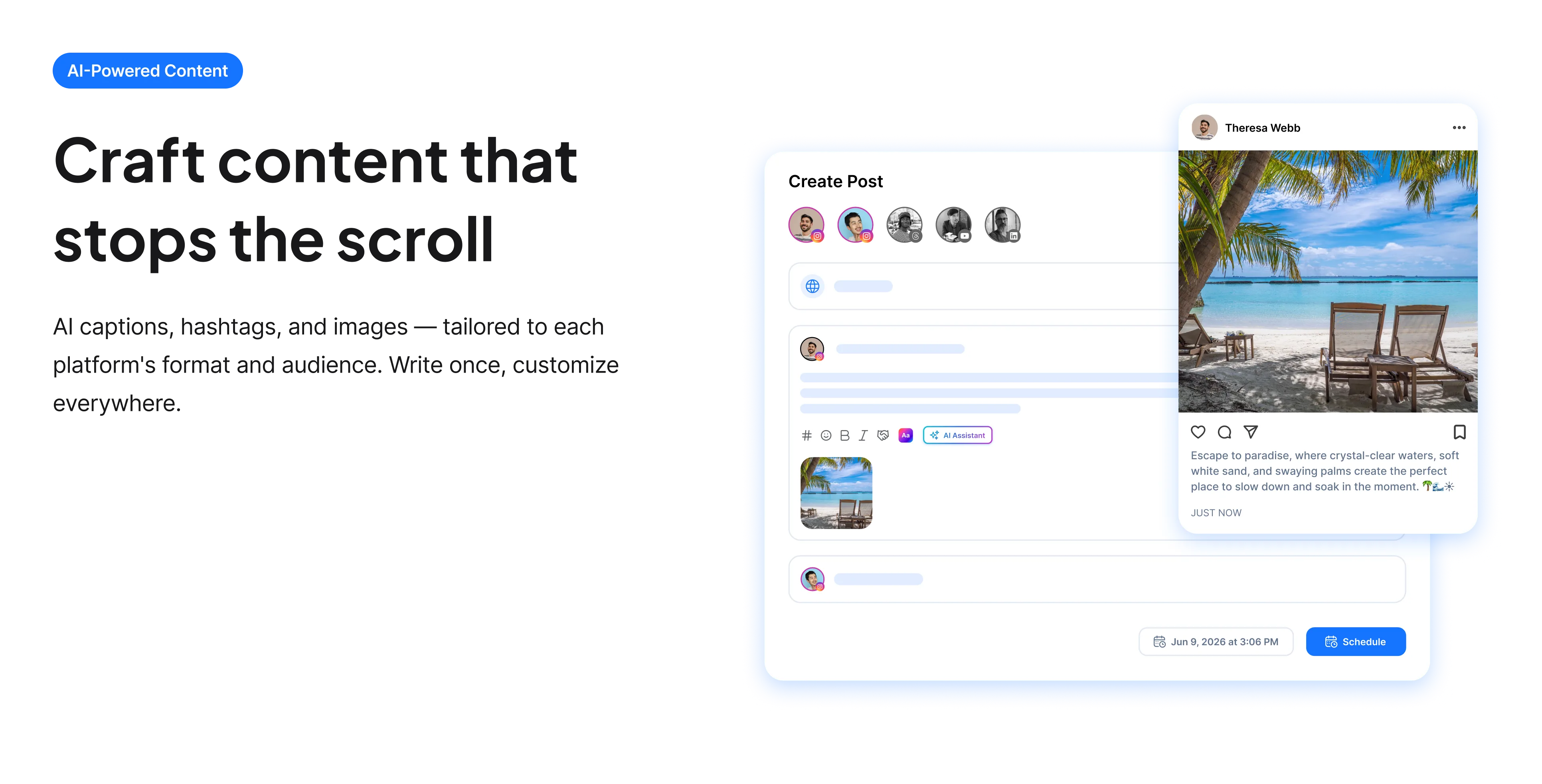
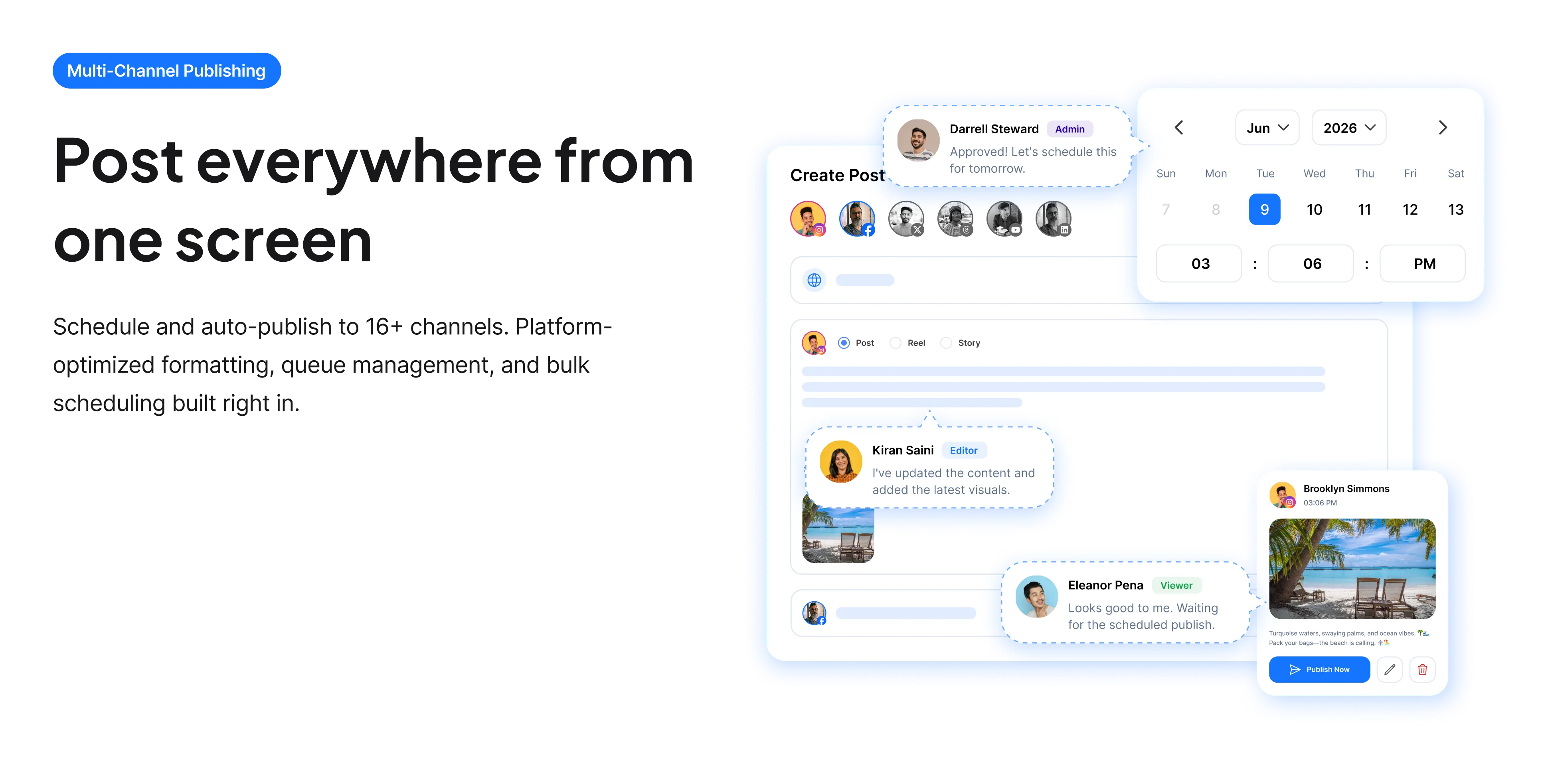
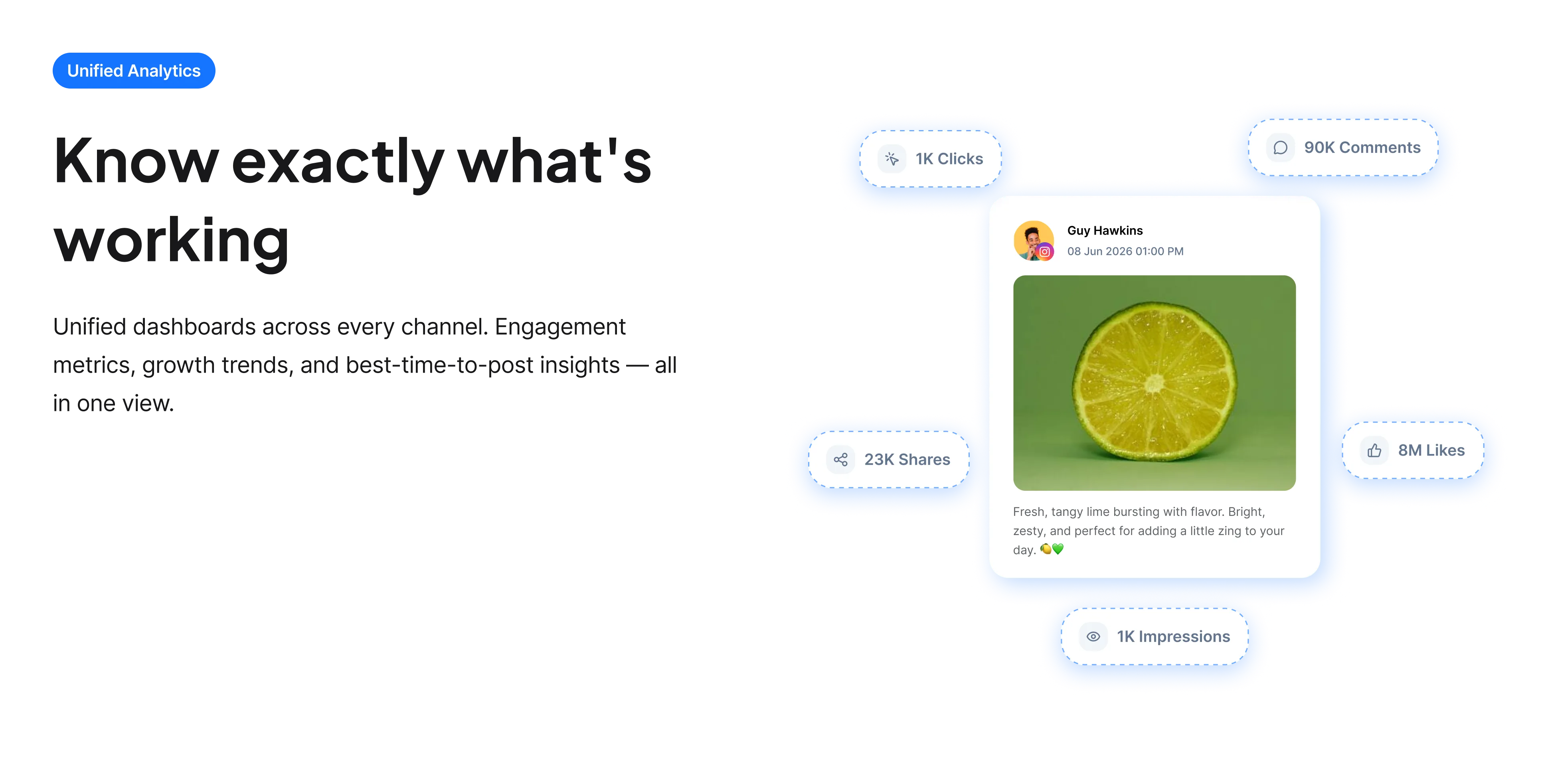
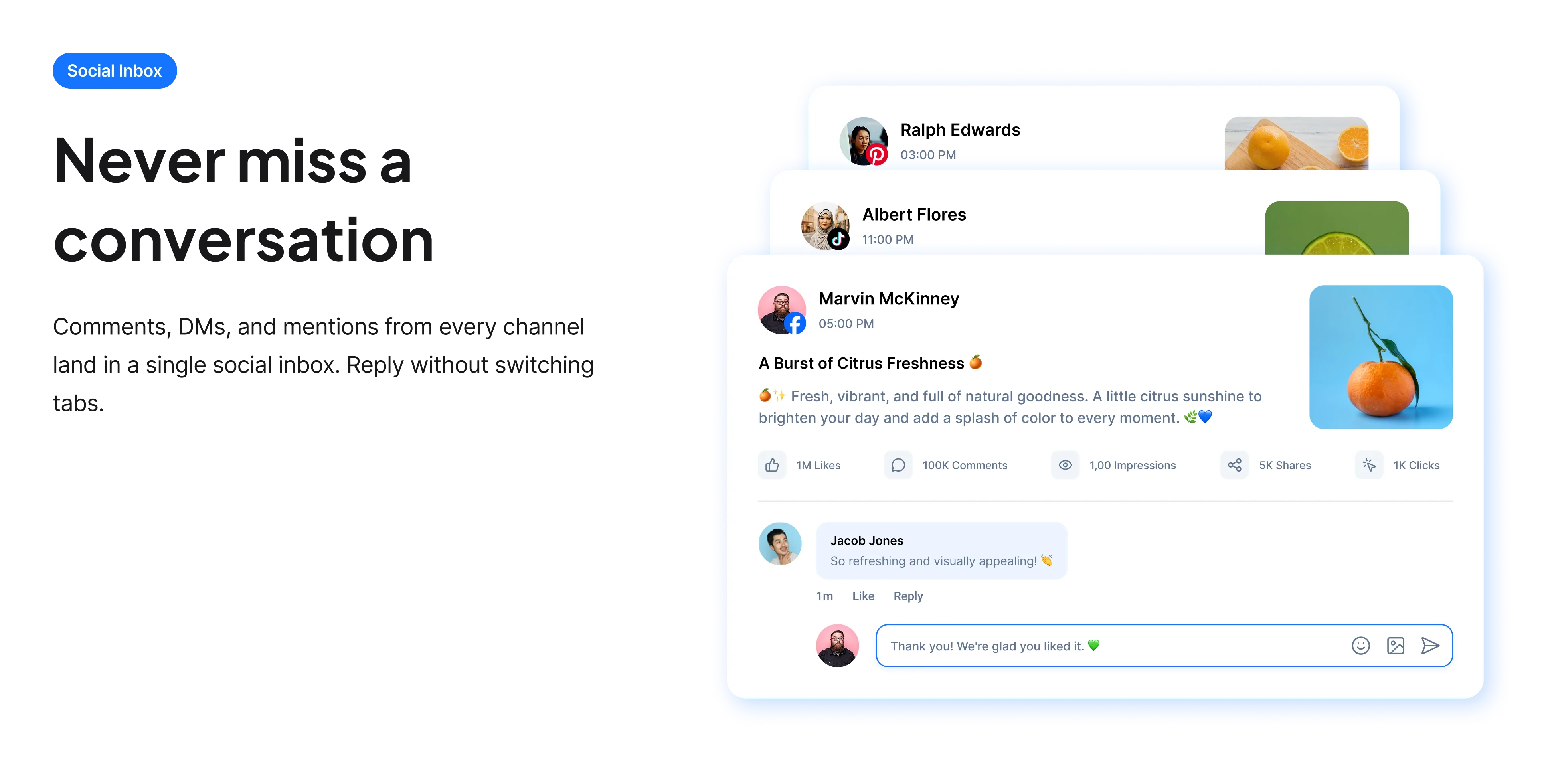
The free tools solve one task at a time. RepeatPost handles the whole loop: write the post, publish it everywhere, then see what landed.
Ready to get started?
The free tools are the warm up. RepeatPost plans, writes and publishes across every channel you post to.
Free plan to start
No credit card required
Cancel anytime
All about the X image caption generator
The text has almost no room
On X an image takes up most of the visual space in a post and the text gets 280 characters on a free account. That combination makes the caption unusually hard to write: describing the image wastes the space, since people can see it, but adding nothing wastes the post. The useful approach is for the text to do a different job from the picture. The image shows, the text says why it matters, what to notice, or what you think about it. Reading the image lets the tool find the detail worth pointing at.
How to caption an image on X
Different job, not the same job in words.
- Do not describe the picture. Anyone scrolling can see it, so the words should add rather than repeat.
- Point at the specific detail worth noticing, which is what turns a photo into a post.
- Keep it short even within 280 characters, since a wall of text next to an image gets skipped.
- Add alt text every time. X supports it well, displays an ALT badge, and the community notices its absence.
- For screenshots of text, put the key line in the post as well, since it is otherwise unsearchable and unreadable aloud.
- Consider whether the image needs a caption at all. Some images genuinely work posted alone.
Alt text on X specifically
X has one of the stronger implementations, and the norms around it are correspondingly firmer.
- Images with alt text display an ALT badge, which makes its presence and absence visible to everyone.
- There is an accessibility setting that reminds you to add it, which is worth enabling.
- For screenshots of text, transcribe the text in the alt rather than describing the screenshot.
- Charts need the finding described, not the chart type.
- Being asked for alt text in replies is common on X, so adding it upfront avoids a predictable interruption.
Who uses this tool
People posting images faster than they can think of captions.
- People sharing screenshots, which is one of the most common image types on X.
- Photographers and artists posting work who want text that adds rather than labels.
- Analysts posting charts who need the finding stated in the post.
- Anyone building an alt text habit and unsure what to write.
- Accounts posting frequently where captioning is the slow part.
X image post specs
The limits around an image post.
| Detail | Value | Notes |
|---|---|---|
| Input | An uploaded image | Read rather than described |
| Post text limit | 280, free accounts | The image does not consume it |
| Alt text | Supported and produced | Shows an ALT badge |
| Images per post | Up to four | Each can have its own alt text |
| Screenshots | Very common | Transcribe the text in alt |
| Charts | Describe the finding | Not the chart type |
| Cost | Free | No account and no card |
| Rights to the output | Yours to use commercially | Including client accounts |
X has changed several accessibility and posting features since the rebrand, so confirm current behavior in the app. Checked September 2026.
When this is not the right tool
Some images are better with no caption at all, and a tool designed to produce text will not tell you that. If the picture makes the point completely, adding words dilutes it. The generator also cannot know what you think about the image, which is usually the reason to post it on X specifically. For posts without an image, the X caption generator handles single posts and threads, and if you are screenshotting a post rather than uploading a photo, the X screenshot generator produces a much cleaner image.
How teams picture using RepeatPost
“Honestly, the calendar is what sold me. I could see every channel in one view and spot the week we'd gone quiet. Before this I was juggling three spreadsheets and a Slack thread. Now I plan the month on a Monday morning and I'm done by half ten.”
Hannah Whitfield
Marketing Manager
United KingdomJun 14, 2026“We run social for eleven clients and keeping them separate used to be a genuine anxiety of mine. Workspaces fixed that. Each client sits in their own space, approvals route to the right person, and I've stopped worrying that someone's going to push a dental practice promo to a restaurant account at 6am.”
Marcus Reed
Agency Owner
United StatesJun 29, 2026“I batch a fortnight of content on a Sunday arvo and then I don't think about it again. Reckon it's saved me a solid day a week. Only gripe is the mobile app still feels a step behind the web version, so I do the actual planning on my laptop. Everything else is spot on.”
Chloe Baxter
Content Creator
AustraliaJul 11, 2026“I'm handling social for four small brands and writing captions was eating my whole morning. The AI drafts are actually quite usable now. I still rewrite maybe every third one to sound like the client, but starting from something beats staring at a blank box. The hashtag tool alone I'm using daily.”
Ananya Raghavan
Freelance Social Media Manager
IndiaJul 30, 2026“I sell fabrics and my customers find me on Instagram mostly. Posting used to be whenever I remembered, which was maybe twice a week. Now I sit down every Sunday evening, load up two weeks, and it goes out on its own. Sales have followed. I'd like to see WhatsApp added properly, that's my one ask.”
Chidinma Eze
Small Business Owner
NigeriaAug 18, 2026“Our team is five people and we were losing posts in Slack threads. Someone would approve something, someone else would tweak it, and nobody knew which version went live. The approval flow sorted that in a week. Fair play, it's the least glamorous feature on the site and it's the one I'd miss most.”
Niamh Gallagher
Social Media Lead
IrelandSep 02, 2026FAQs
Frequently Asked
Questions
No. Anyone seeing the post can see the picture, so describing it wastes the 280 characters. The text should do a different job: point at the detail worth noticing, or say why the image matters.
No, attaching an image does not consume characters from your 280. That is worth knowing, because it means the full text allowance is available alongside the picture rather than being shared with it.
Better than most platforms. Images with alt text display an ALT badge that anyone can see, and there is a setting that reminds you to add it. The community also notices and asks when it is missing.
Transcribe the text rather than describing the screenshot. Someone using a screen reader needs the words in the image, not a note saying that a screenshot of some words is present.
Yes. A post can carry up to four images and each one can have its own alt text. That matters for threads of charts or screenshots, where each image carries different information.
No, and sometimes a caption weakens it. If the image makes the point completely, words can dilute it. This tool will always produce text, so judging whether to use it is still your call.
Ready to grow on autopilot?
Create your free account and start managing 16+ channels with AI in minutes.
Get started for freeFree plan to start
No Credit Card Required
Cancel anytime