UTM Builder
Free UTM Builder
Paste a URL, fill in the campaign fields, and get a tracking link that Google Analytics groups correctly. It runs entirely in your browser, so nothing you type about an unannounced campaign is sent anywhere.
Builds links Google Analytics reads without cleanup
Your campaign values never leave your browser
Free to use, no account needed
These tools stay free because people chip in. Buy us a coffee ☕
Something broken, or a tool you wish we had? Tell us what you need


More free tools
People who use the UTM Builder also reach for these
Every tool here is free, runs in your browser and needs no account.
Inside RepeatPost
What you get when the free tool is not enough
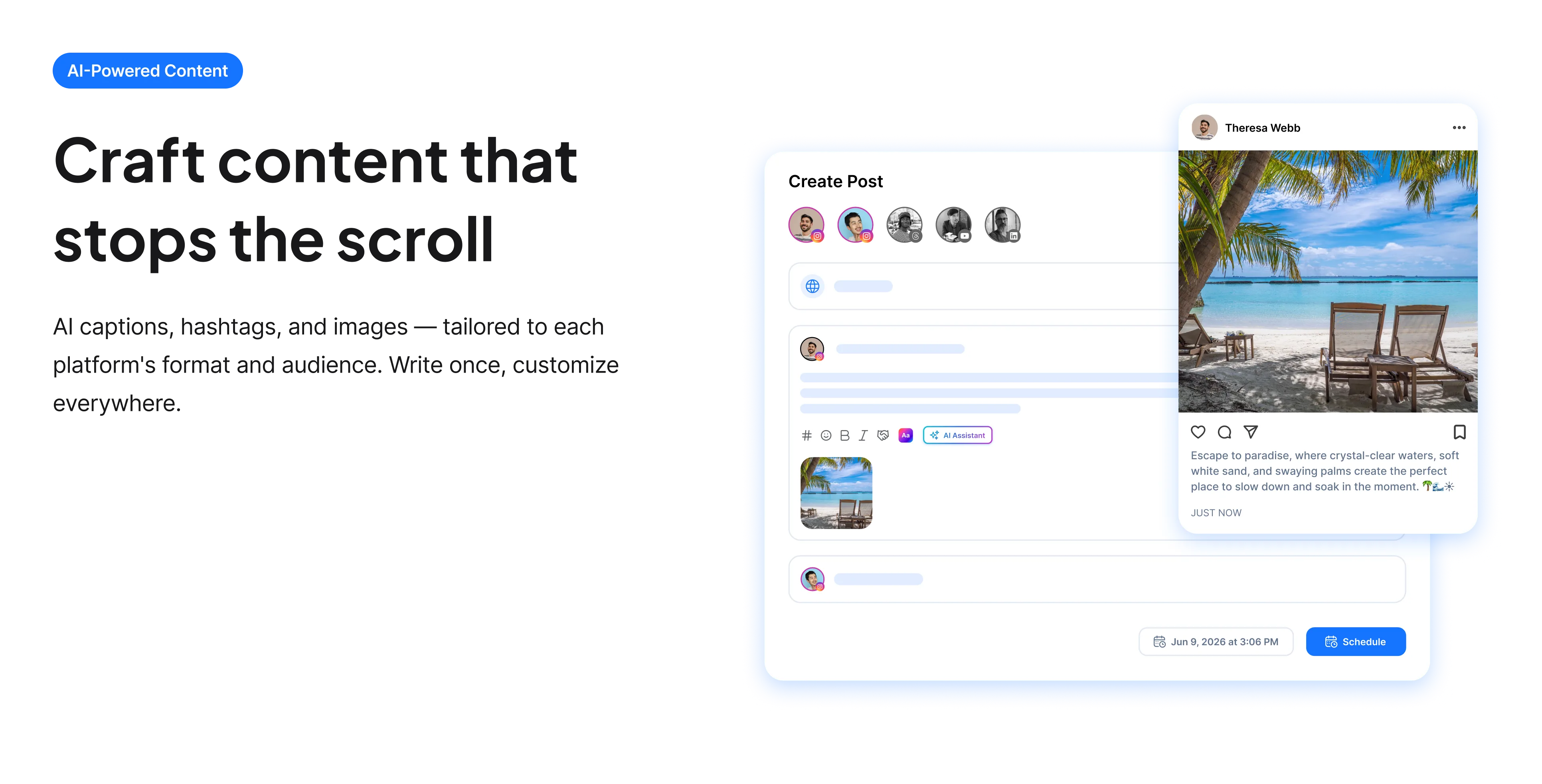
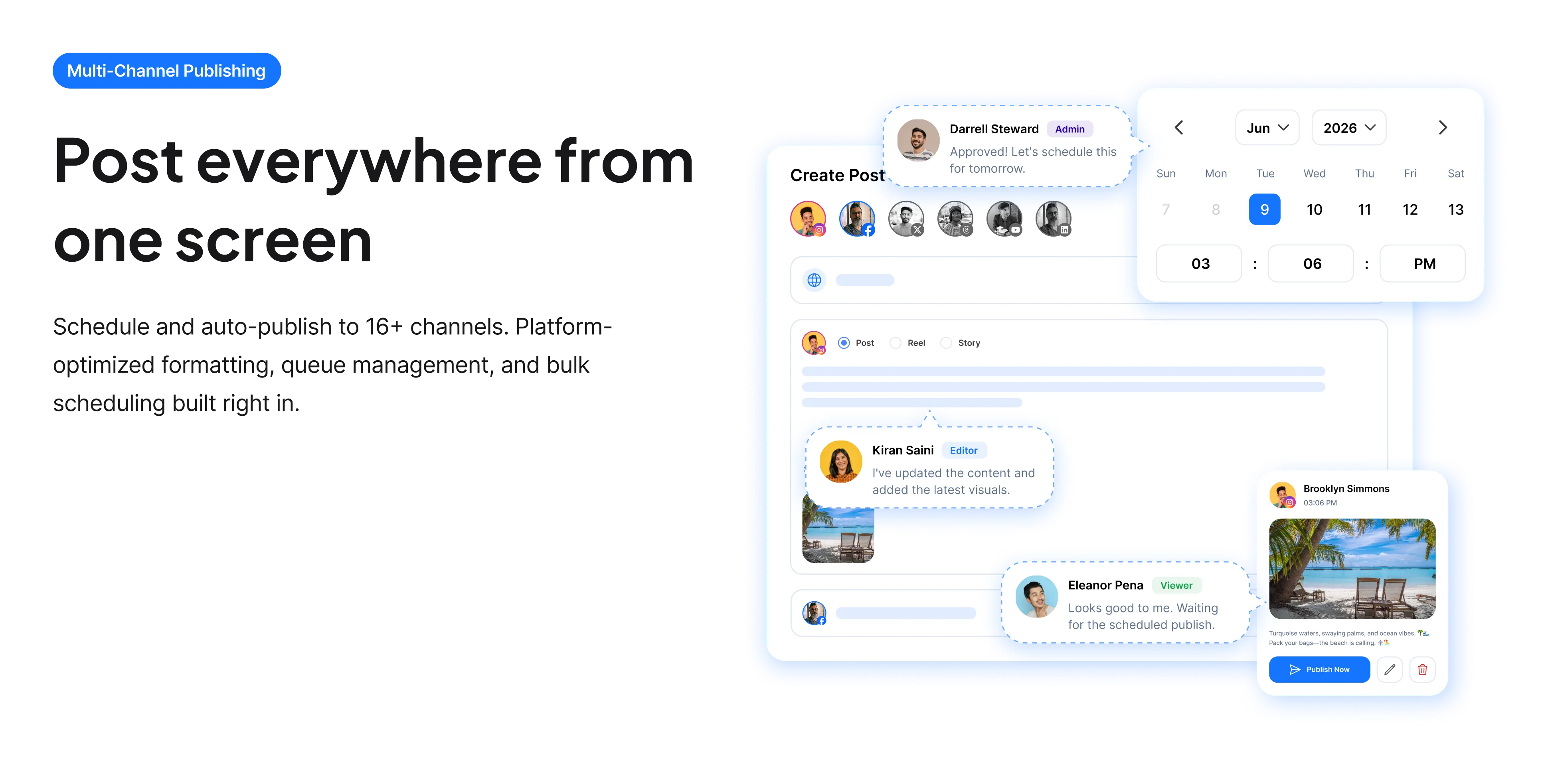
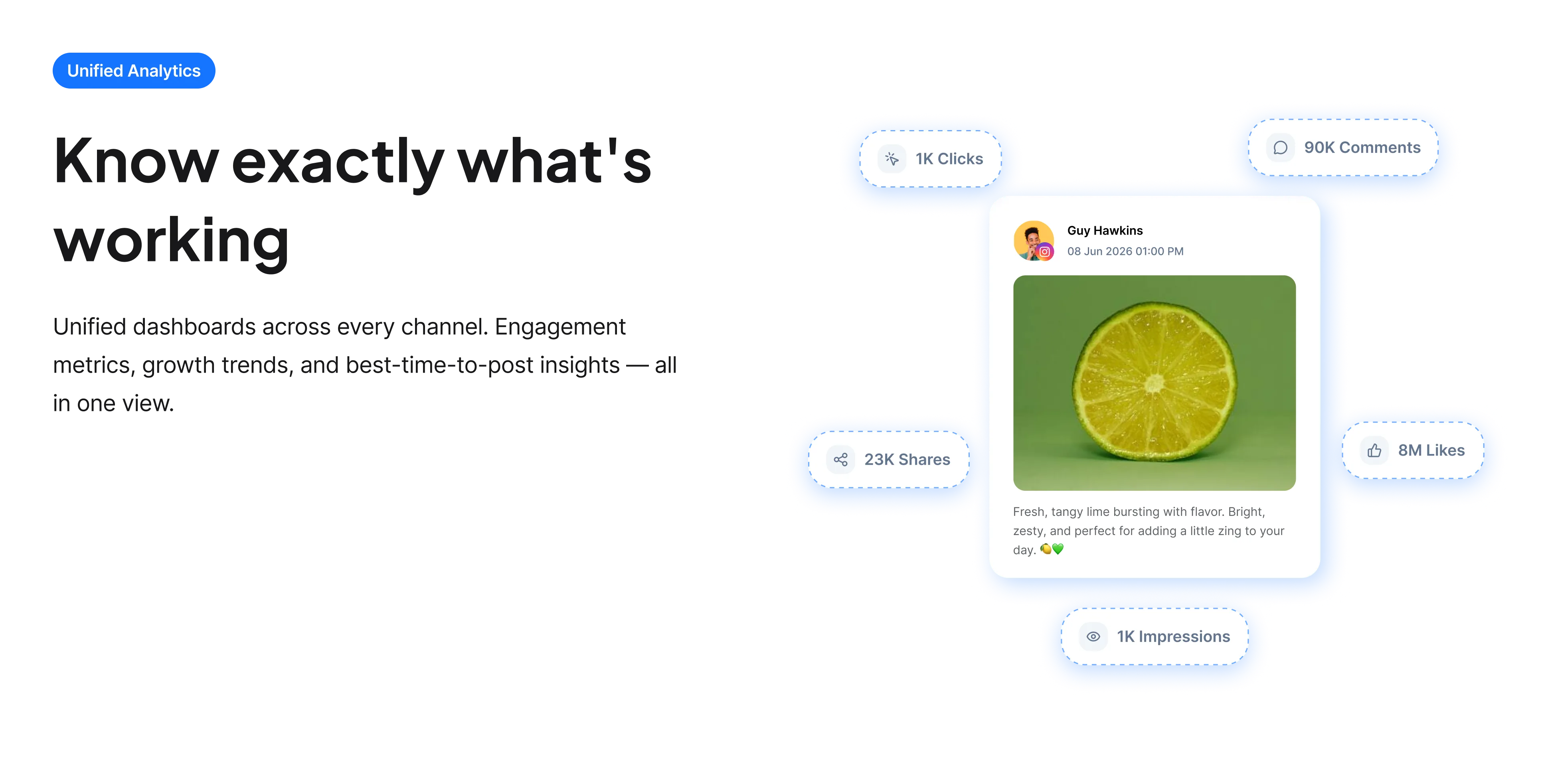
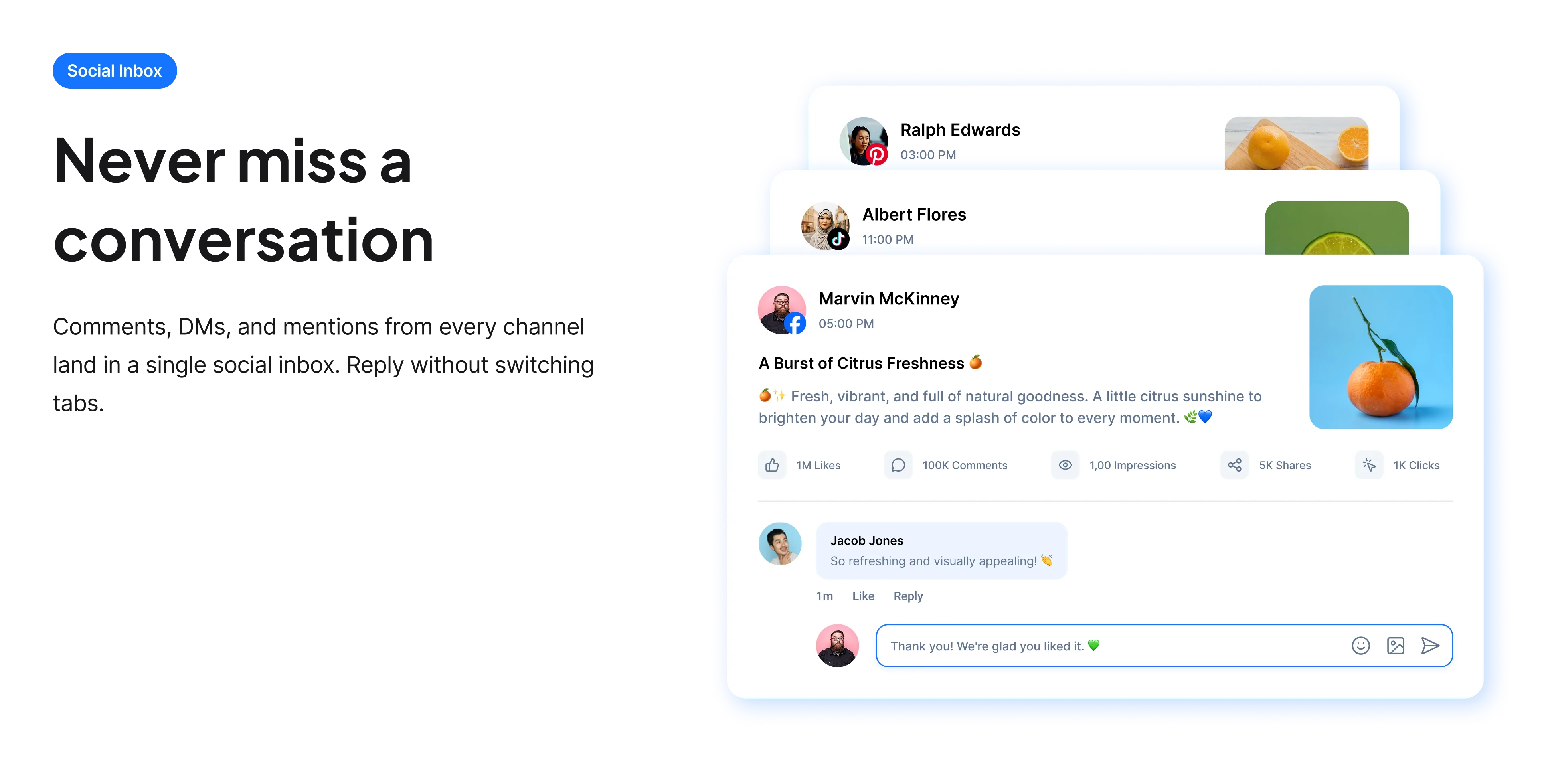
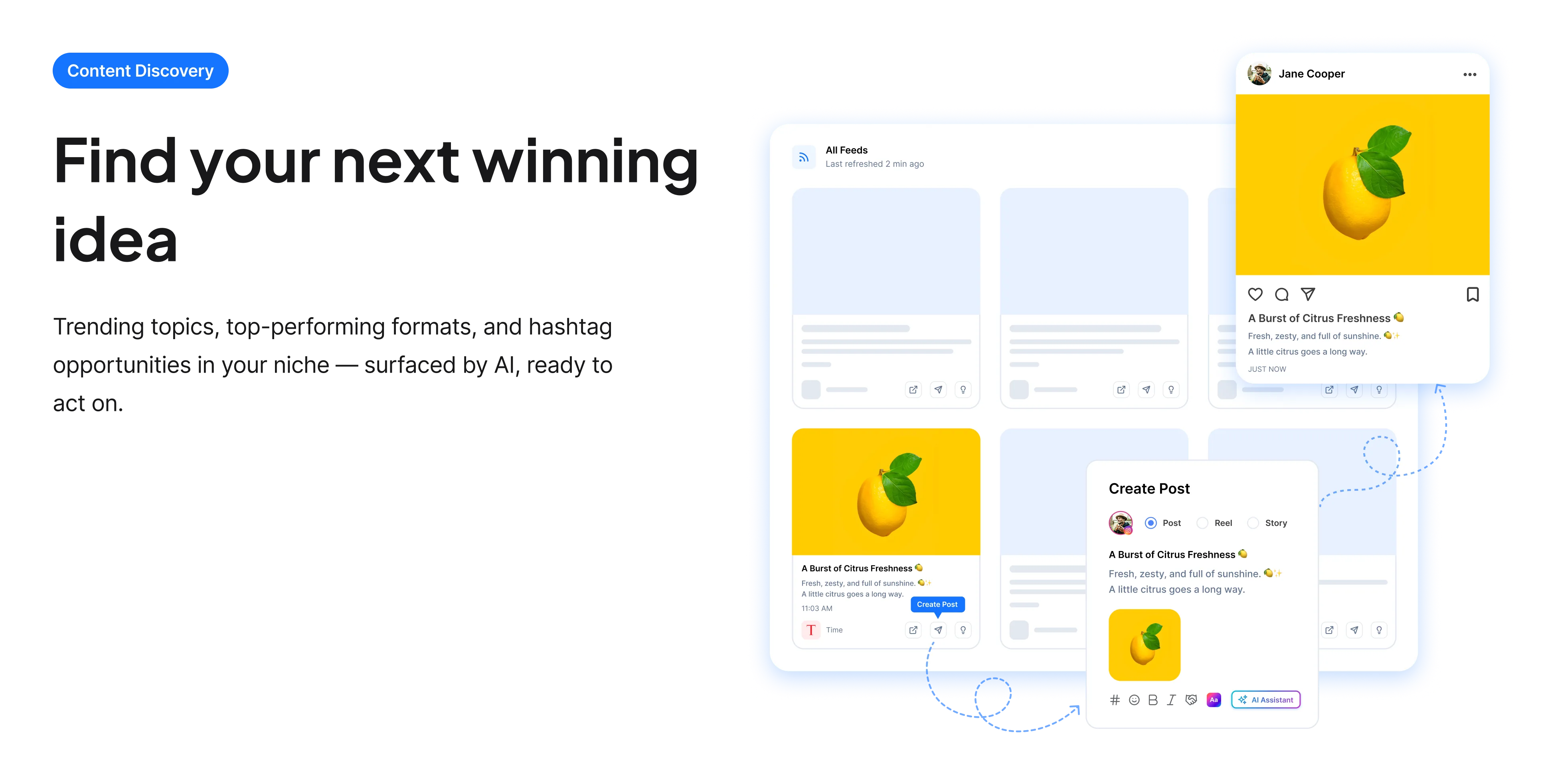
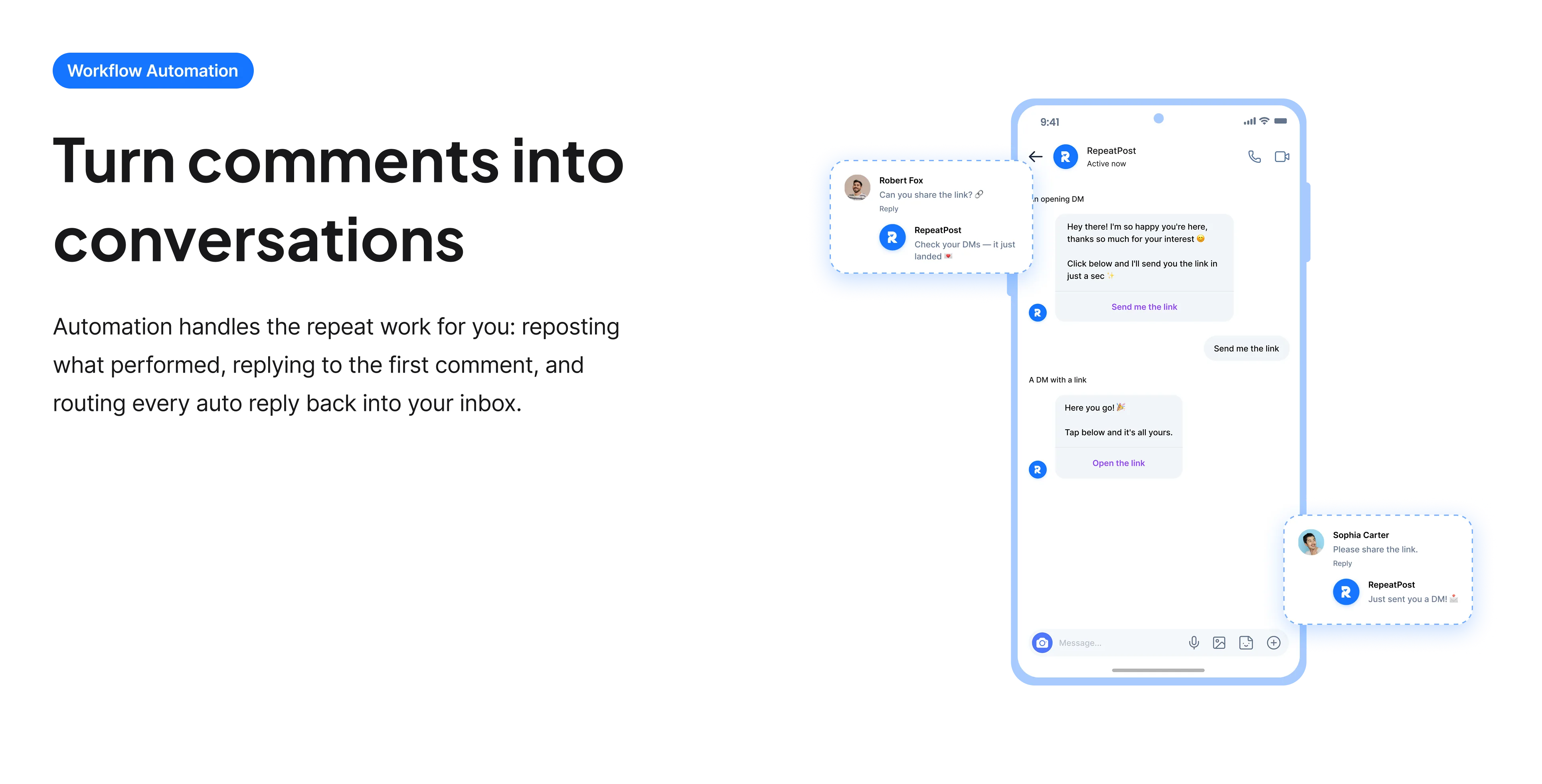
The free tools solve one task at a time. RepeatPost handles the whole loop: write the post, publish it everywhere, then see what landed.
Ready to get started?
The free tools are the warm up. RepeatPost plans, writes and publishes across every channel you post to.
Free plan to start
No credit card required
Cancel anytime
All about the UTM builder
What is a UTM builder?
A UTM builder assembles a tracking link by appending named parameters to a URL, so your analytics tool can report where a visitor came from instead of filing them under direct or referral. UTM stands for Urchin Tracking Module, a leftover name from the product Google bought in 2005 that became Google Analytics. The parameters are just text in the query string, which means any analytics tool that reads them works, not only Google. This builder assembles them correctly and runs entirely client side, so the campaign names you type never reach a server.
What each UTM parameter does
There are five standard parameters. Three of them do almost all of the work, and the other two matter only in specific cases.
- utm_source names the specific origin: newsletter, linkedin, partner_blog. This is the individual sender, not the category.
- utm_medium names the channel type: email, social, cpc, referral. Keep this list short and reuse the same words forever, because it is the column your reports group by.
- utm_campaign names the initiative: spring_launch, black_friday_2026. Everything belonging to one push shares this value.
- utm_term carries the keyword in paid search. Most social and email campaigns leave it empty.
- utm_content separates links that lead to the same page from different spots, such as hero_button against footer_link. This is the one that makes A and B tests readable.
Conventions that keep your reports readable
Almost every messy analytics report traces back to inconsistent naming rather than missing data. These rules prevent that.
- Use lowercase everywhere. UTM values are case sensitive, so Facebook and facebook become two separate rows that you then have to merge by hand for the rest of the campaign.
- Pick one separator and stick to it. Underscores are the safest, because hyphens in campaign names get confused with hyphens in slugs when you scan a report.
- Never put spaces in a value. They encode as %20 and make the report ugly and hard to filter.
- Do not add UTM parameters to internal links between pages of your own site. Doing that restarts the session attribution and overwrites the real source that brought the visitor in.
- Write your conventions down somewhere the whole team can see. UTM discipline fails when a second person starts guessing at values.
- Keep a shared log of campaign names, so nobody invents spring_sale while someone else uses spring_launch for the same push.
Who uses this tool
The people who reach for a UTM builder are usually trying to defend a budget or settle an argument with data.
- Solo marketers proving which channel actually works. When you run email, social and a partner mention at once, UTM values are the only thing that separates them afterwards.
- Agencies reporting to clients. A clean source and medium pair is the difference between a confident report and a slide that says most traffic came from direct.
- Anyone running paid ads. Without utm_content you cannot tell which creative drove the conversion, only that the campaign as a whole did something.
- Newsletter writers. Email clients strip referrer data, so without UTM values almost all newsletter traffic shows up as direct and looks like it came from nowhere.
- People testing two versions of the same page placement, who need utm_content to tell the variants apart.
UTM parameter reference
The five standard parameters, what they hold, and whether you need them.
| Parameter | Holds | Needed? |
|---|---|---|
| utm_source | The specific origin, such as newsletter | Yes, always |
| utm_medium | The channel type, such as email or cpc | Yes, always |
| utm_campaign | The initiative, such as spring_launch | Yes in practice |
| utm_term | A paid search keyword | Paid search only |
| utm_content | Which link or creative, such as hero_button | For tests and ads |
| Case sensitivity | Values are case sensitive | Lowercase everything |
| Where processing happens | Entirely in your browser | Nothing is sent to us |
These five parameters are the long standing Google Analytics standard and are read by most other analytics platforms too. GA4 additionally recognises a few newer parameters such as utm_source_platform, which most campaigns never need.
When this is not the right tool
A UTM builder tracks clicks you send, so it cannot help with traffic you did not link to yourself. Someone quoting your URL in a podcast, a screenshot doing the rounds, or a copied link pasted into a group chat will all arrive untagged no matter what you do here. UTM values are also visible in the address bar, so never put anything confidential in a campaign name that a customer might read. For measuring what happens on your own pages after the click, this is the wrong layer entirely: look at the analytics dashboard instead. And if you just need to know how a post itself performed rather than where its traffic went, the Instagram competitor analytics tool is closer to what you want.
How teams picture using RepeatPost
“Honestly, the calendar is what sold me. I could see every channel in one view and spot the week we'd gone quiet. Before this I was juggling three spreadsheets and a Slack thread. Now I plan the month on a Monday morning and I'm done by half ten.”
Hannah Whitfield
Marketing Manager
United KingdomJun 14, 2026“We run social for eleven clients and keeping them separate used to be a genuine anxiety of mine. Workspaces fixed that. Each client sits in their own space, approvals route to the right person, and I've stopped worrying that someone's going to push a dental practice promo to a restaurant account at 6am.”
Marcus Reed
Agency Owner
United StatesJun 29, 2026“I batch a fortnight of content on a Sunday arvo and then I don't think about it again. Reckon it's saved me a solid day a week. Only gripe is the mobile app still feels a step behind the web version, so I do the actual planning on my laptop. Everything else is spot on.”
Chloe Baxter
Content Creator
AustraliaJul 11, 2026“I'm handling social for four small brands and writing captions was eating my whole morning. The AI drafts are actually quite usable now. I still rewrite maybe every third one to sound like the client, but starting from something beats staring at a blank box. The hashtag tool alone I'm using daily.”
Ananya Raghavan
Freelance Social Media Manager
IndiaJul 30, 2026“I sell fabrics and my customers find me on Instagram mostly. Posting used to be whenever I remembered, which was maybe twice a week. Now I sit down every Sunday evening, load up two weeks, and it goes out on its own. Sales have followed. I'd like to see WhatsApp added properly, that's my one ask.”
Chidinma Eze
Small Business Owner
NigeriaAug 18, 2026“Our team is five people and we were losing posts in Slack threads. Someone would approve something, someone else would tweak it, and nobody knew which version went live. The approval flow sorted that in a week. Fair play, it's the least glamorous feature on the site and it's the one I'd miss most.”
Niamh Gallagher
Social Media Lead
IrelandSep 02, 2026FAQs
Frequently Asked
Questions
Urchin Tracking Module. Urchin was an analytics company Google acquired in 2005, and its product became Google Analytics. The name stuck to the parameters even though the original software is long gone. The parameters themselves are just query string text, so they work with most analytics platforms.
Source and medium are the two that Analytics genuinely needs to attribute a visit. Campaign is required in practice, because without it you cannot separate one push from another. Term and content are optional and mostly matter for paid search and for telling two links to the same page apart.
Yes, and this catches almost everyone once. Facebook and facebook are recorded as two different sources, so your traffic splits across two rows that you then have to merge manually. Use lowercase for every value, every time, and the problem never appears.
No. Tagging internal links restarts session attribution and overwrites the original source, so a visitor who arrived from your newsletter gets recorded as coming from your own site. Use UTM parameters only on links that live somewhere else and point back to you.
They do make URLs longer, which matters most in places people see the raw link. Run the finished URL through a shortener for those spots. The parameters still work, because the shortener redirects to the full tagged URL and Analytics reads it on arrival.
No. The link is assembled in your browser with JavaScript, so the destination URL and every campaign value you type stay on your device. That matters if you are building links for a launch that has not been announced yet.
Yes. UTM parameters are plain query string values, and most analytics platforms read the same five names. Plausible, Fathom, Matomo, Adobe and others all recognize them, so the links you build here are not locked to Google Analytics.
Ready to grow on autopilot?
Create your free account and start managing 16+ channels with AI in minutes.
Get started for freeFree plan to start
No Credit Card Required
Cancel anytime