Screenshot Background Maker
Free Screenshot Background Maker
A raw screenshot posted straight to a feed looks like a mistake. Padding, a background and rounded corners are what separate a product shot from something someone accidentally uploaded. This does all three in a few seconds.
Runs in your browser, nothing to install
Your text stays on your device
Free to use, no account needed
These tools stay free because people chip in. Buy us a coffee ☕
Something broken, or a tool you wish we had? Tell us what you need


More free tools
People who use the Screenshot Background Maker also reach for these
Every tool here is free, runs in your browser and needs no account.
Inside RepeatPost
What you get when the free tool is not enough
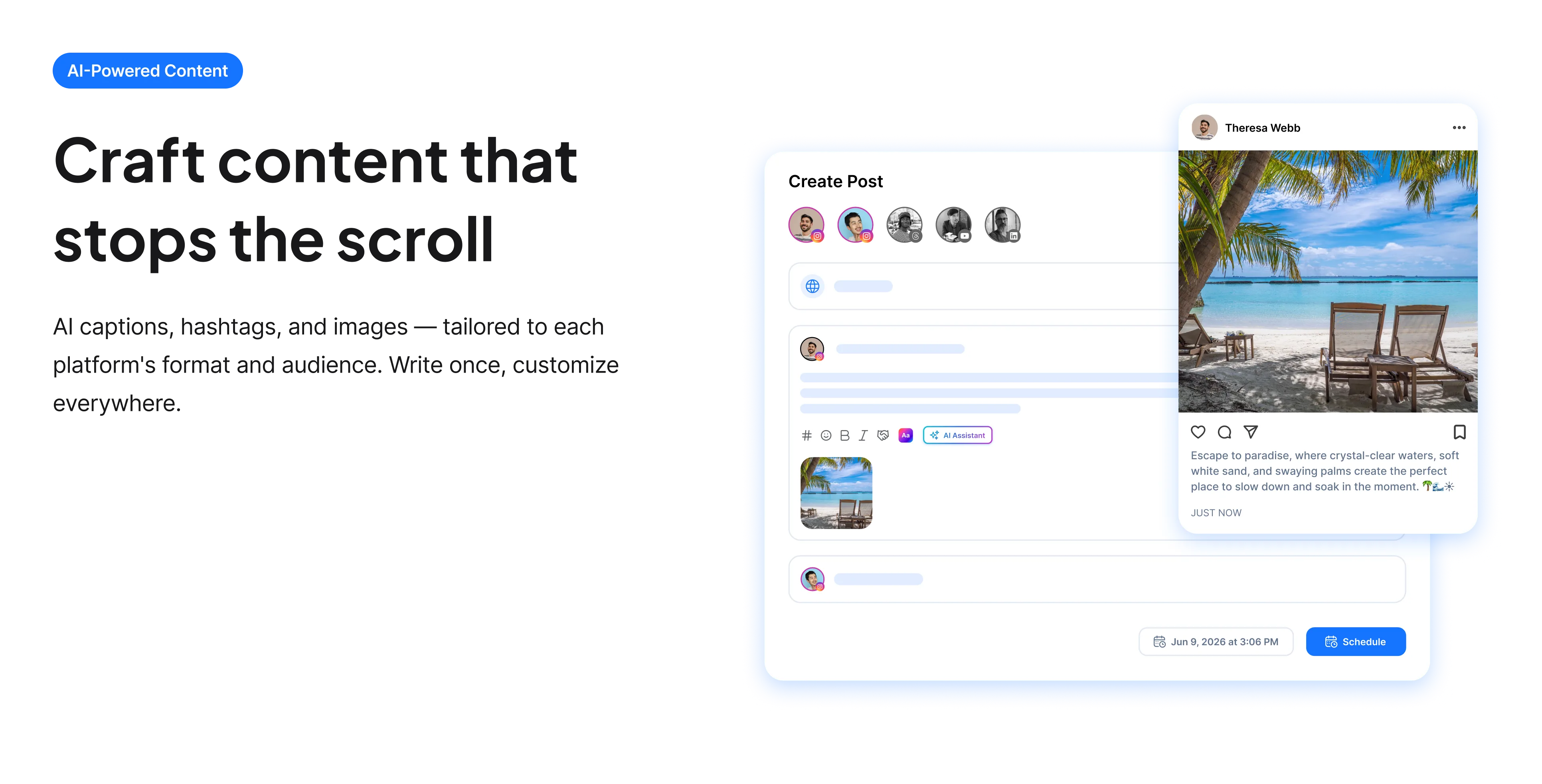
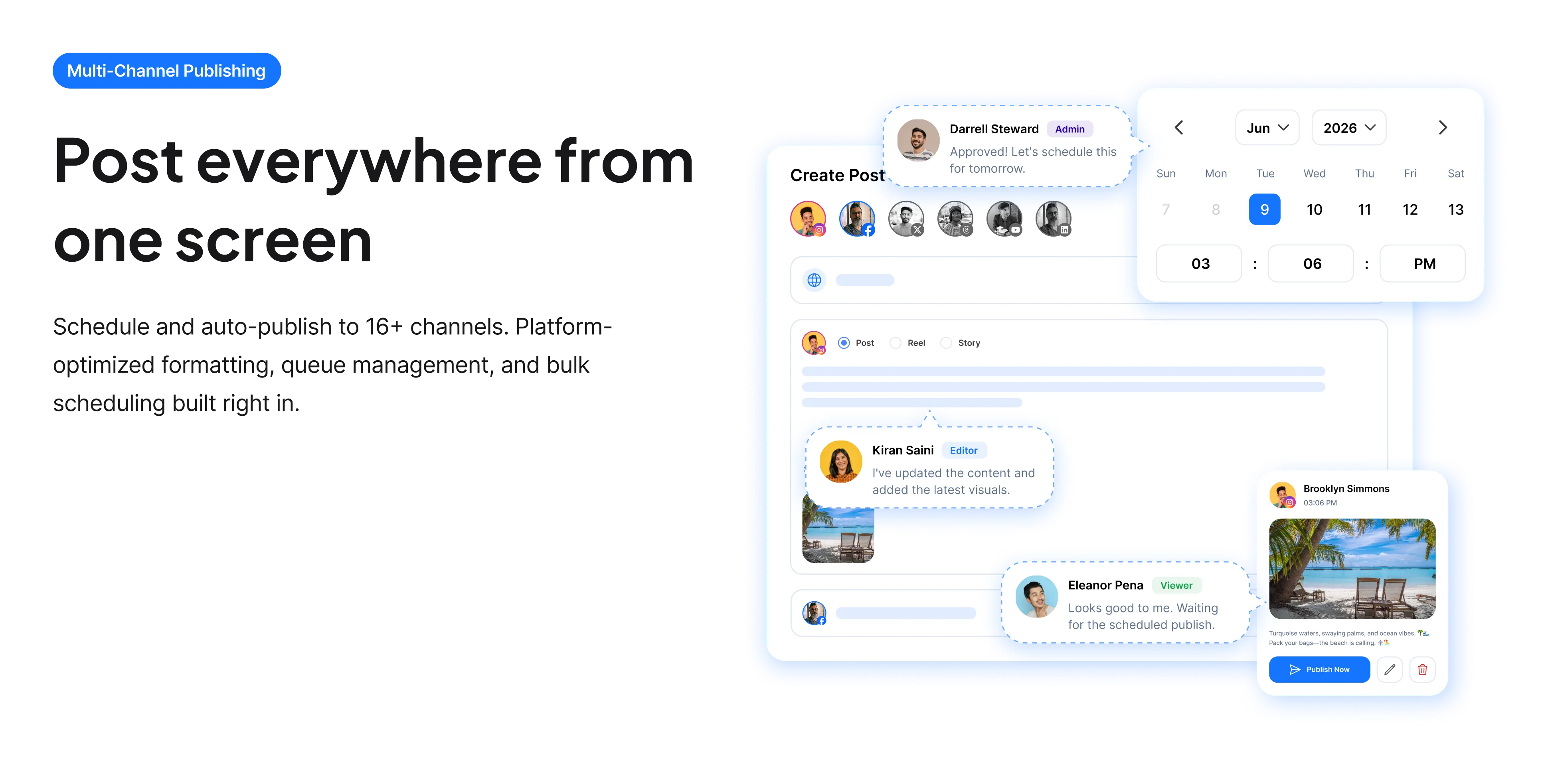
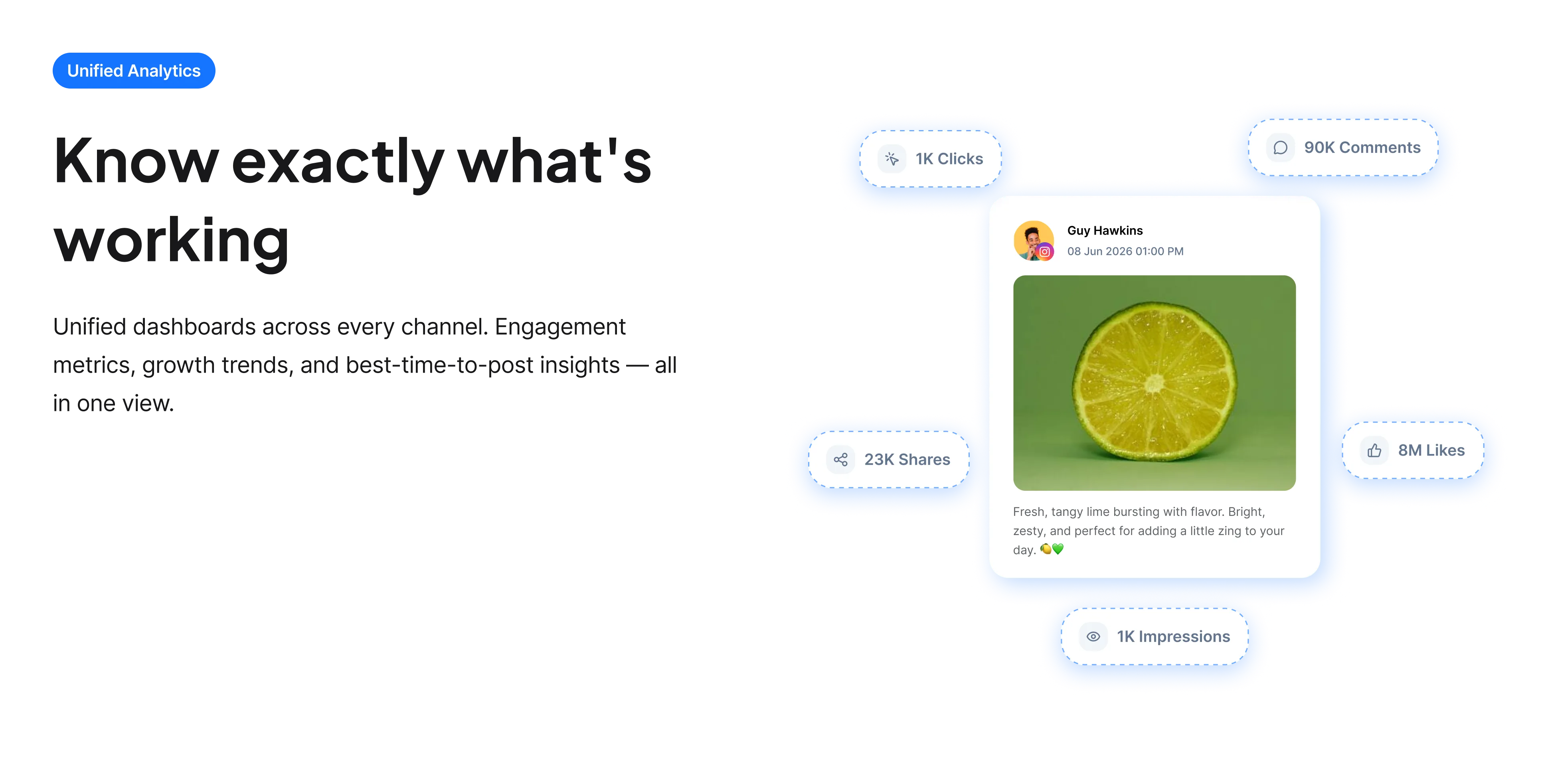
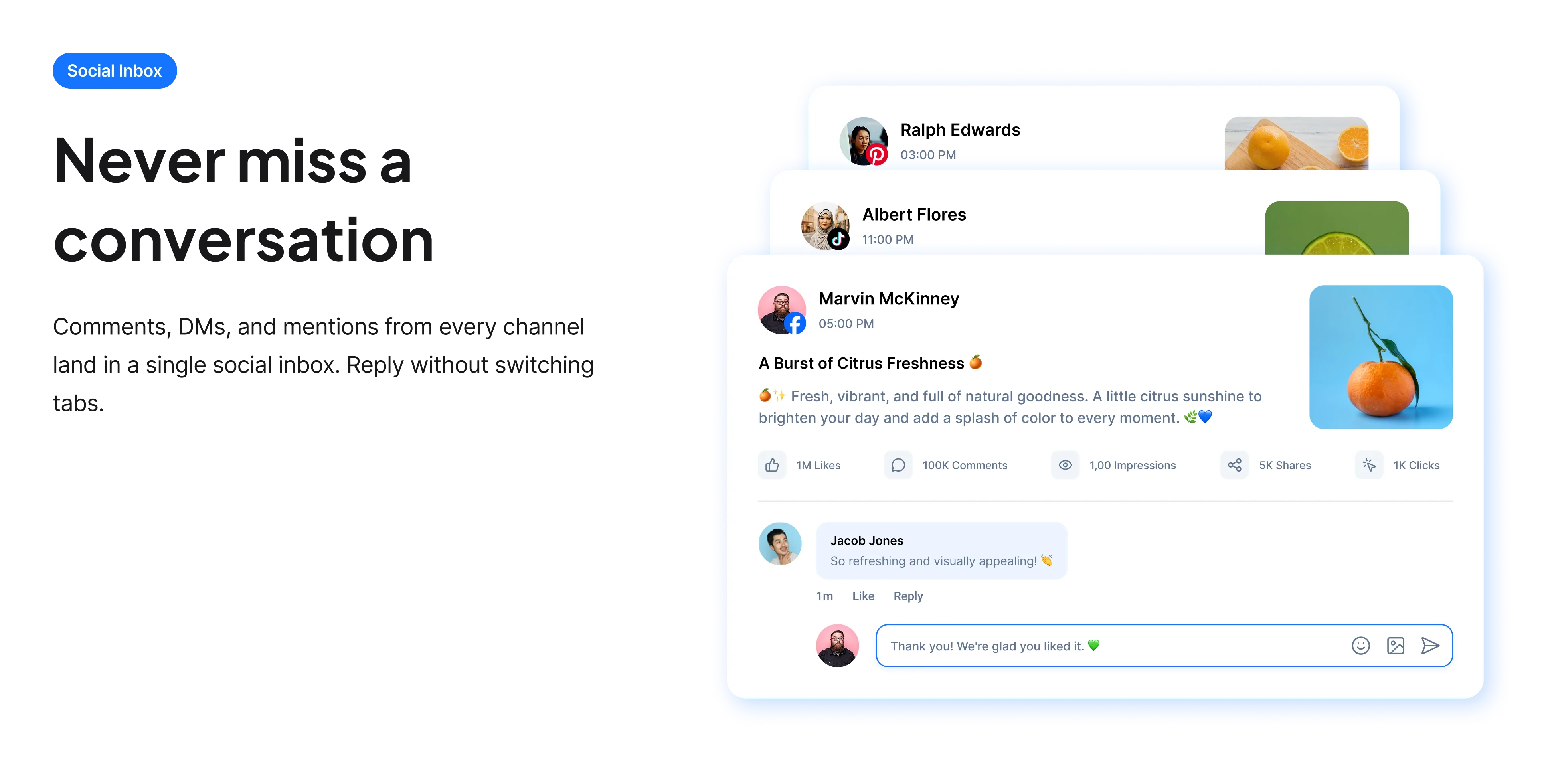
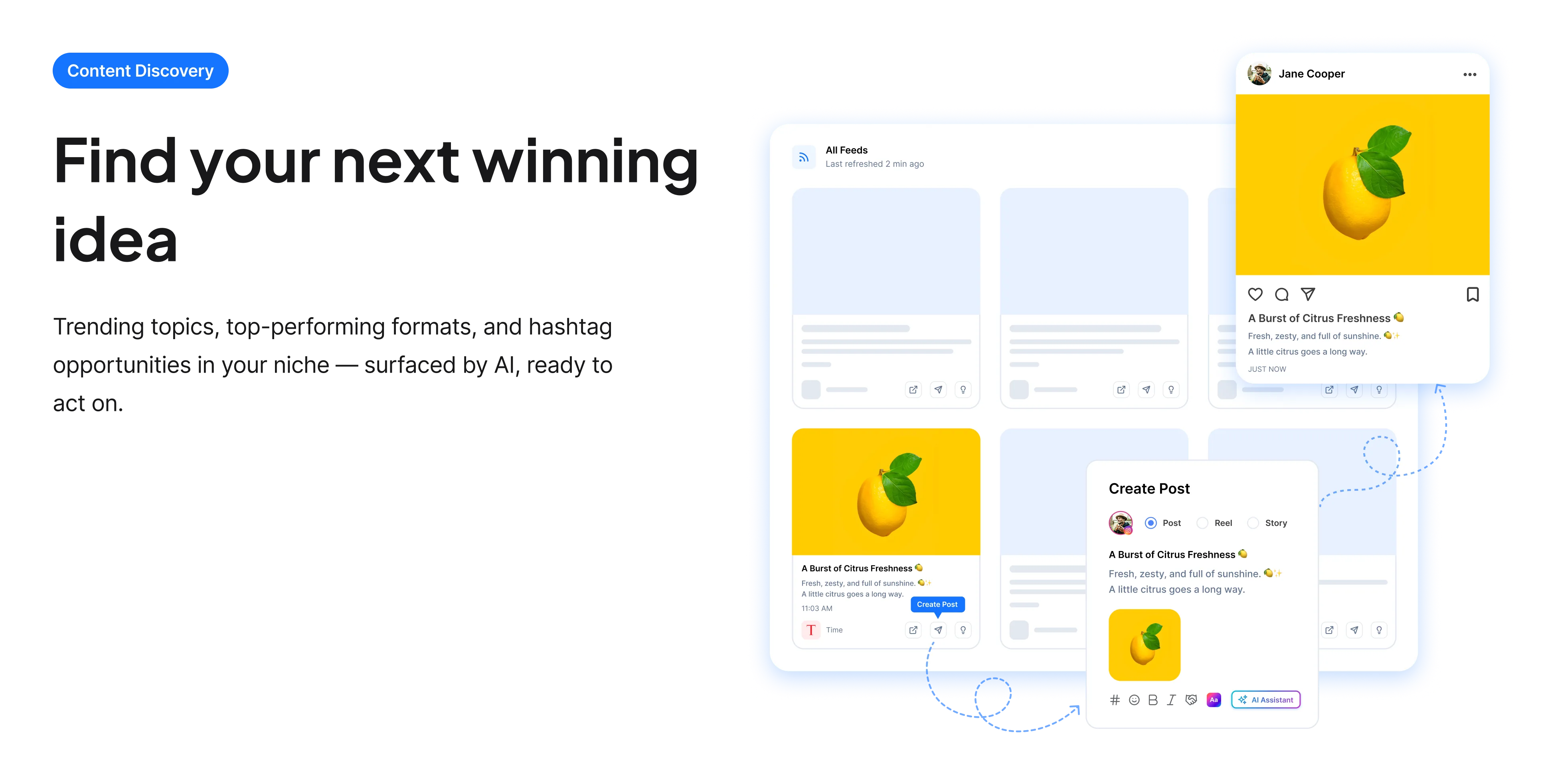
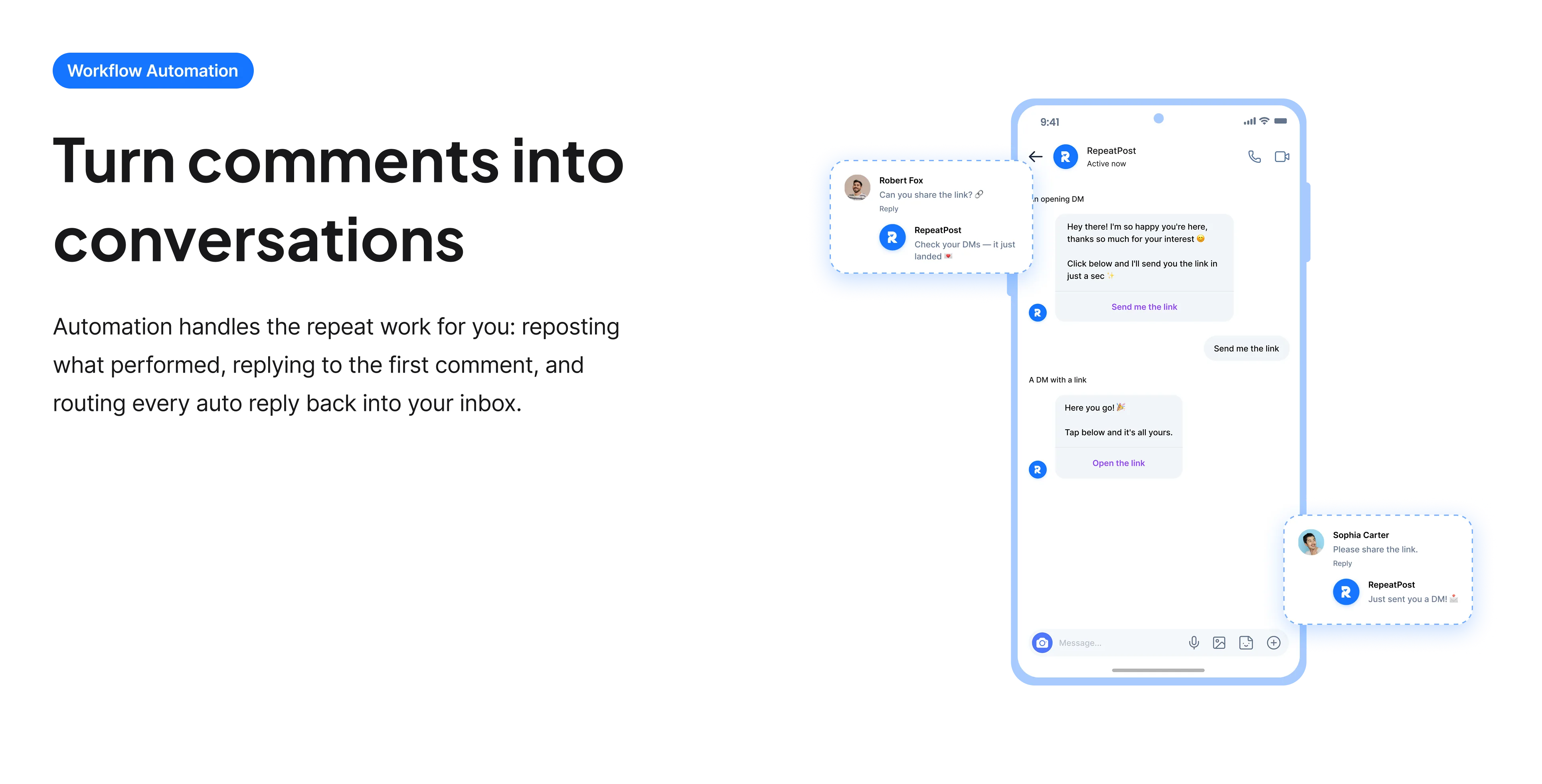
The free tools solve one task at a time. RepeatPost handles the whole loop: write the post, publish it everywhere, then see what landed.
Ready to get started?
The free tools are the warm up. RepeatPost plans, writes and publishes across every channel you post to.
Free plan to start
No credit card required
Cancel anytime
All about the screenshot background maker
Why does a raw screenshot look wrong in a feed?
Two reasons, and both are fixable in seconds. A screenshot is captured at whatever shape your window happened to be, so it gets cropped unpredictably when a platform fits it into a square or a 16 by 9 card. And it has no margin: content runs straight to the edge, which reads as unfinished next to designed images with breathing room around them. Adding a background and padding solves both problems at once, which is why almost every product announcement image you see is a screenshot sitting on a colored panel.
How to make a screenshot look intentional
A handful of choices account for most of the difference.
- Add generous padding. Too little looks like a mistake and too much shrinks the content, but erring toward more space is almost always the safer error.
- Round the corners. It is a small detail that reliably makes a rectangular capture read as a designed element.
- Export at the aspect ratio of the destination rather than letting the platform crop for you. Platform crops are unpredictable and usually take the wrong part of the image.
- Pick one background and reuse it. A consistent color across a series is instantly recognisable, and varying it per post throws that away.
- Keep contrast between the background and the screenshot edge, otherwise a light interface on a light background dissolves into it.
- Crop the screenshot before uploading if it contains anything you would not want public, since browser tabs, bookmarks and notifications leak more than people expect.
What to check before you post a screenshot
Screenshots leak information constantly, and almost always accidentally.
- Check the browser chrome. Open tabs, the bookmarks bar and the URL frequently reveal client names, internal tools or unreleased pages.
- Look for notifications. A message preview arriving during a capture has ended more than one person’s week badly.
- Scan for real customer data. Names, emails and order numbers in a demo screenshot are a genuine privacy problem rather than an aesthetic one.
- Check timestamps and version numbers if the image is meant to look current.
- Zoom in before exporting. Text that is legible on your screen is often unreadable once a platform compresses the upload.
Who uses this tool
Anyone who posts pictures of a screen regularly.
- Founders and product teams posting feature announcements, where the screenshot is the announcement.
- Designers sharing work in progress who want the frame to look considered rather than captured.
- Educators and course creators building tutorial images that need to be legible after compression.
- Agencies presenting results, where a dashboard screenshot on a branded background is the standard deliverable.
- Anyone writing documentation or a help article who wants the images to look like a consistent set.
Aspect ratios worth exporting to
Pick the shape for the destination rather than letting the platform choose for you.
| Placement | Ratio | Notes |
|---|---|---|
| Instagram feed square | 1:1 | The safest default for feed |
| Instagram portrait | 4:5 | Takes more vertical screen space |
| Stories and Reels covers | 9:16 | Keep text away from the edges |
| X and LinkedIn | 16:9 | Renders well in a link card |
| 2:3 | Tall images dominate the grid | |
| Output format | PNG | Keeps text sharp |
| Processing | Entirely in your browser | Nothing is uploaded |
| Cost | Free | No account and no card |
Ratios reflect what each platform displays well as of September 2026. Platforms adjust their crops periodically, so preview before a large batch.
When this is not the right tool
It frames a screenshot, it does not edit one. There is no annotation, no arrows, no blurring of sensitive regions, so anything you need redacted has to be cropped or covered before you upload it. It also cannot make small text legible: if the original capture is low resolution, a background will not rescue it, and retaking the screenshot at a larger window size will. For capturing a post from X specifically, the X screenshot generator produces a much cleaner result than screenshotting the page yourself. For turning text rather than an image into a graphic, use the quote to image converter.
How teams picture using RepeatPost
“Honestly, the calendar is what sold me. I could see every channel in one view and spot the week we'd gone quiet. Before this I was juggling three spreadsheets and a Slack thread. Now I plan the month on a Monday morning and I'm done by half ten.”
Hannah Whitfield
Marketing Manager
United KingdomJun 14, 2026“We run social for eleven clients and keeping them separate used to be a genuine anxiety of mine. Workspaces fixed that. Each client sits in their own space, approvals route to the right person, and I've stopped worrying that someone's going to push a dental practice promo to a restaurant account at 6am.”
Marcus Reed
Agency Owner
United StatesJun 29, 2026“I batch a fortnight of content on a Sunday arvo and then I don't think about it again. Reckon it's saved me a solid day a week. Only gripe is the mobile app still feels a step behind the web version, so I do the actual planning on my laptop. Everything else is spot on.”
Chloe Baxter
Content Creator
AustraliaJul 11, 2026“I'm handling social for four small brands and writing captions was eating my whole morning. The AI drafts are actually quite usable now. I still rewrite maybe every third one to sound like the client, but starting from something beats staring at a blank box. The hashtag tool alone I'm using daily.”
Ananya Raghavan
Freelance Social Media Manager
IndiaJul 30, 2026“I sell fabrics and my customers find me on Instagram mostly. Posting used to be whenever I remembered, which was maybe twice a week. Now I sit down every Sunday evening, load up two weeks, and it goes out on its own. Sales have followed. I'd like to see WhatsApp added properly, that's my one ask.”
Chidinma Eze
Small Business Owner
NigeriaAug 18, 2026“Our team is five people and we were losing posts in Slack threads. Someone would approve something, someone else would tweak it, and nobody knew which version went live. The approval flow sorted that in a week. Fair play, it's the least glamorous feature on the site and it's the one I'd miss most.”
Niamh Gallagher
Social Media Lead
IrelandSep 02, 2026FAQs
Frequently Asked
Questions
They are captured at whatever shape your window happened to be, so platforms crop them unpredictably, and they have no margin, which reads as unfinished. Adding padding and a background fixes the framing and the crop at the same time.
No. All processing happens in your browser, so the image never leaves your device and nothing is stored on our side. That matters given how often screenshots contain unreleased features or client information.
Match the destination. Square works for Instagram feed, 16:9 for X and LinkedIn, 9:16 for stories, and 2:3 for Pinterest. Choosing the ratio yourself avoids the platform cropping the wrong part of your image.
No, this tool frames images rather than editing them. Crop or cover anything sensitive before uploading. It is worth checking browser tabs, notifications and customer data, since screenshots leak that information more often than people expect.
No. The resolution of your original capture sets the ceiling, and a background cannot add detail that was never there. If the text is small, retake the screenshot with a larger window or a zoomed in view before framing it.
Usually not. A consistent background across a series makes your posts recognisable as a set, which is worth more than the variety. Pick something that matches your brand colors and reuse it.
Ready to grow on autopilot?
Create your free account and start managing 16+ channels with AI in minutes.
Get started for freeFree plan to start
No Credit Card Required
Cancel anytime